

Headless mode is a feature that simplifies drone navigation by aligning its controls with your perspective. This means that when you push forward, the drone moves in the same direction, regardless of its orientation. It’s especially useful for beginners, as it reduces the complexity of maintaining spatial awareness. However, while it boosts confidence and ease of flying, it has limitations regarding precise maneuvers and orientation judgment. Keep exploring to learn more about its activation and usage.
What Is Headless Mode?
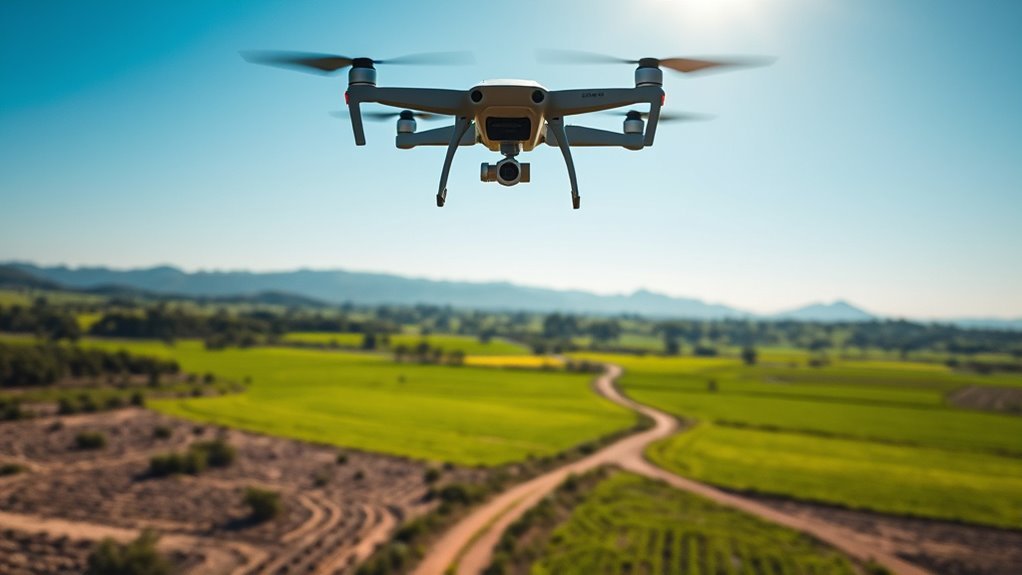
Headless mode is a feature found in many modern drones, and it simplifies navigation for users. When you activate headless mode, the drone’s orientation aligns with your perspective, eliminating the need to remember its front direction. This is particularly beneficial for beginners who may struggle with drone orientation during flight. It enhances flight stability, allowing you to focus on maneuvering rather than constantly adjusting to the drone’s facing direction. You can easily control the drone’s movements relative to your position, resulting in a more intuitive flying experience. By leveraging this feature, you gain the freedom to explore aerial photography or racing without the added stress of orientation confusion, making your flights more enjoyable and less intimidating.
How Does Headless Mode Work?
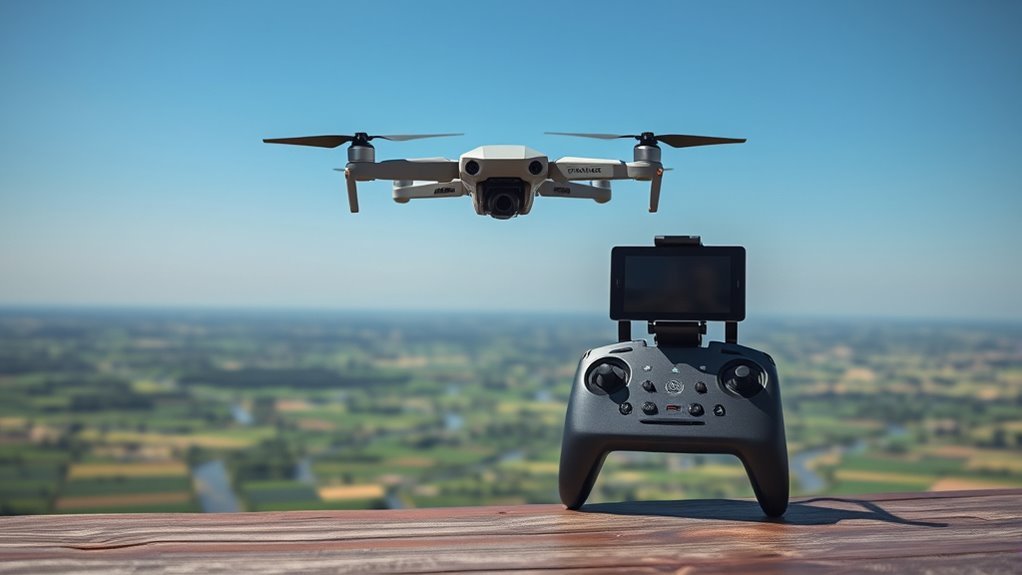
When you activate headless mode, the drone utilizes its onboard sensors to determine its orientation in relation to the pilot. This feature simplifies control, allowing you to fly the drone based on your position rather than its current facing direction. The system adjusts the drone’s movements according to your inputs, ensuring consistent flight stability.
| Sensor Type | Functionality | Impact on Flight |
|---|---|---|
| Gyroscope | Measures rotation | Stabilizes orientation |
| Accelerometer | Detects acceleration | Maintains altitude |
| Magnetometer | Senses magnetic fields | Enhances navigation |
| GPS Module | Tracks position | Improves accuracy |
Benefits of Using Headless Mode
Using headless mode simplifies the navigation process, allowing you to focus on flying without worrying about the drone’s orientation. This feature enhances your control, making it easier to execute maneuvers, especially for beginners. By removing the need to constantly adjust for the drone’s direction, you can concentrate on achieving your flight objectives.
Simplified Navigation Process
Because navigation can be challenging for novice drone pilots, headless mode simplifies the process considerably. By offering simplified controls, this feature allows you to focus on intuitive flying without worrying about the drone’s orientation. It means that regardless of which direction the drone is facing, forward and backward movements remain consistent with your perspective, making navigation straightforward and stress-free.
| Direction | Standard Mode | Headless Mode |
|---|---|---|
| Forward | Drone’s front | Your forward |
| Backward | Drone’s back | Your backward |
| Left | Drone’s left | Your left |
| Right | Drone’s right | Your right |
Utilizing headless mode can enhance your flying experience, allowing for more freedom and less confusion in the sky.
Enhanced Pilot Control
While maneuvering complex environments, headless mode greatly enhances pilot control by simplifying the relationship between the drone’s movements and the operator’s commands. This mode eliminates the need to orient the drone based on its front, allowing for more intuitive flying. You can focus solely on the directional commands, which boosts your pilot confidence, especially in challenging conditions. As you navigate through tight spaces or around obstacles, headless mode guarantees that the drone responds predictably, regardless of its orientation. This not only reduces the cognitive load but also fosters a sense of freedom, enabling you to explore without the fear of losing control. Ultimately, headless mode transforms your flying experience, making it more accessible and enjoyable.
When to Use Headless Mode
Headless mode is particularly useful when you’re maneuvering through complex environments where orientation can be challenging. If you’re a beginner learning to fly, this mode simplifies control, allowing you to focus on mastering the basics. Additionally, it’s ideal for quick direction changes, ensuring you maintain control without second-guessing your drone’s facing direction.
Navigating in Complex Environments
When maneuvering complex environments, utilizing headless mode can considerably enhance your control over the drone. In scenarios filled with obstacles, such as forests or urban areas, this mode simplifies navigation by aligning the drone’s controls with your perspective rather than its orientation. This reduces the cognitive load required for spatial awareness, allowing you to focus on obstacle avoidance instead of worrying about which way the drone is facing. When you want to execute precise movements or avoid hazards quickly, headless mode becomes an invaluable tool. It empowers you to move instinctively, ensuring your drone responds consistently to your commands, no matter its position. This freedom can make the difference between a successful flight and a crash.
Beginners Learning to Fly
As beginners take their first flights, they often find themselves grappling with the complexities of drone orientation and control. Headless mode can simplify this experience, allowing you to focus on maneuvering without worrying about the drone’s orientation. In this mode, the forward direction is always relative to you, making it easier to navigate. It’s particularly useful when you’re still mastering drone safety and familiarizing yourself with flight regulations. By enabling headless mode, you can gain confidence and reduce the risk of losing control during your initial flights. Remember, however, that while headless mode offers freedom, it shouldn’t replace thorough training and awareness of your drone’s capabilities and limitations. Embrace this tool to enhance your flying experience responsibly.
Quick Direction Changes
Utilizing headless mode can greatly enhance your ability to make quick direction changes during flight. When you’re in the heat of action, the drone’s orientation can become confusing, especially in dynamic environments. With headless mode activated, you’ll gain improved drone agility, allowing you to maneuver swiftly without worrying about its facing direction. This feature simplifies your controls, enabling rapid flight responsiveness, which is essential in situations requiring immediate adjustments. Whether you’re dodging obstacles or capturing fast-moving subjects, headless mode helps you maintain control and execute sharp turns with ease. Remember, while this mode is useful, it’s best employed in familiar areas where you feel confident in your drone’s capabilities, ensuring you maximize its potential effectively.
Limitations of Headless Mode
Although headless mode simplifies piloting by aligning the drone’s controls with the pilot’s perspective, it comes with notable limitations that can affect performance and maneuverability. You might encounter potential drawbacks that lead to user confusion and hinder your flying experience:
- Loss of orientation awareness, making it hard to judge distance and direction.
- Inconsistent response in complex environments, like near obstacles.
- Difficulty in executing precise maneuvers, especially in tight spaces.
- Increased reliance on headless mode can weaken your overall piloting skills.
- Limited effectiveness in challenging weather conditions, where orientation is essential.
Being aware of these limitations helps you understand when it’s best to switch modes, ensuring you maintain control and confidence during your flights.
How to Activate Headless Mode
To activate headless mode on your drone, you’ll typically need to follow a few straightforward steps that may vary slightly depending on your specific model. First, power on your drone and transmitter, ensuring they’re paired correctly. Next, navigate to your drone settings using the transmitter’s controls. Look for the headless mode option, which is often indicated by a specific button or switch. Press or toggle this option to initiate headless mode. You might see an LED indicator change, confirming that headless mode is active. Always consult your user manual for model-specific instructions. Remember, activating headless mode allows you to fly with greater freedom, as forward and backward controls align with your perspective, regardless of the drone’s orientation.
Tips for Flying in Headless Mode
Flying in headless mode can greatly enhance your drone experience, but there are key tips to keep in mind for ideal control. Mastering these headless mode tips will improve your flying techniques and elevate your enjoyment.
- Always check the drone’s orientation before takeoff.
- Familiarize yourself with the control layout; it helps in quick responses.
- Practice in open spaces to avoid obstacles.
- Use minimal inputs to maintain stability, especially in windy conditions.
- Keep your drone’s battery charged; a low battery can affect responsiveness.
Transitioning From Headless Mode to Standard Control
Once you’ve gained confidence in flying your drone in headless mode, reverting back to standard control can enhance your piloting skills and provide a deeper understanding of your drone’s dynamics. Start by familiarizing yourself with the drone’s orientation relative to your position. Use shifting techniques like slow altitude adjustments to regain control. Practice small movements to gauge response times and refine your control adjustments, ensuring you’re aware of how your inputs affect flight direction and speed. Gradually increase complexity by incorporating maneuvers like turns and rotations. Keep your focus on the drone’s visual cues in relation to your surroundings. This method will help you develop a more intuitive flying style, ultimately providing you with the freedom to navigate diverse environments confidently. Additionally, understanding obstacle avoidance features can significantly enhance your flying experience and safety during maneuvers. Remember to consider line of sight requirements to ensure safe navigation and compliance with regulations during your flights.
Frequently Asked Questions
Is Headless Mode Suitable for Beginners Only?
Headless mode isn’t just for beginners; it offers benefits like easier orientation and control. While it helps develop your beginner drone skills, experienced pilots can also use it for simplified navigation in specific scenarios.
Can Headless Mode Be Used in Windy Conditions?
In the dance of winds, your drone’s flight stability can falter. While headless mode offers freedom, maneuvering through windy conditions demands caution. It’s best to master control first, ensuring your journey remains smooth and graceful.
How Does Headless Mode Affect Battery Life?
Headless mode can increase battery consumption due to the constant adjustment of orientation. This may shorten your flight duration since more power is needed for stabilization, especially in challenging conditions. Prioritize efficient flying practices to maximize battery life.
Are There Specific Drones That Do Not Support Headless Mode?
Not all drones support headless mode; some models, especially entry-level ones, have compatibility limitations. If you’re seeking greater freedom in control, make certain your drone explicitly lists headless mode as a feature to avoid disappointment.
Can I Switch Between Headless Mode and Standard Mode Mid-Flight?
You can’t switch between headless mode and standard mode mid-flight on most drones. However, understanding headless mode advantages helps you navigate better. Plan your flight carefully to maximize control and adapt to your environment effectively.
