
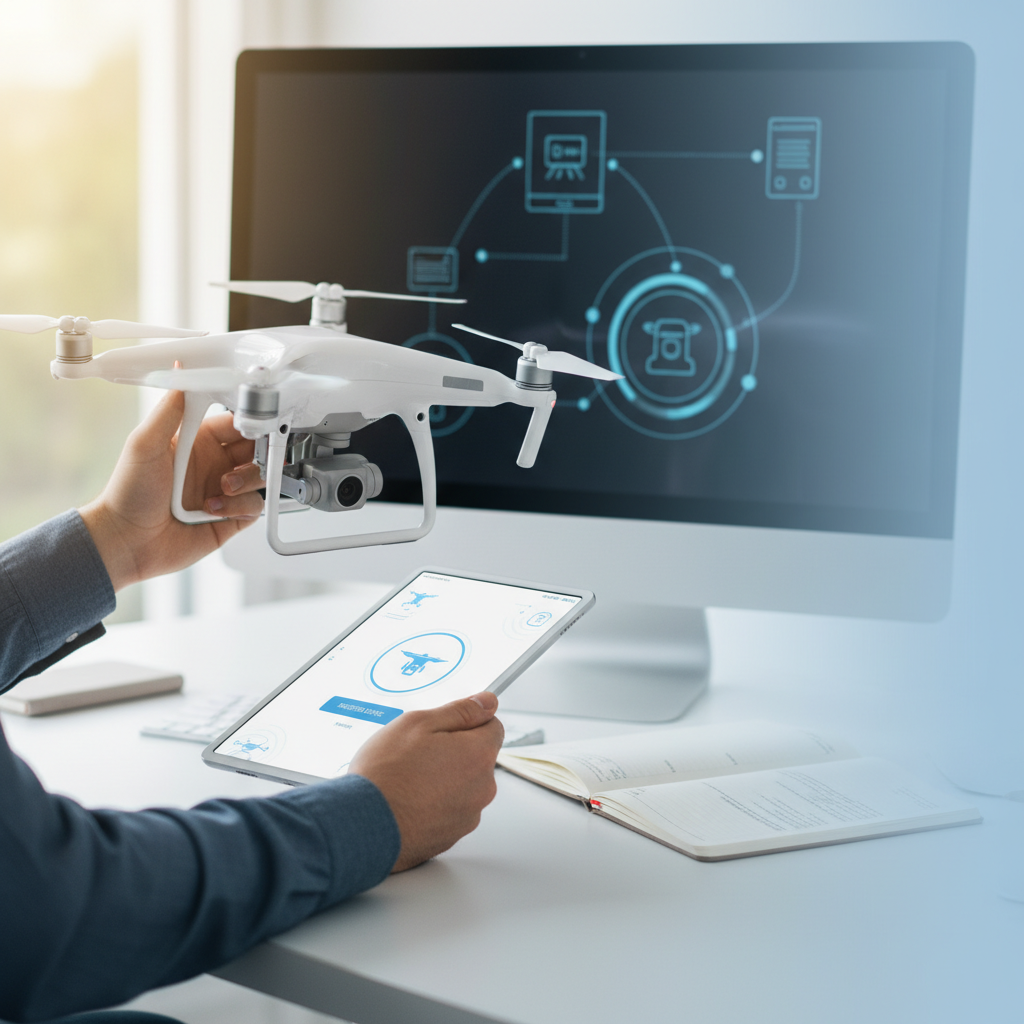
To register your drone with DJI, you need to create an account on the DJI website and follow the registration process specific to your drone model. This process includes providing essential details like your drone’s serial number and your personal information. Proper registration is crucial not only for compliance with local regulations but also for ensuring the safety and security of your drone operations. In this guide, we will walk you through each step of the registration process, highlighting important considerations along the way.
Understanding the Registration Requirement
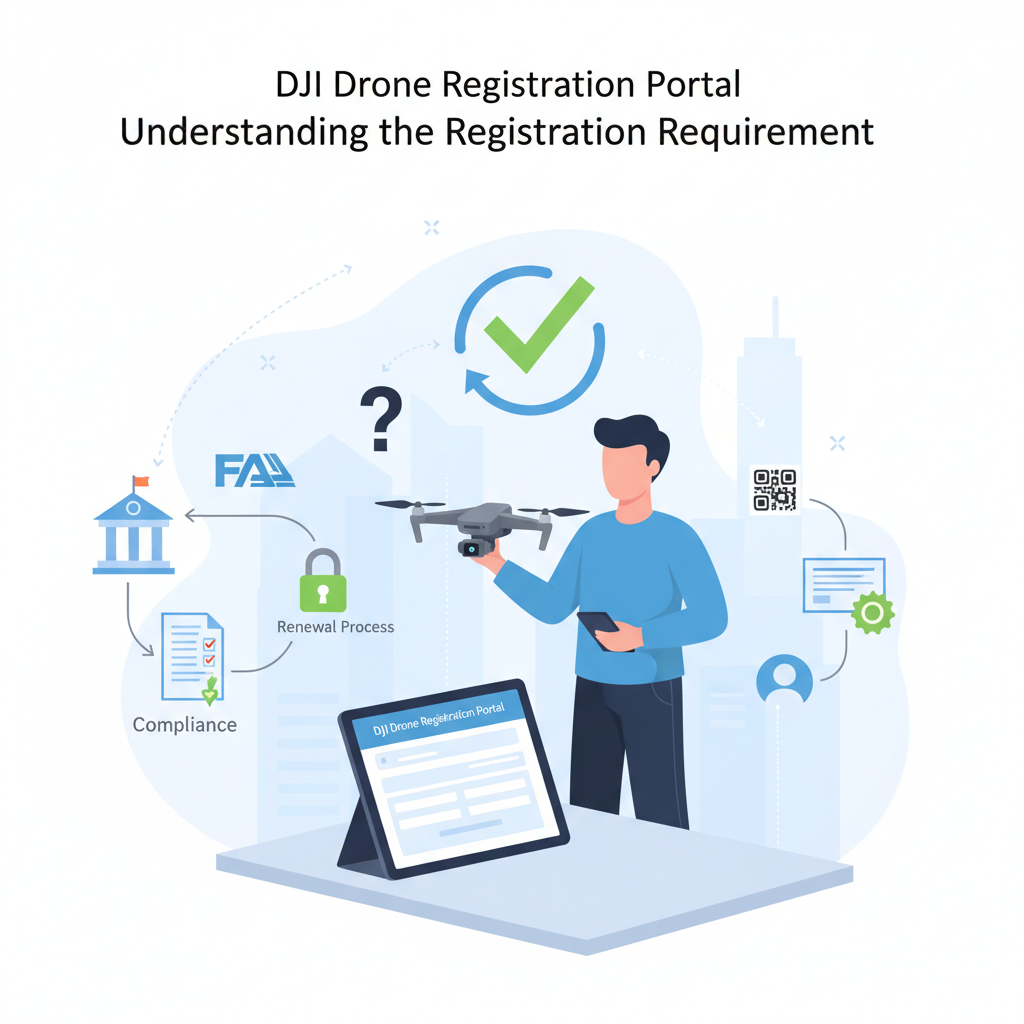
Registering your drone is not just a bureaucratic hurdle; it is a legal requirement for most DJI drones to operate them legally in many jurisdictions. By registering your drone, you ensure compliance with local regulations set forth by aviation authorities, which often mandate that drone users provide information about their devices. This registration process helps create a safer airspace by allowing authorities to track and manage drone use effectively. Moreover, in the event of an incident, having your drone registered can assist in accountability and recovery, thereby enhancing the overall safety of the drone community.
Creating a DJI Account
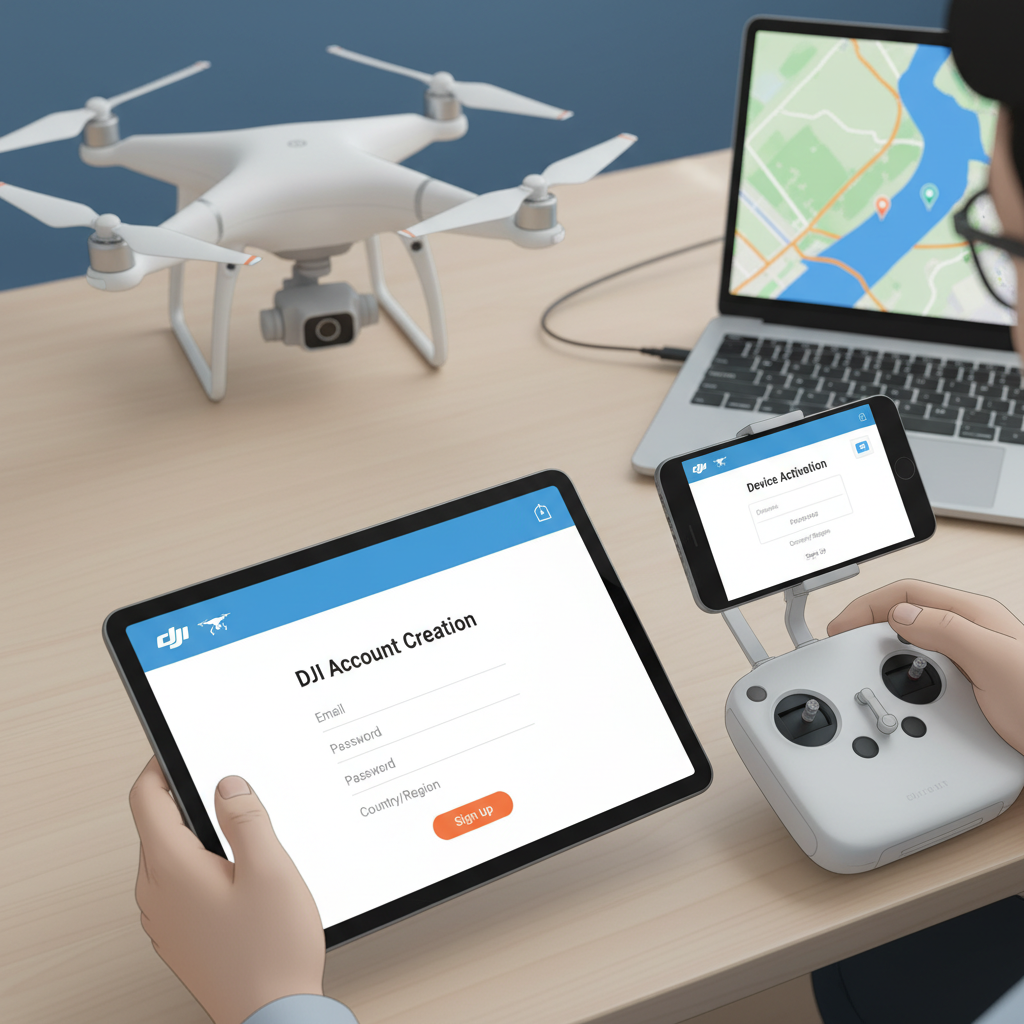
To begin the registration process, you must first create a DJI account. Start by visiting the official DJI website. Once there, look for the “Sign Up” option, which is usually prominently displayed on the homepage. Click on this link, and you’ll be prompted to enter your email address and create a secure password. It’s advisable to choose a strong password that combines letters, numbers, and special characters to protect your account. After submitting this information, you may need to verify your email address through a confirmation email sent by DJI. This step is essential to ensure that you have access to your account for future updates and communications.
Accessing the Registration Portal
Once your account is set up and verified, log into your DJI account. The user interface is designed to be user-friendly, so you should be able to navigate easily. Look for the “Registration” section, which may be located in your account dashboard or under a specific menu related to your products. Familiarizing yourself with the layout will help streamline the registration process. Take a moment to explore the resources available within the portal, as they may provide additional guidance and insights regarding registration and usage of your drone.
Entering Drone Information
The next step in the registration process is entering your drone information. You will need to input your drone’s serial number, which is crucial for proper identification. This serial number can usually be found on the drone itself or in the product documentation. Ensure that you enter this number accurately to avoid any discrepancies. Alongside the serial number, you will also fill in personal details including your name, address, and contact information. Providing accurate information is vital, as it helps DJI maintain an accurate database for safety and regulatory compliance. Double-check all entries before proceeding to the next step to minimize the risk of errors.
Verifying Your Registration
After you have submitted your drone registration details, it’s important to verify your registration status. You will receive a confirmation email from DJI, which will contain information regarding the status of your registration. If everything has been processed correctly, your account dashboard will reflect the updated registration status. In some cases, it may take a few hours to see changes, so patience is key. If you do not receive a confirmation email within a reasonable timeframe, check your spam folder or log back into your DJI account to ensure your information was submitted correctly.
Troubleshooting Common Issues
While the registration process is generally straightforward, you may encounter some common issues. If you experience any errors during registration, the first step is to verify that all entered information is accurate. Simple typos or incorrect serial numbers can lead to registration failures. If everything appears correct but the problem persists, DJI offers a comprehensive support page with FAQs that may address your issue. Additionally, consider reaching out to DJI’s customer support for personalized assistance. They can provide step-by-step guidance to resolve any challenges you may face.
Staying Updated with Regulations
Drone regulations can change frequently, so it is crucial to stay informed about any updates that might affect your registration status or operational requirements. Regularly check local aviation authority websites for changes in drone laws and regulations in your area. Furthermore, stay connected with DJI’s website, where they often post updates regarding their registration processes, new product launches, and changes in compliance requirements. Being proactive about these updates will not only keep you compliant but will also enhance your flying experience.
In conclusion, registering your drone with DJI is a straightforward process that involves creating an account, entering your drone’s information, and verifying your registration. By following this guide, you ensure compliance with regulations, which not only enhances your legal standing but also promotes a safer flying environment. If you have further questions or encounter issues during the registration process, do not hesitate to reach out to DJI support for assistance. Flying your DJI drone can be an exhilarating experience, and being properly registered allows you to enjoy it with peace of mind.
Frequently Asked Questions
What do I need to register my DJI drone?
To register your DJI drone, you will need a valid email address, a government-issued ID (such as a passport or driver’s license), and your drone’s serial number. The registration can be completed online through the DJI website or the DJI Fly app, and it’s essential to ensure that your drone is compliant with local regulations. Depending on where you live, you may also be required to pay a registration fee.
How do I register my DJI drone online?
To register your DJI drone online, visit the DJI official website and navigate to the registration section. Create an account or log in with your existing DJI account, then enter the required details, including your drone’s serial number and your personal information. After submitting your information, you will receive a confirmation email, and you may need to print your registration certificate for your records.
Why is it important to register my drone with DJI?
Registering your drone with DJI is crucial for compliance with legal regulations and safety standards. It helps ensure that you are accountable for your drone’s operation and can also provide benefits such as warranty support and access to firmware updates. Moreover, registration can help identify your drone in case it gets lost or involved in an incident, promoting responsible drone use.
What happens if I don’t register my DJI drone?
If you fail to register your DJI drone, you may face legal consequences, including fines and penalties, depending on your country’s regulations. Additionally, not registering your drone can limit your ability to access certain features and updates offered by DJI, and it may complicate matters if your drone is lost or damaged. For these reasons, it is advisable to register your drone promptly.
Which DJI drones require registration?
In general, all DJI drones that exceed a certain weight limit (typically 0.55 pounds or 250 grams) are required to be registered. This includes popular models like the DJI Mavic series, Phantom series, and Inspire series. It’s essential to check your local regulations, as the specific requirements for drone registration can vary by region, so always ensure you comply with local laws before flying your drone.
References
- https://www.faa.gov/uas/getting_started/registration
- https://www.dji.com/us/fcc-ua-registration
- https://en.wikipedia.org/wiki/Drone_registration
- https://www.npr.org/sections/thetwo-way/2017/12/12/570728331/faa-drone-registration-just-got-easier
- https://www.theguardian.com/technology/2016/jun/23/drone-owners-in-us-need-to-register-faa
- https://www.dji.com/support/faq/what-is-the-dji-registration-process
- https://www.ncbi.nlm.nih.gov/pmc/articles/PMC7766294/
