
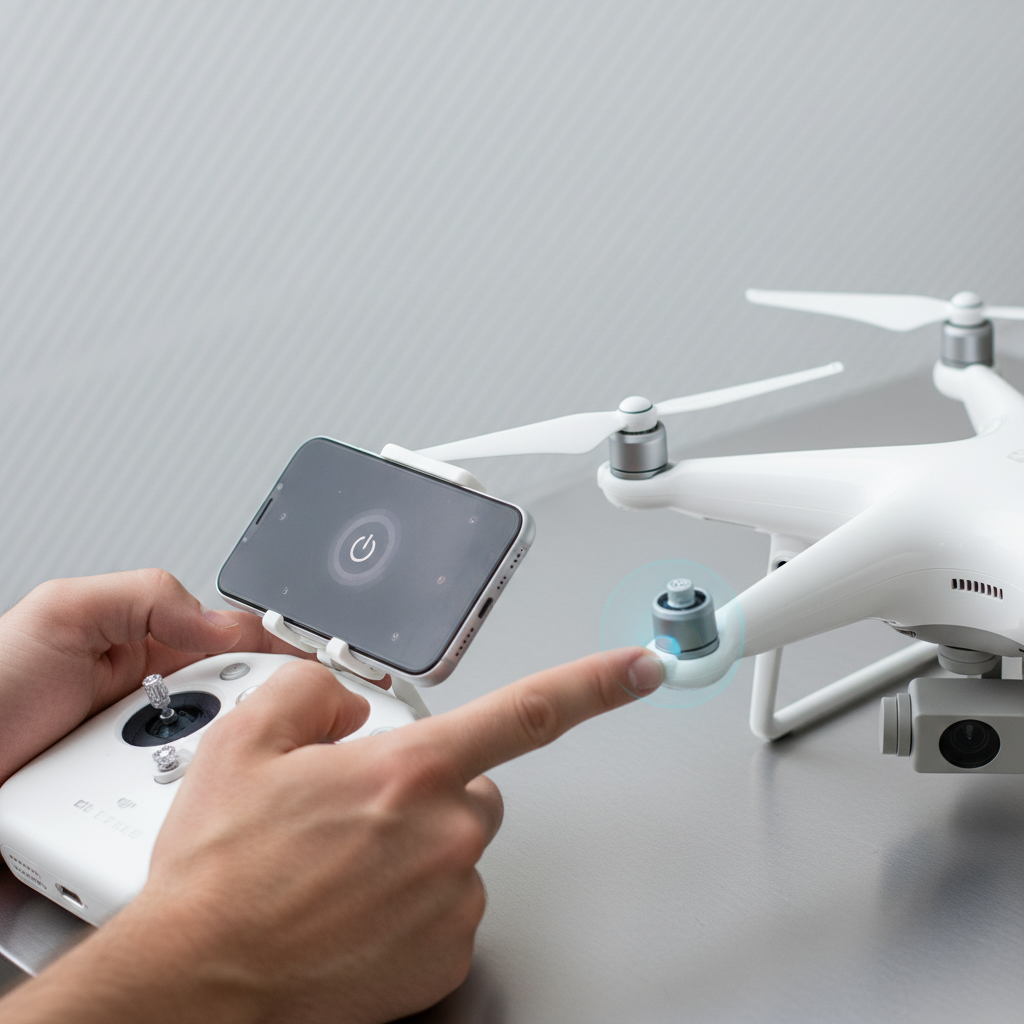
To turn off a DJI drone, simply press and hold the power button until the lights turn off. This straightforward process ensures your drone is powered down safely. Understanding the proper shutdown procedures is essential for maintaining your drone’s longevity and performance. In this guide, we will explore the various methods for turning off different DJI models, provide tips for a safe shutdown, and offer common troubleshooting steps for unresponsive drones.
Understanding the Power Button
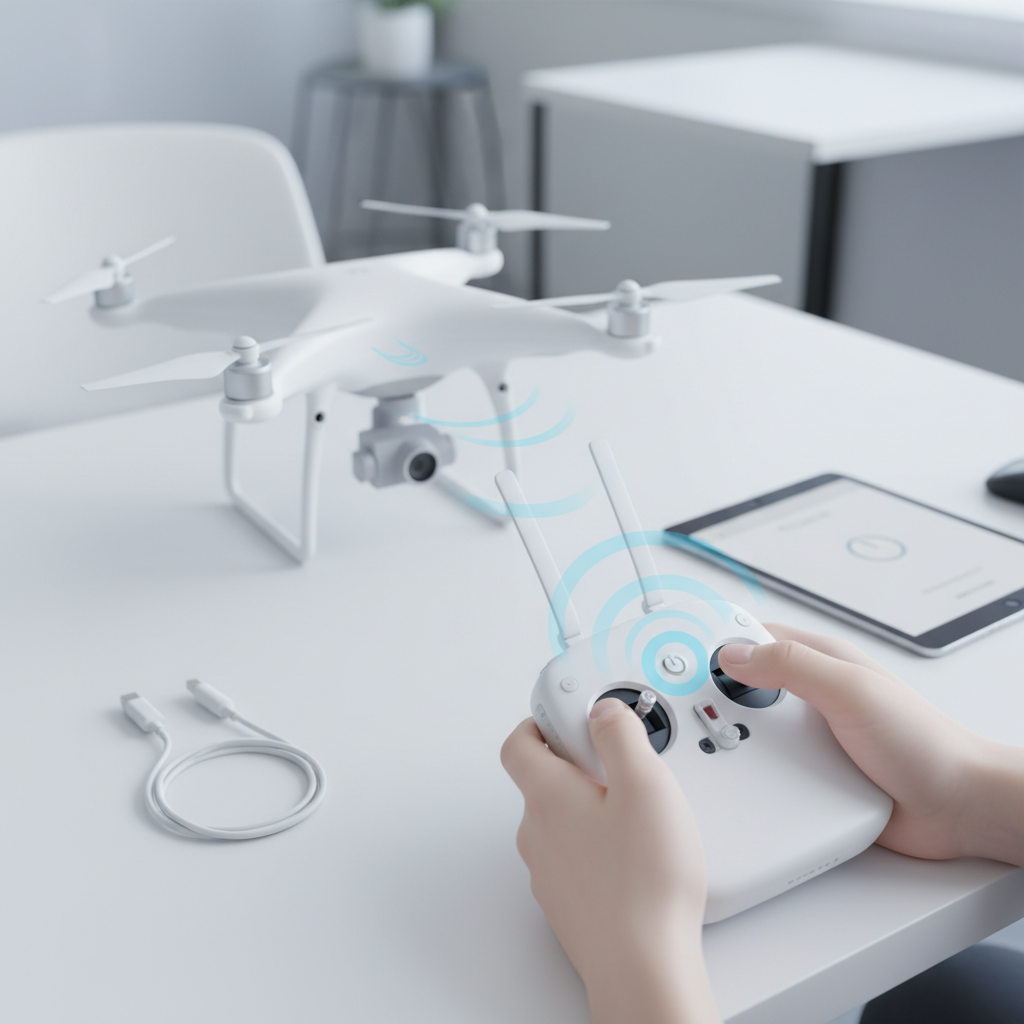
Each DJI drone features a specific power button, often located on the battery or the drone’s body itself. This button serves multiple functions, including powering the drone on and off, as well as initiating the battery status check. Familiarizing yourself with the button’s functionality before usage is crucial, as it can vary slightly between models. For example, on the DJI Mavic series, the power button is typically a circular button on the top of the battery, while on the DJI Phantom series, it can be found on the drone’s rear. Understanding the design and function of the power button will ensure you can operate your drone effectively and safely.
Standard Shutdown Procedure
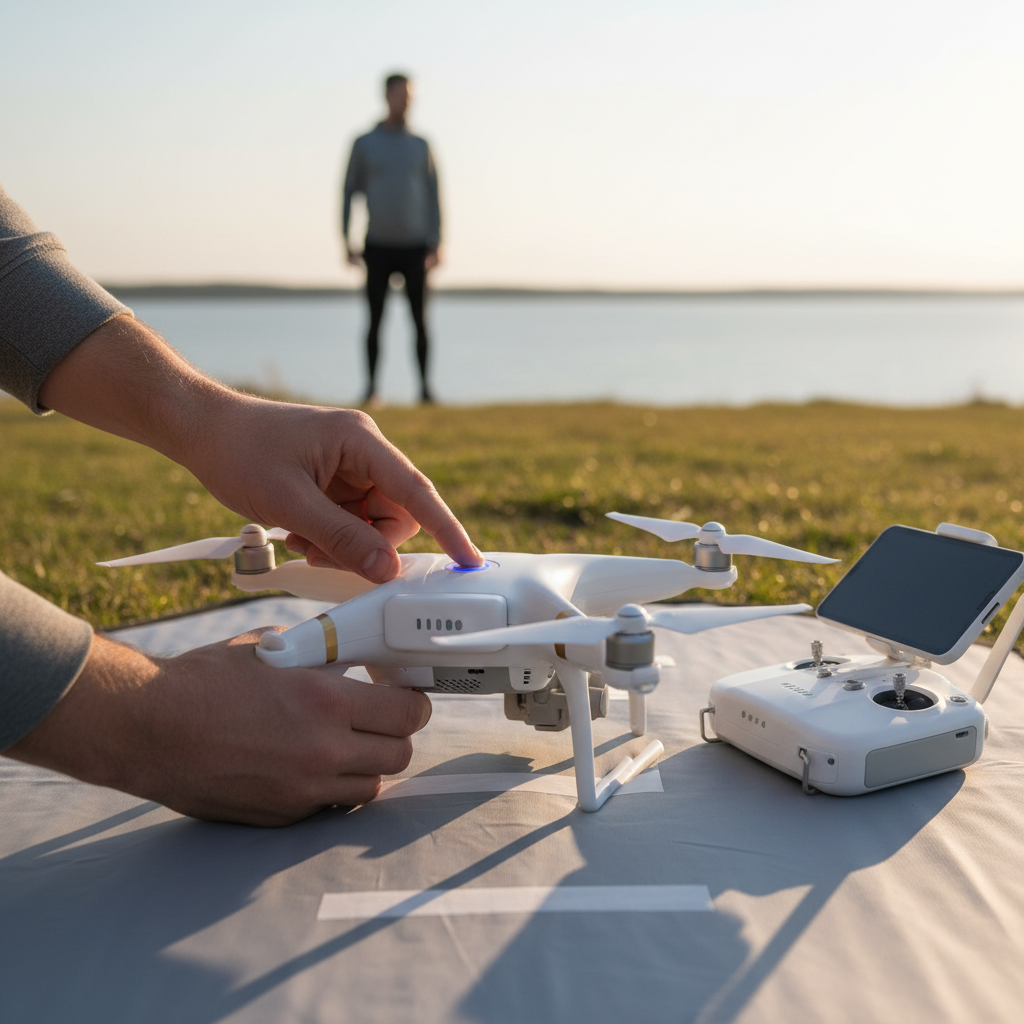
The standard procedure for turning off a DJI drone is straightforward: press and hold the power button for a few seconds until the drone powers down completely. During this process, observe the LED indicators on the drone. These lights will guide you, signaling the shutdown status. For instance, on many models, the lights will blink or change color to inform you that the drone is turning off. It is essential to follow this procedure carefully, as an improper shutdown may lead to battery drainage or software issues in the future. Always make it a point to ensure that your drone is on a flat, stable surface before shutting it down to avoid any accidental damage.
Turning Off via the DJI App
For those who prefer a more tech-savvy approach, the DJI app provides an option to turn off the drone directly through your smartphone or tablet. After connecting your drone to the app, navigate to the settings menu where you can find the shutdown option. This method not only allows you to turn off the drone but also gives you the opportunity to check the battery status and any other notification updates from the drone’s firmware. Utilizing the app for this purpose is particularly beneficial for advanced users who want additional control over their drone’s operations. It can also reassure you with a confirmation message, minimizing the risk of an accidental shutdown.
Dealing with Unresponsive Drones
Occasionally, you may encounter a situation where your drone does not respond to the power button presses. In such cases, the first step is to troubleshoot by restarting the remote controller. A simple reset can often resolve any connectivity issues between the controller and the drone. If the drone remains unresponsive, ensure that the drone’s battery is sufficiently charged. Low battery levels can hinder the drone from executing commands. If these steps do not work, you may need to perform a hard reset, which usually involves removing and reinserting the battery. Always refer to the specific model’s user manual for detailed instructions on how to reset your drone safely.
Safety Precautions When Powering Down
Safety should always be your top priority when operating any drone, including DJI models. Before turning off the drone, ensure it is in a safe location away from obstacles, people, and animals. Avoid shutting down the drone while it is in the air, as this can lead to crashes or uncontrolled descents. To further enhance safety, consider landing the drone in an open area and allowing it to come to a complete stop before powering down. Additionally, if flying in a group or public space, communicate your intentions to those around you to prevent any accidents during the shutdown process.
Troubleshooting Common Issues
If your DJI drone won’t turn off after following the standard procedures, there are several potential issues to consider. First, check for any available firmware updates, as outdated software can lead to operational glitches. If the drone continues to be unresponsive, you may need to perform a factory reset, which can restore the drone to its default settings. Always refer to the user manual for model-specific troubleshooting steps. In some cases, contacting DJI support may be necessary for more complex issues or persistent problems.
In conclusion, turning off a DJI drone is a simple yet crucial process that can be accomplished through the power button or the DJI app. By following the steps outlined above, you can ensure a safe shutdown every time, minimizing the risk of damage or operational issues. Remember to observe safety precautions and consult the troubleshooting section if you encounter any difficulties. With this knowledge, you are better equipped to manage your DJI drone effectively and responsibly, enhancing your overall flying experience.
Frequently Asked Questions
How do I properly turn off my DJI drone after a flight?
To properly turn off your DJI drone after a flight, first ensure that it is on a flat surface and that the propellers have stopped spinning. Then, press and hold the power button on the drone until the lights turn off, which usually takes a few seconds. This ensures that the drone shuts down safely and prevents any accidental activation.
What should I do if my DJI drone won’t turn off?
If your DJI drone won’t turn off, try pressing and holding the power button for about 5 to 10 seconds. If it still doesn’t respond, check for any firmware issues or battery problems. In extreme cases, you may need to disconnect the battery manually to power down the drone, but be cautious as this can cause potential damage if done improperly.
Why is it important to turn off my DJI drone correctly?
Turning off your DJI drone correctly is crucial to prevent any electrical damage or accidental activation. Proper shutdown helps preserve the battery life and ensures that all components are safely powered down, reducing the risk of hardware issues or malfunctions during your next flight. Additionally, it helps maintain the overall longevity of your drone.
What are the best practices for powering down my DJI drone?
The best practices for powering down your DJI drone include ensuring it is on a stable surface, waiting for the propellers to stop entirely, and then pressing and holding the power button until the lights turn off. It’s also advisable to remove the battery after the drone is powered down, especially if you won’t be using it for an extended period, to prevent battery depletion.
Which DJI drones have different shutdown procedures?
Most DJI drones share a similar shutdown procedure, but specific models like the DJI Mavic Mini or DJI Phantom series may have slight variations. For example, the Mavic Air 2 requires a long press on the power button, while the Phantom series may involve additional steps. Always refer to the user manual for your specific model to ensure you’re following the correct shutdown procedure.
References
- https://en.wikipedia.org/wiki/DJI_Drone
- https://www.dji.com/ca/support
- https://www.techradar.com/how-to/how-to-fly-a-drone
- https://www.bbc.com/news/technology-45120427
- https://www.wired.com/story/how-to-fly-a-drone/
- https://www.dronepilotgroundschool.com/how-to-turn-off-dji-drone/
- https://www.nytimes.com/2021/04/20/technology/dji-drone.html
