
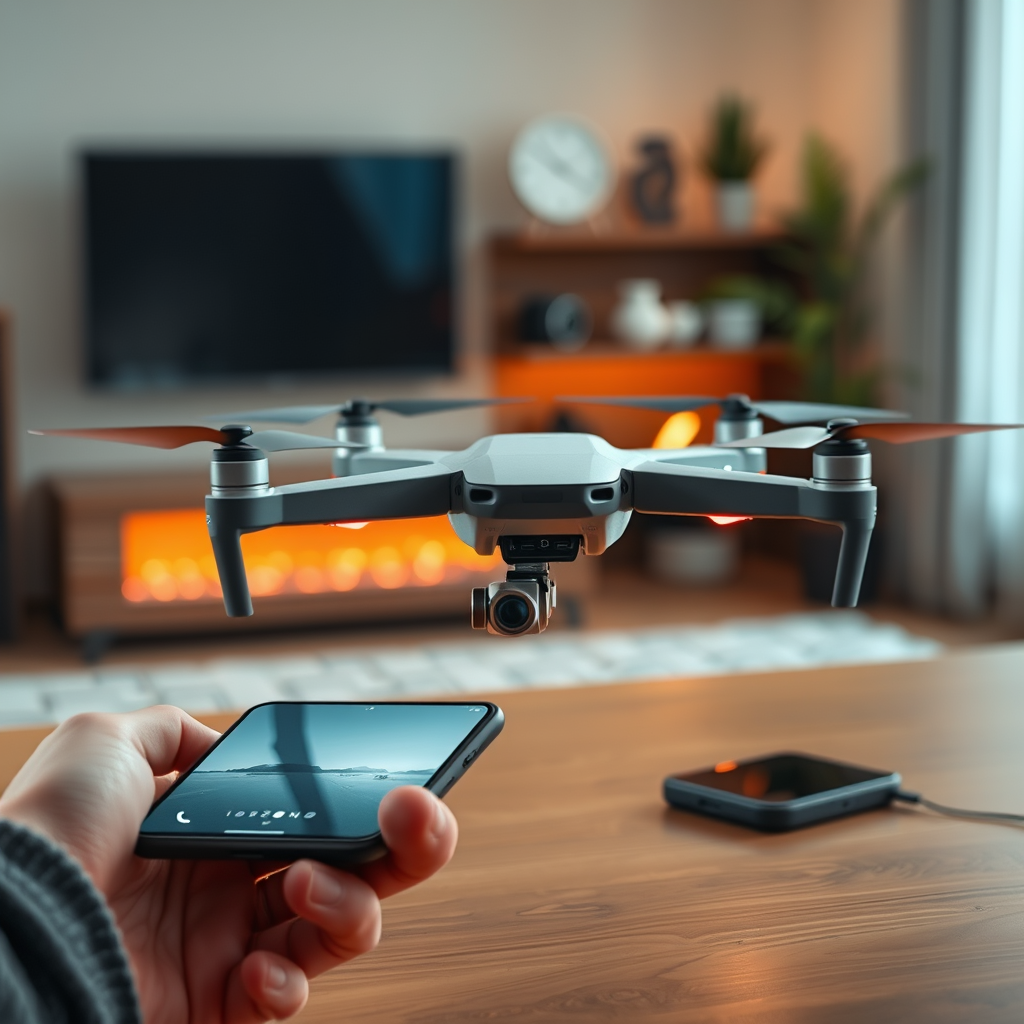
Yes, you can control your drone with your phone! Many modern drones are equipped with mobile applications that facilitate seamless operation and offer a variety of features that enhance the flying experience. By utilizing your smartphone, you can access advanced controls, adjust settings, and even capture stunning aerial footage with ease. This article will delve into the compatibility of drones with mobile devices, the setup process for connecting your phone, basic controls available, troubleshooting common issues, essential safety tips, and ways to enhance your flight experience.
Understanding Drone Compatibility
When considering the option to control your drone using a smartphone, it is crucial to first understand the compatibility of your particular drone model. Not all drones support mobile app control; therefore, checking your drone’s specifications is the first step. Many of the leading drone manufacturers, such as DJI and Parrot, have developed apps that are specifically designed to connect with their drones. For example, DJI’s Fly app allows users to operate various models like the Mavic Air 2 and Mini 2 directly from their phones, offering intuitive controls and advanced features. On the other hand, Parrot drones, such as the Anafi, utilize the FreeFlight 6 app for similar functionalities. By verifying compatibility, you can ensure a smooth and efficient flying experience.
Setting Up the Connection
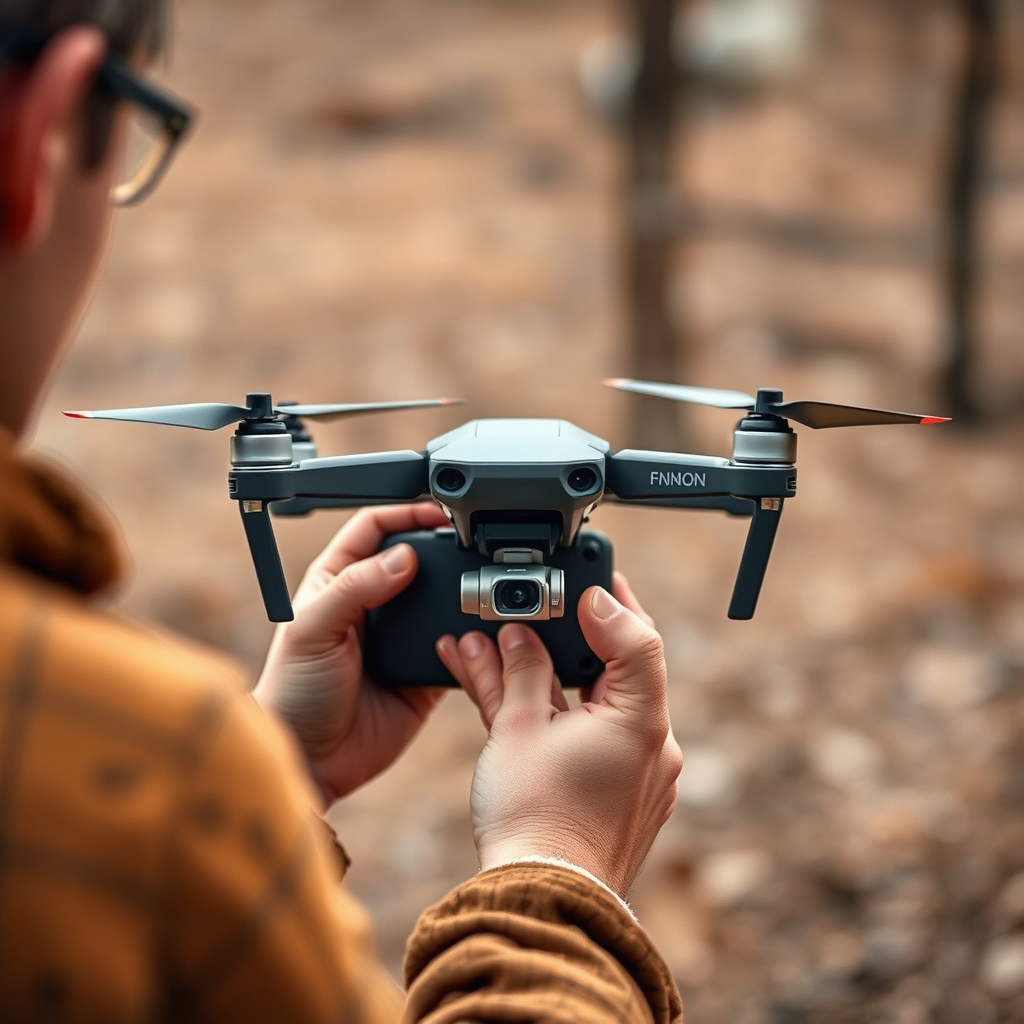
Once you have confirmed that your drone is compatible with mobile control, the next step is to set up the connection. Begin by downloading the appropriate app from your device’s app store—this could be the DJI Fly app, FreeFlight 6, or another dedicated application depending on your drone’s brand. After installation, ensure that your phone’s Bluetooth or Wi-Fi is enabled, as most drones will connect via these wireless protocols. Some drones may require a direct connection through Wi-Fi, while others can connect via Bluetooth. Follow the prompts in the app to connect to your drone, and be sure to double-check for any firmware updates for both the drone and the app to optimize performance.
Basic Controls via Mobile App
Once connected, users will find that mobile apps provide an intuitive interface for controlling their drones. The basic controls typically include options for takeoff, landing, and directional movement, which can usually be executed with simple taps or swipes on the screen. Familiarizing yourself with the app’s layout is essential; most applications feature a joystick-style control for navigation, as well as buttons for emergency stop, camera activation, and other functionalities.
In addition to basic flight controls, mobile apps often include advanced features such as camera controls for adjusting settings like exposure and resolution, enabling users to capture high-quality images and videos. Many apps also feature different flight modes, such as Follow Me, Waypoint Navigation, and Circle Mode, allowing users to explore creative and unique filming options.
Troubleshooting Common Issues
Even with modern technology, users may encounter connectivity issues when trying to control their drones with mobile apps. If you experience problems, the first step is to ensure that both the drone and the app are updated to their latest versions. Outdated software can often lead to performance issues and hinder connectivity.
If issues persist, try restarting both your drone and mobile device, as this can often resolve temporary glitches. Additionally, ensure that no other Bluetooth or Wi-Fi connections are interfering with the drone’s connection. If problems continue, consult the user manual or the manufacturer’s website for specific guidance related to your model, as some drones may have unique troubleshooting steps.
Safety Tips for Flying with Your Phone
Operating a drone via your phone can be an exhilarating experience, but safety should always be your top priority. First and foremost, maintain a visual line of sight with your drone at all times. This practice not only helps in avoiding obstacles but also ensures compliance with aviation regulations, which often stipulate that drones must be flown within the operator’s line of sight.
Before taking off, familiarize yourself with local regulations and no-fly zones. Many areas have specific restrictions regarding drone operations, particularly near airports, schools, and populated urban areas. Mobile apps can sometimes provide geofencing capabilities, alerting you to restricted zones, but it is always prudent to verify regulations independently. Lastly, consider the weather conditions before flying; strong winds and rain can significantly affect drone performance and safety.
Enhancing Your Flight Experience
To maximize your drone flying experience, explore the additional features available within the mobile app. Many apps offer GPS tracking, enabling you to monitor your drone’s location in real time, which is particularly useful for long-range flights. Additionally, flight planning features allow users to pre-set flight paths, making it easier to capture complex shots or explore large areas systematically.
Engagement with community forums can also enhance your flying experience. Many drone enthusiasts share their tips, experiences, and even flight routes that can help improve your skills. Participating in online communities allows you to learn from others, ask questions, and share your own insights, creating a richer and more enjoyable drone flying experience.
In conclusion, controlling your drone with your phone is not only possible but also significantly enhances the flying experience by providing advanced features and controls. By understanding your drone’s compatibility, following the setup steps, familiarizing yourself with the mobile app, troubleshooting potential issues, adhering to safety protocols, and exploring additional app functionalities, you can ensure a smooth and enjoyable flight. Embrace the technology and enjoy the thrill of flying! Happy flying!
Frequently Asked Questions
Can I control my drone with my smartphone?
Yes, many modern drones can be controlled using a smartphone. Most manufacturers offer companion apps that allow you to connect your phone to the drone via Wi-Fi or Bluetooth. These apps not only enable basic control of the drone but also provide features like live video streaming, flight telemetry, and access to various camera settings.
How do I connect my phone to my drone for control?
To connect your phone to your drone, first download the appropriate app from the drone manufacturer’s website or app store. Once installed, power on your drone and enable its Wi-Fi or Bluetooth mode. Open the app on your phone, select the drone from the list of available devices, and follow the on-screen instructions to establish a connection. Ensure that your phone’s settings allow for the necessary permissions for optimal functioning.
Why is my phone not connecting to my drone?
There could be several reasons why your phone is not connecting to your drone. Common issues include compatibility problems between the drone and the smartphone app, weak Wi-Fi signals, or incorrect app settings. Additionally, ensure that your phone’s Bluetooth or Wi-Fi is turned on, and that the drone is fully powered and within range. Restarting both devices may also help resolve connectivity issues.
What are the best drones that can be controlled with a smartphone?
Some of the best drones that can be controlled with a smartphone include the DJI Mini 2, the Holy Stone HS720, and the Parrot Anafi. These drones are known for their user-friendly apps, stability, and advanced features such as GPS return-to-home and high-quality cameras. When choosing a drone, consider factors like flight time, camera quality, and the app’s functionality to ensure it meets your needs.
Can I use my phone as a remote control for my drone in addition to the standard controller?
Yes, many drones allow you to use your smartphone as a remote control alongside the standard controller. This feature is especially useful for accessing specific functions like camera controls, live streaming, and flight planning directly from your phone. Check the drone’s user manual or app documentation to see if this feature is supported and how to utilize it effectively.
References
- https://en.wikipedia.org/wiki/Drone
- https://www.faa.gov/uas/getting_started/
- https://www.bbc.com/news/technology-42061707
- https://www.techrepublic.com/article/how-to-control-a-drone-with-your-smartphone/
- https://www.usa.gov/equipment-and-supplies-for-drones
- https://www.nist.gov/news-events/news/2021/09/nist-research-helps-drones-communicate-smartphones
- https://www.sciencedirect.com/science/article/pii/S1877050921006261
- https://www.livescience.com/66072-how-to-fly-a-drone.html
