
Yes, you can fly a DJI drone without internet access. Most DJI drones are designed to operate independently of an internet connection, utilizing GPS and onboard sensors for navigation and stability. However, there are important limitations and considerations that users must keep in mind to ensure a safe and effective flying experience.
Understanding DJI Drone Connectivity
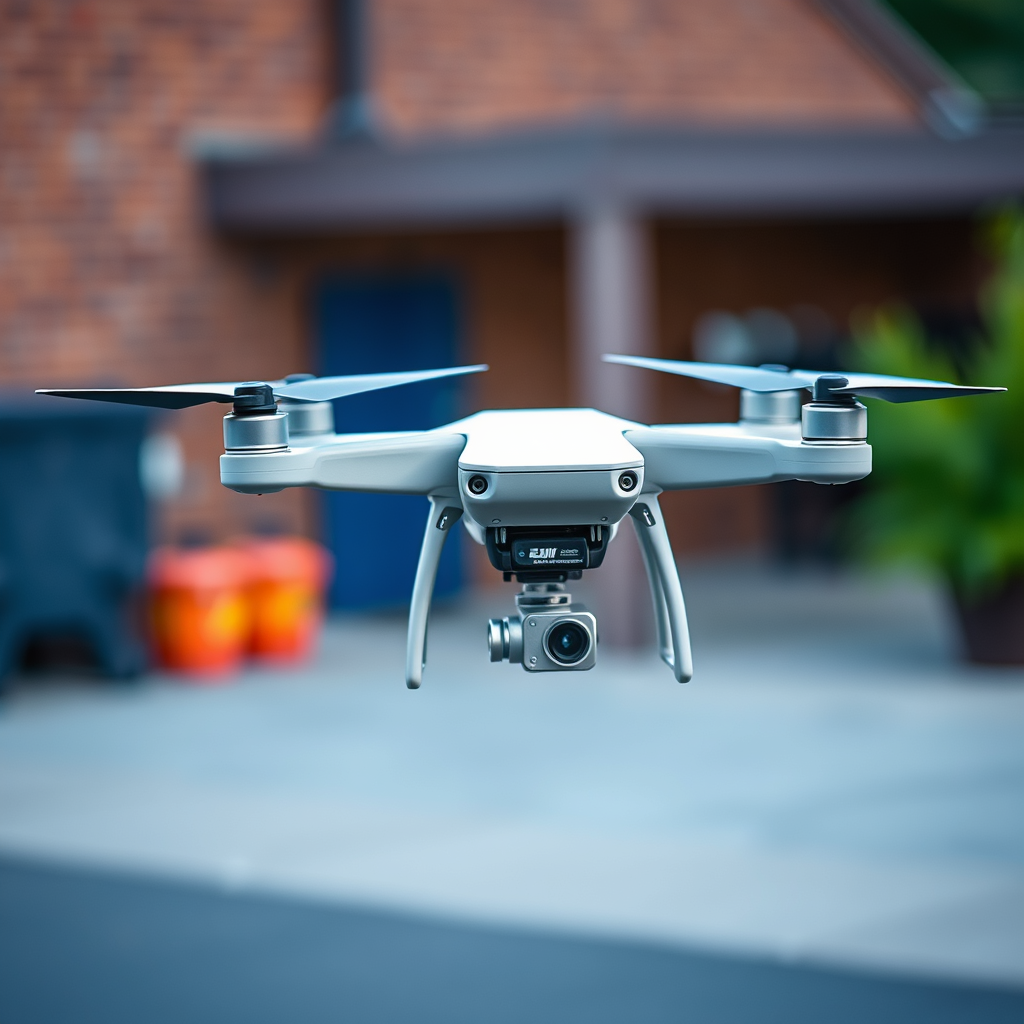
DJI drones primarily rely on GPS for flight navigation, which allows them to determine their location and maintain stability in the air. The GPS system provides critical data that helps the drone understand its position relative to the Earth, enabling functions such as altitude hold, waypoint navigation, and return-to-home capabilities. This means that, in most situations, an internet connection is not required for basic flight operations.
However, internet access is generally needed for specific functions, such as firmware updates, downloading maps for offline use, and accessing certain advanced features. For instance, features like DJI’s Fly App offer enhanced flight planning tools, but some of these tools may require an internet connection to download the necessary data. Therefore, while the drone can be flown without internet, optimal performance may necessitate a connection during pre-flight preparations.
Pre-Flight Setup Without Internet

To ensure a smooth flying experience without internet access, it is essential to perform a thorough pre-flight setup. Start by ensuring that your drone’s firmware is up-to-date before heading out for your flight. Regular firmware updates often include important fixes, new features, and improved performance, which can enhance your flying experience significantly.
Additionally, if you plan to use maps or flight plans, it is advisable to download these resources in advance for offline use. DJI’s Fly App allows you to save certain maps, which can be invaluable when flying in areas with poor or no internet service. By preparing ahead of time, you can mitigate potential issues that might arise from the lack of connectivity.
Flight Modes Available Offline
Most flight modes available on DJI drones, such as GPS mode and ATTI mode, function efficiently without internet access. GPS mode is particularly useful for standard flying, as it allows the drone to lock onto satellites and maintain stable flight, while ATTI mode can be used when GPS signals are weak or unavailable, although it requires more manual control.
However, some intelligent flight modes may require initial internet access for setup. For example, modes such as ActiveTrack, Point of Interest, and Waypoints may need certain data to be downloaded first. After the initial setup, these modes can often be used offline, but it is best to verify specific requirements in advance to avoid any disappointments during your flight.
Limitations of Flying Without Internet
While flying a DJI drone without internet access is feasible, there are notable limitations to consider. Certain features, such as live video streaming or real-time telemetry updates, will be unavailable without a connection. This can hinder your ability to share flights on social media or monitor certain data metrics in real-time, which can be crucial for professional applications.
Moreover, without internet access, you will not have access to DJI’s geofencing or no-fly zone data. This is particularly significant for commercial operators who must adhere to strict regulations regarding airspace. The inability to access updated no-fly zone information could inadvertently lead to violations of local laws, emphasizing the importance of being aware of the regulations in your flying area before takeoff.
Safety Tips for Flying Offline
When flying a DJI drone without internet access, adherence to safety protocols is paramount. Always check local regulations and airspace restrictions before flying to ensure compliance. This is especially important if you are operating in unfamiliar areas where drone regulations may vary significantly.
Additionally, maintain awareness of your drone’s battery levels and return-to-home settings. DJI drones come equipped with fail-safe features that will automatically return the drone to its takeoff point when battery levels reach a critical threshold. However, if the drone is flown beyond the specified range or in areas with poor signal, you may need to manually initiate the return-to-home function. Always have a plan in place for low battery situations to avoid losing your drone.
Troubleshooting Common Issues
Understanding how to troubleshoot common issues can greatly enhance your flying experience, especially when operating offline. If your drone loses connection to the remote controller or GPS signal, it is essential to know how to regain control. Familiarize yourself with the drone’s fail-safe features, which are designed to help you regain control or safely land the drone if it loses communication.
In case of emergencies, having a good grasp of the drone’s manual controls and emergency procedures can make a significant difference. For instance, if the drone begins to drift due to a loss of GPS signal, being able to switch to manual control allows for quicker adjustments to maintain stability.
Moreover, ensure that your remote controller is fully charged and functioning properly before each flight. Keeping spare batteries on hand for both the drone and the controller can also prevent unexpected interruptions during your flying session.
In summary, while you can fly a DJI drone without internet access, it’s essential to prepare adequately and understand the limitations you may face. By ensuring your firmware is up-to-date, downloading necessary maps, and adhering to safety protocols, you can enjoy a successful flight experience. Always prioritize safety and stay informed about your drone’s capabilities before taking to the skies, ensuring a rewarding and responsible flying adventure.
Frequently Asked Questions
Can I fly my DJI drone without internet access?
Yes, you can fly your DJI drone without internet access. Most DJI drones are equipped with GPS, allowing them to operate independently of an internet connection. However, some features, such as live map updates and certain flight modes, may be unavailable without internet. It’s important to ensure that your drone’s firmware is up to date before heading out, as updates typically require an internet connection.
What features are limited when flying a DJI drone offline?
When flying a DJI drone without internet, you may lose access to features that rely on real-time data, such as live airspace information, geofencing alerts, and some smart flight modes like Follow Me. Additionally, you won’t be able to use the DJI Fly app for live streaming or downloading maps for offline use, which may restrict your flight planning and navigation capabilities.
How can I prepare my DJI drone for flying without internet?
To prepare your DJI drone for flying without internet, first ensure that your drone’s firmware is updated while you are online. Download any necessary maps or flight data to your device in advance using the DJI app, as this will help you navigate effectively without a connection. Additionally, familiarize yourself with the drone’s basic operations and settings to ensure a smooth flight experience.
Why might I want to fly my DJI drone without an internet connection?
Flying your DJI drone without an internet connection can be beneficial for several reasons, including flying in remote areas where internet access is unreliable or nonexistent. It also enhances privacy and security by minimizing data transmission. Furthermore, offline flying can help reduce distractions, allowing you to focus solely on piloting your drone and capturing stunning aerial footage.
Which DJI drones can be flown without internet, and are there any restrictions?
Most DJI drones, including popular models like the DJI Mavic series and Phantom series, can be flown without internet. However, some restrictions may apply based on local regulations and airspace limitations. It’s essential to check your drone’s compatibility with offline flying and be aware of any no-fly zones or restrictions in your area to ensure a safe and legal flying experience.
References
- https://en.wikipedia.org/wiki/Drone_flight
- https://www.faa.gov/uas/getting_started/fly_for_fun
- https://www.dji.com/us/flying-in-the-us
- https://www.nytimes.com/2020/10/07/technology/drones-faa-regulations.html
- https://www.theguardian.com/technology/2021/may/05/drones-flying-rules-regulations-uk
- https://www.nap.edu/catalog/21836/drones-in-the-aviation-industry-issues-and-opportunities-for-research
- https://www.ncbi.nlm.nih.gov/pmc/articles/PMC7330285/
