
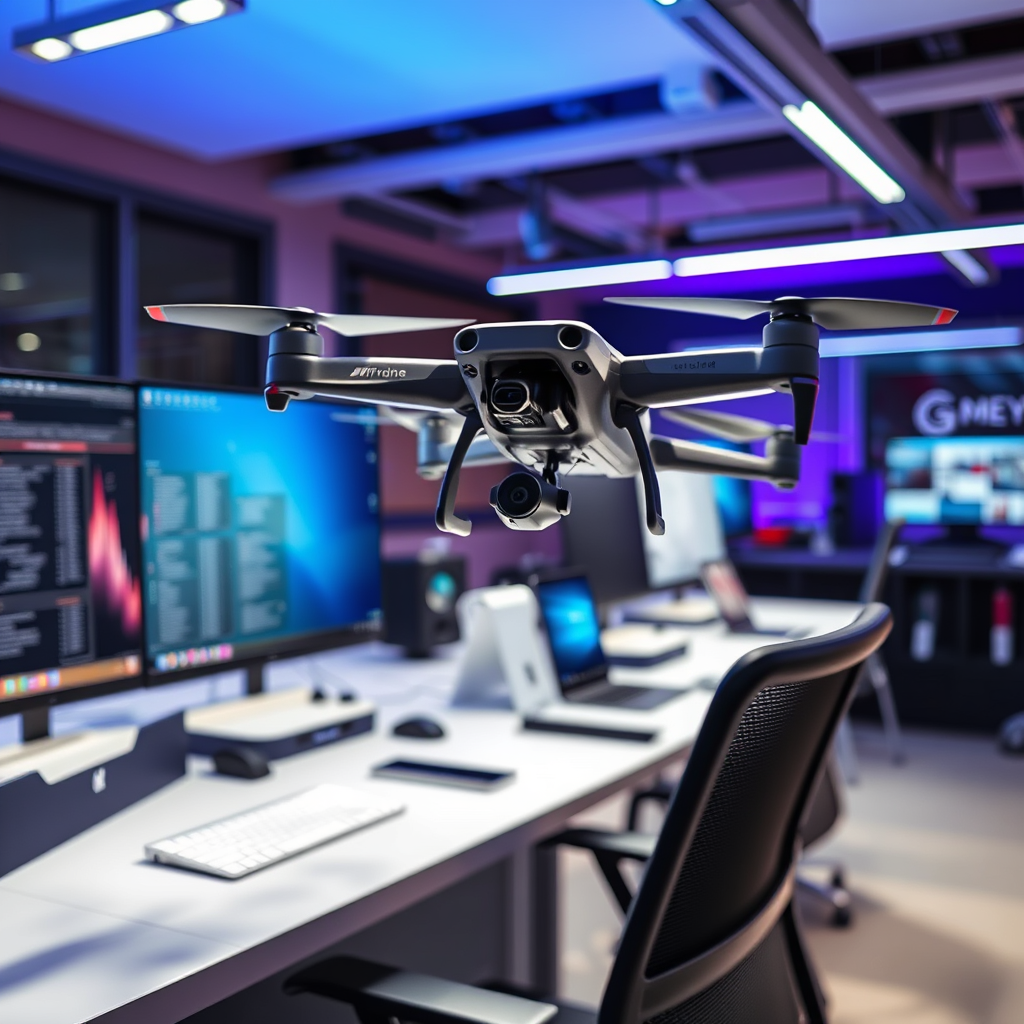
Yes, you can use various apps with your drone, but compatibility depends on the specific model and its capabilities. Drones have become increasingly sophisticated, and as such, the ecosystem of applications designed to enhance their functionality has expanded significantly. From flight control to editing and sharing, the right app can elevate your drone experience, but it’s crucial to ensure that the app you choose is compatible with your particular drone model and meets your operational needs.
Understanding Drone App Compatibility
Not all drones are designed to work seamlessly with third-party applications; therefore, it is imperative to check your manufacturer’s guidelines before attempting to pair an app with your drone. Many drone manufacturers, such as DJI, Parrot, and Autel Robotics, offer proprietary apps that unlock specific features and functionalities. These apps are often tailored to work optimally with their respective hardware, providing a more integrated user experience. For example, DJI’s own app, DJI GO 4, allows users to access advanced features such as intelligent flight modes, camera settings, and real-time telemetry.
On the other hand, some drones, particularly those in the lower price range or less popular brands, may not support third-party applications at all, limiting the functionalities you can access. Therefore, it is crucial to conduct thorough research or consult your drone’s user manual to ascertain which apps are compatible.
Types of Drone Apps
Drones can leverage various types of apps, each serving unique purposes that enhance the overall flying experience.
1. Flight Control Apps: These apps are designed primarily for manual piloting and often include advanced features such as waypoint navigation, follow-me modes, and automated flight paths. For instance, Litchi is a popular third-party flight control app that allows users to create complex waypoint missions, providing a level of customization and control that many standard apps do not offer. This can be particularly useful for aerial photography or surveying, where precise flight paths are essential.
2. Editing and Sharing Apps: Once you’ve captured stunning aerial footage, you may want to enhance and share it. Editing apps like GoPro Quik or Adobe Premiere Rush enable drone users to edit their videos on-the-go, applying filters, transitions, and soundtracks. Moreover, these apps often feature direct sharing options to social media platforms, allowing you to showcase your work instantly. The combination of capture and editing capabilities in one ecosystem is invaluable for content creators.
Features to Look for in Drone Apps
When selecting a drone app, several key features should be taken into consideration to ensure an optimal user experience:
– User-Friendly Interfaces: A well-designed app interface is crucial for easy navigation and control of drone features. The app should provide intuitive controls that are easy to understand, even for beginners. Look for apps that offer tutorials or guides to help users familiarize themselves with various functionalities.
– Compatibility with Your Drone Model: This is perhaps the most vital aspect of app selection. Compatibility ensures that you can access all functionalities of your drone, including camera settings, flight modes, and telemetry data. Always check app specifications and user reviews to confirm compatibility with your drone model.
– Real-Time Data and Telemetry: Apps that provide real-time data such as altitude, battery life, and distance from the pilot are essential for safe flying. This information can help you make informed decisions during flight and enhance the overall flying experience.
– Safety Features: Look for apps that incorporate safety features, such as geofencing and no-fly zone alerts. These features can help prevent accidents and ensure compliance with local regulations.
Popular Drone Apps Reviewed
Several apps stand out in the drone community for their robust features and user-friendly designs:
– DJI GO 4: Specifically designed for DJI drones, this app offers comprehensive controls, live video feeds, and a suite of intelligent flight modes. Users can access advanced settings for camera adjustments, flight logs, and firmware updates, ensuring they get the most out of their DJI experience.
– Litchi: This app is compatible with a variety of drones, including those from DJI, and is well-known for its advanced waypoint missions. It allows users to create complex flight paths and automate their flying, making it a favorite among professional drone operators and enthusiasts alike.
– AirMap: While not strictly a flight control app, AirMap provides valuable information regarding airspace regulations and no-fly zones. This app is beneficial for those who need to ensure compliance with local laws while flying their drones.
Safety and Legal Considerations
When using apps with your drone, it’s critical to be aware of local regulations regarding drone usage and app functionalities. Different countries and regions have specific laws that dictate where and how drones can be flown. For instance, in the United States, the Federal Aviation Administration (FAA) regulates drone operations, and it’s essential to adhere to their guidelines to avoid fines or penalties.
Additionally, ensure that any app you choose complies with safety standards to prevent accidents. This includes understanding the app’s capabilities and limitations. For example, if an app allows for automated flight, ensure that you are familiar with how to take manual control in case of an emergency. Conducting pre-flight checks and staying informed about airspace conditions can also enhance safety.
Troubleshooting Common App Issues
As with any technology, users may encounter issues when using drone apps. Here are some common problems and their solutions:
– Connectivity Problems: Many connectivity issues can be resolved by checking for firmware updates for both the drone and the app. Regular updates can fix bugs and improve performance. If problems persist, try resetting the connection by turning off both the drone and the app, then reconnecting.
– Review App Permissions: Ensure that the app has all necessary permissions to function correctly. This usually includes access to your device’s GPS, camera, and storage. If permissions are not granted, the app may not perform as intended.
– Consult User Forums: Online forums and communities can be incredibly helpful for troubleshooting specific issues. Users often share their experiences and solutions, providing valuable insights.
In conclusion, while many apps can work with drones, it is essential to select the right one based on compatibility and features. By understanding the types of apps available and the specific needs of your drone, you can enhance your flying experience significantly. Always prioritize safety and compliance with regulations, and choose apps that will support your drone operations effectively. With thorough research and the right tools, you can take full advantage of the capabilities your drone has to offer.
Frequently Asked Questions
Can I use any app for my drone, or are there specific apps I should consider?
While you might be tempted to use any app for your drone, it’s essential to choose applications specifically designed for drone operations. Certain apps offer features like flight planning, real-time telemetry, and camera control, which enhance your flying experience. Additionally, using manufacturer-recommended apps ensures compatibility and safety, as they are tailored to your drone’s specifications.
What features should I look for in a drone app?
When selecting a drone app, consider features like GPS functionality, live video streaming, waypoint navigation, and compatibility with your drone’s camera settings. Other valuable features include geofencing for safety, battery management tools, and flight logs to track your drone’s performance. Apps that provide weather updates and airspace information are also beneficial for planning safe flights.
How do I know if an app is compatible with my drone model?
To determine if an app is compatible with your drone model, start by checking the app’s official website or app store description for a list of supported drones. Additionally, manufacturer websites often provide recommendations for third-party apps that work seamlessly with their products. User reviews and forums can also offer insights from fellow drone operators about compatibility experiences.
Why do some drone apps require in-app purchases or subscriptions?
Many drone apps offer basic functionalities for free but require in-app purchases or subscriptions for premium features such as advanced flight planning tools, enhanced data analytics, or additional storage for flight logs. This tiered pricing model allows developers to maintain and improve the app over time while providing users the flexibility to choose features that best suit their needs. Always evaluate the value of these additional features against your flying requirements.
What are the best drone apps for beginners?
For beginner drone pilots, apps like DJI Fly, Litchi, and DroneDeploy are highly recommended. DJI Fly is user-friendly, with intuitive controls and helpful tutorials, making it ideal for novices. Litchi offers waypoint missions and a virtual reality mode, while DroneDeploy specializes in mapping and surveying, which can be useful as you advance your skills. Choosing the right app can significantly enhance your learning experience and overall enjoyment of flying.
References
- https://en.wikipedia.org/wiki/Drone
- https://www.faa.gov/uas/getting_started/
- https://www.nasa.gov/centers/armstrong/news/FactSheets/FS-099-DFRC.html
- https://www.dronepilotgroundschool.com/drone-apps/
- https://www.researchgate.net/publication/328024419_The_Use_of_Drones_for_Environmental_Monitoring
- https://www.techrepublic.com/article/the-best-drone-apps-for-2021/
- https://www.nist.gov/news-events/news/2020/08/drones-mapping-technology-helps-combat-wildfires
- https://www.unm.edu/~cgr/Drone_Law/Drone_Law_Article.pdf
