
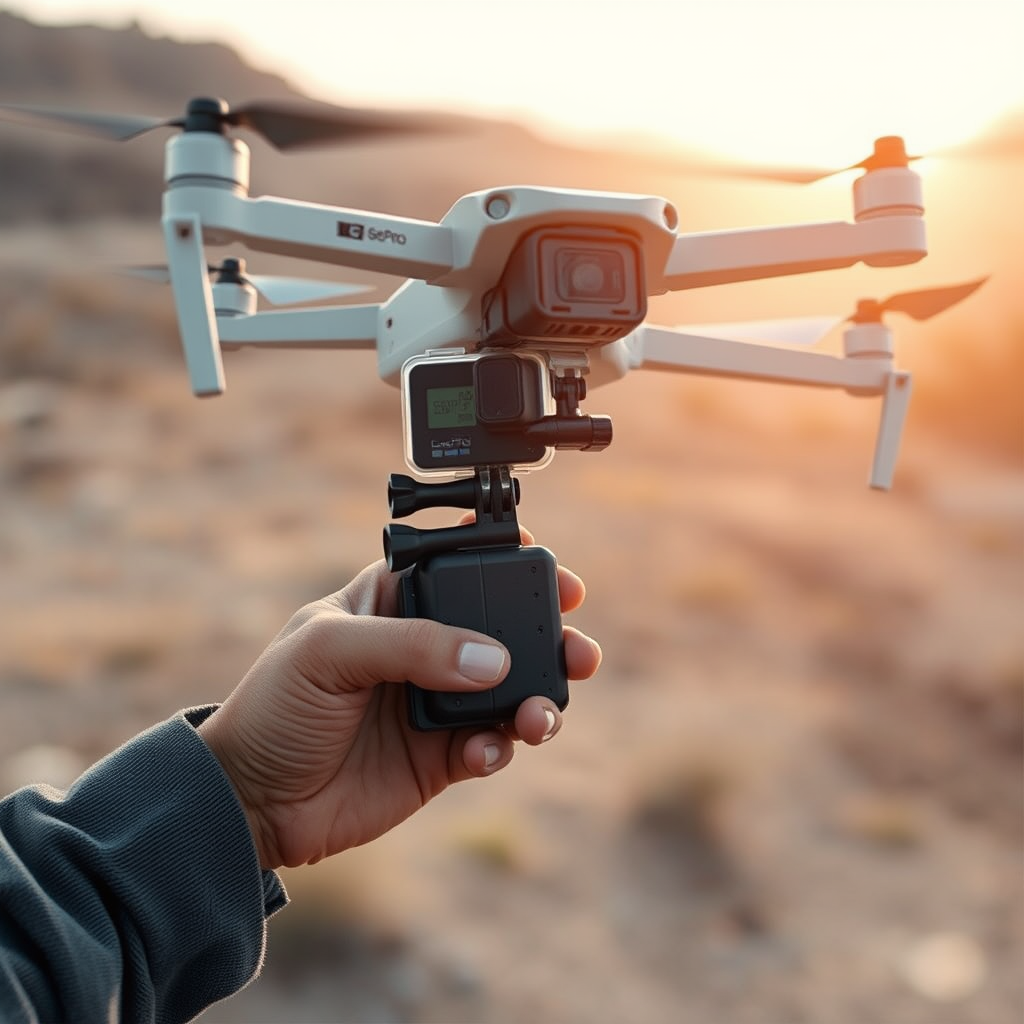
Yes, you can attach a GoPro to a drone, and doing so can enhance your aerial photography and videography. Mounting a GoPro on your drone opens up exciting possibilities for capturing stunning aerial footage, allowing you to leverage the camera’s high-quality imaging capabilities. However, there are several factors to consider, including compatibility, mounting options, and legal regulations. This article will explore these aspects to help you effectively use a GoPro with your drone.
Understanding Compatibility
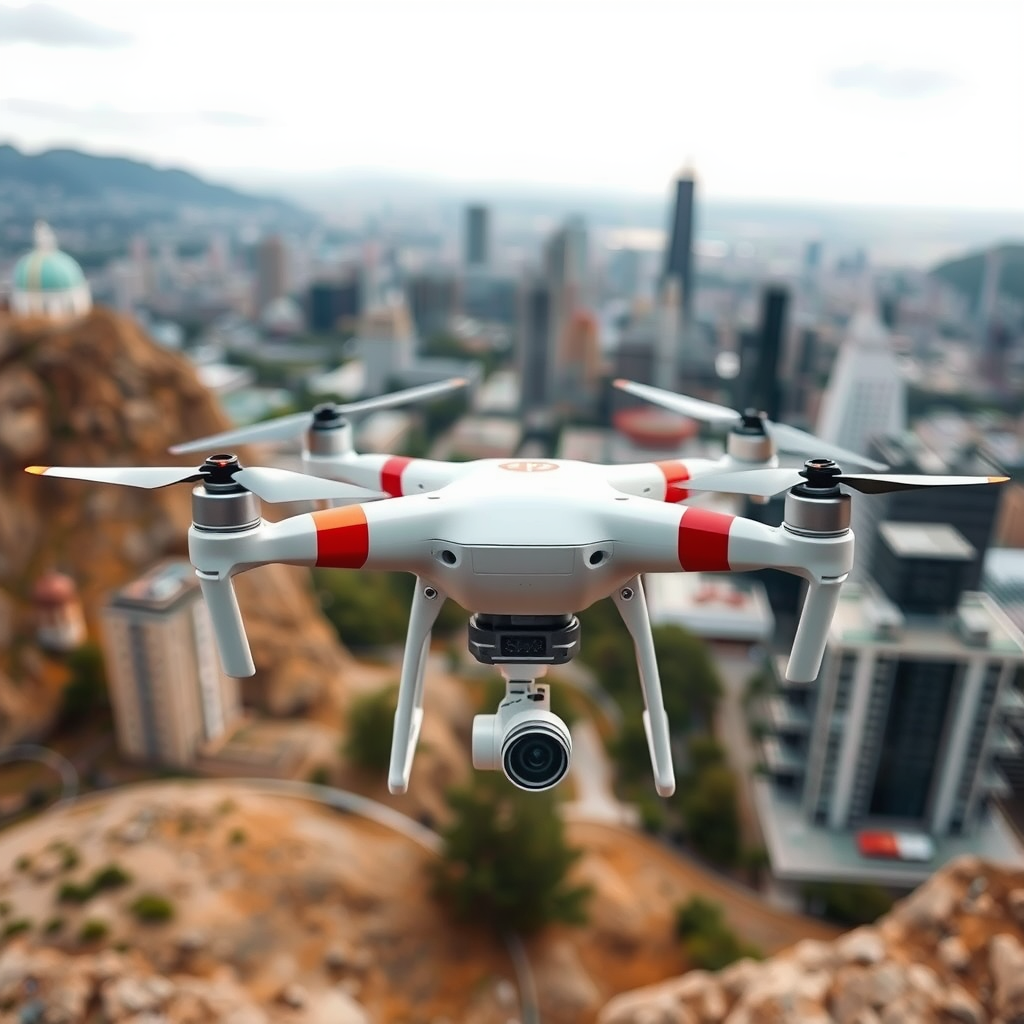
Before you proceed with attaching a GoPro to your drone, it’s crucial to understand compatibility. Not all drones can support the weight and size of a GoPro, so it’s essential to check your drone’s specifications. For instance, lightweight drones, such as the DJI Phantom series or the Mavic series, may handle a GoPro’s weight without any issues. However, smaller drones designed for casual flying might struggle with the added weight, affecting flight performance and stability.
Additionally, ensure that the GoPro model you intend to use is compatible with the drone’s mounting systems. Different GoPro models feature varying dimensions, weight distributions, and mounting interfaces. Most modern drones have dedicated mounts for GoPro cameras, but it’s wise to confirm compatibility before making any purchases. Researching user experiences or consulting product reviews can provide valuable insights into successful combinations.
Choosing the Right Mounting System
Once you’ve confirmed compatibility, the next step is to choose the right mounting system. There are various mounting options available, such as adhesive mounts, gimbals, or custom mounts designed specifically for drones. Adhesive mounts are straightforward and cost-effective but may not offer the best stabilization. Gimbals, on the other hand, provide advanced stabilization features that can significantly reduce vibrations and shakes during flight, resulting in smoother footage.
For instance, using a gimbal mount like the FeiyuTech G5 can enhance your GoPro’s stability, especially when flying in turbulent conditions. Additionally, consider the design of the mount; it should securely hold the camera while allowing for easy adjustments during flight. Some drones come with integrated GoPro mounts that are specifically engineered for optimal balance and aerodynamics, making them the preferred choice for serious aerial filmmakers.
Legal Considerations for Drone Use
When flying a drone equipped with a GoPro, it’s imperative to review local regulations regarding drone use and camera equipment. Many jurisdictions have specific laws that govern drone flights, especially concerning privacy and airspace restrictions. In some areas, flying a drone with a camera might require special permits or adherence to particular operational guidelines.
Moreover, ensure that your drone is registered and complies with aviation laws when flying with a GoPro. In the United States, for example, the Federal Aviation Administration (FAA) requires drone operators to register their drones if they weigh over 0.55 pounds. Failing to comply with these regulations could result in fines or legal repercussions, so it’s essential to stay informed about the rules governing your area.
Enhancing Aerial Footage with GoPro
To maximize the potential of your GoPro while flying, use settings tailored for aerial shots. The GoPro’s wide-angle lens is ideal for capturing expansive landscapes and dynamic scenes. Additionally, adjusting the frame rate can enhance the quality of fast-moving footage. For instance, shooting at 60 frames per second (fps) can result in smooth motion, which is beneficial for action shots or fast-paced environments.
Experimenting with different shooting angles and heights can also help you capture unique perspectives that stand out. A common technique is to fly at varying altitudes to achieve dramatic views of the landscape below. Using the GoPro’s time-lapse feature can create stunning sequences that showcase changes in light and scenery over time. By planning your shots in advance and utilizing the GoPro’s versatile settings, you can significantly elevate your aerial footage.
Safety Tips for Flying with a GoPro
Safety should always be a priority when flying a drone equipped with a GoPro. Conduct pre-flight checks to ensure that the camera and drone are securely attached. This includes inspecting the mount for any signs of wear or instability, as a loose camera can lead to accidents or loss of the equipment. Additionally, check the drone’s battery life and camera performance before taking off to avoid mid-air failures.
During flight, maintain a clear line of sight with your drone and be aware of your surroundings to prevent collisions with other objects or aircraft. It’s also advisable to fly in open spaces where you are less likely to encounter obstacles. Following these safety tips will help ensure a smooth and successful flight experience.
Troubleshooting Common Issues
Even with careful planning, you may encounter common issues when flying with a GoPro. If you find that your footage is shaky, first check the mounting system to ensure it’s secure. If the problem persists, consider using a gimbal for stabilization, which can significantly improve the quality of your footage.
Another common issue is connectivity between the GoPro and the drone’s control system. If you experience difficulties controlling the GoPro remotely, ensure that both devices are updated with the latest firmware. Sometimes, resetting the connection or re-pairing the devices can resolve these issues. Always have a troubleshooting plan in place to address any potential challenges during your flights.
In conclusion, attaching a GoPro to your drone can significantly enhance your aerial imaging capabilities. By understanding compatibility, choosing the right mounting system, and adhering to legal regulations, you can safely and effectively capture stunning aerial footage. Whether you’re a hobbyist or a professional filmmaker, leveraging the power of a GoPro with your drone opens up a world of creative possibilities. Ready to elevate your drone experience with a GoPro? Start planning your next flight today!
Frequently Asked Questions
Can I attach a GoPro to any drone?
While you can theoretically attach a GoPro to many drones, it’s important to ensure compatibility for safe operation. Drones specifically designed for carrying cameras often come with mounting points and stabilizers that provide better balance and image quality. Always check the drone’s payload capacity and the GoPro’s weight to avoid risking damage or poor flight performance.
How do I securely attach a GoPro to my drone?
To securely attach a GoPro to your drone, use a proper camera mount designed for your drone model. Most drone mounts offer vibration dampening and secure attachment points. It’s crucial to follow the manufacturer’s guidelines for installation, ensuring that all screws and connections are tight, and use additional safety straps if necessary to prevent the camera from falling during flight.
What are the best drones for carrying a GoPro?
The best drones for carrying a GoPro are those with high payload capacities and stable flight characteristics. Drones like the DJI Phantom 4 or the DJI Matrice series are popular choices due to their robust frames and advanced stabilization features. Additionally, consider drones that offer gimbal support, as they help maintain smooth footage while flying.
Why should I use a GoPro instead of my drone’s built-in camera?
Using a GoPro instead of a drone’s built-in camera can significantly enhance your filming capabilities due to the GoPro’s superior optics, image stabilization, and versatility in various shooting conditions. GoPros are also more rugged and waterproof, making them ideal for adventurous shoots. Plus, by using a GoPro, you can easily switch between different mounts and settings to achieve your desired cinematic effect.
What safety precautions should I take when flying a drone with a GoPro attached?
When flying a drone with a GoPro attached, always prioritize safety by ensuring that the total weight does not exceed the drone’s payload limit. Conduct pre-flight checks to secure all attachments, and verify that the camera is properly mounted to prevent it from detaching during flight. Additionally, maintain visual line of sight and adhere to local regulations regarding drone operation to avoid accidents or legal issues.
References
- https://en.wikipedia.org/wiki/Drone_photography
- https://www.wired.com/story/drones-with-cameras/
- https://www.theguardian.com/technology/2021/jun/24/drone-photography-tips-and-tricks
- https://www.techradar.com/news/how-to-use-a-drone-to-take-amazing-aerial-photos
- https://www.sciencedirect.com/science/article/pii/S2352864818300520
- https://www.nationalgeographic.com/science/article/how-drones-are-revolutionizing-photography
- https://www.faa.gov/uas/
- https://www.nasawatch.com/archives/2017/01/drone-photography.html
