
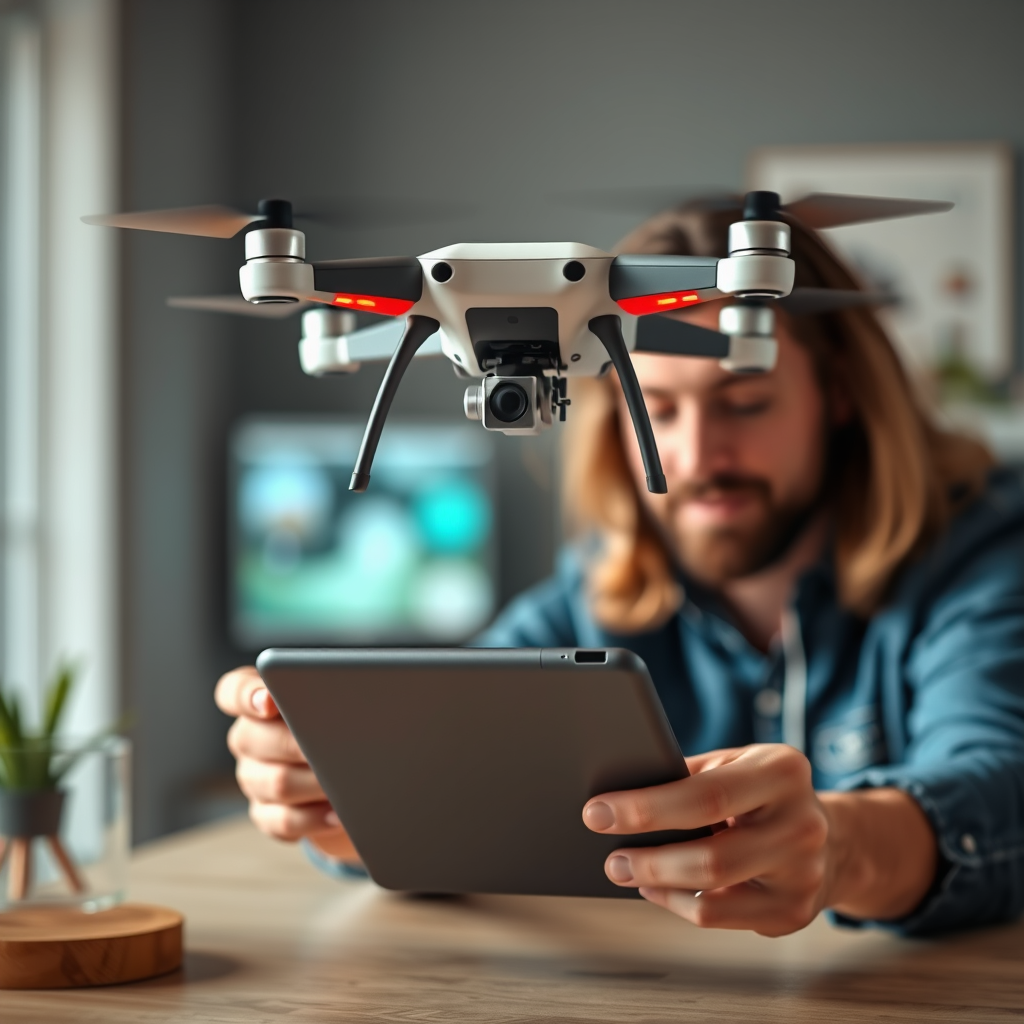
Yes, you can fly a drone using an iPad. Many modern drones are designed to be compatible with iOS devices, allowing users to control their drones through specialized applications. This capability not only simplifies the operation of the drone but also enhances the flying experience with advanced features and intuitive controls. In this article, we will delve deeper into the benefits of using an iPad for drone control, the necessary requirements to get started, recommended apps, and essential tips for safe and effective flying.
Understanding Drone Compatibility with iPads
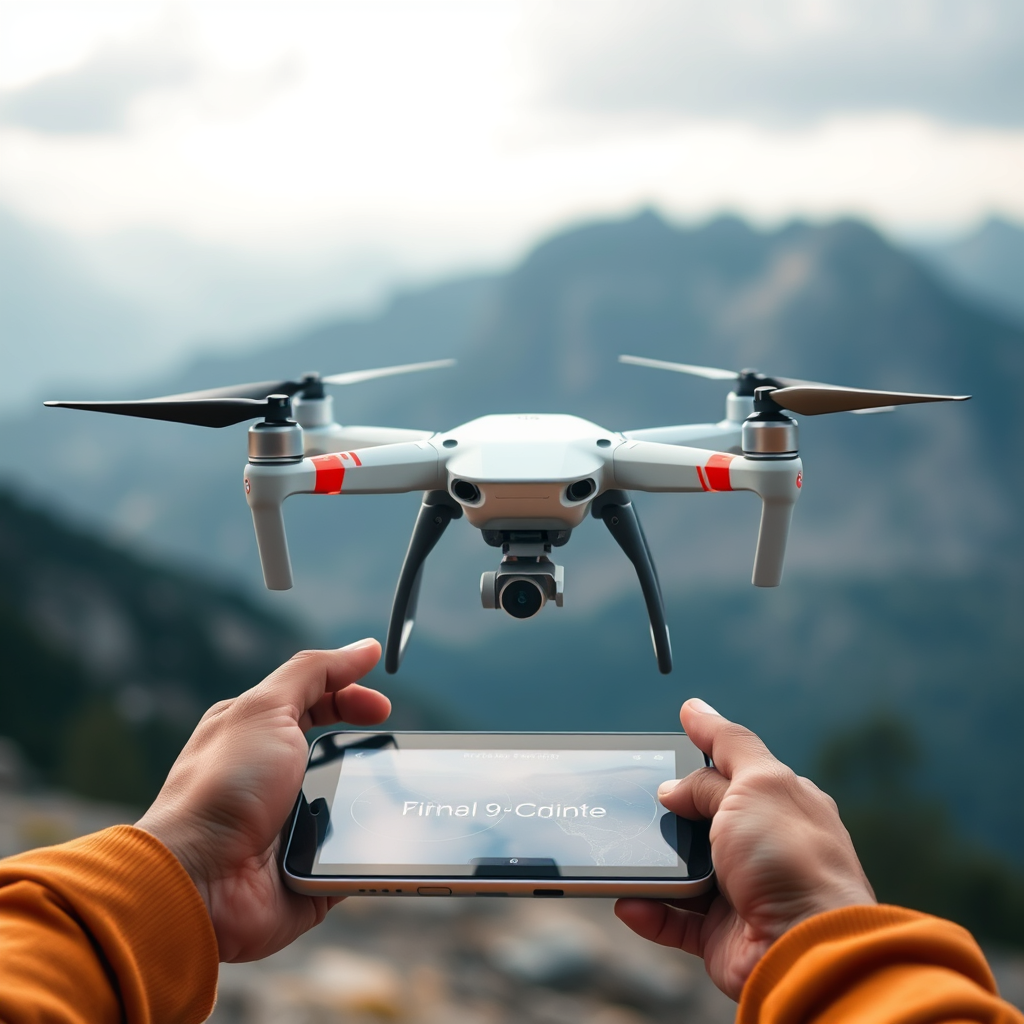
Most drones on the market today come equipped with specific applications designed for iOS devices, making it seamless for users to control their aerial vehicles. Drones from reputable manufacturers, such as DJI, Parrot, and Autel, often have dedicated apps that are optimized for iPad screens, providing a rich user experience. Before making a purchase, it is crucial to check the manufacturer’s website for compatibility details, as not all drone models support iOS devices. Additionally, ensuring that the app is regularly updated can enhance performance and introduce new features that improve the overall flying experience.
Recommended Apps for iPad Drone Control
Several popular applications cater to the needs of drone enthusiasts using iPads. The DJI Go app, for example, is widely used for DJI drones and offers a range of functionalities, including live video streaming, flight statistics, and intelligent flight modes. Parrot FreeFlight is another notable option, designed specifically for Parrot drones, allowing users to enjoy features such as automatic takeoff and landing, as well as live camera feed. Autel Explorer, tailored for Autel drones, provides a user-friendly interface with advanced camera controls and customizable flight paths. To ensure optimal performance, it’s essential to download the latest version of the app from the App Store and check for updates regularly, as these updates may include bug fixes and new functionalities that enhance your drone flying experience.
Setting Up Your iPad for Drone Use
Before flying your drone, setting up your iPad correctly is vital. First and foremost, ensure that your iPad is running the latest version of iOS. Keeping your device updated not only helps with compatibility but also enhances security against potential vulnerabilities. Next, connect your iPad to the drone’s remote controller, which is typically done via Wi-Fi or USB. For Wi-Fi connections, enable the Wi-Fi setting on your iPad and select the drone’s network from the available options. If using a USB connection, ensure you have the proper cable and any necessary adapters. Once connected, launch the appropriate app, and you are ready to begin your flying adventure.
Key Features to Utilize While Flying
Flying a drone with an iPad unlocks a host of features designed to enhance your experience. One of the most significant advantages is the app’s live video feed, which provides real-time visuals from the drone’s camera, allowing for precise control and beautiful aerial photography. Additionally, most drone control apps offer a variety of settings that let you customize flight modes, adjust camera settings, and utilize GPS navigation. Features such as Follow Me mode, waypoints, and geofencing can be particularly useful for capturing dynamic footage and ensuring a safe flying experience. Familiarizing yourself with these features can significantly improve your piloting skills and overall enjoyment.
Safety Tips for Flying Drones with an iPad
Safety should always be a priority when flying drones, especially when using an iPad for control. First and foremost, it’s essential to check local regulations regarding drone usage, as laws can vary significantly by region. Compliance with these regulations not only ensures safety but also helps avoid potential legal issues. Always maintain a line of sight with your drone during flight, which is crucial for both safety and control. Being aware of your surroundings helps prevent accidents, particularly in crowded or urban areas. Additionally, consider flying in open spaces away from people, animals, and structures, which can mitigate risks associated with potential crashes.
Troubleshooting Common Issues
Despite the ease of flying a drone with an iPad, users may encounter occasional issues. One common problem is a dropped connection between the iPad and the drone, which can be frustrating and potentially dangerous. If this occurs, the first step is to restart both the iPad and the drone; this can often resolve connectivity issues. Additionally, ensure that your iPad’s battery is charged sufficiently before flying, as low battery levels can lead to unstable connections and diminished performance. If problems persist, check the app settings and consult the manufacturer’s troubleshooting guidelines for more specific solutions.
Enhancing Your Drone Experience with iPad
To further enhance your drone flying experience utilizing an iPad, consider investing in accessories that can make a significant difference. For example, a sunshade for your iPad can improve visibility when flying outdoors in bright sunlight, allowing for better control and more precise capturing of images. Additionally, exploring advanced features within the app, such as waypoint mapping and geofencing, can elevate your drone flying capabilities. These tools enable you to pre-plan flight paths and set boundaries, increasing the safety and creativity of your aerial photography and videography.
In conclusion, flying a drone with an iPad is not only possible but also enhances the overall flying experience with its intuitive interface and advanced functionalities. By understanding compatibility, utilizing recommended apps, and adhering to safety practices, users can maximize their enjoyment while flying. With the right preparation and knowledge, your drone flying adventures can be both exciting and rewarding. Happy flying!
Frequently Asked Questions
Can I use an iPad to control my drone?
Yes, you can use an iPad to control many models of drones, especially those designed for compatibility with mobile devices. Most drone manufacturers offer dedicated apps that can be downloaded from the App Store, allowing you to connect your iPad to the drone via Wi-Fi or Bluetooth. This setup typically provides a user-friendly interface for piloting the drone, adjusting camera settings, and accessing advanced flight features.
What apps do I need to fly a drone with an iPad?
The apps you need to fly a drone with an iPad depend on the brand and model of your drone. Popular drone manufacturers like DJI, Parrot, and Yuneec provide their own apps, such as DJI GO 4 or Fly, which are specifically designed for their drones and offer features like live video feed, GPS navigation, and flight mode settings. Always check your drone’s user manual or the manufacturer’s website for the recommended app for optimal performance.
Why should I use an iPad instead of a traditional remote controller for my drone?
Using an iPad to control your drone can enhance your flying experience by providing a larger screen for viewing real-time video feeds and telemetry data. The iPad can also support advanced features like waypoint navigation, live maps, and enhanced camera controls, which may not be available on standard remote controllers. Additionally, the touch interface makes it easy to adjust settings and access features quickly while flying.
Which iPad models are best for flying drones?
While most recent iPad models can be used to fly drones effectively, the iPad Pro and iPad Air are often recommended due to their superior processing power, larger screen sizes, and high-resolution displays. These features enhance the flight experience by providing clearer video feeds and smoother app performance. For casual users, the standard iPad is also a good option, though it may not offer the same level of performance for advanced drone features.
How do I connect my iPad to my drone for flying?
To connect your iPad to your drone, first, ensure that both devices are charged and that the drone is powered on. Download and install the appropriate drone app from the App Store. Open the app and follow the on-screen instructions to connect your iPad to the drone via Wi-Fi or Bluetooth, depending on the model. Once connected, you should be able to see the live video feed and access flight controls directly from your iPad.
References
- https://en.wikipedia.org/wiki/Drone
- https://www.faa.gov/uas/getting_started/remote_pilot/
- https://www.nasa.gov/feature/nasa-s-drone-flight-research-using-tablets-to-pilot-drones
- https://www.techrepublic.com/article/how-to-fly-a-drone-with-your-tablet/
- https://www.reuters.com/technology/drones-are-getting-easier-fly-2021-04-13/
- https://www.theguardian.com/technology/2020/jun/08/how-to-fly-a-drone-using-your-smartphone
