
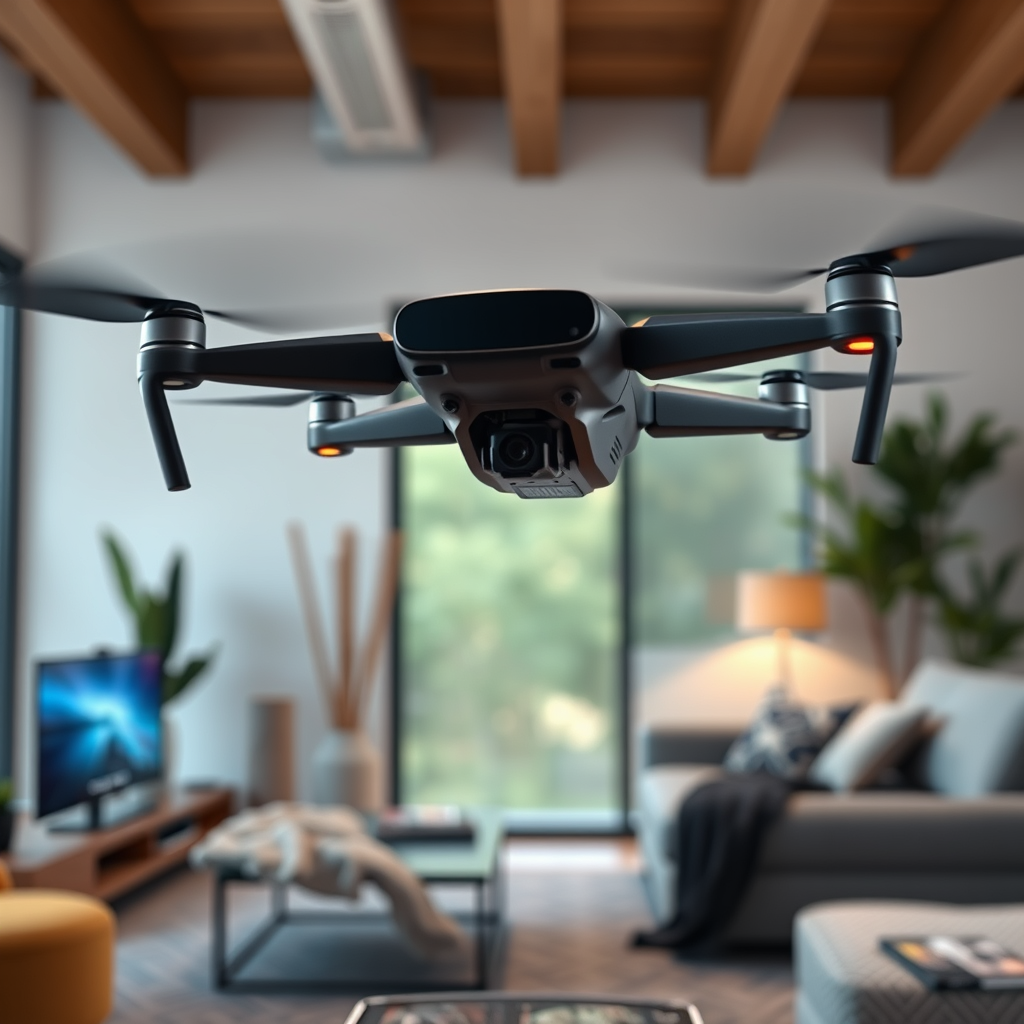
Yes, you can fly a drone using the Oculus Quest 2 by utilizing compatible apps and systems that enable VR immersion in drone piloting. The Oculus Quest 2, a leading VR headset, offers an exciting way to experience drone flying from a first-person perspective, enhancing the overall flying experience through immersive technology. By setting up your device correctly and understanding the necessary equipment, you can elevate your drone flying to new heights.
Understanding the Basics of Drone Flying
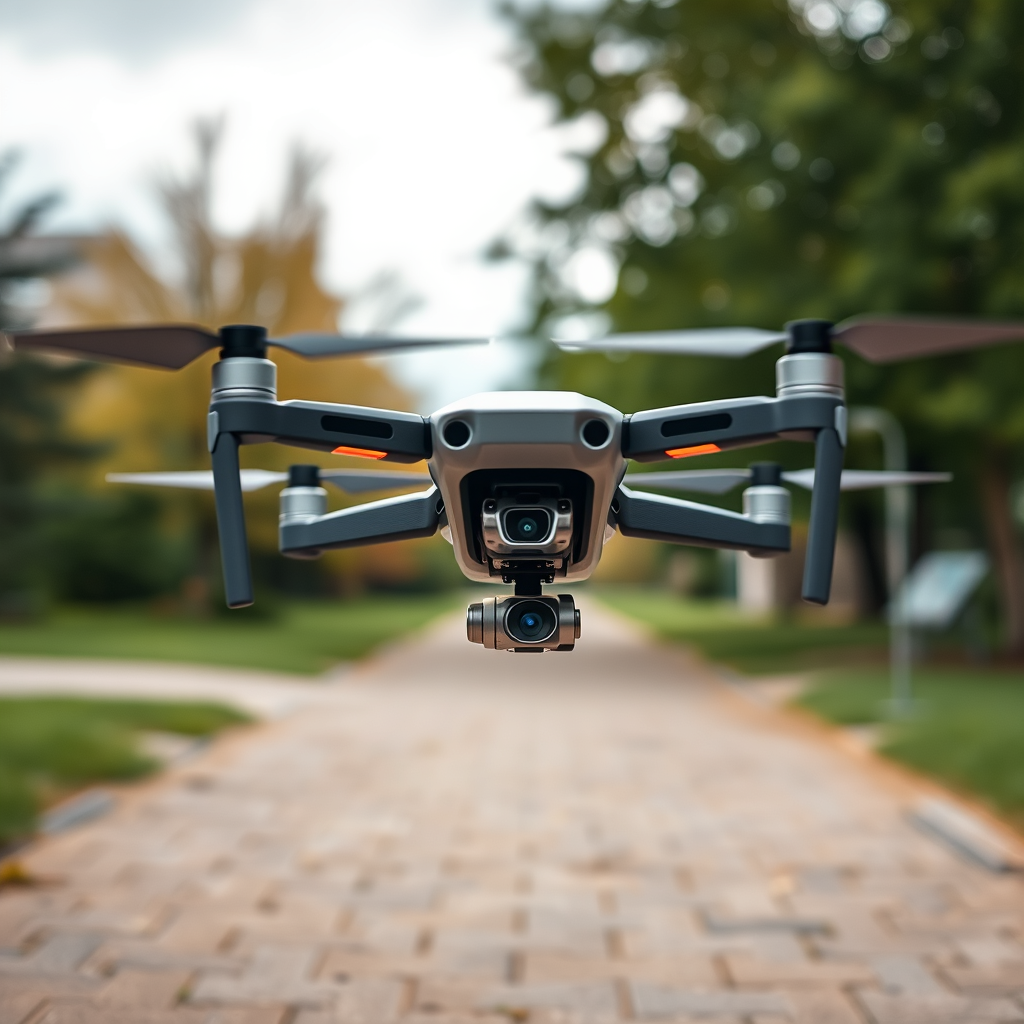
Before diving into the virtual reality aspect, it’s essential to familiarize yourself with the fundamentals of drone flying. Drones come in various types, including quadcopters, fixed-wing aircraft, and racing drones, each with its own specifications and functionalities. Understanding how to operate these devices involves learning about their controls, including throttle, yaw, pitch, and roll.
For instance, quadcopters are popular for their stability and ease of use, making them ideal for beginners. Meanwhile, racing drones are designed for speed and agility, appealing to more experienced pilots. Familiarizing yourself with drone regulations, such as those set forth by the Federal Aviation Administration (FAA) in the U.S., is also crucial to ensure a safe and legal flying experience.
Additionally, understanding drone specifications, such as battery life, range, and camera capabilities, can significantly enhance your piloting experience. By having a solid grasp of these basics, you will be better prepared to engage with VR drone flying effectively.
Setting Up Your Oculus Quest 2 for Drone Flying
To fly a drone with the Oculus Quest 2, you need to set up your headset and connect it to the drone’s control system. Start by downloading compatible drone simulation apps from the Oculus Store or other platforms. Popular options include “DJI Fly” and “DroneVR,” which provide immersive environments for drone piloting.
Next, you’ll need to connect your Oculus Quest 2 to your drone’s control system, typically done through Wi-Fi or Bluetooth. Make sure your drone supports VR capabilities; many modern drones come equipped with this feature. To establish the connection, follow the app’s instructions, ensuring that both your headset and the drone are on the same network. This setup allows you to control your drone’s movements through the VR interface seamlessly.
Once connected, calibrate your drone and headset to ensure accurate control. Calibration involves adjusting settings based on your location and the specific drone model you are using. This initial setup process is crucial for an enjoyable and responsive flying experience.
Recommended Apps for Drone Flying with Oculus Quest 2
When it comes to apps for flying drones using the Oculus Quest 2, several options stand out. “DJI Fly” is one of the most popular applications, designed specifically for DJI drones. This app offers a user-friendly interface, allowing pilots to easily navigate their drone’s features, access flight modes, and even view live footage in VR. Users appreciate its intuitive controls, which can significantly reduce the learning curve for novice pilots.
Another notable option is “DroneVR,” which caters to a broader range of drone models and offers a more generalized flying experience. This app simulates various flying environments and provides customizable settings, appealing to a wide audience. Users have reported an immersive experience that captures the excitement of piloting a drone through stunning landscapes.
When comparing these apps, consider factors such as compatibility with your specific drone model, user reviews, and the features that matter most to you. Some apps offer advanced functionalities like flight planning and automated missions, while others focus on providing a straightforward flying experience.
Tips for a Safe and Enjoyable Drone Experience
Safety should always be a top priority when flying drones, especially in a VR environment. First, familiarize yourself with local regulations regarding drone flying, including no-fly zones and altitude restrictions. Many areas have specific rules governing where and how drones can be operated, and adhering to these laws is essential for responsible flying.
Additionally, practice flying in open areas away from people and obstacles to build your confidence and skills. Start with basic maneuvers and gradually progress to more complex flight patterns as you become more comfortable with the controls. Using a spotter can also enhance safety; having someone on the ground to assist can help prevent accidents and keep an eye on the drone’s surroundings.
Moreover, always conduct a pre-flight check of your drone, ensuring that it is in good working condition. This includes checking battery levels, propeller integrity, and ensuring that all systems are functioning correctly. A thorough check can prevent accidents and equipment failure during flight.
Troubleshooting Common Issues
Despite careful preparation, you may encounter issues while flying your drone with the Oculus Quest 2. One common problem is connectivity issues between the drone and the headset. If you experience lag or disconnection, try restarting both devices and ensuring they are connected to the same Wi-Fi network. Check for any firmware updates for both the drone and the app, as these can resolve bugs and improve performance.
Software glitches or app crashes can also occur. If an app crashes, close it and restart your Oculus Quest 2. If the problem persists, consider uninstalling and reinstalling the app. Keeping your device updated is crucial for optimal performance, so regularly check for software updates.
Lastly, if you are having difficulty with controls or the VR experience feels disorienting, take some time to recalibrate your headset. Ensure that your play area is free of obstacles, and consider adjusting the settings within the app for a more tailored experience.
Enhancing Your Drone Experience with Oculus Quest 2
To further enhance your drone flying experience with the Oculus Quest 2, consider investing in additional accessories. For instance, controller grips can provide better handling and comfort during prolonged flying sessions. Some pilots also benefit from using a head strap or facial interface that enhances comfort and stability, allowing for longer flight times without discomfort.
Additionally, having a spotter is highly recommended, especially for new pilots. A spotter can help monitor the drone’s flight path, assist with navigation, and ensure safety by keeping watch for obstacles or other aircraft.
Furthermore, consider exploring advanced features offered by some drone models, such as follow-me modes or pre-programmed flight paths. These features can add another layer of excitement and convenience to your flying experience, allowing you to focus more on the immersive VR experience rather than the technical aspects of piloting.
In conclusion, flying a drone with the Oculus Quest 2 is not only possible but can significantly enhance your piloting experience through immersive technology. By understanding the basics of drone flying, setting up your Oculus Quest 2 correctly, and following safety guidelines, you can enjoy the thrill of flying from a new perspective. With the right apps, practice, and equipment, you are well on your way to exploring the skies like never before. Ready to take to the skies? Start exploring your options today!
Frequently Asked Questions
Can I use Oculus Quest 2 to control a drone?
Yes, you can use the Oculus Quest 2 to control certain drones, particularly those that support VR applications. Many drone manufacturers have developed apps that allow users to connect their VR headsets to the drone’s camera feed, providing an immersive flying experience. Ensure your drone is compatible and that you download the appropriate software to establish the connection.
What are the benefits of flying a drone with Oculus Quest 2?
Flying a drone with Oculus Quest 2 enhances the experience by providing a first-person view (FPV) that immerses you in the flight. This immersive perspective allows for better control and situational awareness while navigating the drone, making it easier to capture stunning aerial footage. Additionally, it adds an exciting gaming element, turning drone flying into a more engaging activity.
Which drones are compatible with Oculus Quest 2?
Various drones are compatible with Oculus Quest 2, particularly those designed for FPV flying or equipped with VR capabilities. Popular models include DJI FPV, Parrot Anafi, and some custom-built drones that support VR headsets. Always check the manufacturer’s specifications and user reviews for compatibility details before making a purchase.
How do I set up my Oculus Quest 2 to fly a drone?
To set up your Oculus Quest 2 for flying a drone, first ensure that your drone is compatible with VR applications. Download any necessary apps from the Oculus Store or the drone manufacturer’s website. Then, connect the drone to your smartphone or computer, and link it to your Oculus Quest 2 via Wi-Fi or a compatible streaming method. Follow the app’s instructions for calibration and flight controls for an optimal experience.
Why might I encounter issues when flying a drone with Oculus Quest 2?
Issues when flying a drone with Oculus Quest 2 can arise from several factors, including poor connectivity, software compatibility, or calibration errors. Ensure your drone’s firmware and the Oculus app are updated to the latest versions. Additionally, check for any obstructions or interference in the area that could disrupt the signal. If problems persist, consult the drone’s user manual or online support forums for troubleshooting tips.
References
- https://en.wikipedia.org/wiki/Virtual_reality
- https://www.theguardian.com/technology/2021/jun/22/oculus-quest-2-reviews
- https://www.faa.gov/uas/
- https://www.nytimes.com/2021/10/12/business/oculus-quest-2-drones.html
- https://www.wired.com/story/how-to-fly-a-drone-with-oculus-quest-2/
- https://www.techcrunch.com/2021/11/15/oculus-quest-2-drone-control/
