
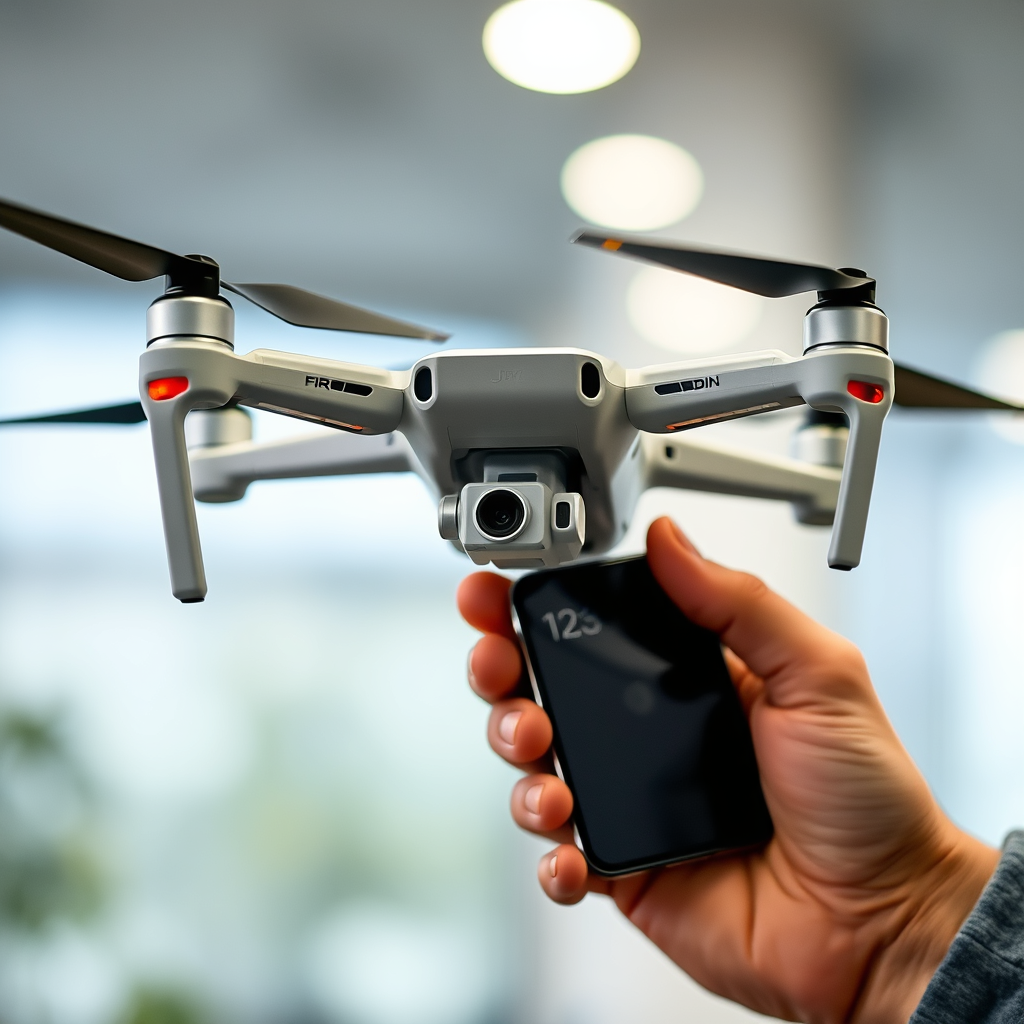
Yes, you can fly a DJI drone without a phone, but there are limitations. Many DJI drones are designed with built-in controls that allow for basic flight operations using just the remote controller. However, while flying without a phone is feasible, doing so significantly restricts the drone’s capabilities and overall experience. In this post, we will explore how to operate your DJI drone without a phone, discuss the features you might miss out on, and provide tips for ensuring a successful flight.
Understanding DJI Drone Functionality
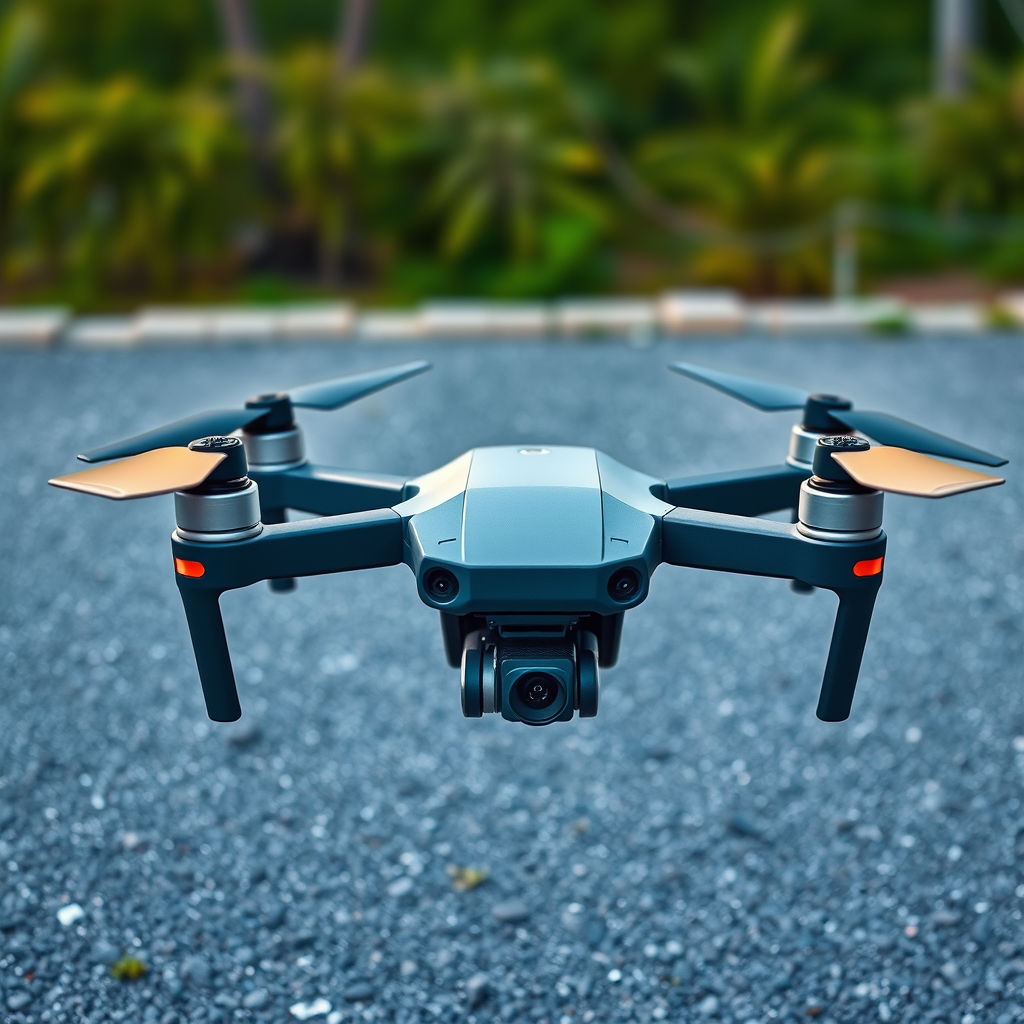
Many DJI drones come equipped with robust built-in controls that facilitate basic flight operations. For instance, models like the DJI Mini and Mavic series often have intuitive remote controllers featuring essential buttons for takeoff, landing, and direction control. These remote controllers allow users to engage the drone without needing to connect to a smartphone. This standalone operation is particularly advantageous for quick flights or when a phone is not readily available.
Moreover, most DJI drones support various flight modes that can be accessed through the remote controller. For example, users can switch between GPS mode and Sport mode directly via the controller. Therefore, while a phone may not be necessary for basic operation, understanding the drone’s functionality is crucial for an effective flying experience.
Benefits of Using a Phone with Your DJI Drone
Utilizing a phone with your DJI drone unlocks a plethora of features that enhance both safety and enjoyment during flight. One of the most significant benefits is access to a live video feed. This feature allows pilots to see exactly what the drone’s camera is capturing in real-time, facilitating better framing of shots and improving overall situational awareness.
Additionally, many advanced functionalities—such as waypoint navigation and automatic return-to-home—are only accessible through the DJI Fly app or similar applications that run on smartphones. Waypoint navigation allows users to predefine flight paths, which can be invaluable for capturing complex shots or surveying large areas. Automatic return-to-home provides an extra layer of safety by ensuring that the drone returns to its takeoff point if it loses connection or runs low on battery.
Moreover, using a smartphone enables the user to receive critical telemetry data, including altitude, speed, and battery life, directly on the screen. This information can be indispensable for maintaining safe flying practices and ensuring your drone operates within its optimal parameters.
How to Set Up Your DJI Drone Without a Phone
Setting up your DJI drone for flight without a phone requires a few straightforward steps. First, ensure that the drone is fully charged and updated to the latest firmware. Firmware updates are essential for optimal performance and often include fixes for bugs and improvements in flight stability. You can perform these updates using a computer if a smartphone is not available.
Once the drone is ready, the next step is to connect the remote controller directly to the drone. This process typically involves turning on both devices and establishing a connection via the remote’s binding process. Many DJI drones will automatically pair with the controller when turned on simultaneously. This setup allows you to initiate flight without the need for a phone.
Before taking off, familiarize yourself with the basic controls and settings to ensure a smooth flying experience. Knowing how to navigate using the remote will help you maintain control and respond effectively during your flight.
Limitations of Flying Without a Phone
While flying a DJI drone without a phone is possible, it does come with notable limitations. One of the primary drawbacks is the inability to access software updates or advanced flight modes. Without a smartphone, you miss out on the opportunity to take advantage of new features and improvements that DJI regularly rolls out through their mobile applications.
Additionally, flying without a phone means you won’t have access to real-time telemetry data. This information can be critical for maintaining situational awareness and ensuring the safety of your drone. Lack of telemetry can make it challenging to gauge how much battery life is left, which can lead to potential emergencies if the drone runs low on power during flight.
Furthermore, drones often rely on GPS signals for accurate positioning and navigation. While basic functions will work without a phone, advanced GPS-based features may be compromised, reducing the overall flying experience.
Tips for a Successful Flight Without a Phone
To ensure a successful flight without a phone, consider the following tips. First, familiarize yourself with the drone’s basic controls and features beforehand. Understanding how to navigate your drone using the remote controller will enhance your confidence and ability to respond to unexpected situations during flight.
Conducting thorough pre-flight checks is also essential. Verify that all systems are functioning correctly, including checking the battery levels, ensuring the propellers are properly attached, and confirming that the drone is free of any physical obstructions or damage. Taking these precautions can mitigate risks and enhance your flying experience.
Additionally, choose an open space for your flight to avoid obstacles and ensure ample room for maneuverability. Stay aware of your surroundings and maintain a line of sight with your drone to facilitate better control and safety.
Safety Considerations
Safety should always be a top priority when flying a drone. Always fly in open spaces away from obstacles and people to minimize risks. Maintaining a safe distance from crowded areas and tall structures not only ensures your safety but also protects others from potential hazards.
Adhering to local regulations regarding drone flight is crucial. Regulations may vary by region and can include restrictions on flying near airports, over populated areas, or at certain altitudes. Familiarize yourself with these laws to avoid legal issues and ensure responsible drone operation.
Lastly, consider having a spotter accompany you during your flight. A spotter can help keep an eye on the drone’s position and alert you to any potential hazards, allowing you to focus on flying.
Alternatives to Using a Phone
If a smartphone is not available, consider alternative devices like tablets for a larger screen experience. Many tablets are compatible with DJI drones and can run the same applications, providing access to live video feeds and advanced flight features.
Additionally, explore third-party apps that can enhance your flying experience without relying solely on a smartphone. Some applications can offer similar functionalities, including flight planning and telemetry data, which can be beneficial for pilots looking to maximize their drone’s capabilities.
In conclusion, while it is possible to fly a DJI drone without a phone, using one significantly enhances your flying experience and access to features. Understanding the limitations of flying without a phone and preparing adequately can help ensure a safe and enjoyable flight. By familiarizing yourself with your drone’s capabilities and following safety protocols, you can make the most out of your flying experience, regardless of whether or not you have a smartphone on hand. Happy flying!
Frequently Asked Questions
Can you fly a DJI drone without a phone?
Yes, you can fly a DJI drone without a phone, but it may limit some functionalities. Many DJI drones can be controlled using the remote controller alone, allowing basic flight operations. However, without a phone, you may miss out on features such as live video feed, advanced camera settings, and access to flight modes that require the DJI Fly or Go app.
What are the limitations of flying a DJI drone without a smartphone?
Flying a DJI drone without a smartphone can restrict your ability to utilize features like GPS tracking, real-time telemetry, and firmware updates. You also won’t have access to the intuitive user interface of the DJI app, which provides flight logs, geofencing, and intelligent flight modes. These limitations can impact your overall flying experience and the drone’s performance.
How do I set up my DJI drone for flight without using my phone?
To set up your DJI drone for flight without a phone, first ensure your drone and remote controller are fully charged. Power on both devices and pair them if necessary. You can then perform a basic pre-flight checklist, including checking battery levels, propeller conditions, and GPS signal. If needed, you can adjust flight settings directly from the remote controller, depending on the model.
Why do many users prefer to fly DJI drones with a mobile device?
Many users prefer to fly DJI drones with a mobile device because it enhances the flying experience significantly. Using a smartphone allows for live video streaming, easier access to camera controls, and the ability to use advanced features like waypoint navigation and automated flight modes. The app also provides real-time data, making it easier to monitor battery levels and flight status.
Which DJI drone models can be flown without a smartphone?
Several DJI drone models can be flown without a smartphone, including the DJI Mini SE and the DJI Phantom series. These drones can be operated using their respective remote controllers, allowing for basic flying capabilities. However, to fully unlock their potential and enjoy all features, connecting a smartphone is highly recommended for optimal performance and safety.
References
- https://en.wikipedia.org/wiki/Drone_flight
- https://www.faa.gov/uas/getting_started/part_107/
- https://www.nytimes.com/2020/05/03/technology/drones-coronavirus.html
- https://www.theguardian.com/technology/2021/mar/14/drones-technology-uses-benefits
- https://www.dji.com/support/faq
- https://www.nas.gov/sites/default/files/2022-02/2022_01_10_drones_in_the_community_final.pdf
- https://www.unm.edu/~cstevens/DronePaper.pdf
