
Yes, you can live stream from a drone! Many modern drones are equipped with the technology needed to transmit video in real-time. This capability opens up exciting possibilities for aerial photography, event coverage, and more. Whether you are a content creator, a business professional, or simply an enthusiast, understanding how to effectively live stream from a drone can elevate your projects and enhance audience engagement. In this article, we will explore the underlying technology, necessary equipment, popular streaming platforms, legal considerations, tips for successful streaming, and common troubleshooting issues.
Understanding Drone Live Streaming Technology
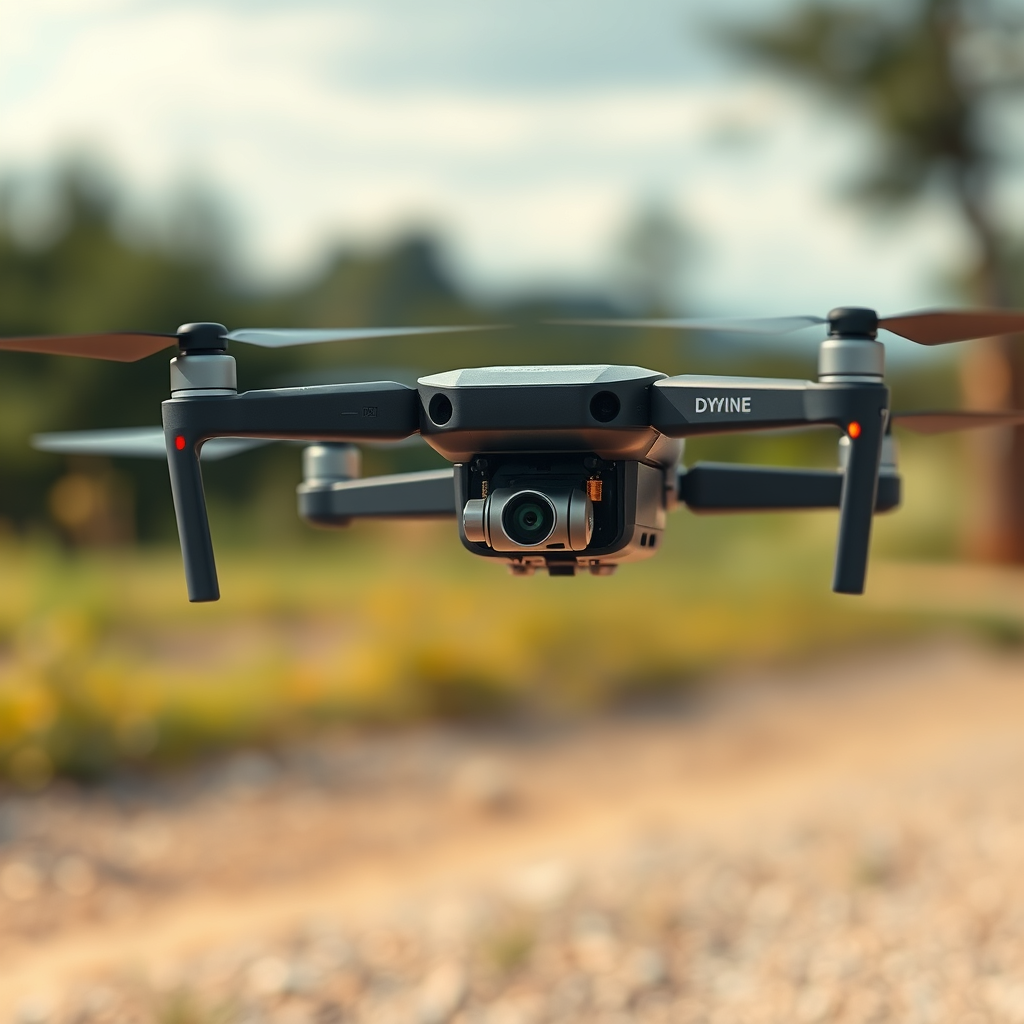
Many drones come with built-in streaming capabilities or can connect to streaming apps, allowing users to broadcast live footage effortlessly. The technology behind this functionality typically relies on real-time video transmission via Wi-Fi or 4G/LTE networks. For instance, drones like the DJI Mavic Air 2 and the Autel Robotics EVO Lite support live streaming directly to social media platforms. The video feed is processed by the drone’s camera and transmitted to the user’s device, which can then be shared across various platforms.
The quality of live streaming is influenced by several factors, including the drone’s camera resolution, bitrate, and the bandwidth of the internet connection. High-definition streams (1080p or better) require a stable and fast connection to ensure smooth transmission without buffering. Additionally, many drones feature advanced encoding technologies that compress video data, making it easier to transmit over standard internet connections without sacrificing quality.
Equipment Needed for Live Streaming from a Drone
To successfully live stream from a drone, you’ll need specific equipment to ensure optimal performance. First and foremost, a drone equipped with a high-quality camera and built-in streaming functionality is essential. Popular choices include the DJI Phantom 4 Pro and the Skydio 2, both of which offer excellent camera capabilities and streaming options.
In addition to the drone, having a smartphone or tablet is crucial for managing the live stream interface. Most drones utilize companion apps, such as the DJI Fly app or the Autel Explorer app, which allow users to control the drone’s camera settings, initiate the live stream, and monitor the video feed in real-time. Moreover, it’s advisable to invest in a mobile device with a strong battery life and sufficient processing power to handle the live streaming task.
Lastly, consider using additional accessories such as portable power banks to extend the drone’s battery life during long streaming sessions, and a quality gimbal to stabilize the camera if your drone does not come with built-in stabilization features.
Popular Platforms for Drone Live Streaming
When it comes to live streaming from a drone, several platforms can be utilized to reach your audience effectively. Social media platforms like Facebook Live and YouTube are among the most popular choices, offering built-in support for drone streaming. These platforms not only allow you to reach a broad audience but also offer features such as audience interaction through comments and reactions, enhancing viewer engagement.
Additionally, specialized services like Twitch have begun to embrace drone streaming, especially in gaming and adventure contexts, where aerial footage can add a unique perspective to content. Furthermore, dedicated drone apps such as AirMap and Litchi also support live streaming, providing users with specialized tools and features tailored toward drone operations.
Choosing the right platform largely depends on your target audience and the type of content you wish to share. For example, if you’re targeting adventure enthusiasts, streaming on Twitch may be your best option, whereas lifestyle content may perform better on Instagram Live.
Legal Considerations When Live Streaming from a Drone
Before you take to the skies, it’s crucial to understand the legal considerations surrounding drone flight and live streaming. Regulations vary widely depending on your location, so it’s essential to check local laws regarding drone operation. In many countries, including the United States, the Federal Aviation Administration (FAA) has established guidelines that must be followed to ensure safety and compliance.
Additionally, privacy laws must be respected when live streaming from a drone. Avoid streaming over private property without permission, as this can lead to legal disputes. Familiarize yourself with any no-fly zones, such as near airports, military bases, or certain urban areas, to ensure that you are operating within legal boundaries. Many apps and websites provide real-time maps and data on restricted areas, which can be invaluable for drone operators.
Lastly, consider obtaining insurance for your drone, especially if you plan to use it for commercial purposes. Insurance can protect you against potential liabilities that may arise from accidents or legal issues related to privacy infringements.
Tips for Successful Live Streaming from a Drone
To ensure a successful live-streaming experience from your drone, consider the following tips:
1. Ensure a Strong Internet Connection: A robust internet connection is critical for uninterrupted streaming. Conduct tests in advance to identify areas with good connectivity and avoid locations with weak signals.
2. Practice Flying the Drone: Familiarize yourself with the drone’s controls and features before attempting a live stream. This will not only help you gain confidence but also allow you to focus on creating quality content rather than troubleshooting during the live broadcast.
3. Plan Your Shots: Before going live, outline the key scenes or locations you want to capture. This will help you maintain a smooth flow during the stream and keep your audience engaged.
4. Engage with Your Audience: If your platform allows, interact with viewers during the live stream. Responding to comments or questions in real-time can create a more immersive experience.
5. Monitor Battery Life: Keep a close eye on your drone’s battery life and plan your streaming duration accordingly. Running out of battery during a live stream can disrupt the experience and lead to frustration.
Troubleshooting Common Live Streaming Issues
Even with thorough preparation, issues may arise during a live stream. Here are some common problems and how to address them:
1. Connection Issues: If you experience a weak or interrupted connection, consider repositioning the drone or your device to improve signal strength. Additionally, using a mobile hotspot can enhance connectivity in areas with poor Wi-Fi coverage.
2. Battery Life: Always monitor battery levels during your stream. If you notice a low battery warning, consider landing the drone safely before it runs out of power.
3. Interference from Buildings or Terrain: Be aware that physical obstacles can cause signal interference. Avoid flying in densely built-up areas or behind large structures when intending to live stream.
4. Camera Settings: Ensure that your camera settings are optimized for live streaming. Check the resolution, frame rate, and exposure settings prior to going live to capture the best quality footage.
In conclusion, live streaming from a drone is not only possible but can also enhance your content creation significantly. With the right equipment and knowledge of the regulations, you can elevate your aerial footage to new heights. By understanding the technology, navigating legal considerations, and employing best practices for live streaming, you can engage your audience like never before. Start planning your live stream today and explore the potential of drone technology!
Frequently Asked Questions
Can you live stream from a drone?
Yes, you can live stream from a drone, and it is a popular feature among drone users for capturing real-time aerial footage. Many modern drones come equipped with built-in streaming capabilities or can be paired with compatible devices, such as smartphones or tablets, to facilitate live broadcasting. To live stream effectively, ensure you have a stable internet connection, either through cellular data or Wi-Fi, and use streaming platforms that support drone inputs, like YouTube Live or Facebook Live.
What equipment do I need to live stream from a drone?
To live stream from a drone, you typically need a compatible drone with live streaming capabilities, a smartphone or tablet for control and streaming, and a reliable internet connection. Additionally, consider using a gimbal to stabilize the camera for smoother footage, as well as a portable battery pack to ensure your devices remain powered throughout the live stream. Lastly, check that you have the necessary software or apps installed for the streaming platform you choose.
How do I set up live streaming on my drone?
Setting up live streaming on your drone involves a few key steps: first, ensure your drone is equipped with a camera that supports live streaming. Next, connect your drone to a smartphone or tablet using the manufacturer’s app. Once connected, navigate to the live streaming settings within the app, choose your preferred platform (such as YouTube or Facebook), and follow the prompts to link your account. Finally, check your internet connection and start the live stream from the app interface.
Why is my drone not live streaming properly?
If your drone is not live streaming properly, there could be several reasons for this issue, including weak or unstable internet connectivity, incorrect app settings, or compatibility issues with the streaming platform. Ensure you have a strong Wi-Fi or cellular signal and that your drone’s firmware and the app are updated to the latest versions. Additionally, verify that you have set up the streaming parameters correctly and check that the drone’s camera is functioning properly.
What are the best drones for live streaming?
The best drones for live streaming typically feature high-quality cameras, stable flight capabilities, and robust connectivity options. Some top choices include the DJI Mavic Air 2, which offers 4K video and good transmission range, and the DJI Inspire 2, known for its professional-grade camera options. Other notable mentions are the Autel Robotics EVO Lite and the Parrot Anafi, both of which provide excellent streaming features. When selecting a drone for live streaming, consider factors such as camera quality, battery life, and ease of use.
References
- https://en.wikipedia.org/wiki/Drone_journalism
- https://www.faa.gov/uas/getting_started/
- https://www.cnet.com/news/how-to-live-stream-from-a-drone/
- https://www.bbc.com/news/technology-37446514
- https://www.techradar.com/news/how-to-use-a-drone-for-live-streaming
- https://www.wired.com/story/drones-live-streaming/
- https://www.nytimes.com/2021/01/15/technology/drone-live-streaming.html
