
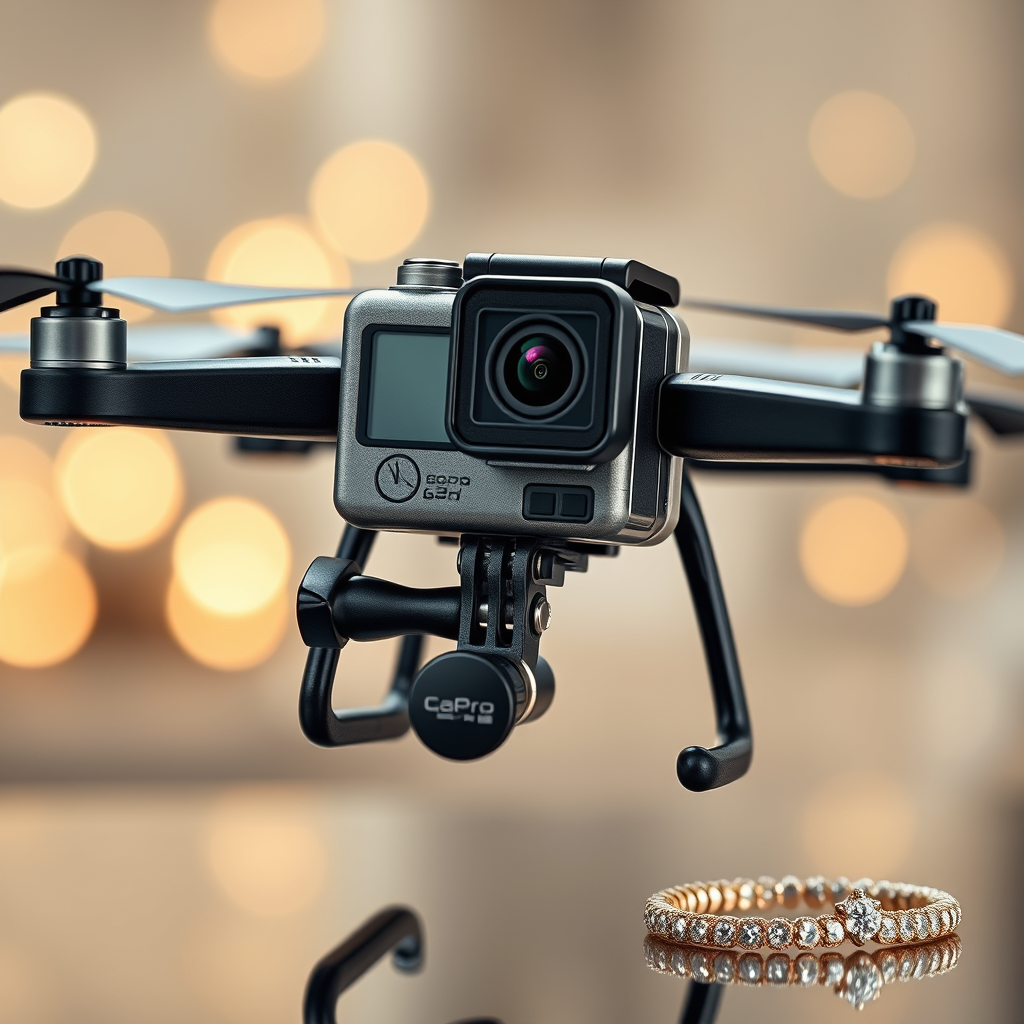
Yes, you can put a GoPro on a drone, and many enthusiasts do this to capture high-quality aerial footage. This combination allows for stunning visuals that are often unattainable with standard drone cameras. However, before you embark on this exciting venture, it’s important to consider factors such as compatibility, mounting options, stability, camera settings, and legal regulations. This article will guide you through the essentials of using a GoPro with a drone, ensuring that you maximize both safety and quality in your aerial cinematography.
Understanding Compatibility
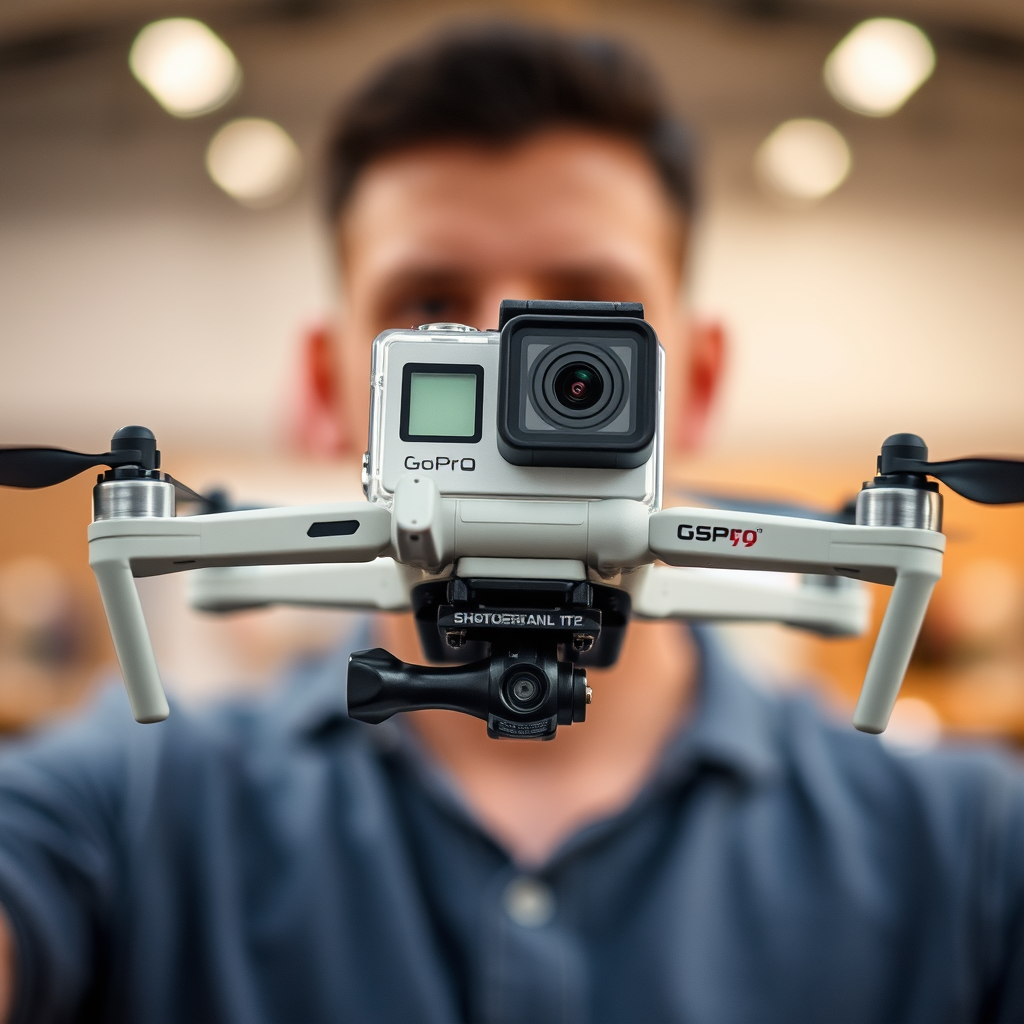
When contemplating the integration of a GoPro with a drone, the first step is to verify compatibility. Not all drones are designed to carry additional payloads like a GoPro camera. You should start by reviewing your drone’s specifications, particularly its weight limit and recommended camera types. For instance, drones such as the DJI Phantom series or the Yuneec Typhoon series are popular among those who wish to mount action cameras due to their robust construction and suitable payload capacity.
Additionally, consider the GoPro model you intend to use. Newer models, such as the GoPro HERO10 Black, offer enhanced features that can significantly elevate your footage quality. However, they may also weigh more than older models. Check the combined weight of the GoPro and any additional accessories against your drone’s payload capacity to avoid overloading, which can lead to poor flight performance or potential crashes.
Choosing the Right Mount
The choice of mount is critical for securely attaching a GoPro to a drone. It’s essential to use a sturdy and vibration-dampening mount, as these factors will greatly influence the quality of your footage. Vibration can lead to shaky images, which detracts from the overall viewing experience. Custom mounts specifically designed for drones can provide enhanced stability and ease of attachment.
For instance, the GoPro Karma Grip or third-party options like the PGYTECH OneGo Mount provide superior stabilization and ensure that the camera remains securely fastened during flight. When selecting a mount, ensure that it has been tested with both your drone and GoPro model, as compatibility can vary significantly across different brands and designs.
Weight and Balance Considerations
Adding a GoPro to your drone does not come without its challenges, primarily concerning weight and balance. Every ounce counts when it comes to drone operations, and exceeding the drone’s payload capacity can drastically affect flight time, stability, and overall safety. For example, a drone like the DJI Mavic Air 2 can typically carry an additional weight of around 0.5 kg, which means you must factor in the weight of the GoPro along with any mounting hardware.
Proper balance is crucial for maintaining stable flight and achieving smooth video footage. If the weight distribution is uneven, the drone may tilt or struggle to maintain altitude. Always perform a pre-flight check and make adjustments as necessary. It’s advisable to test your drone’s performance in a safe, open space after mounting the GoPro to ensure that it operates effectively and safely under real flight conditions.
Camera Settings for Aerial Footage
To maximize the quality of your aerial footage, optimizing your GoPro settings is essential. Start by selecting the highest resolution available, as this will provide the best clarity in your shots. For instance, setting your GoPro to 4K resolution can significantly enhance the detail in your videos, especially when capturing expansive landscapes.
Frame rate is another crucial setting; higher frame rates (such as 60 or 120 fps) can create smoother footage, particularly during fast movements. For wide landscape captures, using the GoPro’s wide-angle settings will allow you to encompass more of the scenery in a single frame, delivering breathtaking views. Don’t forget to utilize the camera’s hyper smooth stabilization feature, which can help reduce the effects of vibrations during flight.
Legal and Safety Regulations
Before flying your drone with a GoPro, it’s vital to familiarize yourself with local drone regulations and laws regarding camera use. In many countries, drone operators must adhere to specific guidelines to ensure safety and privacy concerns are addressed. In the United States, for example, the Federal Aviation Administration (FAA) mandates that all drone operators follow specific rules, including maintaining visual line-of-sight and not flying above 400 feet.
Additionally, certain areas may impose restrictions on flying drones, especially in urban settings or near airports. Always check for no-fly zones and obtain any necessary permits. Ensuring compliance with these regulations not only keeps you safe but also protects the integrity of the drone community.
Maintenance and Care
Regular maintenance of both the GoPro and the drone is crucial for ensuring longevity and optimal performance. After each flight, inspect the mount and camera for any signs of wear or potential damage. A loose mount could lead to the camera detaching mid-flight, resulting in a loss of equipment and potentially dangerous situations.
Cleaning the camera lens is another essential maintenance task. Dust, fingerprints, or water spots can significantly affect the quality of your footage, leading to blurry or unclear images. Use a soft microfiber cloth to gently clean the lens before each flight, ensuring that you capture the best possible visuals during your aerial adventures.
In conclusion, mounting a GoPro on a drone is feasible and can significantly enhance your aerial photography experience, allowing for high-quality footage that showcases stunning perspectives. However, it is essential to follow necessary precautions and guidelines regarding compatibility, mounting, performance, legal regulations, and maintenance. By understanding and implementing these principles, you can enjoy a successful and safe operation that takes your videography to new heights. Happy flying!
Frequently Asked Questions
Can you attach a GoPro to a drone?
Yes, you can attach a GoPro to a drone, provided that the drone is compatible with the camera’s weight and dimensions. Many drone enthusiasts use mounts specifically designed for GoPro cameras to ensure secure attachment and optimal positioning for capturing high-quality aerial footage. Always check the drone’s payload capacity and stability to avoid crashes or damage.
What are the best drones for carrying a GoPro?
The best drones for carrying a GoPro typically include models that offer strong payload capacities and stable flight performance. Popular choices include the DJI Phantom series, DJI Mavic Pro, and Yuneec Typhoon H. These drones provide excellent stability and control, which is essential for capturing smooth, professional-looking video footage with your GoPro.
How do you securely mount a GoPro on a drone?
To securely mount a GoPro on a drone, you’ll need a compatible mount or gimbal that fits both your GoPro model and your drone. Begin by carefully following the manufacturer’s instructions for the mount, ensuring all screws and attachments are tightly secured. Additionally, use rubber bands or Velcro straps to provide extra security, preventing the camera from detaching during flight.
Why is using a GoPro on a drone beneficial for filming?
Using a GoPro on a drone is beneficial for filming because it allows for capturing stunning aerial shots that would be difficult or impossible to achieve otherwise. GoPros are known for their high-quality video capabilities, durability, and lightweight design, making them ideal for aerial photography and videography. This combination enhances creativity and provides unique perspectives for filmmakers and content creators.
Which GoPro models are best for drone use?
The best GoPro models for drone use are typically the GoPro HERO9, HERO10, and HERO11 due to their superior video resolution, stabilization technology, and lightweight design. Each of these models offers features like 4K video, HyperSmooth stabilization, and a compact size, making them ideal for capturing high-quality footage while in flight. Always ensure that the model you choose is compatible with your drone’s mounting system.
References
- https://en.wikipedia.org/wiki/Drone_photography
- https://www.wired.com/story/drone-photography-tips/
- https://www.cnet.com/tech/what-is-a-drone-and-how-does-it-work/
- https://www.faa.gov/uas/
- https://www.nytimes.com/2020/01/13/technology/using-drones-for-photography.html
- https://www.sciencedirect.com/topics/engineering/drone-photography
