
To make a flying drone, you’ll need to gather the right materials, assemble the components carefully, and test your drone to ensure it flies properly. This guide will walk you through the essential steps to create your own flying drone, whether for fun or for more advanced projects. Building a drone can be an engaging way to explore aerodynamics and electronics while offering a rewarding hands-on experience.
Understanding Drone Basics
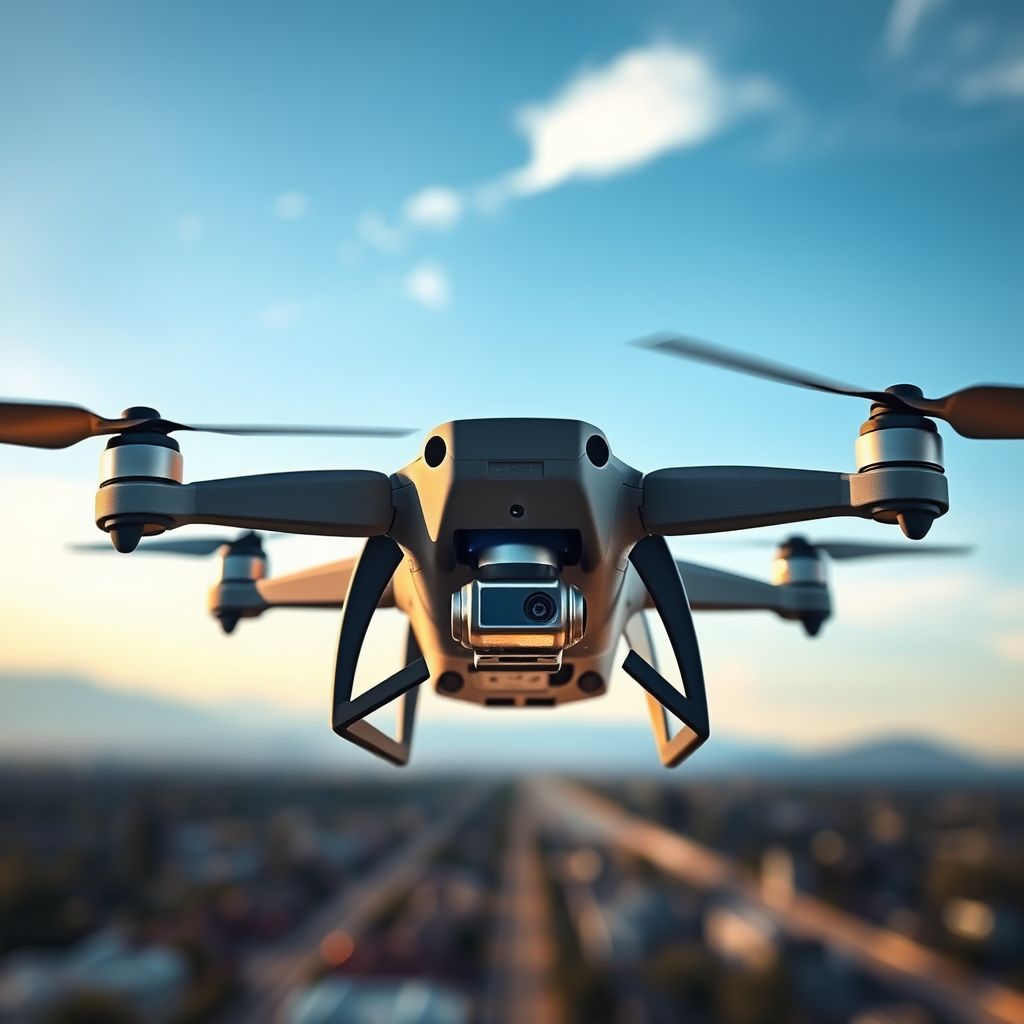
Before diving into the assembly of your drone, it is crucial to understand the different types of drones available today. The most common type is the quadcopter, which features four rotors and is known for its stability and ease of control, making it ideal for beginners. Other types include hexacopters, which have six rotors and offer greater lifting power and redundancy, and octocopters with eight rotors, commonly used for professional aerial photography due to their enhanced stability and payload capacity.
Familiarizing yourself with the critical components of a drone is equally important. The main parts include motors, which provide the necessary thrust; propellers, which translate the motor’s force into lift; and the flight controller, which acts as the drone’s brain, processing input from various sensors and adjusting motor speeds accordingly. Understanding these basics will help you make informed decisions throughout the building process.
Gathering Materials
To build your flying drone, you will need several essential parts. The basic components include:
1. Frame: The structure that holds all the components together. Common materials include carbon fiber, plastic, or aluminum.
2. Motors: Brushless motors are preferred for their efficiency and power.
3. Electronic Speed Controllers (ESC): These regulate the speed of the motors based on signals from the flight controller.
4. Battery: LiPo batteries are commonly used due to their high energy density and lightweight properties.
5. Propellers: The size and pitch of the propellers will affect performance; smaller props are often best for agility, while larger ones provide better lift.
You can source these components from various online marketplaces such as Amazon, specialized hobby stores like HobbyKing, or local electronics retailers. Many drone enthusiasts also opt for pre-packaged kits that include all necessary components to simplify the building process.
Assembling Your Drone
Once you have gathered your materials, the assembly process can begin. Follow these step-by-step instructions:
1. Build the Frame: Start by assembling the frame according to the manufacturer’s specifications. Ensure that all joints are secure and that the frame is level.
2. Attach the Motors: Secure the brushless motors to the designated mounts on the frame, ensuring they are tight enough to withstand vibrations but not so tight that they become damaged.
3. Install the ESCs: Connect the ESCs to the motors and mount them securely on the frame. Take care to follow the color-coding of the wires to ensure proper connections.
4. Connect the Flight Controller: The flight controller needs to be positioned at the center of the frame for optimal balance. Connect it to the ESCs according to your controller’s wiring diagram.
5. Solder Connections: If necessary, solder connections where applicable, ensuring to use heat shrink tubing to protect the wires. This step requires precision; poor soldering can lead to connection issues.
6. Secure the Battery: Use Velcro or straps to secure the battery to your frame, ensuring it is positioned to maintain the drone’s center of gravity.
7. Install Propellers: Finally, attach the propellers to the motors, ensuring they are secured tightly and oriented correctly for flight.
Throughout this process, pay close attention to detail and take your time to ensure that each component is securely attached.
Programming the Flight Controller
The flight controller is essential for a drone’s operation, interpreting data from sensors and adjusting the motors’ speed accordingly. Popular flight controllers include the Pixhawk, Naza, and KK2.0, each with its own software for configuration.
To program your flight controller, follow these general steps:
1. Download Software: Install the appropriate software for your flight controller on your computer.
2. Connect your Drone: Use a USB cable to connect your flight controller to your computer, allowing you to access the configuration interface.
3. Calibrate Sensors: Follow the software’s instructions to calibrate the gyro, accelerometer, and compass. Proper calibration is crucial for stable flight.
4. Configure Flight Settings: Set the parameters for flight modes, throttle ranges, and other preferences based on your intended use and flying experience.
5. Save Settings: After making your adjustments, ensure to save the configuration before disconnecting the drone from your computer.
By taking the time to properly program your flight controller, you set the stage for successful flight performance.
Testing and Calibration
Before taking your drone into the sky, thorough pre-flight checks are imperative. Begin by ensuring that all components are securely attached, and that the battery is fully charged. Conduct a brief visual inspection of the propellers for any signs of damage.
Perform an initial test flight in a controlled environment, ideally in an open space away from people and obstacles. During this test, monitor the drone’s responsiveness to controls and check for stability. If the drone exhibits erratic behavior, recalibrate the sensors and adjust the flight settings as necessary.
After your initial test flight, it’s crucial to calibrate the drone further. This involves adjusting the flight controller based on flight performance, ensuring that the drone responds accurately to your inputs.
Troubleshooting Common Issues
Even with meticulous planning and assembly, drones can encounter issues during flight. Here are some common problems and their solutions:
– Drone Not Lifting: This issue can often be attributed to insufficient battery power, improperly calibrated ESCs, or incorrectly configured propellers. Ensure the battery is fully charged and that all components are configured correctly.
– Unstable Flight: If your drone wobbles or drifts during flight, check the calibration of the flight controller and ensure that the propellers are balanced and securely attached.
– Connectivity Problems: If the drone loses connection with the remote controller, check the receiver installation and ensure that the antenna is positioned correctly.
Regular maintenance is crucial for optimal performance. Keep the drone clean, inspect components for wear, and update the flight controller’s firmware as needed.
Enhancing Your Drone Experience
Once you have successfully built and tested your drone, consider enhancing its capabilities. Adding a camera can open up new opportunities for aerial photography or videography. Many enthusiasts opt for lightweight action cameras or FPV (first-person view) cameras that provide real-time video feedback.
Integrating GPS modules can improve navigation and enable features like waypoint flights, where the drone can autonomously navigate pre-set points in the sky. Custom paint jobs not only personalize your drone but can also aid in easier visual tracking during flight.
To further enhance your skills and knowledge, consider joining online drone communities or local clubs. Engaging with fellow enthusiasts can provide valuable insights, tips, and the opportunity to participate in events or competitions.
Creating your own flying drone can be a rewarding project that enhances your understanding of technology and engineering. Follow the outlined steps, and don’t hesitate to reach out to community resources for support and inspiration. Happy flying!
Frequently Asked Questions
What materials do I need to build a flying drone?
To build a flying drone, you’ll need several key materials including a frame (which can be made from plastic, carbon fiber, or aluminum), motors (typically brushless motors), electronic speed controllers (ESCs), a flight controller, a battery (LiPo batteries are popular), propellers, and a transmitter/receiver for remote control. Additionally, tools like a soldering iron, wire cutters, and a computer for configuration may also be necessary. Collecting these materials will help ensure your drone is lightweight and capable of flight.
How can I assemble my drone step by step?
To assemble your drone, start by attaching the motors to the frame securely, followed by connecting the ESCs to the motors. Next, mount the flight controller on the frame and connect it to the ESCs and receiver. After that, install the propellers and connect the battery. Finally, configure the flight controller using software to calibrate the drone for optimal performance. Following these steps will make assembling your drone straightforward and efficient.
Why is choosing the right flight controller important for my drone?
Choosing the right flight controller is crucial because it determines how your drone responds to commands and maintains stability in the air. A good flight controller can enhance your drone’s flight capabilities, including GPS hold, altitude hold, and stabilization, which are essential for smoother flight experiences. Selecting a flight controller that matches your skill level and intended use (like racing or aerial photography) can significantly impact your drone’s performance.
What are the best practices for flying my homemade drone?
To ensure safe and effective flying of your homemade drone, start by conducting pre-flight checks, such as inspecting the battery level, ensuring propellers are secured, and verifying that all connections are solid. Always fly in open areas away from people and obstacles, and be mindful of local regulations regarding drone flight. Additionally, practice basic maneuvers in a safe environment to improve your piloting skills and to understand how your drone reacts to controls.
Which software should I use to program my drone’s flight controller?
The software you choose to program your drone’s flight controller largely depends on the type of flight controller you have. Popular options include Betaflight for racing drones, ArduPilot for versatile applications, and PX4 for advanced features. These platforms offer user-friendly interfaces and extensive documentation, making it easier to customize flight settings and improve your drone’s performance. Selecting the right software will help you maximize your drone’s capabilities and enhance your flying experience.
References
- https://en.wikipedia.org/wiki/Drone
- https://www.nasa.gov/mission_pages/tdm/overview/index.html
- https://www.faa.gov/uas/getting_started/
- https://www.aerodynamics.com/education/understanding-drone-technology
- https://www.aaai.org/ocs/index.php/AAAI/AAAI15/paper/view/10070
- https://www.smithsonianmag.com/innovation/how-drones-work-180975239/
