
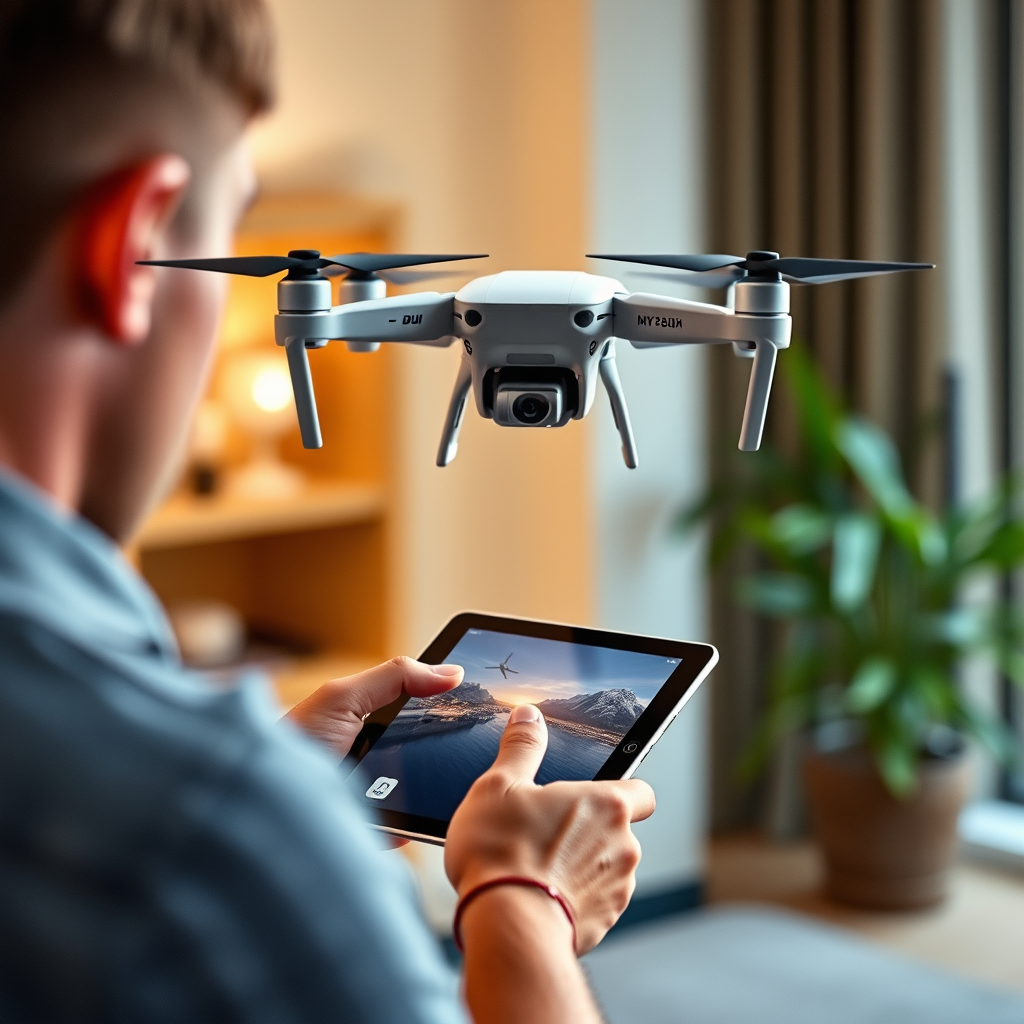
Connecting an iPad to a DJI drone is indeed possible and can enhance your flying experience significantly. With the right apps and accessories, you can easily control your drone, view live feeds, and access advanced features. Utilizing an iPad for drone operations offers a larger screen for better visibility and control over your aerial photography and videography, making it a popular choice among drone enthusiasts. In this article, we’ll explore how to set up your iPad with a DJI drone and the benefits of doing so.
Understanding Compatibility
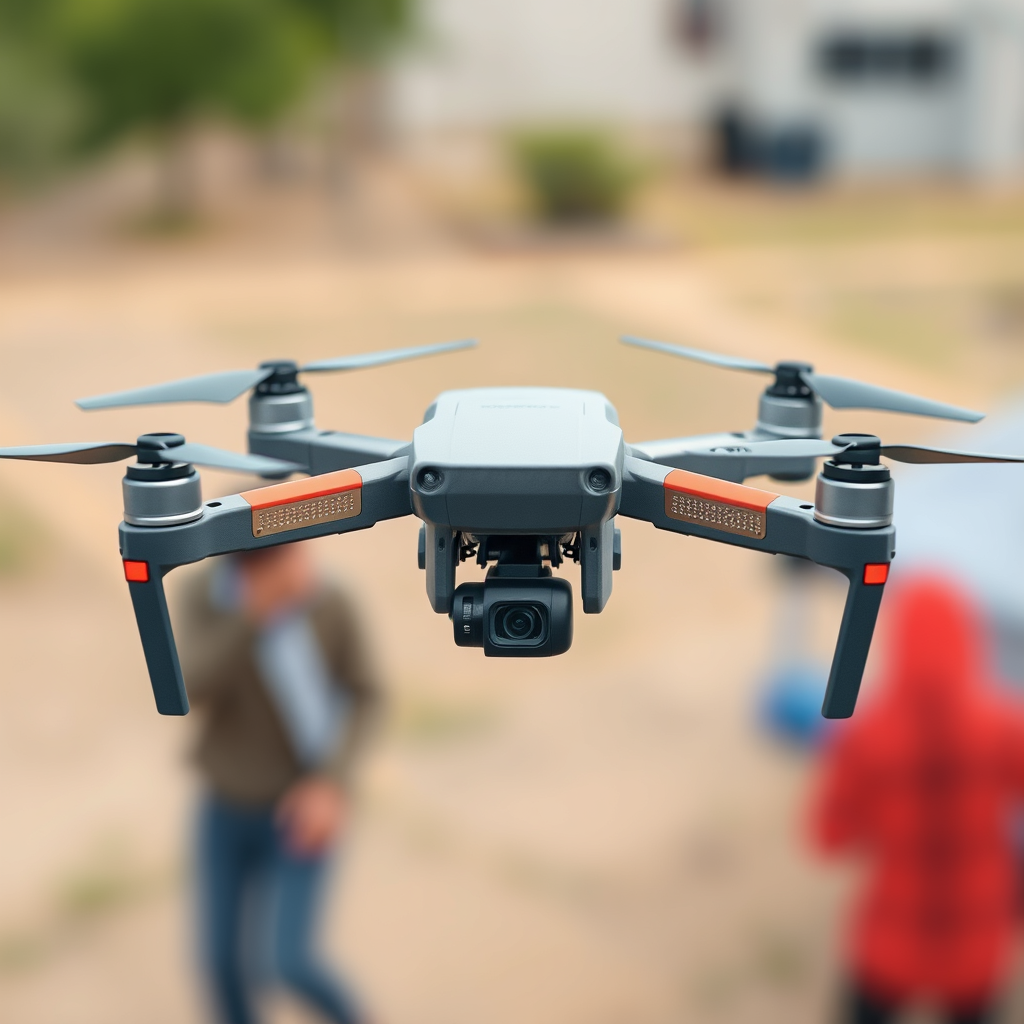
When considering connecting an iPad to a DJI drone, it is crucial to first understand compatibility. Not all DJI drone models support iPads, so it’s essential to check the specifications of your specific model. For instance, the DJI Mini series and the Mavic series are generally compatible with iPads, but older drone models may not have this functionality.
Additionally, ensure that your iPad’s operating system is compatible with the DJI app you intend to use. For example, the DJI Fly app requires iOS 11.0 or later, while the DJI GO app may have different requirements. Before attempting to connect, always refer to the DJI website or user manual for updated compatibility information, as this can save you time and avoid frustration during setup.
Required Accessories
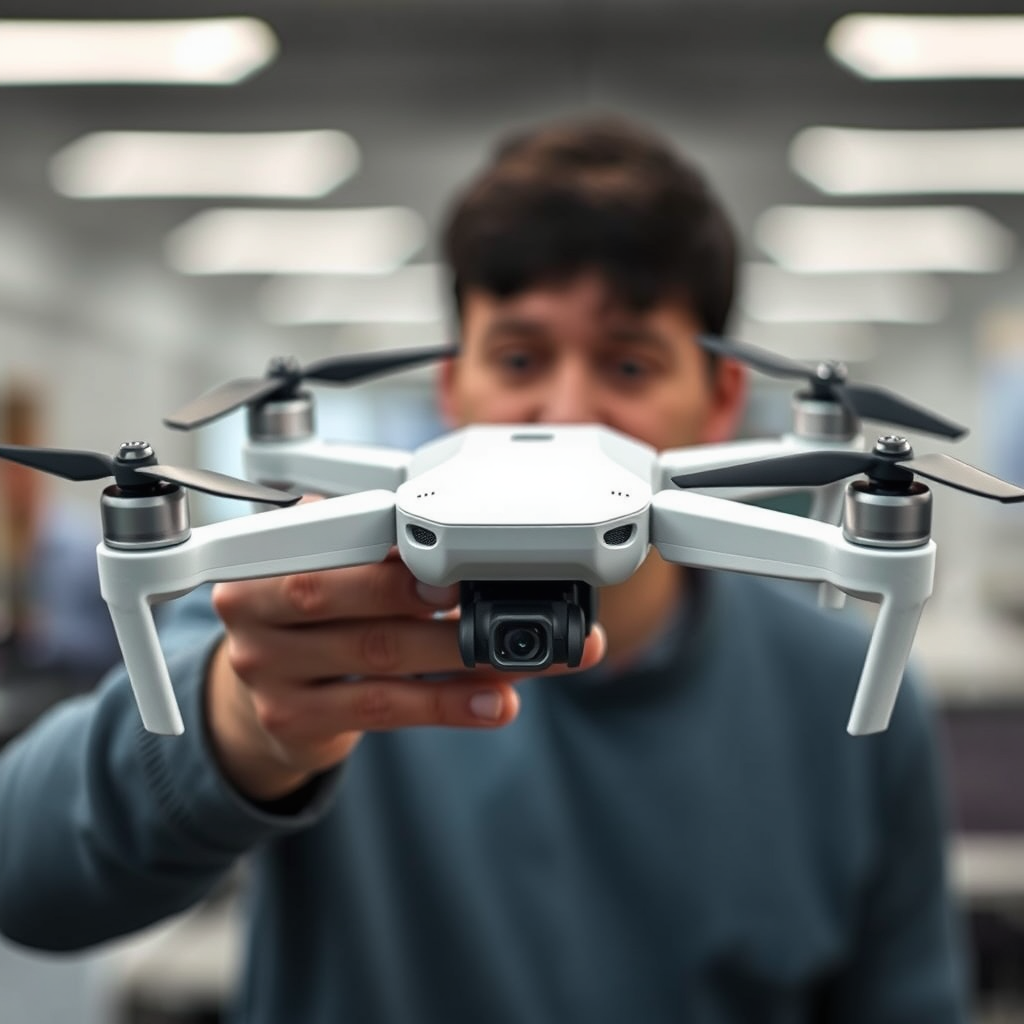
To effectively connect your iPad to a DJI drone, you will need some specific accessories. First, a compatible cable or adapter is essential for linking your iPad to the drone’s remote controller. Most DJI controllers come with a USB port to facilitate this connection, but depending on your iPad model, you may need a Lightning to USB adapter or a USB-C to USB adapter.
Moreover, for a seamless flying experience, consider purchasing a tablet holder designed for secure mounting during flight. Many drone enthusiasts recommend holders that attach to the remote controller, allowing for easier access to your iPad without compromising stability. This setup not only enhances comfort but also ensures that you can focus on flying rather than fumbling with your device.
Downloading the DJI App
The next step in connecting your iPad to a DJI drone is downloading the appropriate app. Visit the App Store to download either the DJI Fly or DJI GO app, depending on your drone model. For instance, newer models like the Mavic Air 2 utilize the DJI Fly app, while older models, including the Phantom 4, require the DJI GO app.
Once downloaded, you will need to create an account or log in to access all features of the app. This account will allow you to save settings, access firmware updates, and utilize cloud services for footage storage. As a best practice, keep the app updated to benefit from the latest features and improvements, enhancing your overall flying experience.
Connecting Your iPad to the Drone
After ensuring that your iPad is equipped with the necessary app, it’s time to connect it to the drone. Begin by powering on both your drone and the remote controller. Once powered, connect your iPad to the controller using the appropriate cable.
Open the DJI app on your iPad, and you will be prompted with on-screen instructions to establish a connection between your iPad and the drone. Follow these prompts carefully, as they may vary slightly depending on the app and drone model. Once connected, you should see a live feed from the drone’s camera on your iPad, indicating a successful setup.
Benefits of Using an iPad
Utilizing an iPad with your DJI drone comes with numerous benefits. One of the most significant advantages is the larger screen size compared to smartphones, which allows for better visibility of live feeds and flight data. This larger display can be particularly beneficial when navigating complex environments or capturing detailed aerial footage.
Moreover, the DJI app offers enhanced control features and settings that can be more easily accessed and manipulated on an iPad. For example, adjusting camera settings, planning flight paths, or utilizing intelligent flight modes can be done with greater precision. This improved interface can ultimately lead to more successful flights and higher-quality imagery.
Troubleshooting Connection Issues
Despite the straightforward process of connecting an iPad to a DJI drone, you may encounter some connectivity problems. If you experience issues, a good first step is to restart both the drone and the iPad. This simple action can often resolve minor glitches that may be causing the connection failure.
If restarting does not work, check for app updates or firmware updates for both the drone and remote controller. Keeping your software up to date is critical for ensuring compatibility and functionality. Additionally, ensure that your iPad’s Bluetooth and Wi-Fi settings are enabled, as these are often required for the connection process.
Tips for Optimal Use
To maximize your flying experience with an iPad connected to a DJI drone, there are several tips to consider. First, ensure a stable internet connection when using features that require online access, such as downloading maps or updating firmware. A reliable connection will prevent interruptions during flight and enhance your overall experience.
Familiarizing yourself with the app’s features before flying is also advisable. Spend some time exploring the various functionalities, including flight modes, camera settings, and data overlays, to enhance your flying competency. Understanding the app’s capabilities can significantly improve your ability to capture stunning footage and manage flight operations effectively.
By following these steps, you can successfully connect your iPad to a DJI drone, unlocking a range of functionalities that enhance your aerial photography and videography. If you haven’t already, try connecting your iPad today to enjoy a more immersive flying experience. With the right setup and knowledge, your drone flights can become not just a hobby, but a pathway to creativity and exploration.
Frequently Asked Questions
Can an iPad be connected to a DJI drone?
Yes, an iPad can be connected to a DJI drone as long as the iPad is compatible with the DJI Go or DJI Fly app, which is essential for controlling the drone and accessing its features. Most recent iPad models running iOS 11 or later can connect seamlessly with DJI drones, allowing users to enjoy a larger screen for a better flying experience and enhanced control over their drone’s settings.
How do I connect my iPad to a DJI drone?
To connect your iPad to a DJI drone, first, download the appropriate app (DJI Go or DJI Fly) from the App Store. Next, use the provided USB cable to connect the iPad to the drone’s remote controller. Once connected, launch the app, and follow the on-screen prompts to establish a connection between the iPad and the drone, ensuring all firmware is updated for smooth operation.
Why won’t my iPad connect to my DJI drone?
If your iPad won’t connect to your DJI drone, it may be due to a few common issues. First, ensure that the app is properly installed and updated to the latest version. Additionally, check your iPad’s iOS version, as outdated software can cause compatibility problems. Lastly, verify that the USB cable is functioning correctly and securely connected to both the iPad and the remote controller.
What is the best iPad model for flying DJI drones?
The best iPad model for flying DJI drones typically includes the iPad Pro or the latest iPad Air, as these models offer powerful processing capabilities, excellent display quality, and long battery life. The larger screens on these devices enhance visibility when flying, enabling better control and navigation. However, even standard iPads are sufficient for casual drone users, given they are compatible with the DJI apps.
Which DJI drones are compatible with the iPad?
Most DJI drones are compatible with the iPad, particularly those that utilize the DJI Go or DJI Fly apps, such as the DJI Mavic series (Mavic Air, Mavic Pro, Mavic Mini) and the DJI Phantom series. Always check the specific drone model’s compatibility on the DJI website or app to ensure your iPad can connect and operate the drone effectively.
References
- DJI
- DJI – Official Website
- DJI Support for Products Repairs Services and Technical Help – DJI United States
- https://www.techradar.com/news/how-to-connect-your-dji-drone-to-an-ipad
- https://www.pcmag.com/how-to/how-to-fly-a-drone-with-your-ipad
- https://www.cnet.com/tech/mobile/how-to-fly-your-drone-with-an-iphone-or-ipad/
