
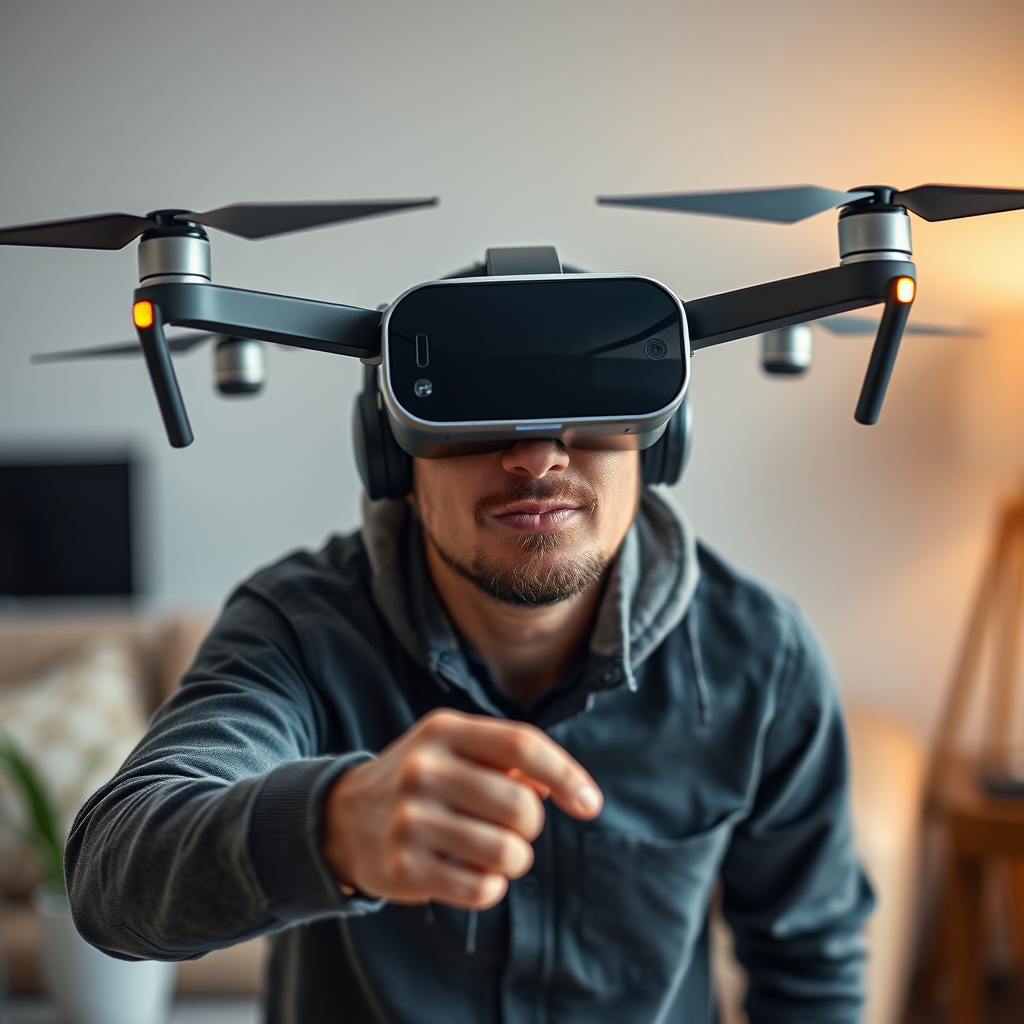
Using DJI goggles with other drones is possible, but compatibility varies depending on the drone model and the specific features you want to utilize. While DJI goggles are primarily designed for DJI’s own line of drones, such as the Mavic and Phantom series, there are some third-party options that can work with these goggles. In this article, we’ll explore which drones are compatible with DJI goggles, what functionalities can be expected, and tips for achieving the best experience.
Understanding DJI Goggles’ Compatibility
DJI goggles are engineered to seamlessly integrate with DJI drones, providing a user-friendly experience that includes low-latency video feeds and advanced telemetry data. However, this does not mean that they cannot be used with other drone brands. Compatibility is largely dictated by the technology used in the drone’s video transmission system. For instance, DJI’s proprietary OcuSync technology is a key feature that allows for high-definition video streaming and low latency, which may not be present in other brands.
To determine if your drone can work with DJI goggles, it is crucial to look for compatibility lists or forums where drone enthusiasts share their experiences. Some third-party drones have adopted similar video transmission protocols, enabling them to connect with DJI goggles, but this often requires additional configuration or setup.
Types of Drones That Can Work with DJI Goggles
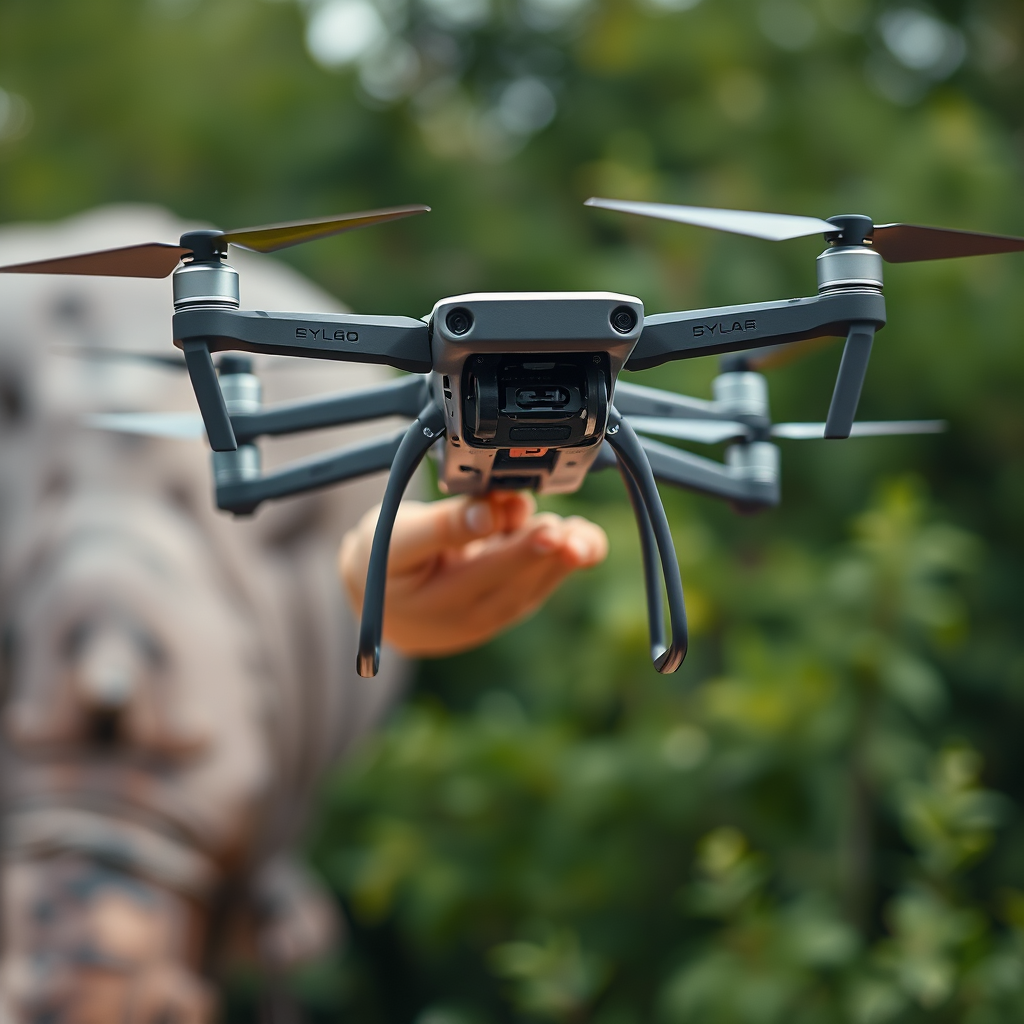
– FPV Drones: Many FPV (First Person View) drones can connect with DJI goggles if they support the necessary video transmission protocols. Notable examples include the iFlight Nazgul series and some models from brands like Eachine and BetaFPV. These drones often come equipped with compatible video output systems, making it easier to link with the DJI goggles for an immersive flying experience.
– Custom Builds: For drone enthusiasts who enjoy building their own devices, integrating DJI transmission systems into custom drones is another viable option. By utilizing components like the DJI Air Unit or the DJI FPV System, hobbyists can create drones that not only fly well but also provide the high-quality video feed that DJI goggles are known for. This approach requires a good understanding of electronics and drone mechanics but offers the ultimate flexibility in design.
Key Features of DJI Goggles with Other Drones
When connected to compatible drones, users can take advantage of several exceptional features:
– Video Feed: One of the standout features of DJI goggles is their ability to deliver high-definition video feeds. This allows pilots to enjoy a more immersive flying experience, providing a clearer view of the drone’s surroundings. With a resolution that can reach 1080p, users can easily spot obstacles and navigate more effectively.
– Control Functions: Some drones allow goggle users to control flight features directly through the goggles’ interface. This means that functions such as changing flight modes or accessing camera settings can be done without needing to revert to a separate remote controller. This hands-free capability enhances the user experience, making flying more intuitive and engaging.
Limitations of Using DJI Goggles with Non-DJI Drones
While there are benefits to using DJI goggles with non-DJI drones, there are also several limitations to consider:
– Reduced Functionality: Users may experience reduced functionality when using DJI goggles with third-party drones. Advanced features such as telemetry data and automated flight modes may not be accessible, depending on the drone’s compatibility. This can limit the overall flying experience, particularly for those who rely on these features for more complex maneuvers.
– Setup Complexity: Setting up DJI goggles with non-DJI drones often requires additional configuration and can be complex. Users may need to delve into technical settings, and compatibility issues may arise, leading to frustration. It’s advisable to consult online resources or community forums for guidance on how to properly configure these systems.
Tips for Optimizing Your Experience
To ensure a smooth and enjoyable experience when using DJI goggles with other drones, consider the following tips:
– Check Compatibility Lists: Always refer to the manufacturer’s compatibility lists for the most accurate information. This not only saves time but also helps in avoiding potential connectivity issues. Engaging with online drone communities can also provide firsthand insights into user experiences and compatibility.
– Firmware Updates: Keeping both your goggles and drone updated with the latest firmware is essential for preventing connectivity issues. Manufacturers frequently release updates that may improve compatibility and add new features. Regularly checking for updates can help ensure that everything functions optimally before your flight.
Popular Alternatives to DJI Goggles
For those seeking alternatives to DJI goggles, a few brands stand out:
– Fat Shark and Skyzone: These brands offer FPV goggles that may be better suited for non-DJI drones. Fat Shark goggles, for example, are widely recognized in the FPV community for their durability and performance. They also offer a variety of models to suit different preferences and budgets.
– Considerations for Selection: When selecting FPV goggles, consider features such as resolution, field of view, and latency. Higher resolution allows for a clearer image, while a wider field of view enhances immersion. Additionally, lower latency is crucial for real-time responsiveness, especially in competitive flying scenarios.
In summary, while DJI goggles can be used with other drones, their compatibility is not universal, and several factors must be considered to maximize the experience. By understanding the types of drones that work well with DJI goggles, the features they offer, and the limitations involved, drone enthusiasts can make informed choices. Always check compatibility, keep your devices updated, and explore both DJI and alternative FPV options to find the best setup for your aerial adventures.
Frequently Asked Questions
Can DJI goggles be used with non-DJI drones?
Yes, DJI goggles can be used with non-DJI drones, but compatibility largely depends on the specific drone model and the transmission technology it employs. To connect DJI goggles to other drones, you may need to use a compatible video transmitter that supports the DJI video transmission protocol, such as the DJI Air Unit or a third-party analog video transmitter. It’s essential to check the specifications of both the goggles and the drone to ensure they can communicate effectively.
What are the best drones to use with DJI goggles?
The best drones to use with DJI goggles are those that are compatible with the DJI video transmission system, such as the DJI FPV drone, Mavic Air 2, and the Inspire series. Additionally, many custom-built FPV racing drones equipped with DJI’s digital FPV system can also pair seamlessly with the goggles. When selecting a drone, consider factors like flight time, range, and your intended use (e.g., racing, photography) to find the perfect match for your DJI goggles.
How do I connect DJI goggles to a different brand of drone?
To connect DJI goggles to a different brand of drone, you will typically need a compatible video transmitter that can send signals from the drone’s camera to the goggles. First, install the video transmitter on the drone and connect it to the camera. Then, power on both the drone and the goggles, and use the goggles’ menu to search for available video feeds. Following these steps will help you establish a connection, but be sure to consult the user manuals for specific instructions related to your equipment.
Why should I consider using DJI goggles with my drone?
Using DJI goggles with your drone can significantly enhance your flying experience by providing an immersive first-person view (FPV) that allows you to see exactly what your drone sees. This can improve your piloting skills and make flying more enjoyable, especially for FPV racing and aerial photography. Additionally, DJI goggles feature high-quality displays and low-latency video transmission, which means you can enjoy smoother video with minimal lag during flight.
Which DJI goggles are the best for use with other drones?
The best DJI goggles for use with other drones are the DJI Goggles 2 and the DJI FPV Goggles. The DJI Goggles 2 offer advanced features, including a high-resolution display, low latency, and compatibility with various DJI drones and third-party systems. Meanwhile, the DJI FPV Goggles are specifically designed for immersive FPV flying and come with a reliable digital transmission system, making them ideal for both DJI and custom drone setups. Choose based on your specific needs, such as comfort, display quality, and compatibility features.
References
- https://en.wikipedia.org/wiki/DJI_Goggles
- https://www.dji.com/information/faq
- https://www.techradar.com/news/dji-goggles-review
- https://www.droneblog.com/2021/10/07/using-dji-goggles-with-other-drones/
- https://www.theverge.com/2020/4/29/21240884/dji-goggles-review-drone-compatibility-features-price
- https://www.digitaltrends.com/drones/dji-goggles-review/
- https://www.pcmag.com/picks/the-best-drone-goggles
- https://www.wired.com/story/dji-goggles-review/
