
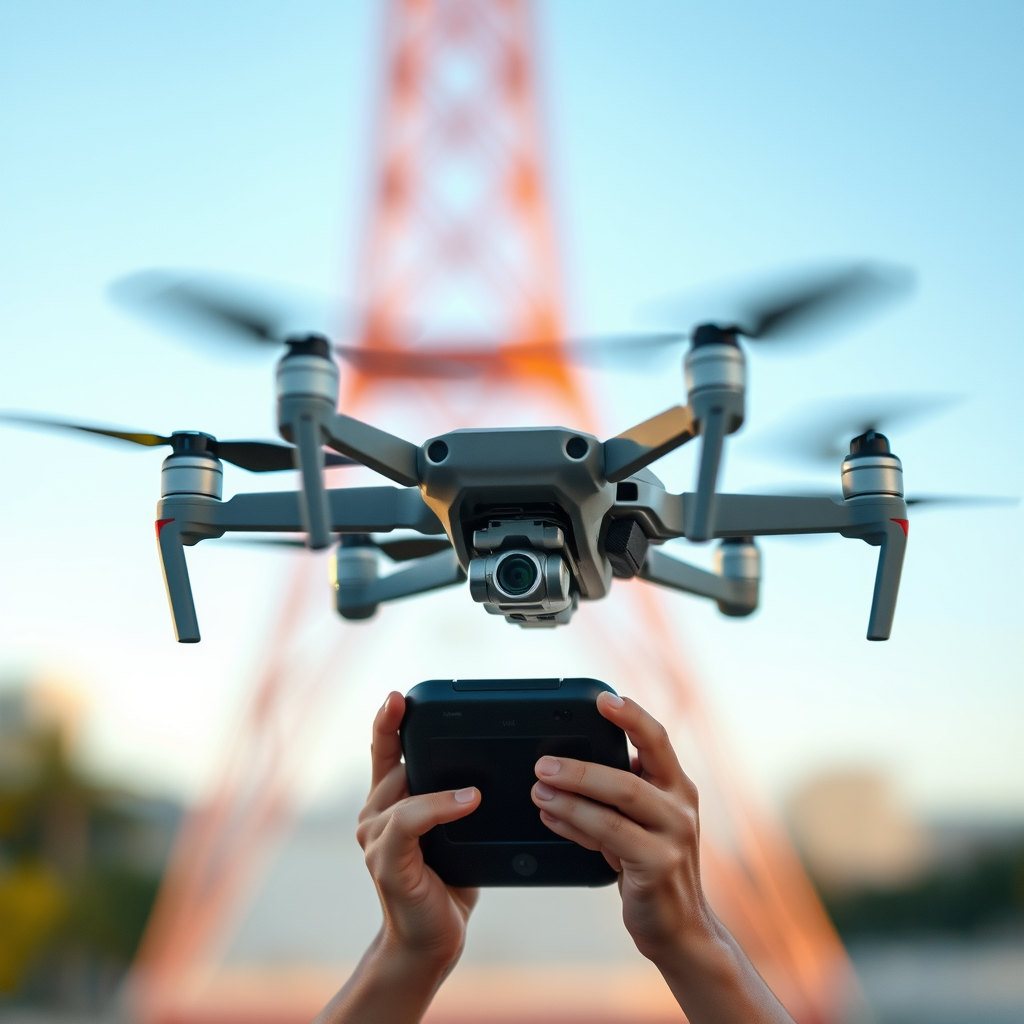
Flying your DJI drone with only the remote is indeed possible, but there are important factors to consider. While most DJI drones are designed to be operated solely through their dedicated remote controls, the user experience may be somewhat limited compared to using a smartphone or tablet in conjunction with the remote. In this article, we will explore the functionalities, limitations, and practical tips for flying your drone without additional devices, enabling you to maximize your flying experience using just the remote.
Understanding Remote Control Functionality
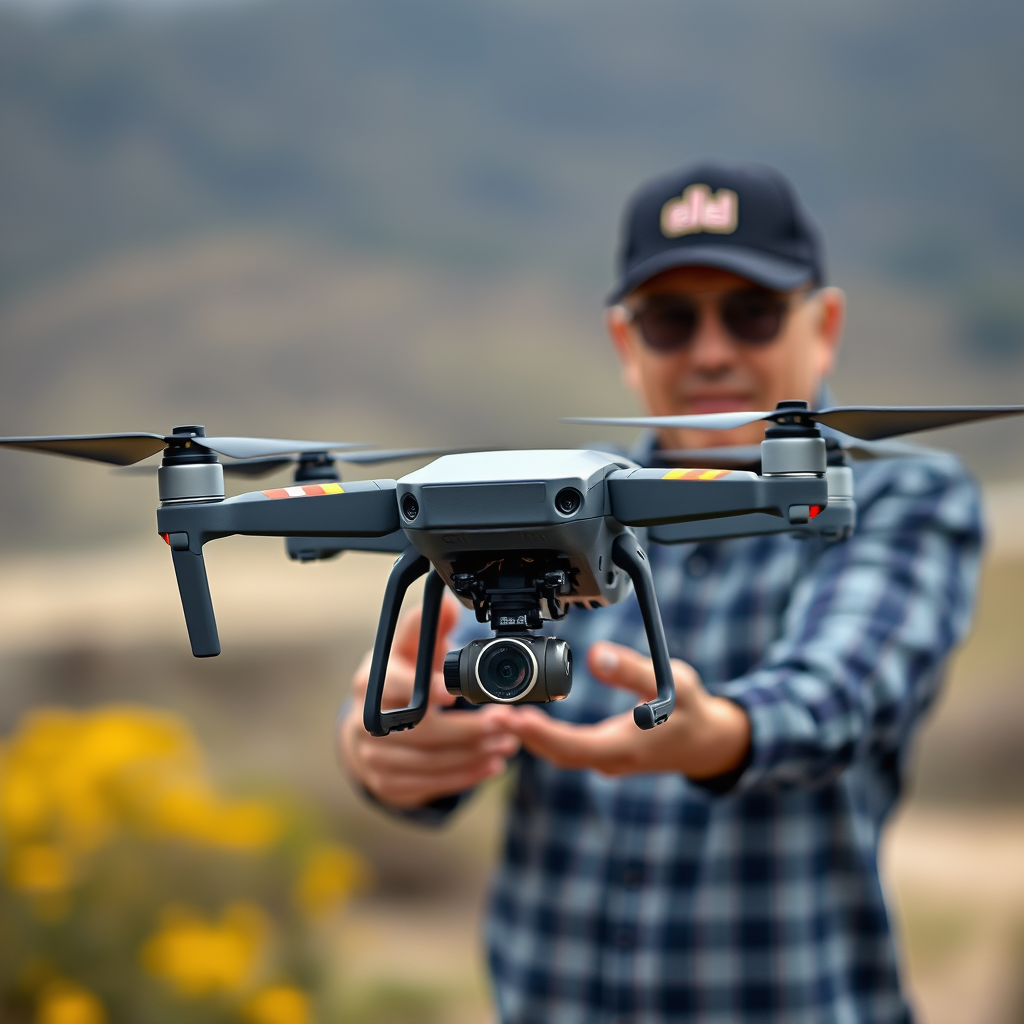
Most DJI drones are equipped with sophisticated remote control systems that allow users to fly their drones effectively without needing an additional device. The remote provides essential controls for takeoff, navigation, and landing, which are fundamental for any flight operation. Typically, the remote features a range of joysticks for maneuvering the drone, buttons for initiating takeoff and landing, and switches for activating various flight modes.
For example, the DJI Mavic series remotes come with intuitive controls that allow for smooth transitions between hovering, ascending, and descending. Additionally, the remote often includes customizable buttons that can be programmed to activate specific features, making it easier for pilots to execute complex maneuvers. Having a solid understanding of your remote’s functionality is vital for safe and effective flying.
Limitations of Remote-Only Flight
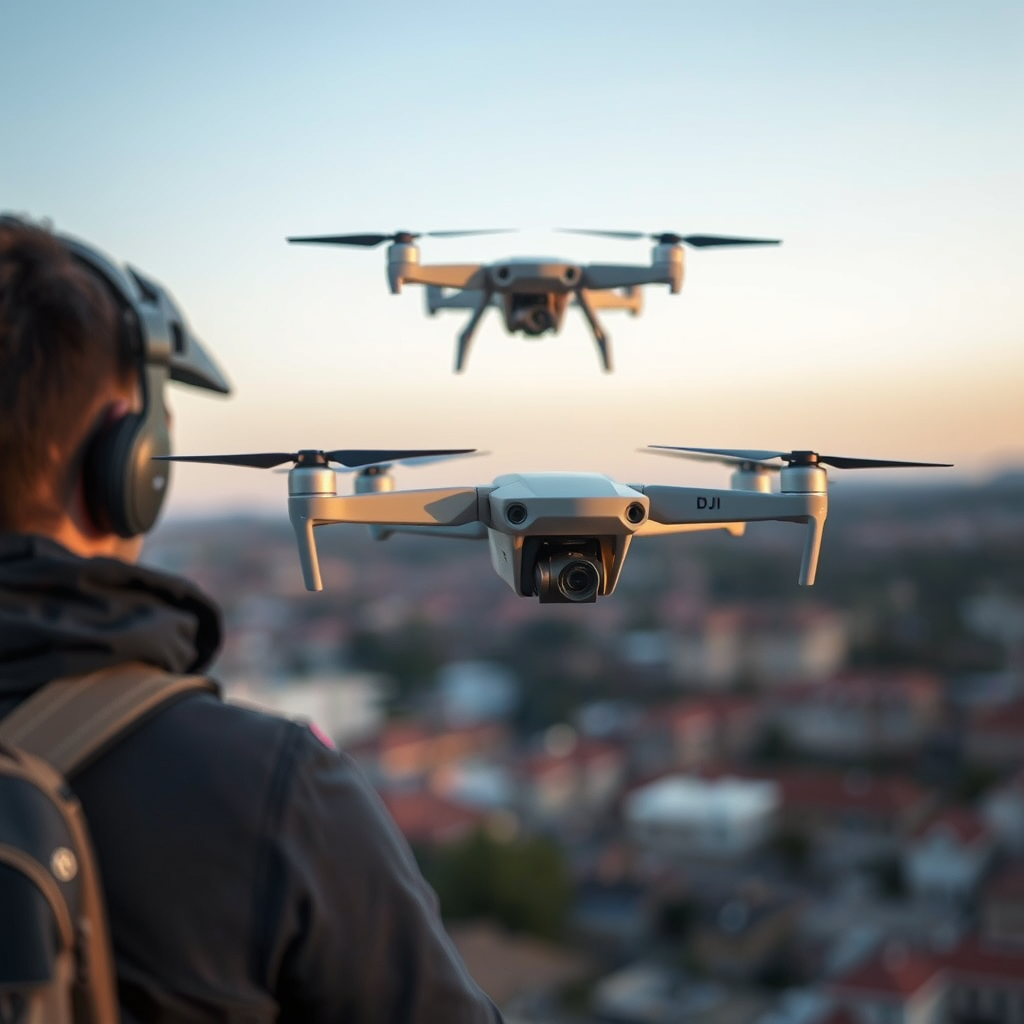
While flying with just the remote is feasible, it comes with specific limitations that users should be aware of. One of the most significant drawbacks is the unavailability of some advanced features that enhance the flying experience, such as intelligent flight modes and obstacle avoidance settings, which typically require a smartphone or tablet to access. For instance, features like ActiveTrack, which allows the drone to autonomously follow a subject, and Waypoints, which enable pre-defined flight paths, are often controlled via the DJI Fly app or DJI GO app.
Moreover, flying solely with the remote means you miss out on the real-time video feed from the drone’s camera. This feedback is crucial for capturing high-quality footage and ensuring that the drone remains within the desired flight parameters. Without the visual assistance provided by a connected device, pilots may find it challenging to navigate effectively, especially in complex environments.
Essential Pre-Flight Checks
Prior to taking to the skies, conducting essential pre-flight checks is critical to ensure a successful flying experience. First, ensure that your remote is fully charged to avoid losing connection mid-flight. A low battery can lead to unexpected descents or loss of control, which can cause accidents. Additionally, inspect the drone’s battery and ensure it is adequately charged.
Another important step is to check for firmware updates on your drone and remote. Keeping your firmware up to date optimizes performance and enhances safety features, providing a smoother flying experience. Most DJI drones have an easy update process that can be completed through the DJI assistant software or the accompanying mobile app. Finally, familiarize yourself with the drone’s location and any potential obstacles before takeoff, as this will help mitigate risks during your flight.
Safety Considerations
Safety should always be a top priority when flying drones, regardless of whether you’re using a remote alone or with additional devices. Always fly within the line of sight to maintain control over your drone. This practice not only ensures that you can respond quickly to any unexpected situations but also complies with many local regulations regarding drone operations.
Moreover, be aware of local regulations governing drone flight, as these laws can vary significantly by region. Some areas may have restrictions on flying drones near airports, populated areas, or sensitive environments. Familiarizing yourself with these rules not only helps avoid legal issues but also promotes safe flying practices that protect both your drone and the public.
Tips for Effective Remote-Only Flying
To make the most of your remote-only flying experience, it is crucial to familiarize yourself with your remote’s controls before taking off. Spend time understanding each button’s function and practice transitioning between different flight modes. This preparation will build your confidence and ensure that you can respond effectively during your flight.
Additionally, practice flying in open areas free from obstacles and distractions. Such environments provide an excellent opportunity to hone your skills without the risk of crashing into trees, buildings, or other hazards. As you gain experience, gradually increase the complexity of your flying environments to build your proficiency and comfort level.
Troubleshooting Common Issues
Even experienced pilots may encounter issues while flying their drones. If your drone becomes unresponsive, the first step is to check the remote’s connection and battery status. Ensure that the remote is powered on and that the drone is within the operational range of the remote. If issues persist, consult the user manual for troubleshooting steps specific to your model.
In some cases, understanding how to reset the drone and remote can resolve connectivity problems. Many DJI drones come with a reset feature that can be accessed through the remote or by following specific button sequences. Familiarizing yourself with these procedures can save time and frustration during your flying sessions.
Enhancing Your Flight Experience
While flying with the remote alone can be rewarding, consider investing in additional accessories that can improve your experience. For instance, range extenders allow you to fly further without losing connection, while propeller guards can protect your drone from damage during close-quarters flying.
Furthermore, explore community forums and local drone clubs for tips and shared experiences from other remote-only pilots. Engaging with fellow enthusiasts can provide invaluable insights into best practices, innovative techniques, and troubleshooting advice, ultimately enhancing your overall flying experience.
Summarizing the key points, flying your DJI drone with just the remote is feasible and can be a rewarding experience. However, it is important to be mindful of the limitations and safety considerations involved. By knowing your remote’s functionalities, conducting pre-flight checks, and adhering to safety regulations, you can maximize the enjoyment of your drone flying experience. For further tips and resources, consider joining a local drone flying group or an online community to enhance your skills and knowledge in this exciting hobby.
Frequently Asked Questions
Can I fly my DJI drone using just the remote control?
Yes, you can fly your DJI drone using just the remote control. DJI drones are designed to be operated primarily via their dedicated remote controllers, allowing users to fly without relying on a mobile device. However, some features, such as live video feed and advanced settings, may require a connection to the DJI app on a smartphone or tablet.
What happens if I lose the connection to my DJI drone while using the remote?
If you lose connection to your DJI drone while using the remote, the drone will typically enter a fail-safe mode, which may include a Return-to-Home (RTH) feature. This means the drone will automatically return to its takeoff point or hover in place, depending on your settings. It’s crucial to ensure that your remote controller is fully charged and within the operational range to minimize connection loss during flight.
How can I optimize my DJI drone’s performance when flying with the remote only?
To optimize your DJI drone’s performance when flying with the remote only, make sure to update the firmware of both the drone and the remote controller. Additionally, conduct pre-flight checks, including calibrating the compass and ensuring GPS connectivity. Flying in open areas away from obstacles and interference can also enhance your drone’s stability and overall performance.
Why would I choose to fly my DJI drone without a mobile device?
Flying your DJI drone without a mobile device can be beneficial in various situations, such as when your smartphone’s battery is low or you prefer a simplified operation. Some users find that using the remote alone can reduce distractions from notifications and apps, allowing for a more focused flying experience. Additionally, certain environments may limit the use of mobile devices due to risk factors like moisture or dust.
Which DJI drones can be flown using just the remote without a smartphone?
Many DJI drones, including popular models like the DJI Mini 2 and the DJI Mavic Air 2, can be flown using just the remote control. However, the level of functionality may vary; while basic flight controls are available, advanced features such as live video streaming or intelligent flight modes typically require a connected mobile device. Always check the specific model’s user manual for details on capabilities when flying without a smartphone.
References
- https://en.wikipedia.org/wiki/Drone_flight
- https://www.faa.gov/uas/getting_started/fly_without_a_license
- https://www.nasa.gov/feature/nasa-s-drones-and-the-future-of-flight
- https://www.suasnews.com/2020/09/what-you-need-to-know-about-flying-drones-in-the-uk/
- https://www.dronepilotgroundschool.com/flying-drones-without-a-remote-controller/
