
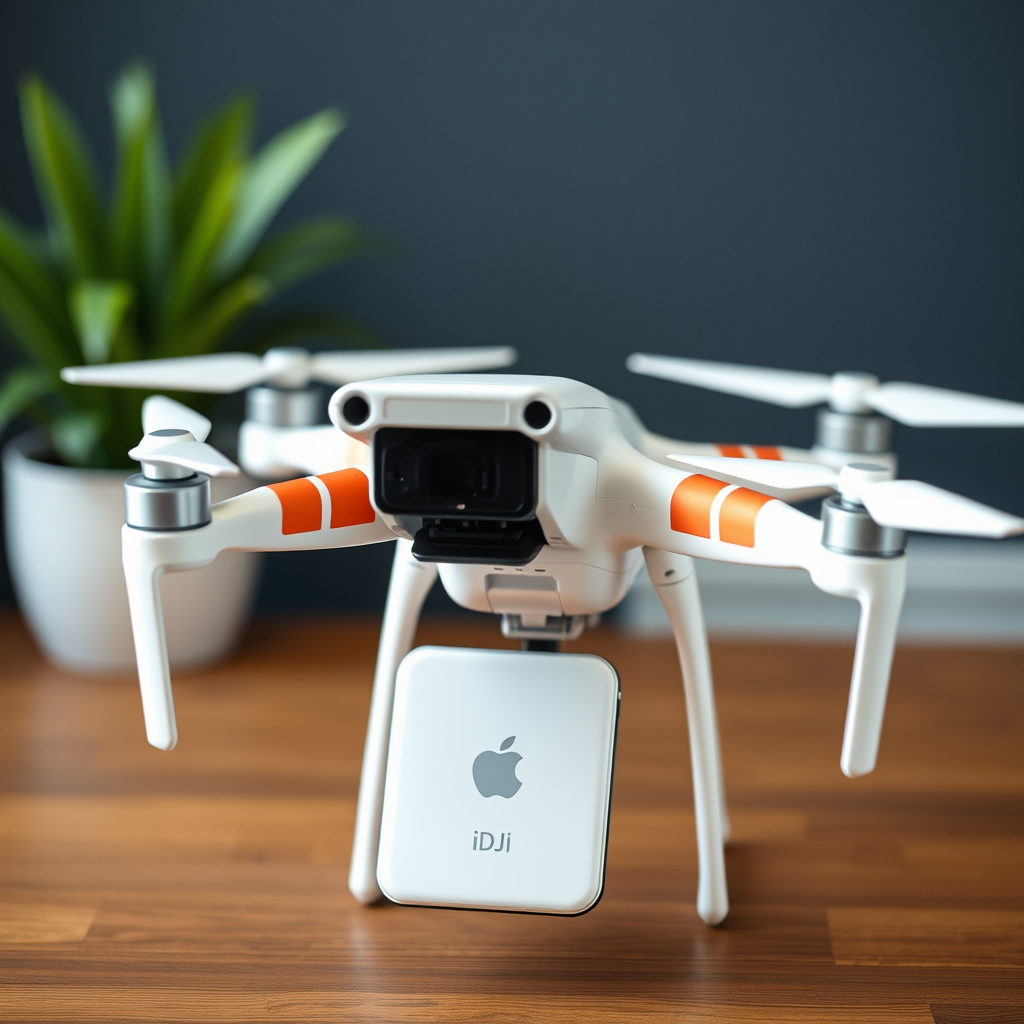
Yes, you can use an iPod with a DJI Phantom 3 drone, provided your device meets specific requirements. While the Phantom 3 is optimized for use with certain mobile devices, newer iPod Touch models can be integrated into your drone flying experience. Understanding compatibility, required applications, setup procedures, available features, troubleshooting tips, and additional enhancements will ensure an optimal experience while operating your drone.
Compatibility of iPod Models
Not all iPod models are compatible with the DJI Phantom 3. To successfully use an iPod, it must be a newer version, specifically an iPod Touch. The iPod Touch models released from the fifth generation onward generally support the necessary applications and connectivity features required for drone operation. Additionally, it is crucial to check the iOS version on your iPod, as the device must run at least iOS 9.0 or later to be compatible with the DJI GO app, which is essential for controlling the Phantom 3. If you have an outdated iOS version, you may need to update your device to unlock the full potential of the app and ensure smooth functionality.
Required Apps for Drone Control
The primary application needed to control the DJI Phantom 3 is the DJI GO app. This app serves as the interface through which you can manage your drone’s flight, camera settings, and access real-time telemetry data. To ensure optimal performance and access to the latest features, it’s important to download the latest version of the DJI GO app from the App Store on your iPod Touch. Regular updates to the app often include crucial bug fixes, new features, and enhancements that can significantly improve your flying experience. For example, updates may introduce new flight modes or improved stability features that enhance the overall functionality of your drone.
Setting Up Your iPod for Flight
Setting up your iPod to control the DJI Phantom 3 involves a few straightforward steps. First, ensure that your iPod is fully charged to avoid any interruptions during flight. Next, connect your iPod to the drone’s remote controller via Wi-Fi. This is typically done by selecting the drone’s Wi-Fi network in your iPod’s settings. Once connected, launch the DJI GO app and follow the setup instructions provided within the app. This process includes calibrating the drone, checking for firmware updates, and establishing a reliable connection between your iPod and the drone. A stable connection is essential for a smooth flying experience and to maintain control over the drone’s operations.
Features Available When Using an iPod
Using an iPod with the DJI Phantom 3 opens up a range of features that enhance your flying experience. One of the key benefits is access to a live video feed from the drone’s camera, allowing you to see exactly what the drone sees in real time. This feature is particularly valuable for capturing aerial photography and videography, as it enables precise framing and adjustments while flying. Additionally, the DJI GO app provides comprehensive telemetry data, including altitude, speed, and battery life, all displayed on your iPod’s interface. You can also control various flight modes, such as Follow Me or Waypoint mode, and adjust camera settings directly from your device, making it a versatile tool for both casual flyers and professional drone operators.
Troubleshooting Common Issues
While using an iPod with a DJI Phantom 3 is generally straightforward, you may encounter some common issues. If your iPod does not connect to the drone, the first step is to ensure that the Wi-Fi is enabled on your iPod and that you are attempting to connect to the correct network. Restarting both the iPod and the drone can also resolve many connectivity issues. If problems persist, check for firmware updates for both the drone and the DJI GO app, as outdated software can lead to compatibility problems. Consult the app’s support section or the DJI website for troubleshooting guides and further assistance if needed.
Tips for an Enhanced Flying Experience
To enhance your flying experience with an iPod and the DJI Phantom 3, consider a few practical tips. First, always keep your iPod fully charged before flights to prevent any unexpected shutdowns during operation. An external battery pack can be a useful accessory for longer sessions. Using a secure mount for your iPod on the controller can improve visibility and ease of access while flying, allowing you to focus on piloting the drone without distractions. Additionally, familiarize yourself with the various flight settings and features available in the DJI GO app before your flight, as this knowledge can significantly enhance your confidence and control during operation.
The ability to use an iPod with a DJI Phantom 3 drone opens up exciting possibilities for aerial photography and videography. By ensuring compatibility, downloading the necessary applications, setting up your device correctly, and utilizing the features available, you can enjoy a seamless flying experience. Should you encounter any challenges along the way, the troubleshooting tips provided will help you navigate common issues effectively. With these insights, you’re well-prepared to capture stunning aerial footage and make the most of your drone flying adventures. If you have further questions or need additional support, feel free to reach out or explore online forums dedicated to drone enthusiasts for more resources.
Frequently Asked Questions
Can I use an iPod to control my DJI Phantom 3 drone?
Yes, you can use an iPod to control your DJI Phantom 3 drone, provided that the iPod is compatible with the DJI GO app. The app is essential for accessing the drone’s features, such as camera controls and flight settings. Ensure your iPod has the necessary iOS version to run the app smoothly for optimal performance.
What are the limitations of using an iPod with a DJI Phantom 3?
While you can use an iPod with a DJI Phantom 3, there are limitations to consider. The iPod may have a smaller screen compared to tablets or smartphones, making it harder to view live footage and access controls. Additionally, the iPod’s battery life may not be as robust as that of other devices, potentially affecting the duration of your flying sessions.
How can I set up my iPod to work with the DJI Phantom 3 drone?
To set up your iPod for use with the DJI Phantom 3, first, download the DJI GO app from the App Store. Once the app is installed, connect your iPod to the remote controller via a compatible USB cable. Ensure that the drone’s firmware is updated and that you have followed the app’s on-screen instructions to establish a connection between your iPod and the drone.
Why is using an iPod for my DJI Phantom 3 not recommended compared to other devices?
While using an iPod is possible, it is generally not recommended compared to tablets or larger smartphones for flying a DJI Phantom 3. Larger devices offer better visibility and easier access to controls, which can enhance your flying experience. Additionally, tablets typically provide longer battery life, which is crucial for extended flying sessions, especially during longer shoots.
Which iPod models are compatible with the DJI GO app for the Phantom 3?
Most iPod models that run iOS 9.0 or later are compatible with the DJI GO app for the Phantom 3. This includes the iPod Touch (6th generation and later). It is essential to check the specific iOS version of your iPod and ensure it is up to date for optimal compatibility with the app and all its features.
References
- DJI Phantom
- DJI – The World Leader in Camera Drones/Quadcopters for Aerial Photography
- https://www.usa.gov/technology
- https://www.techradar.com/news/dji-phantom-3-review
- https://www.wired.com/2015/05/dji-phantom-3-review/
- https://www.cnet.com/tech/mobile/dji-phantom-3-standard-review/
- https://www.theverge.com/2015/4/8/8365105/dji-phantom-3-review
- https://www.nytimes.com/2015/04/02/technology/dji-phantom-3-drone-review.html
