
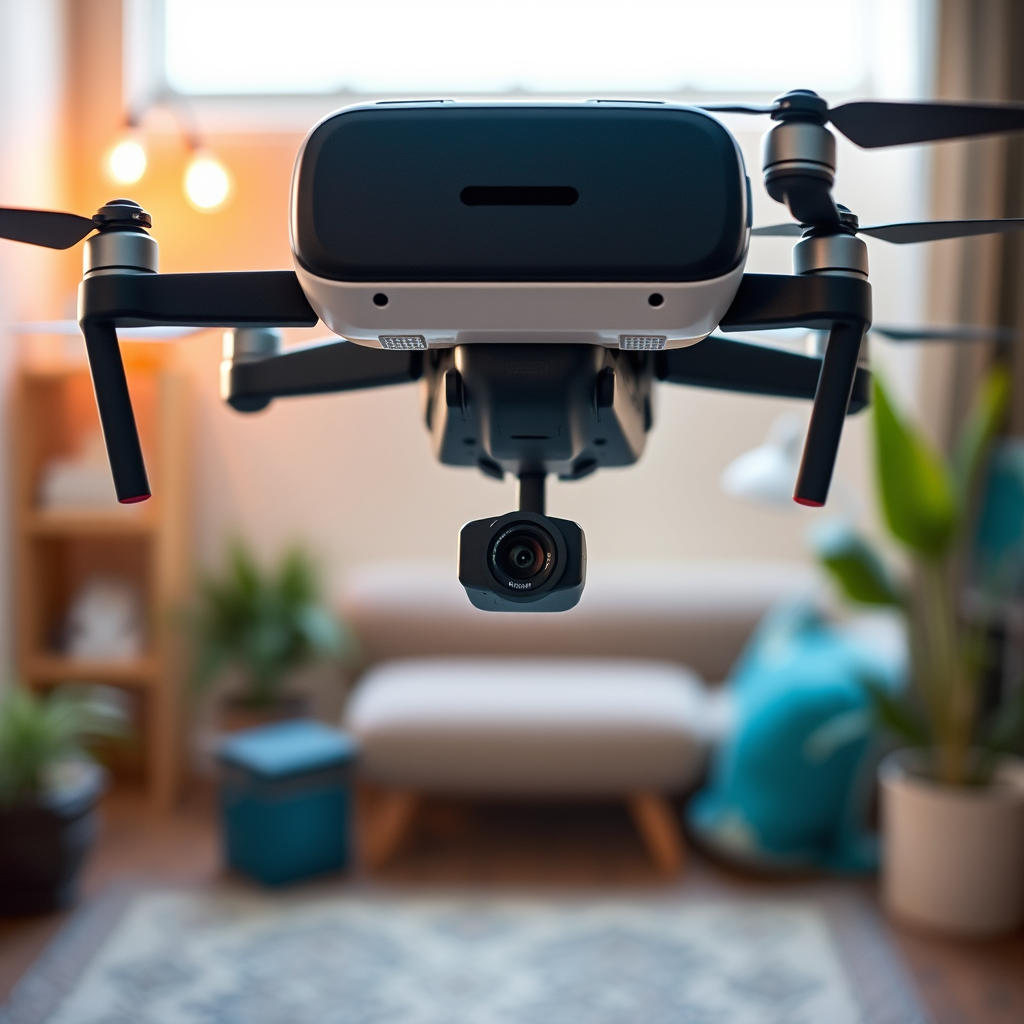
Using an Oculus headset with a DJI drone is indeed possible, but it requires specific setups and compatible software. By leveraging third-party applications, drone enthusiasts can transform their flying experience into an immersive adventure, enhancing both control and enjoyment. In this article, we’ll delve into the compatibility of Oculus devices with DJI drones, outline the required software, provide a detailed setup process, explore the numerous benefits, and address potential challenges in order to help you maximize your drone-flying experience.
Compatibility of Oculus and DJI Drones
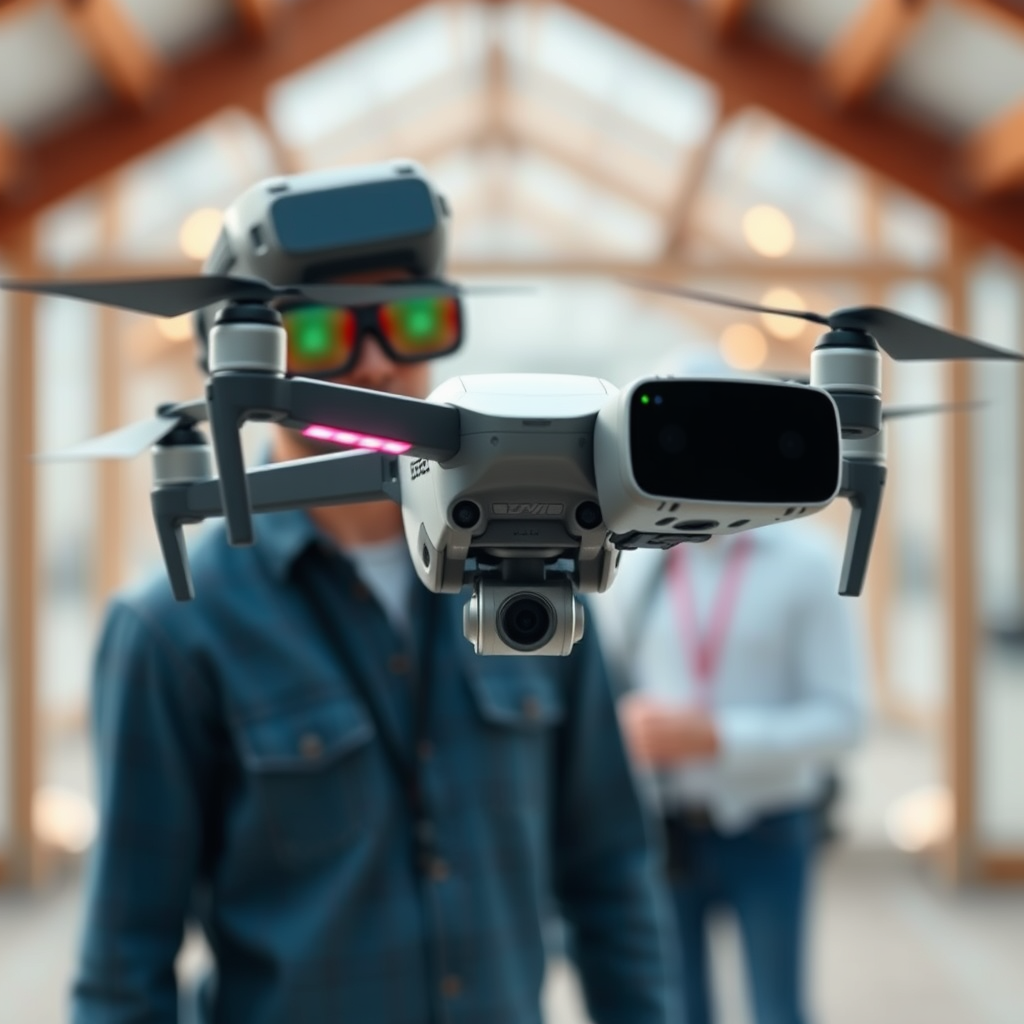
Oculus devices, especially the Oculus Quest series, have gained popularity for their immersive capabilities, and they can connect to DJI drones to deliver a first-person view (FPV) experience. However, it is essential to check compatibility between your specific DJI model and the Oculus headset you plan to use. Not all DJI drones support FPV modes, so it’s crucial to confirm that your drone is equipped to handle this functionality. For instance, models like the DJI Mavic series and the DJI Phantom series are known for their compatibility, allowing users to dive into an engaging flying experience using VR technology.
Required Software and Apps
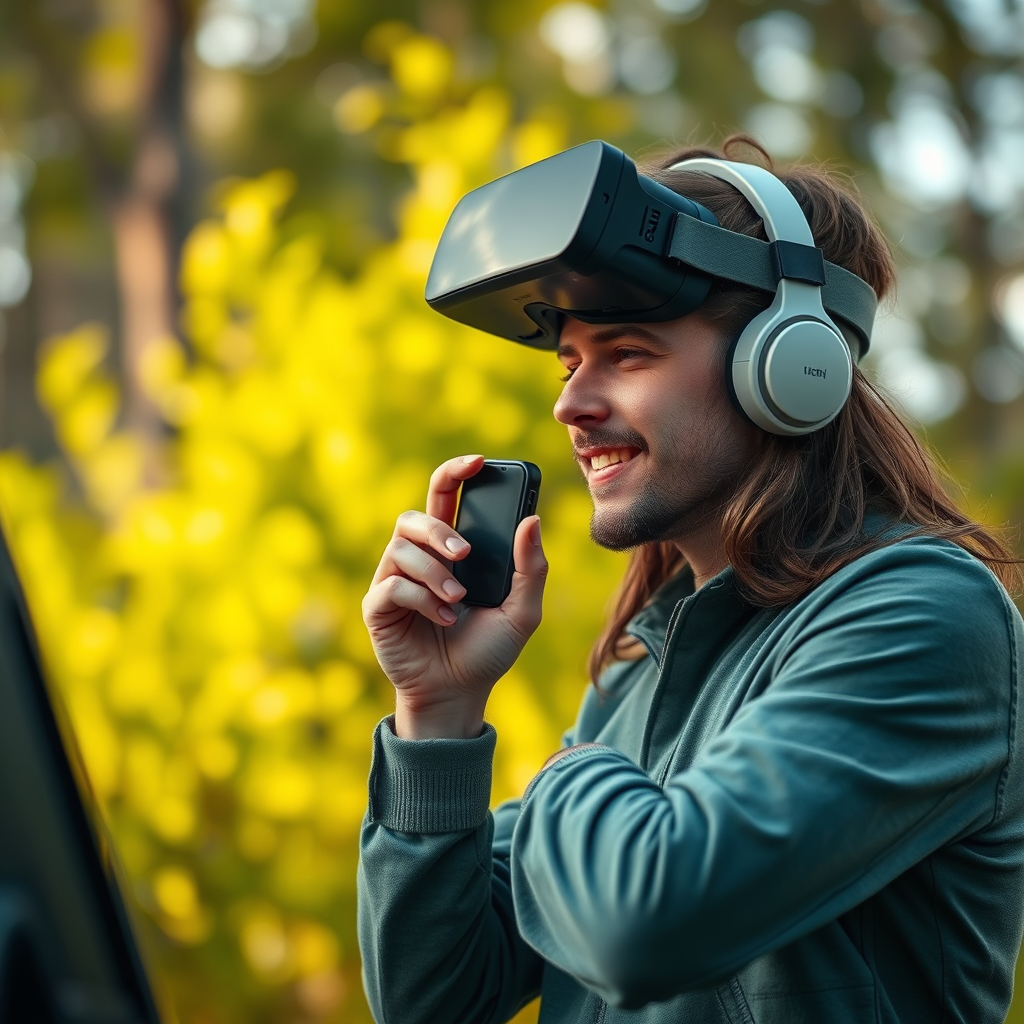
To connect your Oculus headset with a DJI drone, you will need to utilize specialized software. Third-party applications such as DroneVR and VR Drone are excellent options that facilitate this connection. These apps are designed to work seamlessly across various Oculus versions and DJI models, but it’s important to ensure that the specific app you choose supports both your headset and drone. Before downloading any software, check reviews and compatibility lists to avoid any potential issues. Additionally, some apps may provide advanced features such as customizable controls, which can enhance your overall experience.
Setting Up the Connection
Setting up your Oculus headset with a DJI drone requires a few straightforward steps. First, connect your drone to a compatible mobile device, usually via the DJI app. This mobile device will serve as the intermediary for the connection. Once your drone is connected, download and install the chosen VR app, such as DroneVR or VR Drone, on your mobile device. Follow the app’s instructions meticulously to link the Oculus headset. This usually involves pairing the headset via Wi-Fi or Bluetooth, ensuring you have a stable connection for a smooth FPV experience. Once configured, you’re ready to don your Oculus headset and take flight.
Benefits of Using Oculus with DJI Drones
Integrating an Oculus headset into your drone flying experience opens the door to several advantages. First and foremost, the immersive first-person views can significantly enhance your control over the drone, making piloting feel more intuitive and engaging. This level of immersion allows for better spatial awareness, as you can experience what the drone ‘sees’ in real-time. Additionally, capturing stunning aerial footage from the drone’s perspective becomes easier and more artistic, offering unique content opportunities for filmmakers, content creators, or hobbyists looking to showcase their aerial adventures. The ability to see the landscape from above can inspire creativity in ways traditional flying methods cannot achieve.
Potential Limitations and Challenges
While the prospect of using an Oculus headset with a DJI drone is exciting, it is essential to be aware of some limitations and challenges that may arise. One of the most significant concerns is latency issues, which can affect the real-time experience during flight. Delays between your movements and what you see in the headset can lead to disorientation or even crashes, especially for inexperienced pilots. Moreover, the immersive nature of VR can distract from situational awareness, making it imperative to choose a safe flying environment. Being aware of your surroundings and keeping a visual line-of-sight with your drone is essential for safe operation.
Tips for an Enhanced Experience
To maximize your experience while flying a DJI drone with an Oculus headset, consider a few key tips. First, familiarize yourself with the drone’s controls and functionalities prior to using the headset. Understanding how your drone responds to commands will help prevent accidents and improve overall safety. Additionally, explore the settings in the VR app to optimize video quality and performance. Adjusting resolution settings, frame rates, and latency configurations can result in a smoother and more visually appealing flight experience. Lastly, practice flying in a controlled environment before attempting to navigate more complex terrains or conditions.
Safety Considerations
Safety should always be a top priority when flying drones, especially with the added complexity of using a VR headset. Always maintain a visual line-of-sight with your drone to ensure you can react to any unforeseen circumstances. Familiarize yourself with local regulations regarding drone flying, particularly those that may pertain to the use of virtual reality technology while operating a drone. Some jurisdictions may have specific rules regarding the use of FPV and VR equipment, so it’s crucial to stay informed to avoid fines or legal complications.
Using an Oculus headset with a DJI drone can greatly enhance your flying experience, offering immersive views and creative opportunities that traditional flying methods simply cannot match. By ensuring you have the proper setup and software, familiarizing yourself with controls, and adhering to safety regulations, you can embark on a thrilling new journey in drone flying. Explore the apps mentioned and prepare for an unforgettable aerial adventure!
Frequently Asked Questions
Can I use Oculus with my DJI drone for FPV flying?
Yes, you can use an Oculus headset with your DJI drone for an immersive first-person view (FPV) flying experience. However, you will need to ensure that your drone supports FPV transmission and that you have the appropriate software to connect the Oculus headset. Some DJI models, like the Mavic series, may require additional adapters or third-party applications to achieve this setup effectively.
What are the best methods to connect my Oculus headset to a DJI drone?
The best methods to connect an Oculus headset to a DJI drone typically involve using third-party applications and devices. One popular approach is to use apps like Litchi or DJI Fly that support Oculus compatibility. You may also need to employ an HDMI adapter or a wireless video transmission system to stream the drone’s camera feed directly to your Oculus headset, ensuring a smooth FPV experience.
Why is using Oculus with a DJI drone beneficial for aerial photography?
Using an Oculus headset with your DJI drone enhances the aerial photography experience by providing an immersive first-person perspective, making it easier to frame shots and navigate complex environments. This immersive view allows photographers and videographers to see exactly what the drone sees in real time, enabling better decision-making and more creative shots during flight.
Which DJI drones are compatible with Oculus headsets for virtual reality experiences?
While many DJI drones can potentially be used with Oculus headsets, models like the DJI Mavic Pro, Mavic Air 2, and Phantom 4 series are popular choices due to their advanced camera systems and FPV capabilities. It’s essential to verify compatibility with the specific Oculus model you own and check for any required accessories or software updates to enhance the integration.
How do I troubleshoot connection issues between Oculus and DJI drones?
If you encounter connection issues between your Oculus headset and DJI drone, first ensure that both devices are updated with the latest firmware and software. Check the compatibility of the third-party apps you’re using and confirm that all necessary cables and adapters are securely connected. If problems persist, restarting both devices and reviewing online forums for user experiences can provide additional troubleshooting steps.
References
- Oculus Rift
- DJI – The World Leader in Camera Drones/Quadcopters for Aerial Photography
- https://www.theverge.com/2017/10/6/16429060/oculus-rift-dji-drone-vr-future
- https://www.techradar.com/news/oculus-drone-virtual-reality
- https://www.polygon.com/2016/5/12/11670766/dji-oculus-rift-vr-drone
- https://www.tomsguide.com/news/oculus-rift-drones-are-now-a-thing
- https://www.wired.com/story/dji-drone-oculus-vr/
- https://www.sciencedirect.com/science/article/pii/S2351978919301982
