
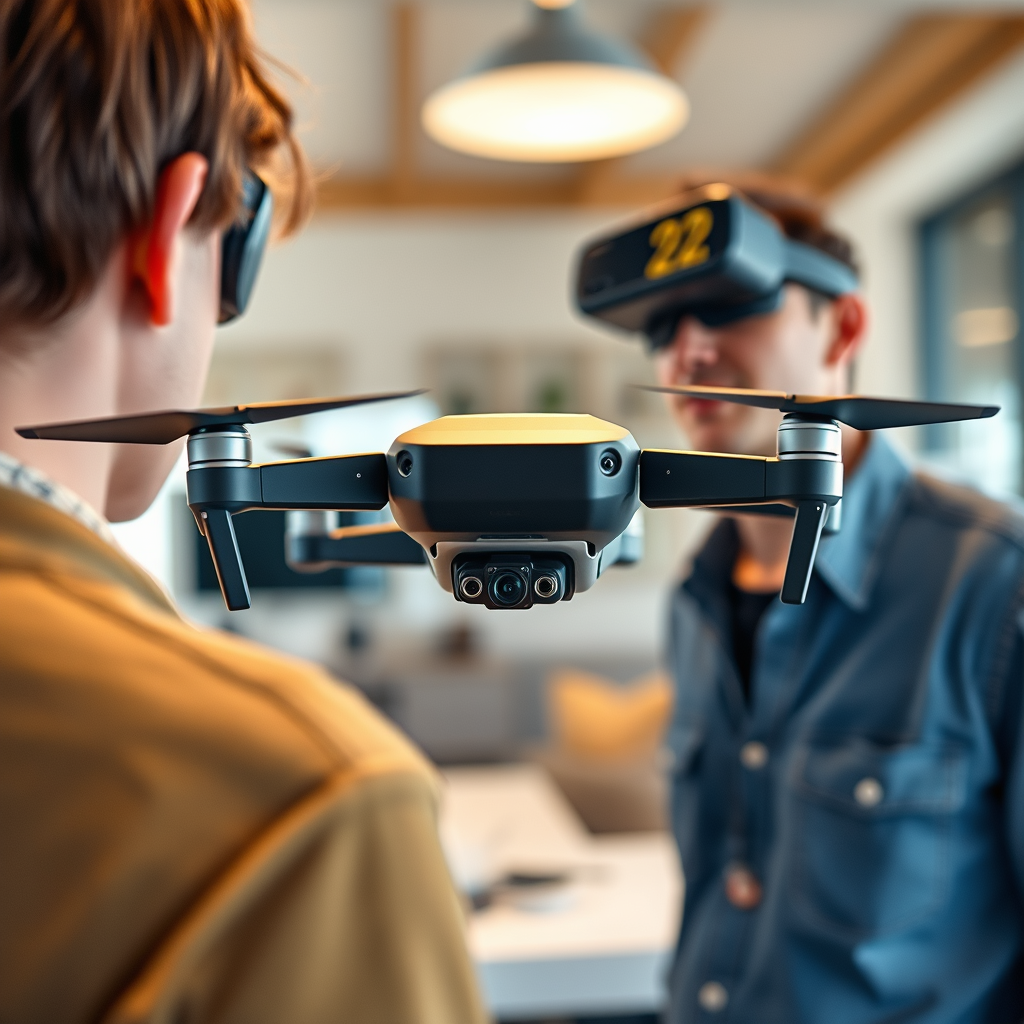
Yes, two people can use DJI goggles with a single drone, but the ability to do so depends on the specific drone model and the type of goggles in use. This feature is designed for enhanced collaboration, allowing both users to share the flying experience. In this article, we will delve into how to set up multiple users with DJI goggles, the necessary equipment for dual usage, and the potential limitations that may arise during operation.
Understanding DJI Goggles Compatibility
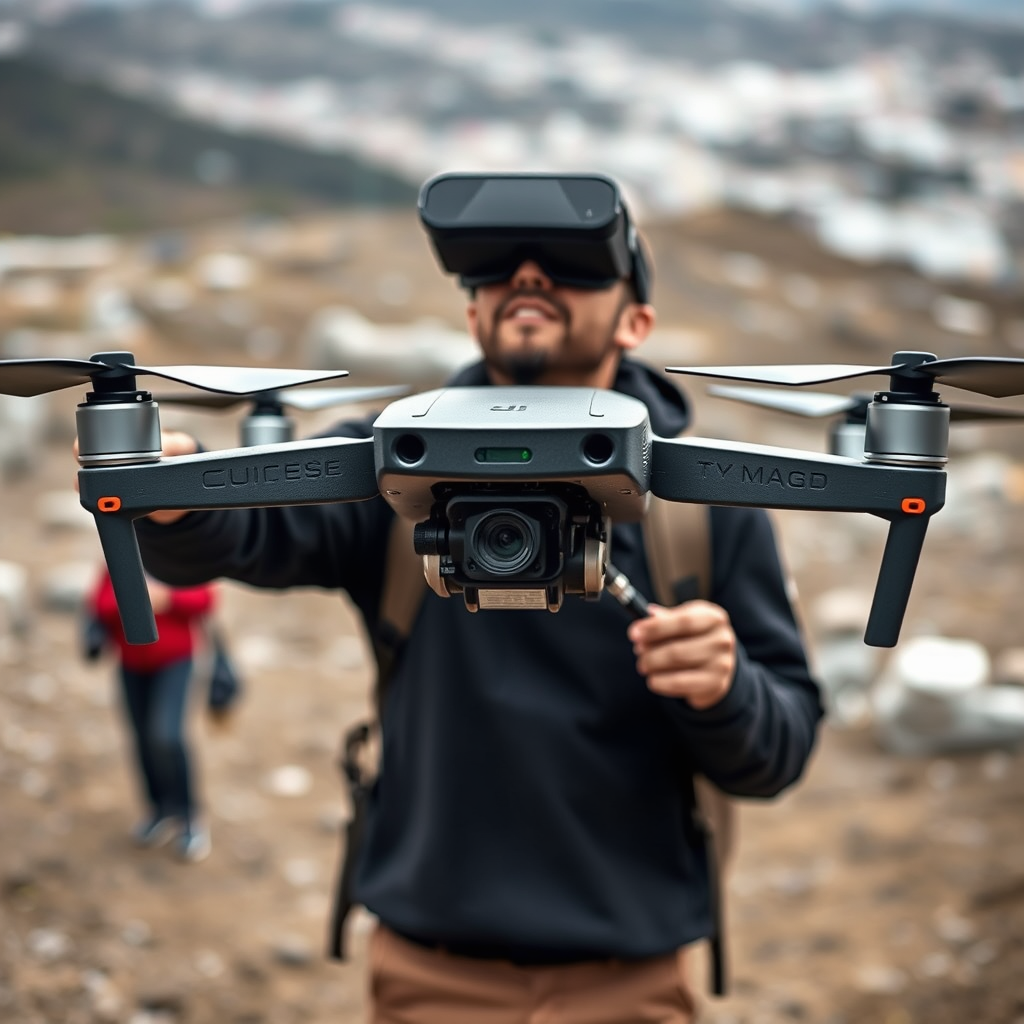
DJI Goggles are designed to work with several DJI drone models, including the Mavic series, Phantom series, and Inspire series. However, compatibility can vary significantly from one drone model to another. For instance, the DJI Mavic 2 Pro allows for dual viewing when paired with the DJI Goggles RE, while older models may not offer this functionality. Before attempting to connect two sets of goggles, it is essential to verify your specific drone’s specifications and capabilities. Consult the user manual or DJI’s official website to ensure that your drone supports dual viewing and that you have the correct firmware updates installed.
Setting Up Dual Users
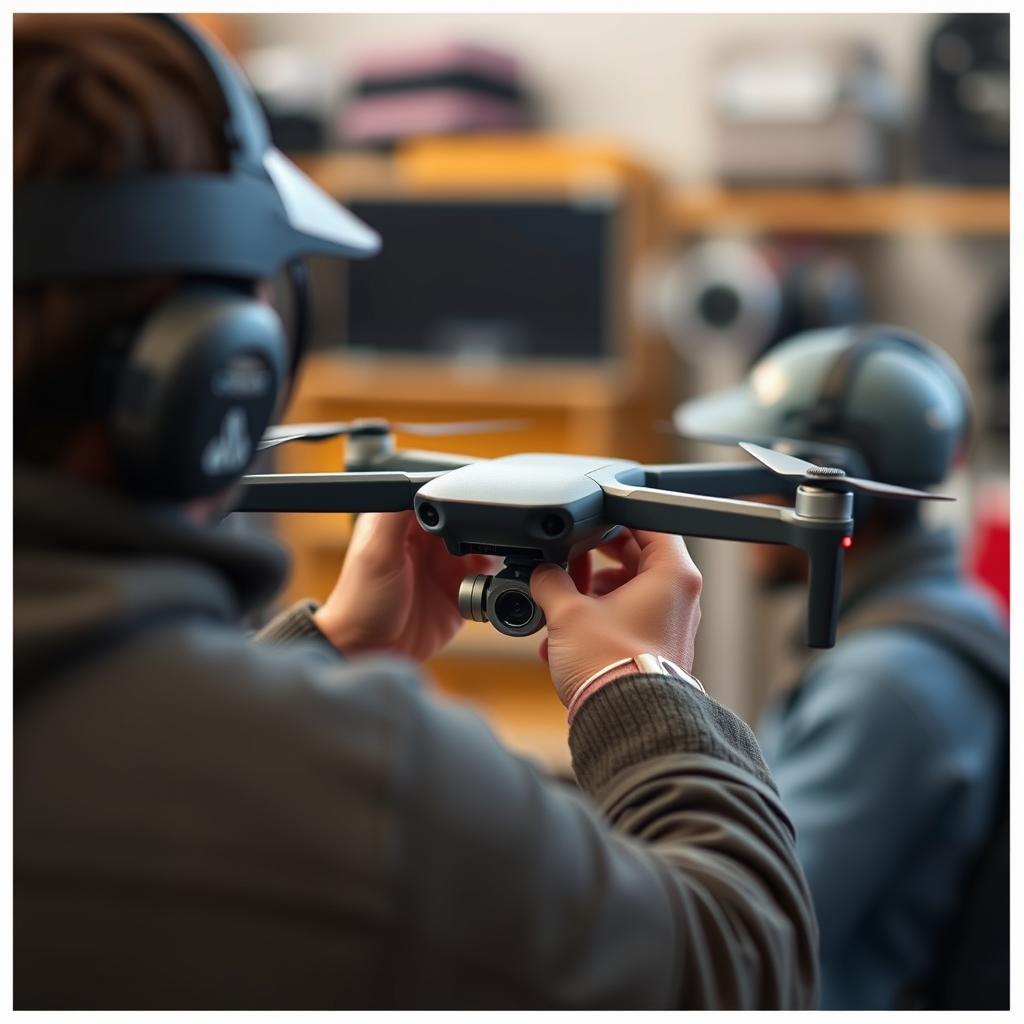
To successfully set up dual users with DJI goggles, you will need to utilize a compatible DJI controller that supports multiple headset connections. The DJI Smart Controller and the standard remote controller for the Mavic series are popular options that facilitate this feature. Both users must also have their DJI accounts linked to the controller, which streamlines the connection process. After ensuring that both goggles are powered on, you can navigate through the settings on the controller to initiate the dual viewing mode. This will allow both users to see the same live feed from the drone’s camera, providing an immersive experience that enhances collaboration during flight.
Required Equipment for Dual Usage
When it comes to equipment, not all DJI goggles are created equal. The DJI Goggles and DJI Goggles RE are specifically designed to facilitate dual viewing. Additionally, ensure that the drone is equipped with the necessary firmware to support these goggles. If your setup requires any adapters or additional connections, make sure to have those on hand. For instance, if using a smartphone as a display, you might need specific cables or wireless adapters to establish a stable connection. Always check the compatibility of all components to avoid any disruptions during your flying session.
Limitations of Using Two Goggles
While the ability to connect two sets of DJI goggles can enhance the flying experience, there are potential limitations to consider. One primary concern is latency issues that may arise when connecting two devices to a single drone feed. This latency can lead to a slight delay in the video feed experienced by one or both users, which can be particularly problematic during fast-paced maneuvers. Furthermore, the overall video quality may be affected, especially if the drone is operating at its maximum range or under challenging environmental conditions. Users might notice a decrease in streaming performance, which can impact the immersive experience that DJI goggles are known for.
Tips for an Optimal Experience
To maximize the experience when using two sets of goggles, it is advisable to adjust the settings on both devices for optimal performance. For instance, users should consider lowering the video resolution or frame rate if they encounter lag or buffering. Additionally, positioning both users closer to the drone can help reduce latency and improve signal strength. It is also beneficial to conduct pre-flight checks to ensure that both goggles are fully charged and updated to the latest firmware version. Lastly, maintaining a clear line of sight between the drone and the users will minimize interference, allowing for a smoother and more enjoyable flight experience.
Use Cases for Dual Viewing
Dual viewing with DJI goggles can be particularly advantageous in various scenarios. One of the most common use cases is training; having an experienced pilot and a novice user both view the drone’s perspective enables effective teaching and learning. This collaborative approach can accelerate the learning curve for new pilots. Additionally, dual viewing can enhance collaborative filming projects, where one user operates the drone while the other focuses on capturing the best angles or coordinating shots. Drones equipped with dual goggles are also beneficial for capturing real-time feedback during events, such as weddings or sports, where multiple perspectives can provide a richer narrative.
The ability for two people to use DJI goggles with one drone can significantly enhance the flying experience, but it requires the right setup and equipment. Ensure that your drone is compatible, gather all necessary gear, and be mindful of potential limitations, such as latency issues and video quality. By following the outlined tips and understanding the practical applications of dual viewing, you can create a more engaging and collaborative drone flying experience. For further insights on DJI products and flying tips, explore our other articles and stay updated on the latest drone technology!
Frequently Asked Questions
Can two people use DJI goggles with one drone simultaneously?
No, two people cannot use DJI goggles with one drone simultaneously due to the way the transmission system works. The DJI drone typically sends a single video feed to one set of goggles at a time, meaning that if one person is using the goggles, the other will not receive the live feed. However, you can switch the goggles between users, allowing each person to get a turn.
How can I share the drone’s FPV feed with two pairs of DJI goggles?
To share the drone’s FPV (First Person View) feed with two pairs of DJI goggles, you can use an HDMI splitter if your drone model supports HDMI output. Connect the drone’s HDMI output to the splitter and then connect each pair of goggles to the splitter. This setup allows both users to view the same live feed simultaneously, enhancing the flying experience for both.
Why would I want two people to use DJI goggles with one drone?
Having two people use DJI goggles with one drone can greatly enhance the flying experience, especially for beginners. One person can focus on piloting the drone, while the other can take in the immersive view from the goggles, helping with navigation and providing valuable tips. This collaborative approach can improve learning and make the flight more enjoyable for both users.
What are the best DJI goggles for dual usage with one drone?
The best DJI goggles for dual usage with one drone are the DJI Goggles 2 and the original DJI Goggles, as they offer excellent compatibility with various DJI drones. Both models provide high-quality video transmission and support HDMI input, which can be beneficial if you plan to use an HDMI splitter for dual viewing. When selecting goggles, ensure they meet your specific needs in terms of comfort and functionality.
Which DJI drones are compatible with dual goggles setup?
Most modern DJI drones, such as the DJI Mavic Air 2, DJI Mini 2, and DJI Phantom 4, are compatible with dual goggles setup when using an HDMI splitter. However, it’s essential to check the specifications of your specific drone model to confirm that it supports HDMI output. Always refer to the manufacturer’s guidelines for the best compatibility to ensure a smooth experience when using two sets of goggles.
References
- Drone racing
- https://www.digitaltrends.com/space/dji-goggles-review/
- https://www.techradar.com/news/dji-goggles-review
- https://www.reuters.com/technology/dji-technology-drone-usage-2021-10-14/
- https://www.pcgamer.com/dji-goggles-review/
- Unmanned Aircraft Systems (UAS) | Federal Aviation Administration
- https://www.dronepilotgroundschool.com/faq/can-two-people-use-dji-goggles-with-one-drone/
- https://www.nytimes.com/2020/06/24/technology/drone-flying-safety.html
