
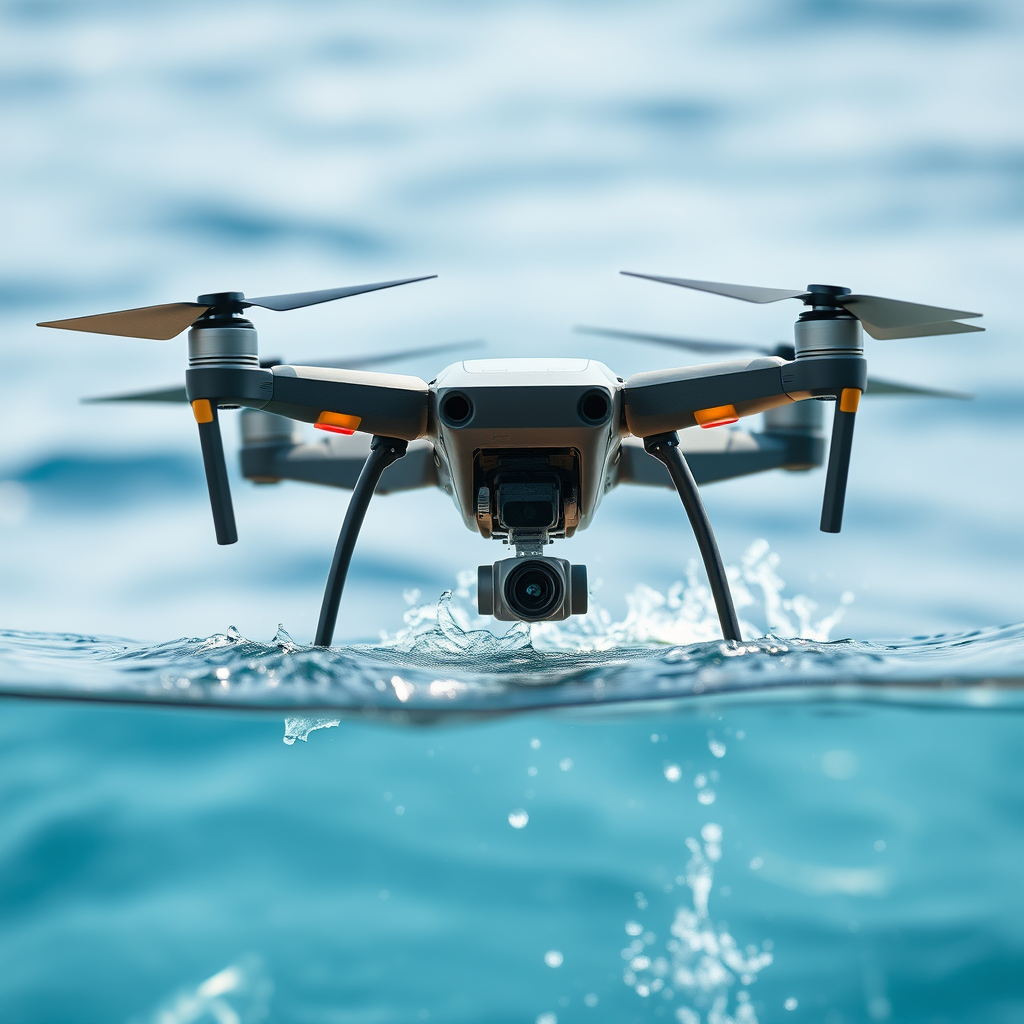
If a DJI drone has been in water, there are specific signs you can look for to determine its exposure. Indicators like corrosion, moisture inside the camera or gimbal, and unusual performance issues can signal water damage. This article will guide you through these signs and how to assess your drone’s condition, ensuring that you can take the necessary steps to maintain its functionality and longevity.
Signs of Water Exposure
One of the most telling signs that a DJI drone has been exposed to water is visible corrosion. This can often be found on metal components, particularly connectors and screws, which may start to exhibit a greenish hue or rusting over time. Corrosion not only affects the drone’s aesthetics but can also compromise its structural integrity and electrical connections, leading to more significant issues down the line.
In addition to corrosion, it is essential to inspect the drone’s exterior for any water stains or discoloration. Water stains may appear as dark marks or streaks on the body of the drone, indicating that moisture has been present. Pay particular attention to seams and joints, where water might have infiltrated more easily. If you notice any signs of discoloration, it’s advisable to conduct a more thorough inspection of the internal components.
Checking for Moisture Inside
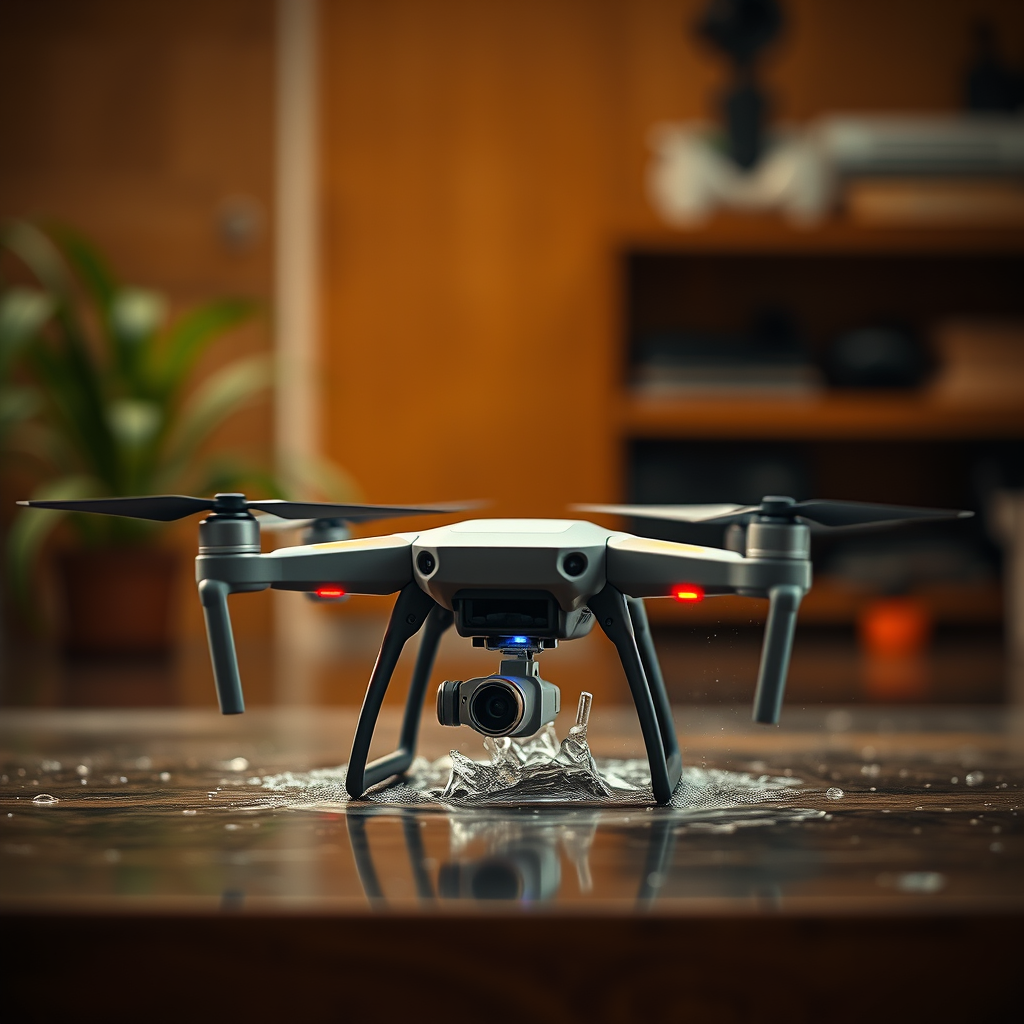
To assess the potential for internal moisture damage, begin by removing the battery from the drone. Check the battery compartment carefully for any signs of moisture or water pooling. If you find any liquid, even in small amounts, it’s a clear indicator that the drone has been in contact with water. Make sure to dry out the compartment thoroughly before considering any further use.
Next, examine the camera and gimbal, as these components are particularly susceptible to moisture. Look for fogging or condensation, which can suggest that water has entered the housing. If the lens appears cloudy or there are droplets inside, it’s crucial to address the issue immediately. Not only can moisture impair image quality, but it can also lead to long-term damage if left unchecked.
Performance Issues to Watch For
After checking for physical signs of water exposure, observe the drone’s performance during operation. Erratic flight behavior can be a significant warning sign—if the drone becomes unresponsive, experiences sudden altitude changes, or exhibits any unusual handling, this could indicate internal damage caused by moisture. Such performance issues can jeopardize not only the drone but also the safety of those nearby.
Additionally, be mindful of any unusual sounds emanating from the drone during flight. Strange noises, such as grinding or clicking, may suggest that internal components are compromised or that the motors are struggling due to corrosion. Regular monitoring of performance is vital in identifying potential problems early on, allowing you to take prompt action.
Using Water Detection Indicators
Certain DJI drone models are equipped with built-in moisture sensors that can alert users to water exposure. These sensors typically change color when they come into contact with moisture, providing a visual indicator of potential damage. If your drone has this feature, make it a habit to check these indicators regularly, especially after flying in humid or wet conditions.
Moreover, utilizing the DJI app to review your drone’s flight logs can yield valuable insights. Look for any error messages or warnings related to water exposure or performance issues. The app may provide additional context that can help you understand the drone’s condition and guide you on the necessary steps to take.
Preventive Measures
To avoid water damage in the first place, it’s essential to implement preventive measures. Always use a waterproof case when flying in potentially wet conditions, such as near bodies of water or during rain. These cases provide an additional layer of protection, safeguarding your investment from unexpected exposure.
Regular maintenance and inspections are equally crucial. This includes checking seals and gaskets for wear and tear, cleaning the exterior of the drone, and ensuring that all components are functioning correctly. By establishing a routine maintenance schedule, you can significantly reduce the risk of water damage and enhance the overall lifespan of your DJI drone.
What to Do If Water Exposure Is Suspected
If you discover any signs of water damage, it is imperative to refrain from using the drone until it has been thoroughly assessed. Consult DJI support for guidance on the next steps, as they can provide expert advice tailored to your specific model and situation. They may recommend troubleshooting steps or direct you to a certified repair center.
In cases where water exposure is confirmed, a professional inspection is often necessary. Certified repair centers have the appropriate tools and expertise to assess the damage accurately, perform repairs, and recommend any necessary replacements. While it may require an investment, addressing water damage promptly can save you from more extensive and costly repairs in the future.
Proper care and vigilance can help prevent water damage to your DJI drone. If you suspect water exposure, take immediate action to assess and address the issue. For those who fly in variable weather conditions, always remember to prioritize your drone’s maintenance to ensure longevity and optimal performance. By being proactive, you can enjoy the full benefits of your drone while minimizing the risks associated with water exposure.
Frequently Asked Questions
How can I tell if my DJI drone has been in water?
To determine if your DJI drone has been exposed to water, inspect it for signs of moisture or corrosion. Look for rust on metal components, water stains on the exterior, or condensation inside the camera lens. Additionally, many DJI drones come equipped with moisture detection indicators that change color when exposed to water, so checking these indicators can provide further evidence of water exposure.
What should I do if my DJI drone gets wet?
If your DJI drone gets wet, immediately power it off and remove the battery to prevent short circuits. Dry the exterior using a soft cloth and allow the drone to air dry in a warm, dry location for at least 48 hours. After it has dried completely, check for any signs of water damage before attempting to power it on again. If you suspect significant water exposure, it’s best to consult a professional for repairs.
Why is it important to know if my DJI drone has been in water?
Knowing if your DJI drone has been in water is crucial for maintaining its functionality and safety. Water exposure can lead to electrical failures, corrosion, and damage to sensitive components, which can compromise flight performance and lead to crashes. By identifying and addressing water damage early, you can potentially save your drone from costly repairs or replacements.
Which DJI drones are waterproof or water-resistant?
While most DJI drones, including the Phantom and Mavic series, are not designed to be waterproof, some are water-resistant to a certain extent. For instance, the DJI Mini SE has some level of splash resistance, but it’s not recommended for flying in heavy rain or water-logged environments. Always check the specifications for your specific drone model in the user manual to understand its water resistance capabilities.
What are the signs of water damage in a DJI drone?
Signs of water damage in a DJI drone include visible corrosion on metal parts, a foggy or cloudy camera lens, and any unusual sounds or behavior when powered on. Additionally, check for moisture trapped inside the battery compartment or any other openings. If you notice any of these symptoms, it’s essential to act quickly to mitigate further damage and consider seeking professional repair services.
References
- https://www.wikihow.com/Tell-if-a-Drone-Was-Water-Damaged
- https://www.dji.com/support/faq/how-to-know-if-your-drone-has-water-damage
- https://www.faa.gov/uas/getting_started/drone_safety
- https://www.techradar.com/news/what-to-do-if-your-drone-goes-in-the-water
- https://www.suasnews.com/2019/11/how-to-tell-if-your-drone-has-water-damage/
- https://www.cnet.com/tech/mobile/how-to-revive-a-water-damaged-drone/
- https://www.sciencedirect.com/topics/engineering/drone
- https://www.pbs.org/newshour/nation/drone-safety-research-explores-what-happens-when-drones-go-down
