
To elevate your aerial photography and videography, the best drone apps for photo and video editing offer powerful tools and features tailored for drone enthusiasts. These apps enhance your images and videos, making it easier to create stunning content that captivates your audience. Whether you’re a seasoned professional or a hobbyist, utilizing the right app can significantly enhance the quality of your work. In this article, we’ll explore the top options available, their unique features, and how to choose the right one for your needs.
Top Features to Look for in Drone Editing Apps
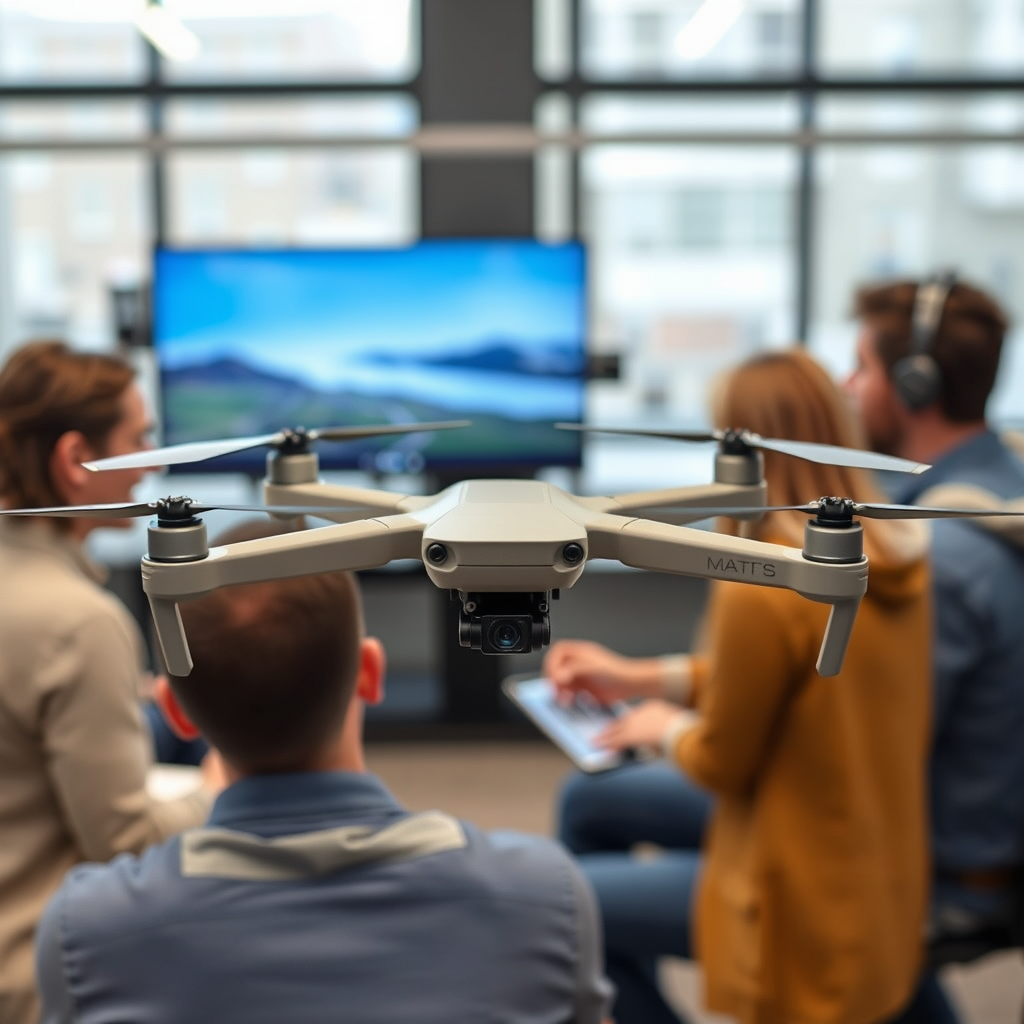
When selecting a drone editing app, several key features can make a significant difference in your editing experience and final output.
– User-friendly interface: A simple and intuitive design allows for easier navigation and quicker editing. This is crucial for both beginners and seasoned editors who wish to streamline their workflow. Apps that prioritize user experience often include drag-and-drop functionalities, clear icons, and easily accessible tools, which can reduce the learning curve significantly.
– Advanced editing tools: Look for apps that offer color correction, filters, and special effects to enhance your footage. High-quality editing tools such as multi-layer editing, keyframe animation, and audio management are essential for crafting professional-grade content. Features like stabilization, cropping, and aspect ratio adjustments ensure that your videos not only look good but also meet various platform specifications.
Best Drone Apps for iOS Users
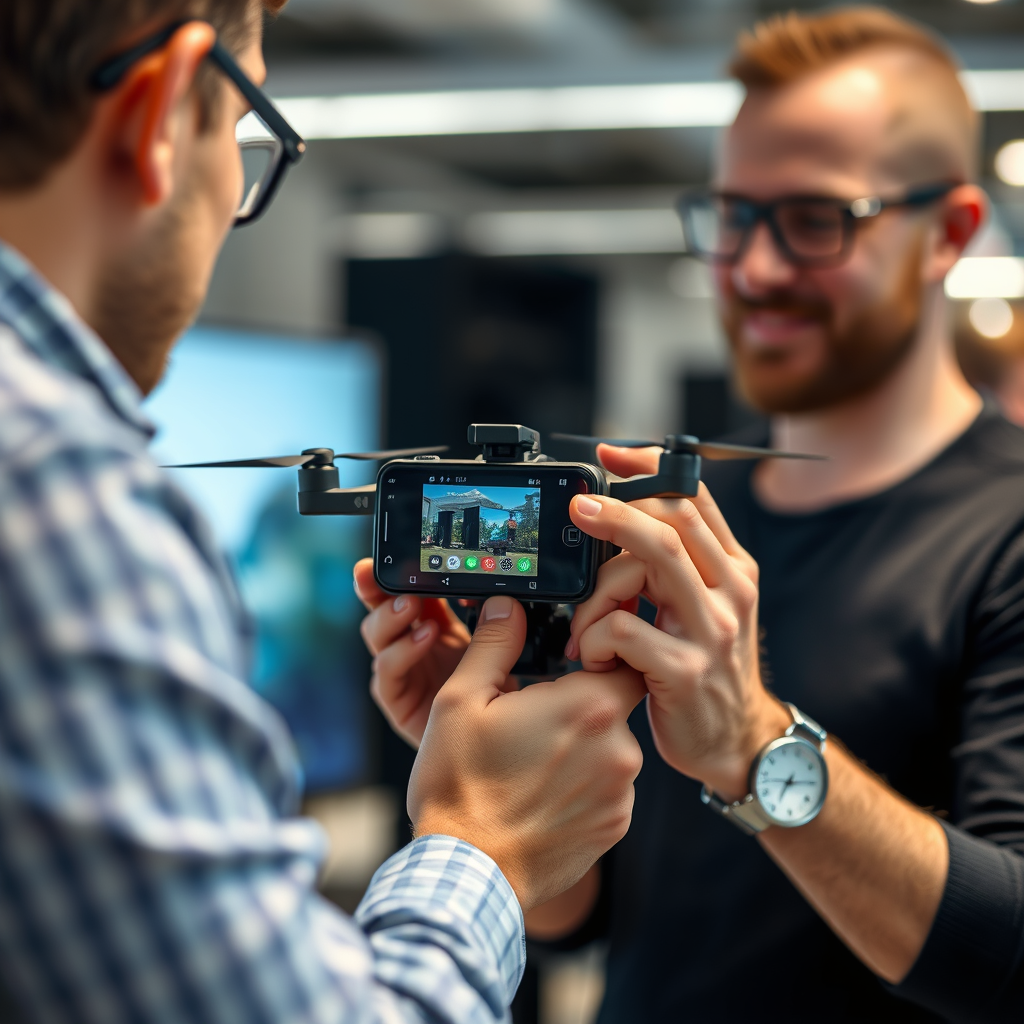
Apple users have a range of editing apps specifically optimized for iOS devices that provide a seamless experience.
– Litchi: Known for its advanced waypoint mission planning and live video feed, Litchi is perfect for iOS users. It allows you to pre-plan complex flight paths, which can be incredibly useful for capturing specific angles and shots. Additionally, Litchi offers built-in editing tools that allow users to trim videos and enhance images directly within the app, providing convenience for quick edits on the go.
– DJI GO 4: This app offers seamless integration with DJI drones, a leading brand in the drone industry. DJI GO 4 includes features for easy photo and video editing, such as quick-sharing options and preset filters that can enhance your photos with just a tap. Its intuitive layout makes it easy for users to access advanced settings, ensuring that both novices and experienced pilots can take full advantage of their drone’s capabilities.
Best Drone Apps for Android Users
Android users can also benefit from several robust apps designed for aerial editing and planning.
– Pix4Dcapture: Ideal for mapping and surveying, this app also provides editing capabilities for aerial photos. Pix4Dcapture allows users to create high-resolution maps and 3D models from drone imagery. It offers straightforward editing tools that enable users to fine-tune their images, making it ideal for users in industries like construction and agriculture who need precise visuals.
– DroneDeploy: A powerful app that allows users to create 3D maps and models, DroneDeploy also comes with basic editing tools. Its cloud-based platform enables users to upload and edit their footage on any device, making collaboration seamless. The app’s user-friendly interface and comprehensive tutorial resources are particularly beneficial for those new to drone operation and editing.
Cross-Platform Apps for Drone Editing
For those who use multiple devices, selecting a cross-platform app can provide the flexibility needed for editing on the go.
– Adobe Premiere Rush: A versatile choice that works on both iOS and Android, Adobe Premiere Rush provides professional-level editing features in a user-friendly package. Users can easily drag and drop clips, add transitions, and apply color effects, making it suitable for quick edits as well as more involved projects. Its cloud sync feature allows you to start editing on one device and continue on another, ensuring that your work is always accessible.
– CapCut: Popular for its ease of use and a wide range of editing options, CapCut is suitable for quick edits on any device. It offers a variety of templates, music tracks, and text options, making it an excellent choice for creating engaging videos for social media. The app’s straightforward interface is particularly appealing to beginners, while its extensive features provide enough depth for more experienced users.
Tips for Enhancing Drone Footage
To maximize the impact of your drone footage, consider implementing the following tips during the editing process:
– Use filters: Apply filters to enhance colors and contrast for a more professional look. Filters can help convey mood and atmosphere in your videos, making them more engaging. Experimenting with different filters can also help you find a unique style that resonates with your audience.
– Experiment with transitions: Smooth transitions can elevate the viewing experience and make your videos more engaging. Utilizing a mix of cuts, fades, and dissolves can help maintain viewer interest and create a polished final product. Consider the rhythm of your footage and the emotional tone you wish to convey when selecting transitions.
Common Mistakes to Avoid
While editing drone footage can be a fun and rewarding experience, there are common pitfalls to be aware of:
– Over-editing: Avoid excessive filters or effects that can detract from the original beauty of your footage. Striking the right balance between enhancement and authenticity is key to maintaining the integrity of your aerial shots. Remember, less is often more when it comes to editing.
– Ignoring resolution: Always edit in the highest resolution available to maintain quality in the final product. This is especially important for drone footage, which often captures stunning detail. Editing in lower resolutions can lead to pixelation and a loss of clarity in the final video.
Your choice of editing app can significantly impact the quality of your drone footage. By exploring the options mentioned and considering your editing needs, you can find the perfect app to transform your aerial shots into stunning visual stories. Start experimenting with these apps today and take your drone photography and videography to the next level!
Frequently Asked Questions
What are the best drone apps for photo editing?
The best drone apps for photo editing include Adobe Lightroom, Snapseed, and Pixlr. These applications offer powerful features such as advanced color correction, filters, and retouching tools that enhance aerial images taken from your drone. Lightroom is particularly popular for its professional-grade editing capabilities, while Snapseed is user-friendly and offers a wide range of editing options for both beginners and experienced users.
How do I choose the right video editing app for my drone footage?
Choosing the right video editing app for your drone footage depends on your editing experience and the complexity of the projects you plan to undertake. For beginners, apps like iMovie and Quik provide intuitive interfaces and easy-to-use features, while more advanced users might prefer Adobe Premiere Pro or Final Cut Pro for their extensive toolsets and professional capabilities. Additionally, consider the app’s compatibility with your operating system and its support for 4K video editing, which is essential for high-quality drone footage.
Why is it important to use dedicated drone apps for editing?
Using dedicated drone apps for editing is important because they are specifically designed to handle aerial footage’s unique challenges, such as stabilization, color grading, and aspect ratio adjustments. These apps often include features tailored for drone photography, like horizon leveling and advanced motion tracking, which help maintain the integrity of your shots. By leveraging these specialized tools, you can enhance your video and photo quality, making your final product more professional and visually appealing.
Which drone apps offer the best features for beginners?
For beginners, some of the best drone apps that offer user-friendly features include DJI Fly, Adobe Premiere Rush, and LumaFusion. DJI Fly is tailored for DJI drones and provides simple editing tools alongside flight controls. Adobe Premiere Rush combines easy editing features with templates and music options, while LumaFusion is perfect for iOS users seeking a more robust editing experience with multi-track support—ideal for those new to video editing.
What are some tips for editing drone videos effectively?
To edit drone videos effectively, start by organizing your footage into folders based on locations or themes, making it easier to find the clips you want to use. Use color grading to enhance your video’s visual appeal, paying attention to the sky and landscape colors. Additionally, consider adding music that complements the mood of your footage and use transitions sparingly to maintain a smooth flow. Lastly, keep your edits concise; aim for a runtime that captures attention without dragging on, ideally between 1 to 3 minutes for social media sharing.
