
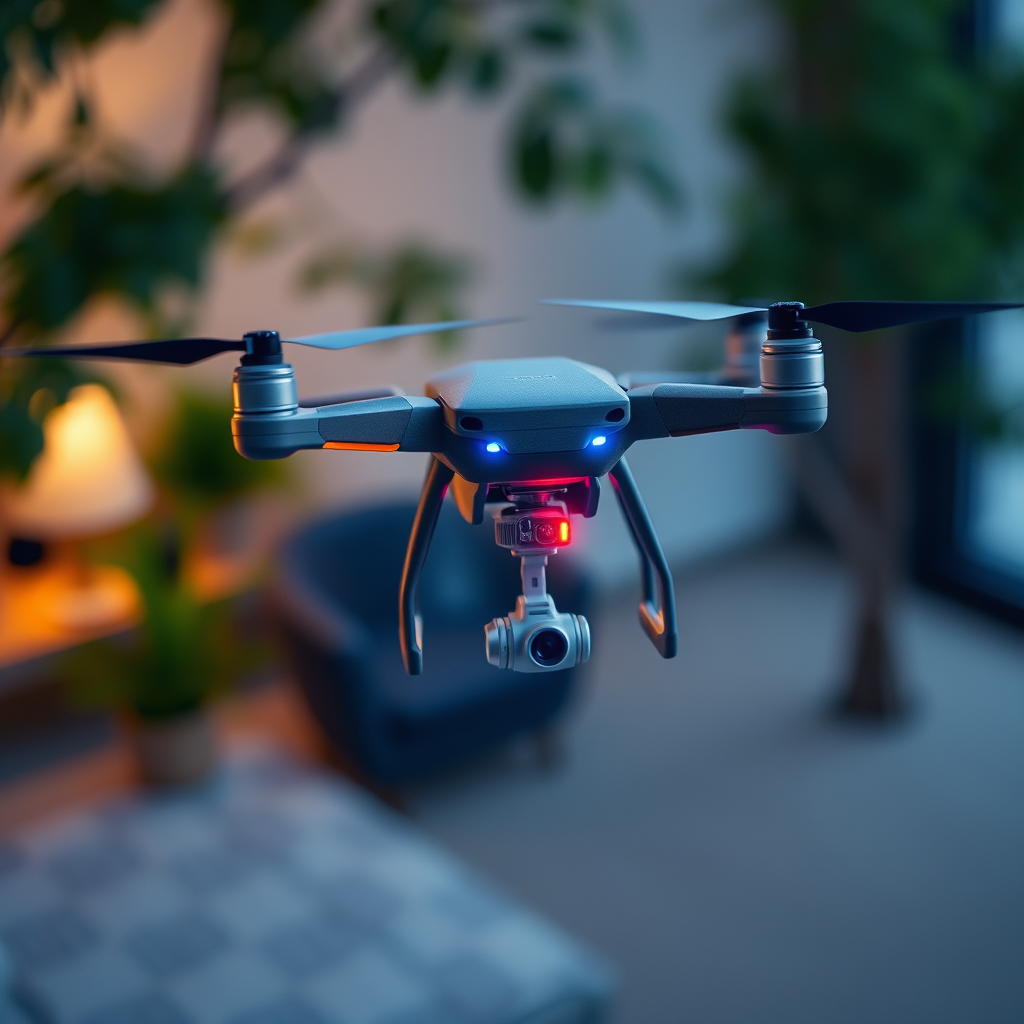
Drones are revolutionizing time-lapse photography, enabling photographers to capture mesmerizing visuals from vantage points that were once unimaginable. By leveraging specific techniques and the right equipment, you can significantly enhance your photography skills. This article will guide you through the essential steps to effectively utilize drones for creating breathtaking time-lapse imagery.
Understanding Time-Lapse Photography
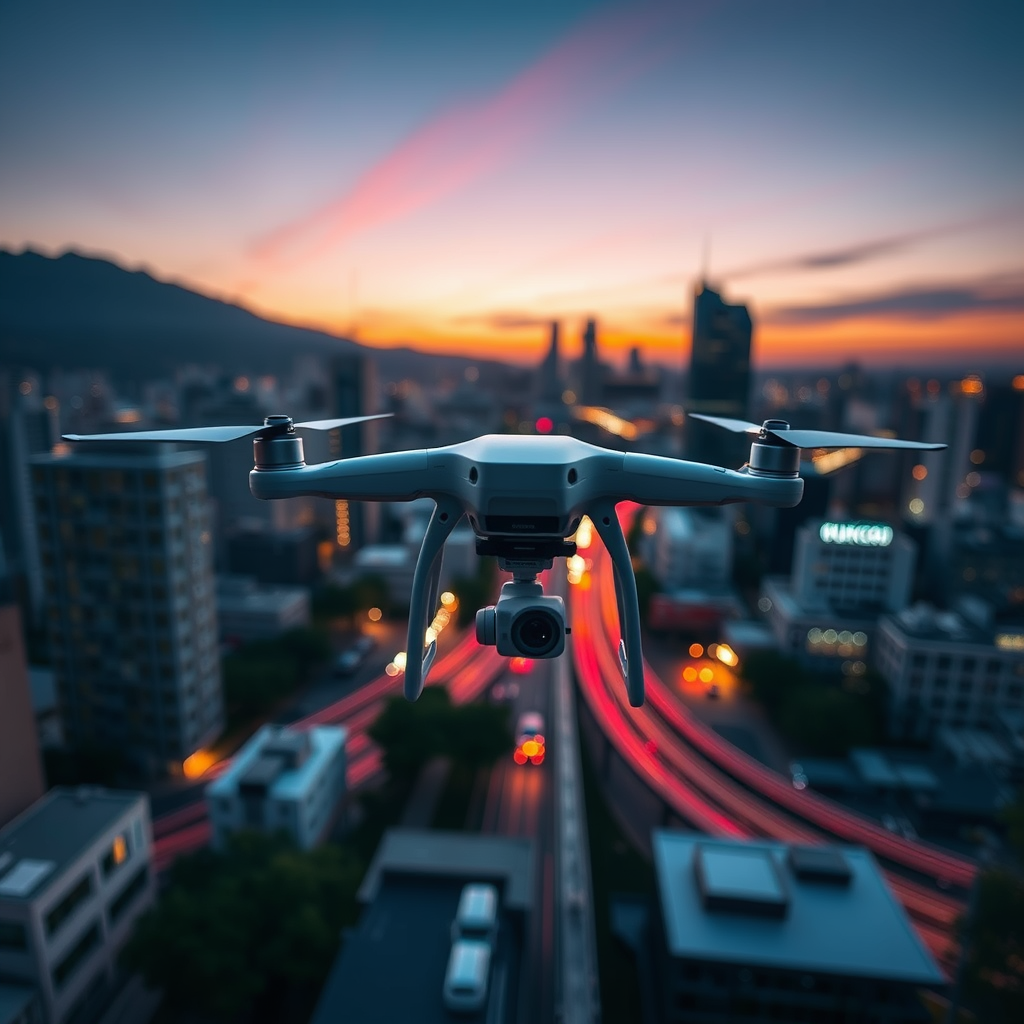
– Definition: Time-lapse photography is a technique that involves capturing a series of images at set intervals over a period of time, which are then combined and played back at a faster frame rate. This method compresses time, allowing viewers to witness gradual changes in a scene—such as the shifting of clouds, the opening of flowers, or the bustling of city life—in a matter of seconds.
– Purpose: The primary purpose of time-lapse photography is to showcase transformations that occur too slowly for the human eye to perceive. Whether you’re documenting the transition of day to night, the movement of tides, or the seasonal changes in a landscape, time-lapse photography provides a stunning visual narrative that captures the essence of time itself. This technique not only engages audiences but also evokes a sense of wonder and appreciation for the natural world.
Choosing the Right Drone
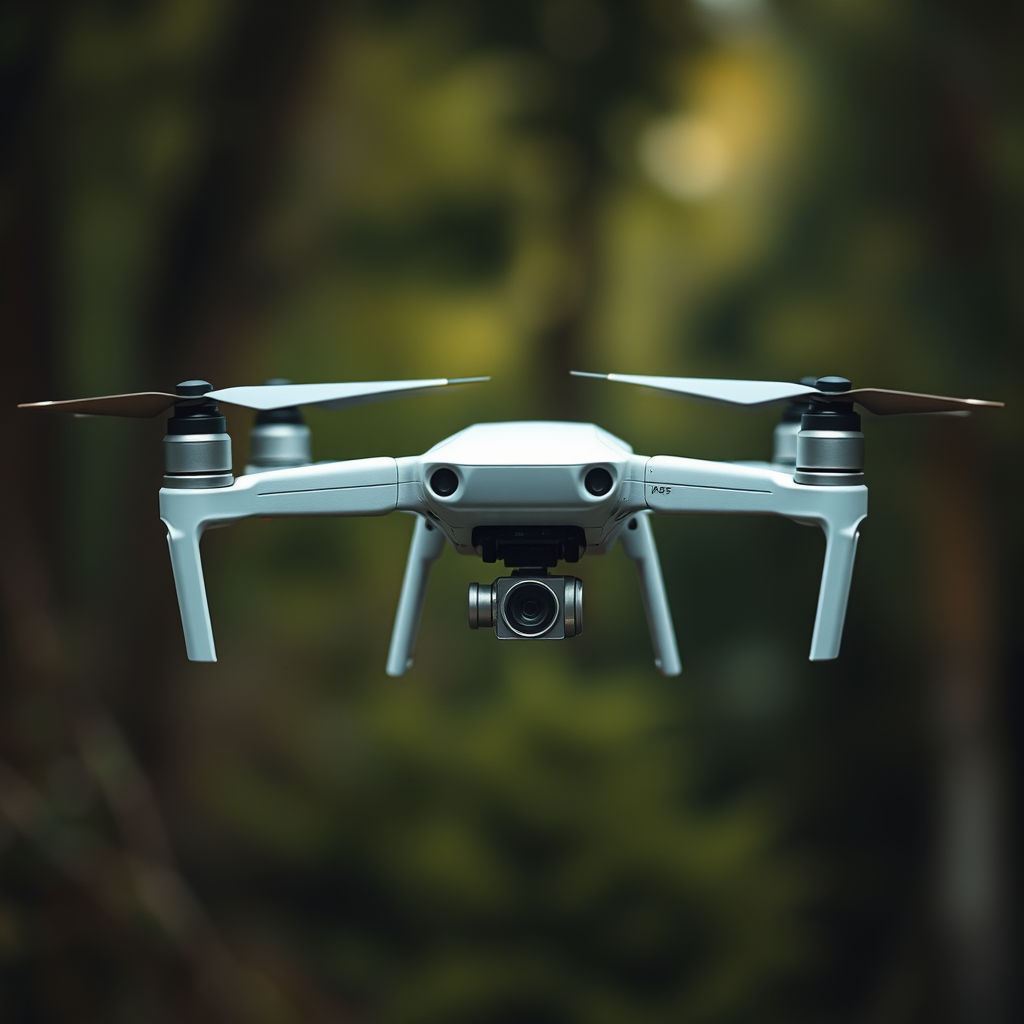
– Camera Quality: When selecting a drone for time-lapse photography, the quality of the camera is paramount. Look for drones equipped with high-resolution sensors—ideally 4K or higher—to ensure that your images are sharp and vibrant. Drones like the DJI Mavic Air 2 or the Phantom 4 Pro are popular choices, as they offer excellent image quality along with advanced shooting modes that facilitate time-lapse photography.
– Battery Life: The duration of your shoot hinges on the battery life of your drone. A drone that offers extended flight time will allow for longer shooting sessions, thus enabling you to capture more frames. For instance, drones with battery lives exceeding 30 minutes, such as the DJI Mavic 3, are preferable for time-lapse photography as they provide ample time to capture changes in the scene without frequent interruptions for battery swaps.
Setting Up for Time-Lapse
– Frame Rate: The interval between shots is crucial in achieving the desired time-lapse effect. A common approach is to take a shot every few seconds for fast-moving subjects, such as clouds, while longer intervals may be necessary for slower processes, like the blooming of a flower. Experimentation is key; try different intervals to see what best conveys the story you wish to tell.
– Composition: Pre-planning your shots is essential for enhancing the visual impact of your time-lapse. Scout locations ahead of time to identify key elements you want to include in your frame. Utilize the drone’s flight path to create dynamic compositions that highlight changes in the landscape, such as leading lines that draw the viewer’s eye toward the focal point of your shot.
Configuring Settings
– Manual Settings: To maintain consistent lighting and focus throughout your time-lapse, it is advisable to switch to manual mode. Adjust the exposure, ISO, and shutter speed based on the lighting conditions of your shooting environment. For example, setting a lower ISO will reduce noise in your images, while a slower shutter speed can create beautiful motion blur in dynamic scenes.
– Stabilization: Drones often come equipped with various stabilization features, such as gimbals, which are essential for minimizing shakes and ensuring smooth footage. Always activate these features before starting your shoot. Additionally, flying in calm weather conditions will further enhance stabilization, resulting in a more polished final product.
Executing the Flight
– Pre-Flight Checklist: Conducting a thorough pre-flight checklist is vital for a successful shoot. Ensure that your drone is calibrated correctly, all systems, including GPS and battery levels, are functioning optimally, and that your camera settings are appropriately adjusted. This preparation will save you time and prevent potential mishaps during the shoot.
– Remote Control Techniques: Familiarize yourself with the remote control features of your drone to ensure smooth operation. Practice flying the drone in different modes and speeds before attempting your time-lapse capture. This practice will help you control the drone’s movements more fluidly, reducing the chances of abrupt jerks that could disrupt your time-lapse sequence.
Post-Processing Your Time-Lapse
– Editing Software: Once you have captured your images, the next step is to compile and edit them into a cohesive video. Software such as Adobe Premiere Pro or Final Cut Pro provides robust tools for assembling your time-lapse sequences. Import your images, set the correct frame rate, and adjust the playback speed to achieve the desired effect.
– Color Correction: To elevate the aesthetic appeal of your time-lapse, consider applying color grading techniques to enhance the vibrancy and mood of your footage. Adjust the contrast, brightness, and saturation levels to create a more visually striking final product. This step is crucial, as it can transform a good time-lapse into an exceptional one.
Sharing Your Work
– Platforms: Once you have completed your time-lapse video, choose appropriate platforms for sharing your work. Social media channels like Instagram, Facebook, and TikTok, as well as video-sharing platforms like YouTube and Vimeo, are excellent choices for reaching a broader audience. Tailor your content to suit the platform; for instance, shorter clips may perform better on Instagram, while longer sequences can thrive on YouTube.
– Engaging Your Audience: Captivating your audience goes beyond just visuals; compelling captions or descriptions can significantly enhance viewer engagement. Share insights about the process, the location, or the story behind the time-lapse to draw viewers in. Consider using relevant hashtags to increase visibility and connect with fellow photography enthusiasts.
Summarizing the essential aspects of using drones for time-lapse photography, you now have the tools and knowledge to create stunning visual narratives. By selecting the right drone, carefully planning your shots, and executing your captures with precision, you can produce captivating time-lapse videos that resonate with audiences. Start experimenting with your drone today, and unleash your creativity!
Frequently Asked Questions
What equipment do I need to use drones for time-lapse photography?
To effectively use drones for time-lapse photography, you will need a drone equipped with a high-quality camera that allows for manual settings adjustments. Look for drones that offer features such as adjustable shutter speeds, ISO control, and RAW image capture for better editing flexibility. Additionally, a stable gimbal is essential to ensure smooth footage, and consider using an ND filter to manage exposure in bright conditions.
How do I set up my drone for time-lapse photography?
Setting up your drone for time-lapse photography involves several steps. First, plan your shot by choosing a location with a clear view and minimal obstructions. Next, set your drone to the desired altitude and ensure it is in a stable hover. Use your drone’s camera settings to select the interval for capturing images, usually between 2 to 10 seconds apart, depending on the speed of the scene you are capturing. Finally, ensure your battery is fully charged to last through the entire shoot.
Why is time-lapse photography popular for drone footage?
Time-lapse photography is popular for drone footage because it effectively captures the passage of time in a visually engaging way. It allows viewers to witness changes in landscapes, weather patterns, and urban development in a condensed format, enhancing storytelling. Additionally, using drones for time-lapse gives a unique aerial perspective that adds depth and dynamics to the visual narrative, making it appealing for both creators and audiences.
What are the best practices for shooting time-lapse with a drone?
When shooting time-lapse with a drone, the best practices include choosing optimal lighting conditions, such as early morning or late afternoon, to capture the best colors. Always ensure your drone is calibrated and has a clear GPS signal to maintain stability. Keep your camera settings consistent throughout the shoot to avoid variations in exposure. Lastly, consider using a wider lens to capture more of the scene, and remember to check local regulations regarding drone flights in your chosen area.
Which drones are recommended for time-lapse photography?
Several drones are highly recommended for time-lapse photography due to their camera quality and stability. The DJI Mavic 3 is a popular choice for its 4/3 sensor and adjustable aperture, providing excellent image quality. The DJI Air 2S is also favored for its compact size and impressive camera capabilities, making it versatile for various shooting conditions. Additionally, the Autel Robotics EVO Lite+ offers a strong alternative with its 1-inch sensor and extensive flight time, ideal for capturing long-duration time-lapses.
References
- https://www.nasa.gov/feature/nasa-s-drones-are-collecting-data-to-help-communities-adapt-to-climate-change
- https://www.sciencedirect.com/science/article/pii/S2351978921002051
- https://www.wired.com/story/how-drones-are-revolutionizing-photography/
- https://www.theguardian.com/technology/2021/aug/10/drones-among-us-how-to-use-their-potential
- https://www.abc.net.au/news/2020-09-07/drones-and-photography-how-to-use-them/12679778
- https://www.dji.com/inspiration/photography
- https://www.itu.int/en/ITU-T/techwatch/Pages/drones.aspx
