
Mastering the Follow-Me mode on your drone can significantly enhance your action shots, allowing you to capture dynamic footage effortlessly. This feature enables your drone to autonomously track and film you while you move, making it perfect for activities like biking, skiing, or running. In this article, you’ll learn essential tips and techniques to effectively use Follow-Me mode and elevate your aerial photography skills.
Understanding Follow-Me Mode
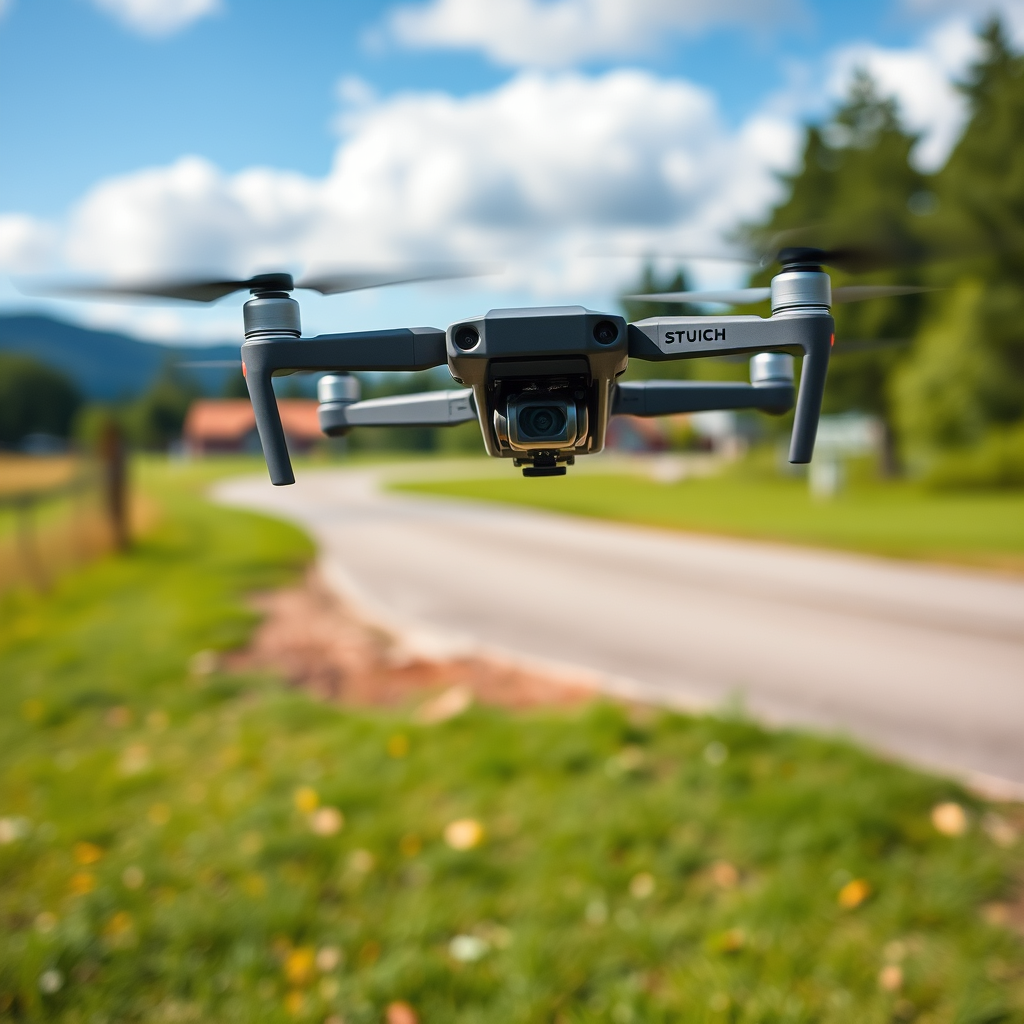
Follow-Me mode is an advanced feature available in many modern drones, allowing them to autonomously track a moving subject, usually defined by a GPS signal or a visual recognition system. When activated, the drone uses its onboard sensors and algorithms to maintain a designated distance and altitude from the subject, enabling it to record smooth, cinematic shots without the need for manual control.
Different drone manufacturers implement Follow-Me mode with varying levels of sophistication. For instance, DJI drones often utilize advanced computer vision and GPS tracking for precise positioning, while other brands may rely more heavily on GPS alone. Understanding these differences is crucial for selecting a drone that fits your needs, especially if you plan to engage in high-action sports or activities where reliability and responsiveness are paramount.
Preparing Your Drone for Action Shots
Before setting out for an action shoot, it’s essential to ensure your drone is fully prepared for flight. Start by checking the battery life; drones can consume significant power during extended flights, especially in Follow-Me mode, which may require more energy for continuous tracking and stabilization. A good rule of thumb is to have at least 70% battery life before taking off.
Additionally, verify all settings on your drone. Check that the firmware is up to date, as manufacturers frequently release updates that can enhance performance and stability. Pre-flight checks should include confirming that the camera settings are adjusted to your desired resolution and frame rate. For action shots, a higher frame rate (such as 60fps) can help capture smoother footage, particularly during fast movements.
Choosing the Right Location
Selecting the right location is crucial for capturing stunning action shots. Look for open spaces that allow the drone to maneuver freely without obstacles like trees, buildings, or power lines. Natural settings, such as beaches, mountains, or parks, can provide visually appealing backdrops that enhance the overall quality of your footage.
When scouting for locations, consider factors that will enhance visual appeal. For example, environments with varied terrain can create dynamic shots, while locations with interesting lighting conditions (like golden hour) can add depth and warmth to your footage. Additionally, consider accessibility and safety; ensure that the area is legal for drone flying and is free from crowds to minimize risks.
Setting Up the Follow-Me Mode
Activating Follow-Me mode typically involves a few straightforward steps, although the specifics can vary by drone model. Generally, you will need to switch on your drone and connect it to your remote control or mobile app. Once connected, navigate to the flight mode settings and select Follow-Me mode.
It’s also crucial to adjust your camera settings before you begin filming. A resolution of at least 1080p is recommended for action shots, as this will ensure clarity and detail in the footage. When setting the frame rate, a higher option (60fps or above) is ideal for capturing fast movements, while also considering your storage capacity, as higher settings will consume more memory.
Techniques for Capturing Dynamic Footage
To maximize the effectiveness of Follow-Me mode, it’s essential to maintain a consistent speed and direction during your activity. Sudden changes in pace can confuse the drone’s tracking system, resulting in shaky or poorly framed shots. Practice your movement patterns beforehand, whether it’s cycling in a straight line or skiing downhill, to ensure smooth tracking.
In terms of angles and perspectives, aim to incorporate various shots to enhance visual storytelling. For instance, you can begin with a wide shot that captures your surroundings, then transition to closer angles that highlight your actions. Experimenting with different heights—such as flying higher to capture sweeping landscapes or lower to focus on the action—can help create a more engaging narrative in your footage.
Safety and Legal Considerations
When flying your drone, it is vital to adhere to local regulations regarding drone operations, particularly in public spaces or near populated areas. Many countries require drone operators to maintain visual line-of-sight with their drones and to avoid flying over people or gatherings. Familiarize yourself with the specific laws in your area, as failure to comply can lead to significant penalties.
Safety precautions are also paramount when flying near obstacles. Always be aware of your surroundings and establish a safe distance from potential hazards. Using a drone with obstacle avoidance features can further enhance your safety by preventing collisions during dynamic tracking.
Post-Flight Review and Editing Tips
After your flight, reviewing the footage is essential to evaluate the quality of your shots and identify areas for improvement. Look for aspects such as stability, color accuracy, and overall composition. This immediate feedback will help you adjust your techniques for future flights.
Editing is where your footage can truly shine. Basic editing software allows you to trim unwanted sections, adjust brightness and contrast, and stabilize shaky footage. Consider adding music or voiceovers to enhance storytelling. For those looking to take their editing further, advanced software like Adobe Premiere Pro offers a plethora of tools to refine your shots and create a polished final product.
By mastering Follow-Me mode on your drone, you can capture breathtaking action shots that showcase your adventures like never before. Remember to prepare thoroughly, choose the right locations, and prioritize safety to achieve the best results. With practice, you’ll be able to create stunning videos that impress friends and family alike. Get your drone ready and start exploring the skies!
Frequently Asked Questions
What is “Follow-Me” mode on drones and how does it work?
“Follow-Me” mode is a feature offered by many drones that allows the drone to autonomously track and follow a subject, usually equipped with a GPS-enabled device. It utilizes the drone’s onboard sensors and GPS signals to maintain a stable distance and altitude while capturing dynamic action shots. This mode is ideal for outdoor activities like biking, running, or skiing, enabling creators to focus on their performance while the drone handles the filming.
How can I set up my drone for the best results in Follow-Me mode?
To achieve optimal results in Follow-Me mode, start by ensuring your drone’s firmware is up to date. Next, choose an open area free of obstacles to avoid interference with the drone’s sensors. Calibrate your drone and the GPS signal for accuracy, and ensure that you are wearing a GPS-enabled device or carrying a smartphone that the drone can track. Lastly, familiarize yourself with the drone’s controls to quickly adjust settings during your shoot for the best action shots.
Why is my drone not following me correctly in Follow-Me mode?
If your drone is not following you correctly, it could be due to several factors. First, check the GPS signal strength; poor GPS reception can lead to erratic behavior. Additionally, ensure that your drone’s camera and sensors are clean and unobstructed, as dirt or damage can affect tracking performance. Lastly, confirm that you are within the specified range for Follow-Me mode, as exceeding this range can cause the drone to lose track of your position.
What are the best practices for capturing action shots using Follow-Me mode?
To capture stunning action shots with Follow-Me mode, maintain a steady pace and avoid sudden movements that can confuse the drone’s tracking system. Use varied terrain and changing backgrounds to add interest to your footage. Make sure the drone is set to a higher frame rate for fast movements and consider adjusting the camera angle for dynamic shots. Lastly, practice your movements ahead of time to ensure the drone can effectively keep up and capture the desired footage.
Which drones offer the best Follow-Me mode for action sports?
Some of the best drones for action sports with robust Follow-Me mode capabilities include the DJI Mavic Air 2, Skydio 2, and the Autel Robotics EVO Lite+. These drones feature advanced tracking technology, obstacle avoidance, and impressive flight times, making them ideal for capturing high-octane action shots. When selecting a drone, consider factors like camera quality, battery life, and ease of use to find the right model for your specific action sport needs.
References
- Aerial photography
- https://www.techradar.com/news/how-to-use-drone-follow-me-mode
- https://www.wired.com/story/how-to-fly-a-drone/
- https://www.usa.gov/topics/science-and-technology
- https://www.nytimes.com/2020/06/19/technology/drone-photography.html
- https://www.cnet.com/how-to/how-to-use-follow-me-mode-on-your-drone/
- Getting Started | Federal Aviation Administration
- https://www.dronepilotgroundschool.com/drone-follow-me-mode/
