
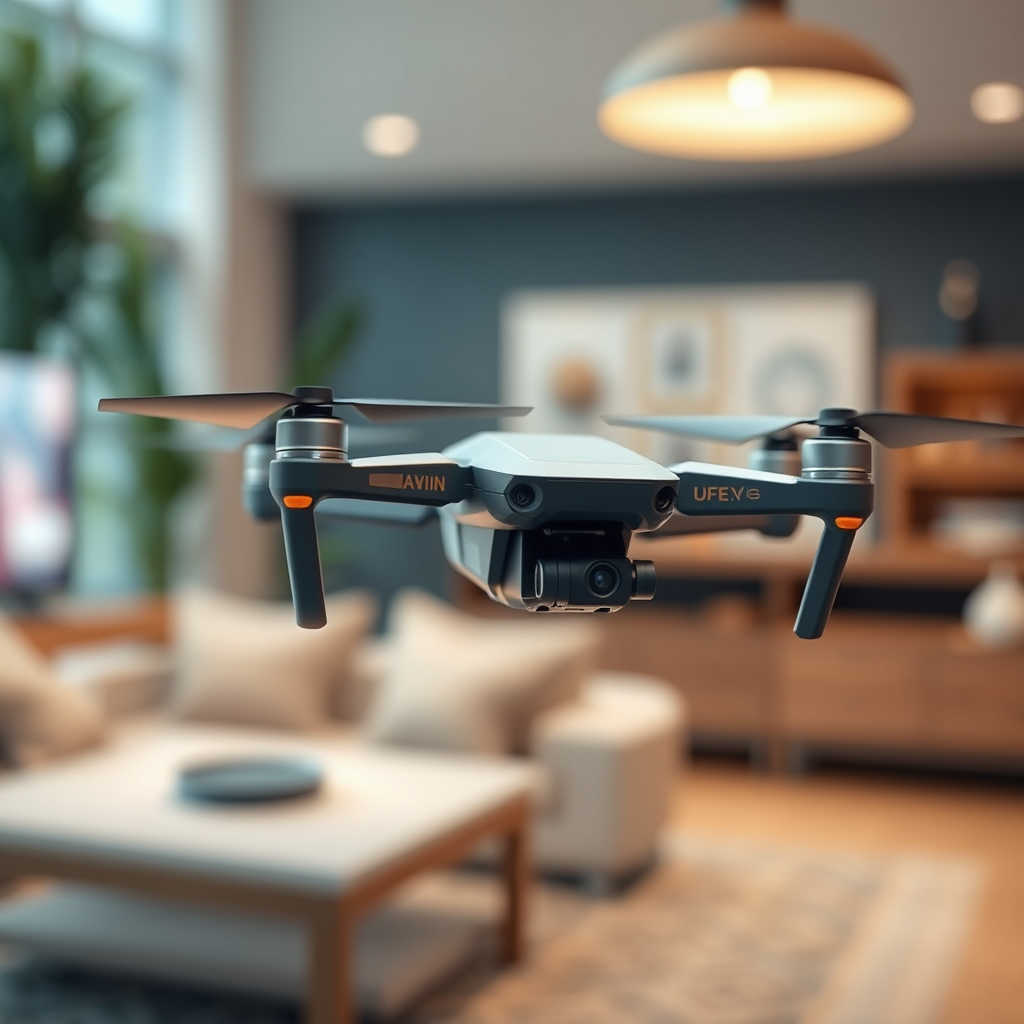
To shoot stunning drone footage for virtual events, it’s essential to plan ahead, understand the technical aspects of drone operation, and be aware of the event’s dynamics. Capturing breathtaking aerial shots requires a blend of meticulous preparation, technical know-how, and creative vision. This guide will walk you through the critical steps to enhance the virtual experience with high-quality drone footage that captivates your audience.
Understanding Your Drone
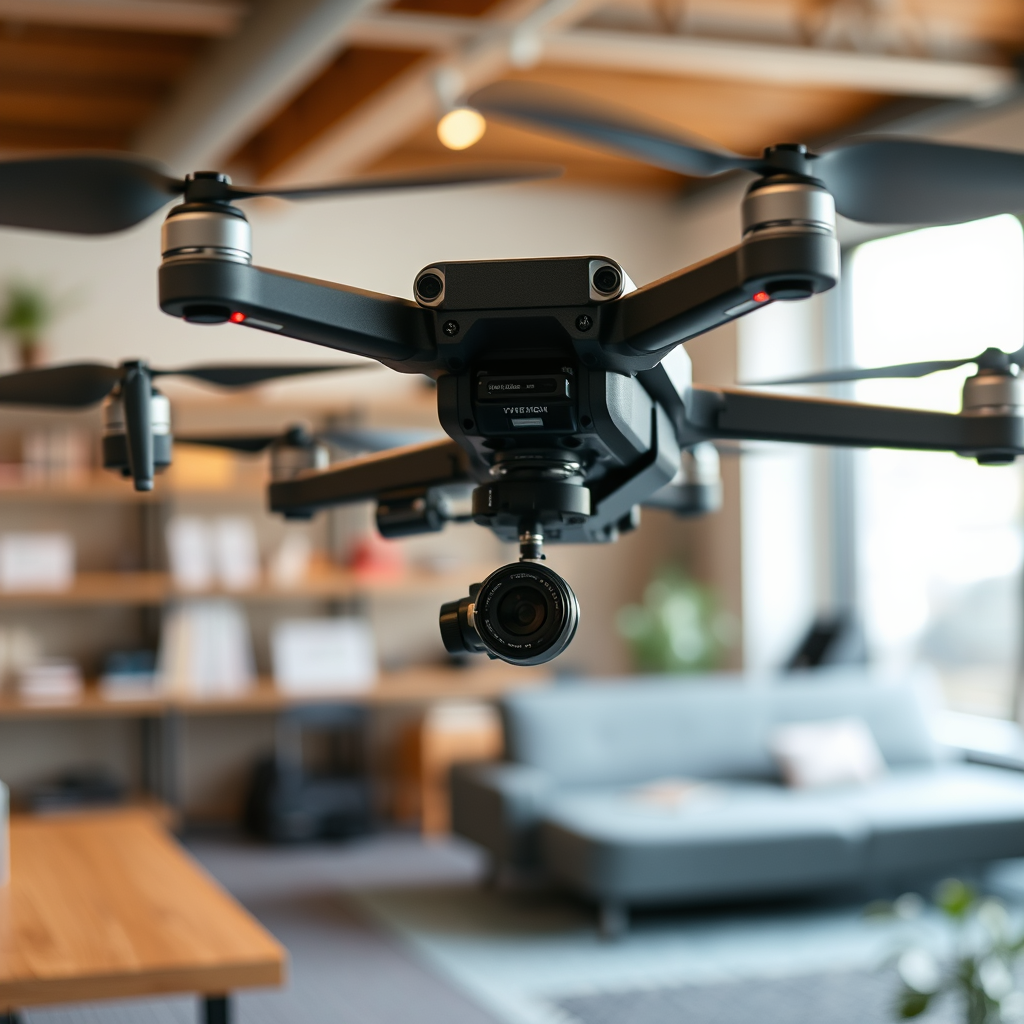
Before you take to the skies, it’s vital to familiarize yourself with your drone’s capabilities and limitations. Each drone model comes equipped with unique features such as flight range, battery life, and camera specifications. For instance, drones like the DJI Mavic 3 or the Autel EVO Lite offer impressive camera quality and flight stability, making them ideal for event coverage. Understanding how these features impact your filming will help you make informed decisions during the shoot.
Next, learning about different camera settings is crucial to optimize the quality of your footage. Settings like ISO, shutter speed, and white balance significantly influence the final output. For example, using a shutter speed that is double your frame rate (e.g., 1/60 for 30 fps) can help achieve that smooth, cinematic look. Additionally, experimenting with different resolutions and frame rates can yield diverse results, ensuring you capture everything from high-speed action to serene landscapes with clarity.
Pre-Event Planning
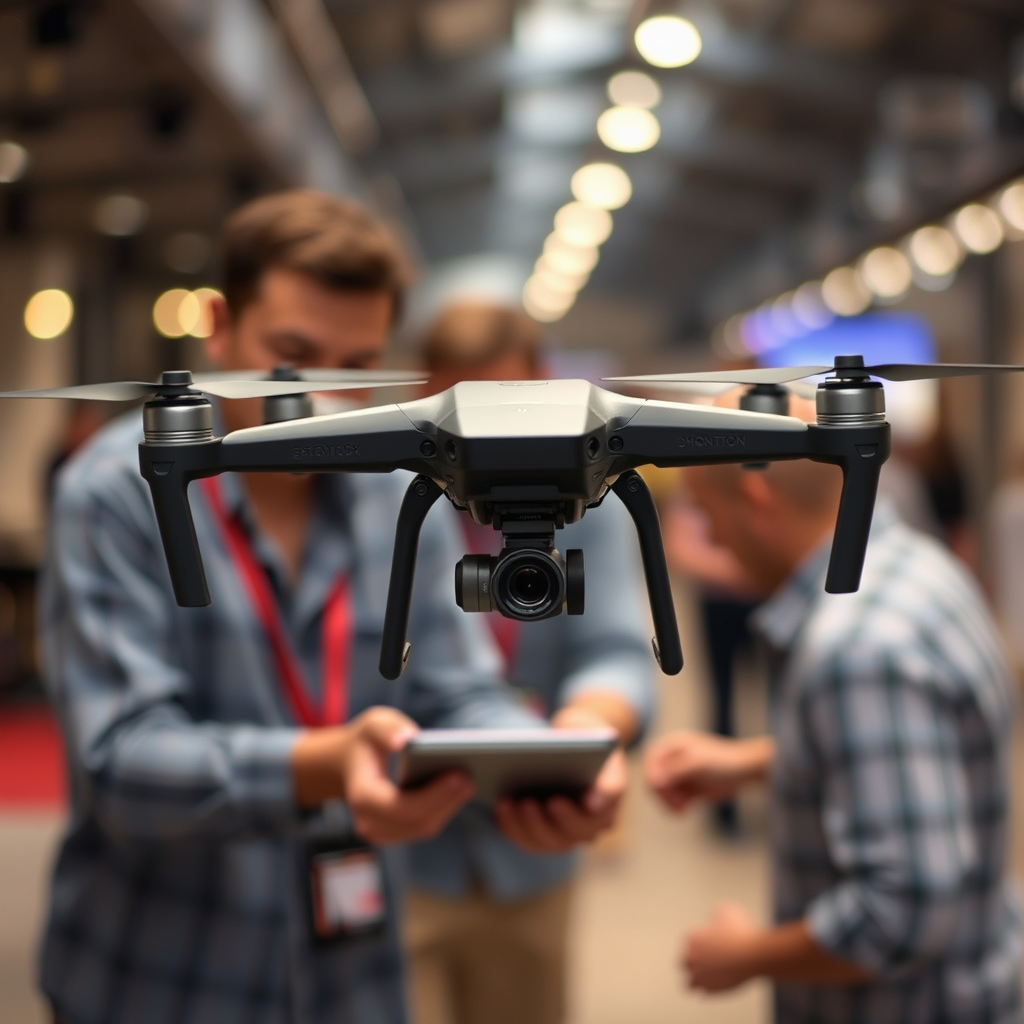
Effective drone footage begins long before the event starts. Scouting the event location is an essential first step to identify key areas for filming. This involves visiting the site to analyze the layout, lighting conditions, and potential obstacles. Look for areas that will enhance your shots, such as scenic backdrops, large crowds, or unique architectural features. A thorough reconnaissance can save you time and help avoid unexpected issues on the day of the event.
Creating a shot list tailored to the event’s agenda and highlights will streamline your filming process. This list should include specific shots you want to capture at various times throughout the event. For instance, if there’s a keynote speaker, plan to film from above to show the audience’s engagement or capture the speaker from a low angle for a dramatic effect. Having a clear plan will help you stay organized and ensure you capture all the essential moments.
Shooting Techniques for Drone Footage
When it comes to shooting techniques, smooth and cinematic movements are key to enhancing the visual appeal of your footage. Using drone features such as “follow me” mode or waypoint navigation can help achieve those smooth transitions. For example, a slow, sweeping shot around the venue can create a dynamic introduction to your event, while a gradual ascent can showcase the scale of the gathering.
Experimenting with different angles and heights can provide unique perspectives that engage viewers. Aerial shots taken from directly above can give an overview of crowd dynamics, while side angles can capture interactions between attendees. Don’t be afraid to mix up your shooting styles; alternating between wide shots and close-ups can keep the footage dynamic and visually interesting.
Capturing the Event’s Atmosphere
To effectively convey the energy of the event, focus on crowd interactions and key moments. Capturing candid reactions, enthusiastic applause, or animated conversations can bring the virtual audience closer to the experience. For instance, a close-up of a smiling attendee can evoke the excitement of the event, while a wide-angle shot of the crowd can illustrate the event’s scale and atmosphere.
Establishing shots are equally important, as they provide context for viewers. These shots should highlight the venue and its surroundings, giving an idea of the event’s location and significance. Incorporate these establishing shots at the beginning of your footage to set the stage for the action that follows.
Post-Production Essentials
Editing is where your footage transforms into a cohesive narrative that aligns with the event’s theme. Start by reviewing all your clips and selecting the most impactful moments. Use video editing software like Adobe Premiere Pro or Final Cut Pro to trim, arrange, and enhance your footage.
Color grading can significantly enhance the mood of your footage. For instance, warmer tones might be appropriate for a celebratory event, while cooler tones could suit a more formal gathering. Additionally, incorporating sound design—such as background music or ambient sounds—can create an immersive experience for viewers. Ensure that audio levels are balanced, and consider using voiceovers to guide the audience through the footage.
Legal and Safety Considerations
Compliance with local regulations regarding drone operation is non-negotiable. Familiarize yourself with the laws governing drone use in your area, including airspace restrictions and required permits. It’s also important to conduct a safety assessment of the event location to identify potential hazards, such as power lines or crowded areas.
Be mindful of privacy concerns. Always obtain necessary permissions from event organizers and attendees before capturing footage. This will not only protect you legally but also foster goodwill among participants. For example, displaying signage that informs attendees about drone filming can be an effective way to address privacy issues upfront.
Tips for Engaging Virtual Audiences
Incorporating drone footage strategically throughout the event can significantly enhance viewer engagement. Consider using aerial shots during key moments, such as opening speeches or performances, to create a sense of excitement. Live feeds from the drone can add an interactive element, allowing viewers to experience the event in real-time. This not only maintains interest but also brings a fresh perspective to virtual attendees.
Additionally, using drone footage to transition between segments of the event can help maintain momentum. For instance, a drone shot that sweeps over the venue can serve as a visual cue when moving from one topic to another, ensuring a seamless experience for viewers.
Summarizing the key aspects of shooting drone footage for virtual events, it’s vital to blend preparation, technical skill, and creativity to deliver captivating visuals. By following these guidelines, you can elevate the quality of your virtual events. Start planning your next shoot today to impress your audience!
Frequently Asked Questions
What equipment do I need to shoot drone footage for virtual events?
To capture high-quality drone footage for virtual events, you’ll need a reliable drone equipped with a high-resolution camera, such as the DJI Mavic Air 2 or the Phantom 4 Pro. Additionally, consider using a gimbal for stabilization, extra batteries for extended flight time, and a set of ND filters to control exposure. A smartphone or tablet with the drone’s app will also help you monitor and control your drone effectively during the shoot.
How can I ensure the best lighting conditions when shooting drone footage?
The best lighting conditions for shooting drone footage generally occur during the “golden hour,” which is shortly after sunrise or before sunset. During these times, the natural light is softer and more diffused, enhancing the visual quality of your footage. Additionally, avoid shooting in harsh midday sunlight, as it can create unwanted shadows and overexposed highlights; instead, aim for a cloudy day or use ND filters to manage light intensity.
Why is it important to plan my shots before the virtual event?
Planning your shots ahead of time is crucial for capturing engaging drone footage that fits seamlessly into your virtual event. By scouting locations, determining flight paths, and identifying key moments to capture, you can ensure that your footage tells a cohesive story. This preparation also helps you avoid potential obstacles and ensures compliance with FAA regulations, making your shoot more efficient and effective.
What are the best practices for editing drone footage for virtual events?
To edit drone footage effectively for virtual events, start by organizing your clips into a coherent sequence that matches the event’s narrative. Use software like Adobe Premiere Pro or Final Cut Pro for advanced editing features, and consider adding transitions, text overlays, and background music to enhance viewer engagement. Pay attention to color correction and stabilization to ensure your final product is polished and visually appealing.
Which regulations should I be aware of when shooting drone footage for virtual events?
When shooting drone footage for virtual events, it’s essential to comply with local regulations set by the Federal Aviation Administration (FAA). This includes obtaining the necessary licenses if you are flying commercially, adhering to altitude restrictions, and ensuring you are flying in permissible airspace. Additionally, consider privacy laws and obtain permissions when filming individuals or private properties to avoid legal issues.
References
- https://www.wired.com/story/how-to-shoot-drone-footage/
- https://www.theguardian.com/technology/2020/mar/18/how-to-shoot-drone-footage-virtual-events
- https://www.nas.gov/feature-articles/drone-footage-tips
- https://www.nyfa.edu/student-resources/drone-filmmaking-tips/
- https://www.unm.edu/~cfi/Drone_Footage_Tips.pdf
