
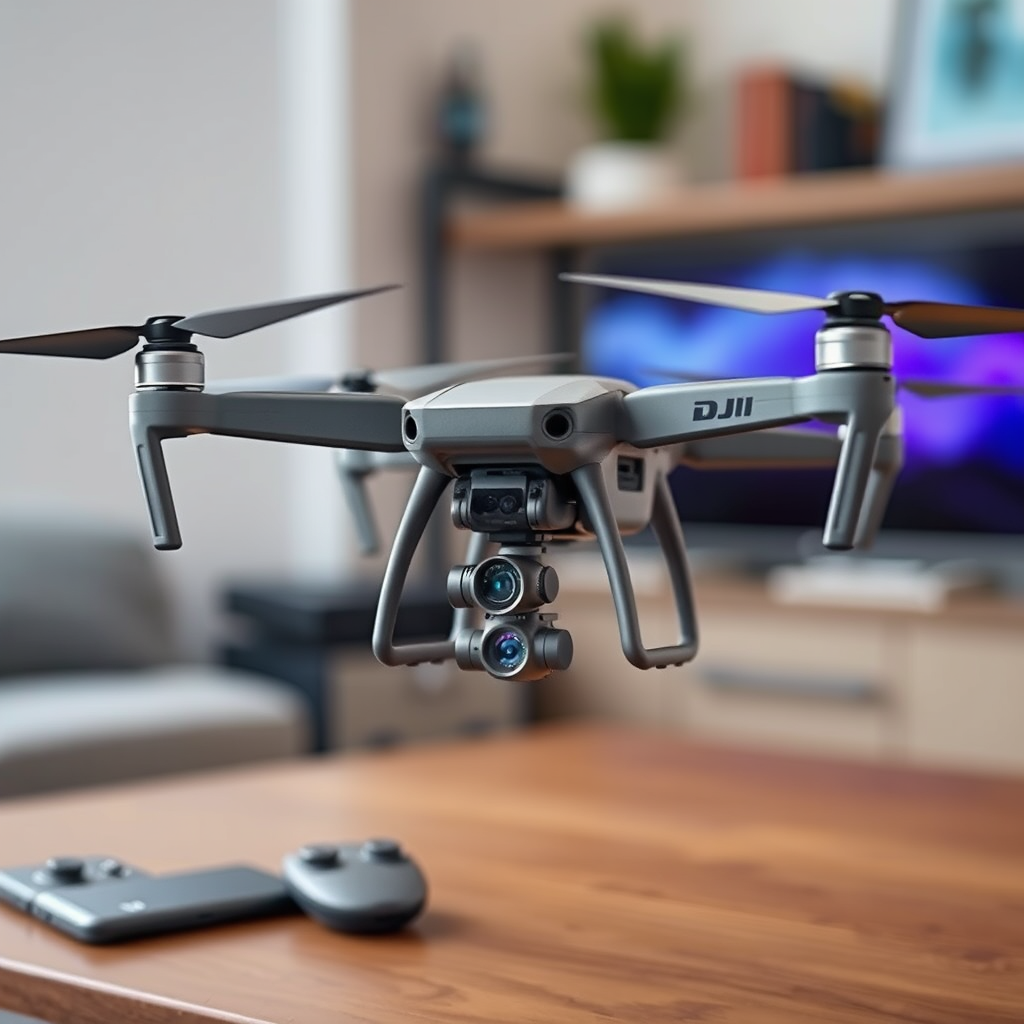
Yes, updating your DJI drone is necessary for maintaining optimal performance, enhancing safety, and unlocking the latest features available. Regular firmware updates not only fix bugs and glitches that may impede your drone’s functionality but also introduce new capabilities that can significantly enhance your flying experience. In this article, we will delve into the importance of updating your drone, how to check for updates, the steps to take for a successful update, the benefits of keeping your drone current, common issues that updates resolve, how frequently you should update, and the potential consequences of neglecting updates.
Why Updating Your DJI Drone is Important
Updating your DJI drone is crucial for several reasons. First and foremost, firmware updates are essential for safety; they often address known bugs or glitches that could lead to malfunctions while flying. For instance, a software update may resolve connectivity issues between the drone and the remote controller, helping to prevent unexpected disconnections during flight.
Additionally, updates can provide access to new features and improvements that enhance your flying experience. For example, DJI regularly introduces advanced shooting modes, improved image processing algorithms, and new control options through firmware updates. By keeping your drone updated, you not only ensure a safer flying experience but also enjoy the benefits of the latest technology that DJI has to offer.
How to Check for Updates
To determine if your DJI drone requires an update, you can easily use the DJI Fly app. This user-friendly application allows you to check for firmware updates directly from your mobile device. Simply connect your drone to the app, and it will automatically notify you if a new firmware version is available.
For a more detailed update process, you can also connect your drone to your computer and visit the DJI website. This method offers an alternative way to check for updates, especially if you prefer managing your drone’s software from a desktop environment. It is advisable to regularly check for updates, even if you are not experiencing any issues, as manufacturers often release updates for performance enhancements and new features.
Steps to Update Your DJI Drone
Updating your DJI drone is a straightforward process that can be completed in just a few steps. First, navigate to the DJI official website or open the DJI Fly app. From there, download the latest firmware update that corresponds to your specific drone model.
Once you have the firmware file, connect your drone to your device via USB or, if using the app, ensure your drone is powered on and connected. The DJI Fly app will guide you through the update process with clear prompts. Follow the on-screen instructions, and allow the update to install completely before disconnecting your drone. It is essential to ensure that your drone remains powered on during the entire update process to prevent any interruptions that could lead to software corruption.
Benefits of Keeping Your Drone Updated
Keeping your DJI drone updated offers numerous benefits that enhance both performance and functionality. One significant advantage is improved flight stability. Updates often include optimizations for flight algorithms, which can lead to smoother and more responsive control during flights.
Moreover, camera capabilities and software features are frequently enhanced through updates. For instance, improvements in low-light performance, autofocus speed, and overall image quality are common outcomes of firmware updates. This means that by keeping your drone updated, you can capture higher-quality footage and photos, making your drone a more valuable tool for both personal and professional use.
Common Issues That Updates Resolve
Firmware updates play a pivotal role in resolving common issues that drone operators may encounter. One of the most frequent challenges is connectivity problems between the drone and the remote controller. Updates can address underlying software issues that cause these disruptions, ensuring a reliable connection during flight.
Additionally, updates can remedy battery life and charging issues. Many users have reported improved battery performance and charging efficiency after installing the latest firmware. This not only extends the flying time but also enhances the overall reliability of the drone, allowing for longer and more enjoyable flights without the constant worry of battery depletion.
Frequency of Updates
To maximize the performance and safety of your DJI drone, regular updates are recommended every few months. Keeping an eye on DJI announcements is also crucial, as the company often releases significant updates that may pertain directly to your model. These updates may include critical security patches or major feature enhancements that can improve your flying experience.
Additionally, after using your drone for any significant flying session or after experiencing any technical issue, it is a good practice to check for updates. Staying proactive about updates can help mitigate potential issues before they become serious problems.
What Happens If You Don’t Update
Neglecting to update your DJI drone can lead to several adverse effects. One of the most significant risks is diminished performance, which can manifest as erratic flying behavior, loss of control, or even crashes. With older firmware, your drone may not operate optimally, especially if it encounters conditions or features that were introduced in later updates.
Moreover, failing to keep your drone updated may limit your access to customer support and warranty claims. Many manufacturers, including DJI, require that users maintain their devices with the latest firmware to qualify for support. This means that if you encounter a problem with your drone, you could be at a disadvantage if you have not kept it updated.
Keeping your DJI drone updated is a crucial step in ensuring that it operates safely and efficiently. Regularly check for updates, follow the necessary steps to install them, and enjoy the benefits of enhanced performance and features. Don’t wait—make sure your drone is up to date today!
Frequently Asked Questions
Why is it important to update my DJI drone’s firmware?
Updating your DJI drone’s firmware is crucial for maintaining optimal performance, enhancing security, and unlocking new features. Firmware updates often fix bugs, improve flight stability, and ensure compatibility with the latest software applications. By keeping your DJI drone updated, you can also benefit from improved camera quality and better overall user experience.
How often should I check for DJI drone updates?
It’s recommended to check for DJI drone updates at least once a month or whenever you plan to fly your drone for an important project. DJI frequently releases firmware updates that can enhance functionality, address security vulnerabilities, and introduce new features. Staying proactive with updates ensures that your drone performs reliably and safely.
What are the steps to update my DJI drone’s firmware?
To update your DJI drone’s firmware, first, ensure that your drone and remote controller are fully charged. Connect your drone to the DJI Fly app or DJI Assistant 2 on your computer, where it will prompt you if an update is available. Follow the on-screen instructions to download and install the update, making sure to keep your device connected throughout the process to avoid interruptions.
Which DJI drones require firmware updates?
Most DJI drones, including popular models like the DJI Mavic Air, Mavic Pro, Phantom 4, and Mini series, require firmware updates to function optimally. Regardless of the model, all DJI drones benefit from the latest updates to improve performance, fix bugs, and enhance safety features. Always check the specific recommendations for your model on the DJI official website or app.
What happens if I don’t update my DJI drone?
If you neglect to update your DJI drone, you may experience various issues such as decreased performance, glitches during flight, and potential safety hazards due to outdated features. Additionally, you may miss out on new functionalities and enhancements that improve your overall flying experience. Regular updates are essential for ensuring the longevity and reliability of your drone.
References
- https://en.wikipedia.org/wiki/DJI_Drone
- DJI Support for Products Repairs Services and Technical Help – DJI Global or Other Regions
- https://www.theverge.com/2021/4/14/22383002/dji-drone-update-compatibility-issues
- Remote Identification of Drones | Federal Aviation Administration
- https://www.cnet.com/tech/mobile/how-to-update-your-dji-drone/
- https://www.techradar.com/news/how-to-update-your-dji-drone-firmware
- https://www.dronepilotgroundschool.com/dji-drone-firmware-update-guide/
- https://www.flytnow.com/blog/how-to-update-your-dji-drone-firmware/
