
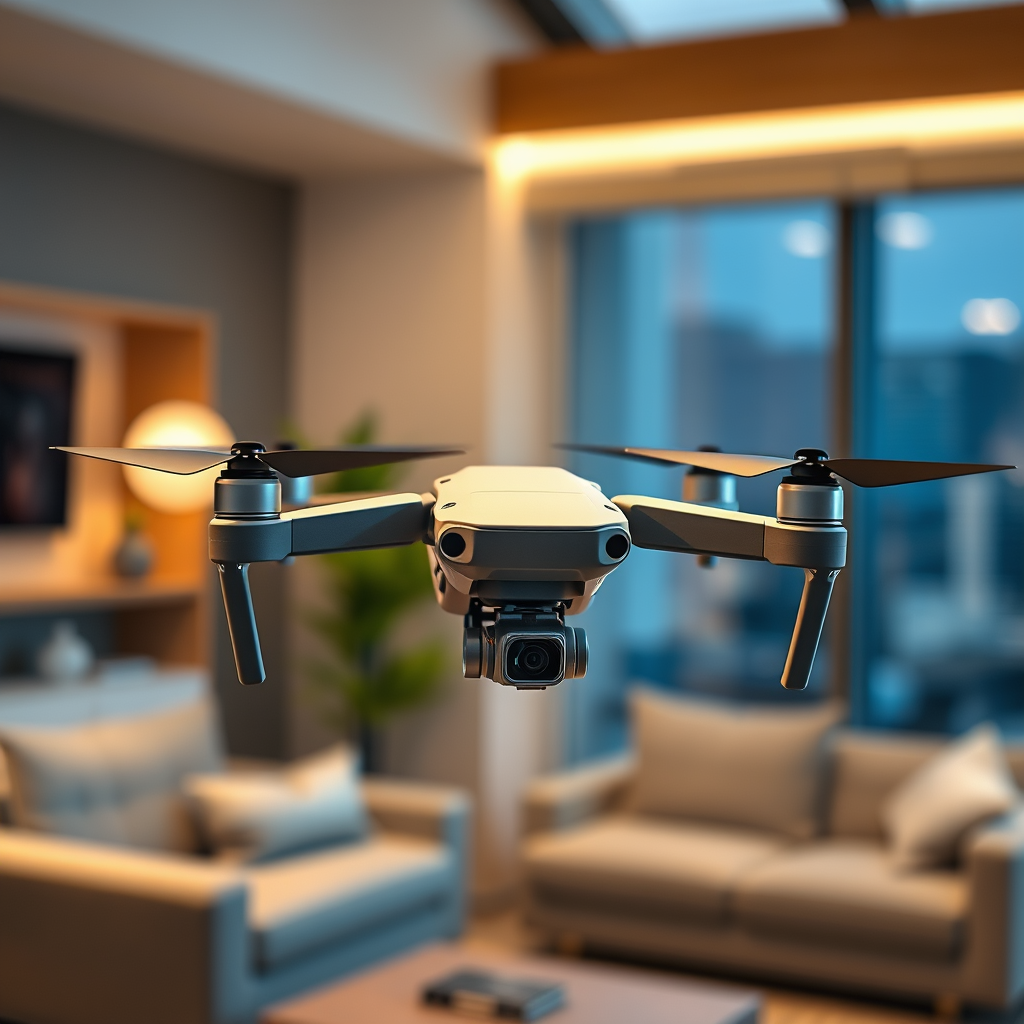
Flying a DJI drone does not require WiFi; you can operate it using the remote control and the DJI app on your mobile device. However, understanding the role of WiFi can enhance your flying experience and access additional features. This article will explore the necessity of WiFi for flying DJI drones and what functions it serves.
Understanding DJI Drone Connectivity
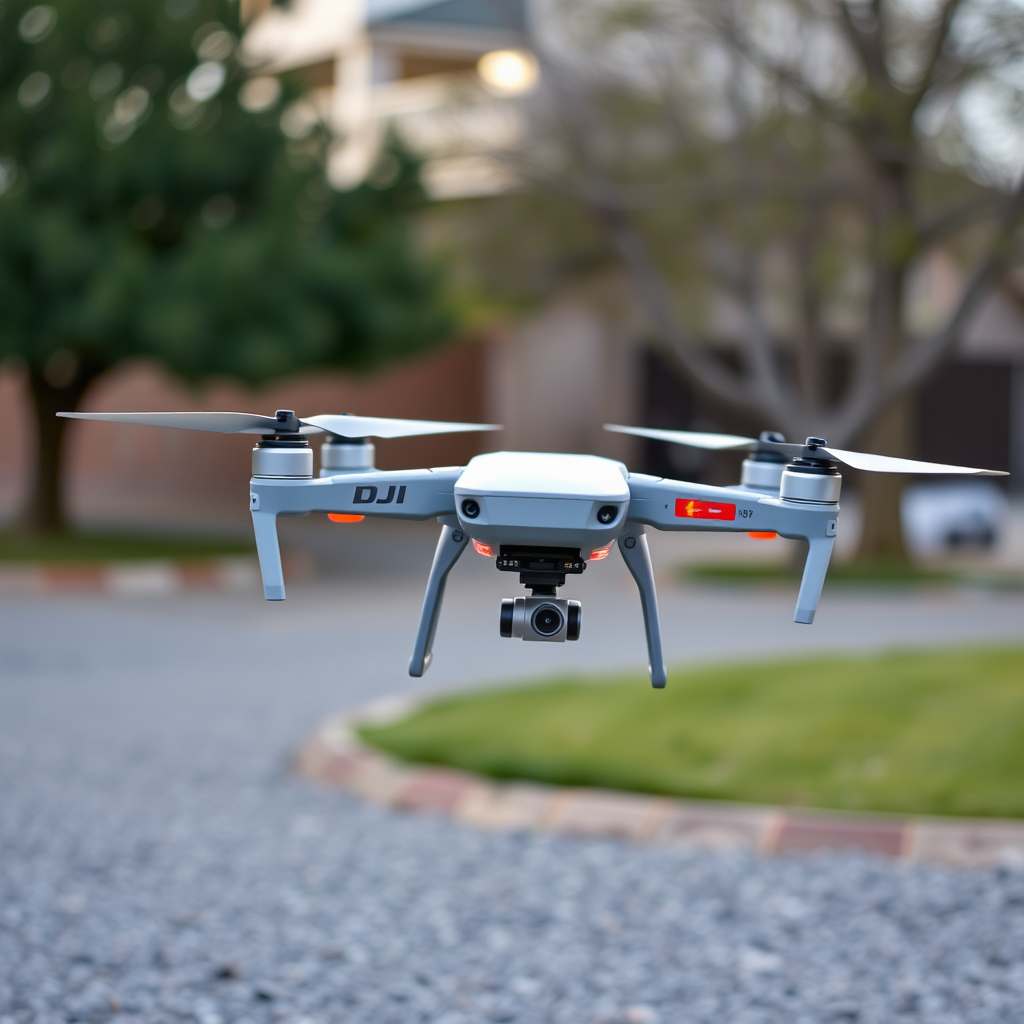
DJI drones are designed to operate primarily through a direct connection between the drone and the remote controller. This communication allows for essential flight controls, including takeoff, landing, and navigation. The reliability of this connection is critical, especially in environments where WiFi signals might be weak or non-existent.
The remote controller transmits commands to the drone using a proprietary radio frequency, which is robust and less susceptible to interference compared to standard WiFi connections. This means that even in remote areas, where WiFi is not available, users can still enjoy a full range of flight operations. In many cases, this direct communication offers a more stable and responsive control experience, especially during critical maneuvers or in challenging flight conditions.
The Role of WiFi in DJI Drones
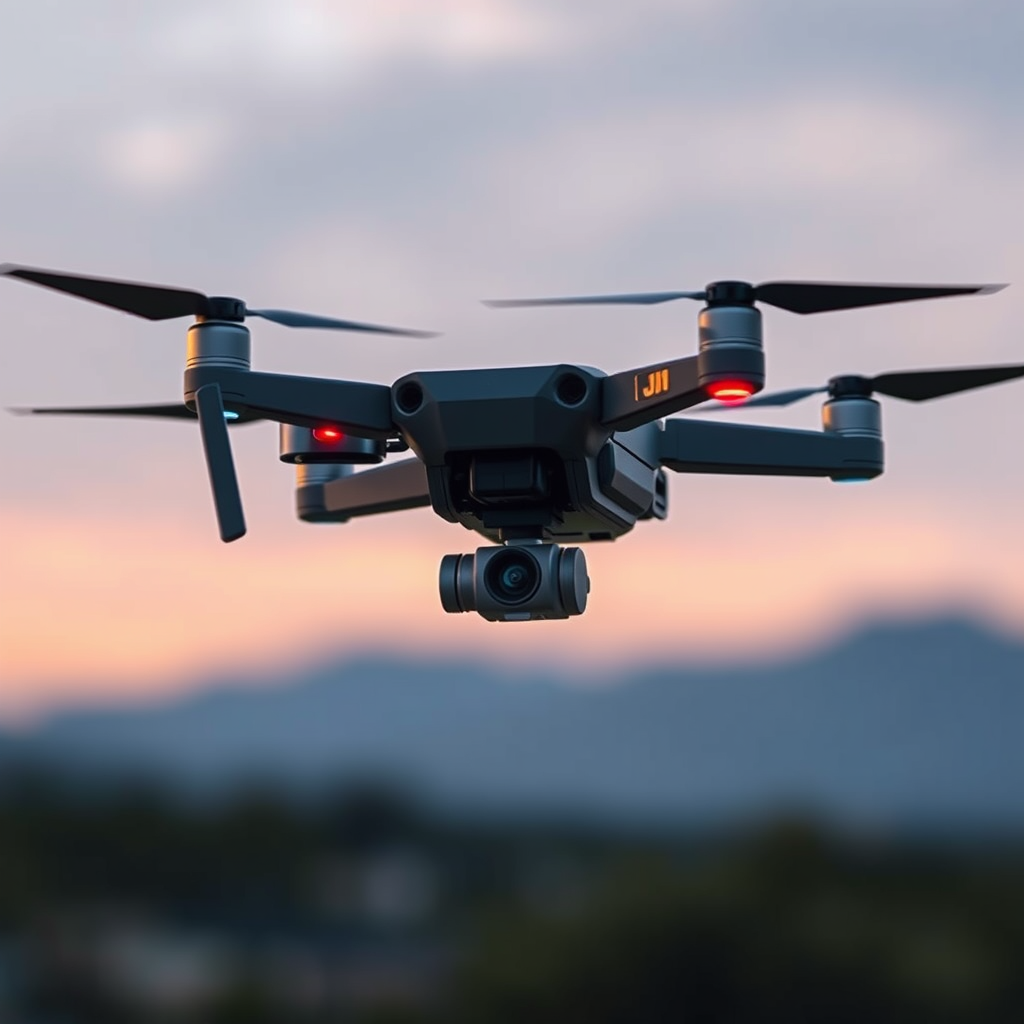
While WiFi is not necessary for basic flying, it plays a significant role in enhancing the overall user experience. When you connect your smartphone or tablet to the DJI drone via WiFi, you unlock a host of features that significantly improve functionality. The DJI app, available on both iOS and Android platforms, becomes a crucial interface for accessing advanced settings and features.
One key aspect of the WiFi connection is the ability to view a live video feed from the drone’s camera. This feature is not only essential for capturing high-quality aerial footage but also aids in maintaining line-of-sight during flight. Additionally, WiFi enables users to adjust critical settings, such as camera parameters and flight modes, directly from their mobile devices. This level of control is especially useful for amateur filmmakers and photographers looking to capture stunning visuals.
Features Available Without WiFi
Even without a WiFi connection, DJI drones retain a robust set of functionalities that allow users to fly effectively. Basic flight modes, such as GPS and ATTI, operate independently of WiFi. GPS mode, for example, provides essential location tracking and stabilization, ensuring that the drone can autonomously hold its position in the air.
Moreover, pre-programmed flight paths, such as Waypoint missions, can be planned and saved before launching the drone. This means that once the flight plan is established, the pilot can execute the mission without needing to maintain a WiFi connection. Manual control functions, including altitude adjustments and directional changes, remain fully operational, enabling skilled pilots to navigate and execute complex maneuvers during their flights.
Benefits of WiFi for Enhanced Experience
Integrating WiFi into your DJI drone experience opens the door to several enhanced functionalities that can significantly elevate your flying experience. One of the most notable benefits is the ability to live stream video directly from the drone to social media platforms or to your device. This feature is invaluable for content creators who want to share real-time footage with their audience.
WiFi connectivity also facilitates firmware updates and app feature installations. Regular updates are essential for maintaining optimal performance and introducing new features, ensuring that users can take full advantage of the latest advancements in drone technology. For instance, DJI frequently rolls out updates that improve flight stability, camera performance, and user interface enhancements, which can all be accessed through a WiFi connection.
Troubleshooting WiFi Connection Issues
While WiFi can enhance your flying experience, it can also present challenges, especially in areas of high electronic interference. To mitigate potential issues, ensure that your drone’s firmware is up to date. Firmware updates often address connectivity issues and improve overall performance.
If you experience difficulties connecting to WiFi, consider the proximity of other electronic devices or networks that may interfere with the signal. Common sources of interference include WiFi routers, microwaves, and even other drones operating in the area. Additionally, you can troubleshoot connection problems by restarting both the drone and the mobile device, as this often resolves minor glitches.
Best Practices for Flying Without WiFi
To maximize your flying experience without reliance on WiFi, it is essential to prepare adequately before heading out. Pre-planning your flight routes and settings can significantly enhance your ability to operate the drone effectively. Familiarizing yourself with the drone’s capabilities and limitations is crucial, especially if you plan to fly in areas with limited connectivity.
Additionally, investing time in mastering manual flying techniques is highly beneficial. While GPS mode offers considerable assistance, understanding how to control the drone without these aids can enhance your skills and confidence as a pilot. Practicing in open areas can help you gain valuable experience and improve your ability to handle the drone in various conditions.
Conclusion
While you don’t need WiFi to operate a DJI drone, utilizing it can significantly enhance your flying experience. WiFi connectivity allows access to advanced features such as live video streaming and firmware updates, which can elevate your overall usage. By understanding both the necessity and the benefits of WiFi, you can make informed decisions that will help you explore all the functionalities your DJI drone has to offer. Happy flying, and enjoy discovering the full potential of your drone!
Frequently Asked Questions
Do you need WiFi to fly a DJI drone?
No, you do not need WiFi to fly a DJI drone. Most DJI drones can operate independently of internet connectivity, relying on GPS and built-in sensors for navigation and stability. However, a WiFi connection is beneficial for downloading firmware updates, accessing live maps, or using specific features in the DJI Go app, especially during initial setup or for advanced functionalities.
How does flying a DJI drone without WiFi affect its performance?
Flying a DJI drone without WiFi generally does not hinder its performance, as the drone’s flight systems and controls are designed to function offline. However, without WiFi, you may miss out on features that require real-time data, such as live streaming video to social media or accessing certain app functionalities like geofencing and drone location updates. It’s advisable to check for any firmware updates before flying to ensure optimal performance.
Why might I want to connect my DJI drone to WiFi?
Connecting your DJI drone to WiFi can enhance your flying experience by allowing you to update the drone’s firmware, download the latest flight maps, and access additional features in the DJI Go app. WiFi connectivity enables features like live video transmission, cloud storage for your flight data, and even remote camera control, making it an excellent option for advanced users looking to maximize their drone’s capabilities.
What should I do if I don’t have WiFi access before flying my DJI drone?
If you don’t have WiFi access before flying your DJI drone, you can still operate the drone normally using its built-in features. Ensure that your drone’s firmware is updated prior to your flight, as this can often be done using a mobile hotspot or at a location with WiFi. Additionally, download any necessary maps or settings while you have internet access to prepare for offline flying.
Which DJI drones offer the best offline capabilities?
Most DJI drones, such as the DJI Mavic series, Phantom series, and Mini series, provide excellent offline capabilities due to their robust GPS systems and built-in sensors. These drones can autonomously navigate and maintain stability without a WiFi connection. If you are looking for a drone specifically for offline use, consider models like the DJI Mini 2 or Mavic Air 2, which excel in flight time and user-friendly controls while not requiring constant internet connectivity.
References
- https://www.dji.com/fly-safe/geo-zone-map
- Getting Started | Federal Aviation Administration
- https://www.faa.gov/uas/getting_started/learn/
- https://www.reuters.com/technology/dji-drone-flying-issues-2021-04-19/
- https://www.wired.com/story/dji-drone-flying-without-wifi/
- https://www.techcrunch.com/2020/09/01/dji-drone-wifi-connection-issues/
- https://www.ncbi.nlm.nih.gov/pmc/articles/PMC7451231/
