

Yes, DJI drones do feature a “Follow Me” mode, which enables the drone to automatically track and follow a subject while capturing high-quality video or photos. This functionality is particularly beneficial for users who wish to film their outdoor adventures or activities hands-free, making it easier to document experiences without the need for a separate operator. In this article, we will delve into the workings of the “Follow Me” feature, its various applications, effective usage tips, limitations, and safety considerations to ensure a seamless flying experience.
Understanding the Follow Me Feature
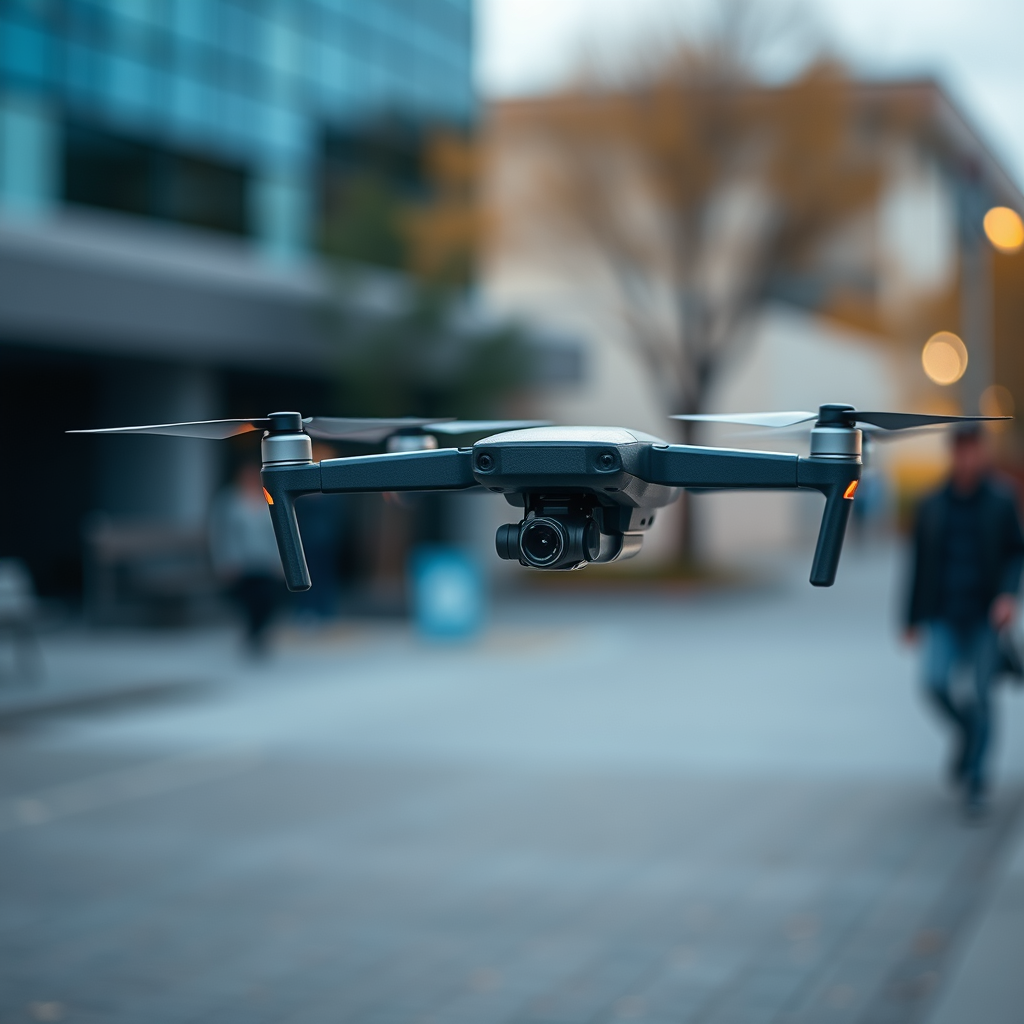
The “Follow Me” mode employs advanced technology that combines GPS positioning and visual tracking capabilities to ensure the drone can accurately follow a designated subject. When activated, the drone uses its onboard sensors and cameras to identify and track the user or selected subject, maintaining a stable and consistent distance while capturing footage. This feature is available on several popular DJI models, including the Mavic series, Phantom series, and the Spark. Each model may have slight variations in how the “Follow Me” feature operates, but the core principles remain the same.
For instance, the Mavic Air 2 utilizes a combination of GPS and advanced obstacle detection to ensure safe and effective tracking. The drone is designed to recognize the subject’s movement and adjust its flight path accordingly, allowing for dynamic filming that captures the essence of outdoor activities. Understanding how the feature works across different models can help users make the most of their drone’s capabilities.
How to Activate Follow Me on DJI Drones

Activating the “Follow Me” feature on DJI drones is straightforward and can be done through the DJI Fly or DJI GO app, depending on the model you are using. To start, ensure that your drone’s firmware is updated to the latest version, as updates often contain enhancements for features like “Follow Me.” Once you have confirmed the firmware is current, follow these steps:
1. Launch the App: Open the DJI Fly or DJI GO app on your mobile device.
2. Connect Your Drone: Power on your drone and connect the app to your drone via the remote controller.
3. Select Follow Me Mode: Navigate to the intelligent flight modes section within the app. From there, select “Follow Me.”
4. Choose Your Subject: You can either point the drone towards yourself or tap on a subject on the screen to initiate tracking.
5. Adjust Settings: Depending on the model, you may have options to set the distance, altitude, and angle for the drone to maintain while following.
Once activated, the drone will begin to track the chosen subject autonomously. Users should always conduct a pre-flight check to ensure that all systems are functioning correctly and that the surrounding area is suitable for flight.
Best Use Cases for Follow Me Mode
The “Follow Me” mode is particularly well-suited for a variety of activities, making it an invaluable tool for both amateur and professional filmmakers. Here are some ideal use cases:
– Action Sports: Whether it’s biking, skiing, or skateboarding, the “Follow Me” feature allows the drone to capture fast-paced movements from various angles, creating dynamic and engaging footage.
– Solo Travel: For solo adventurers and travelers, this feature removes the need for a second person to capture moments. It enables users to document their journeys, from scenic hikes to beach explorations, all while enjoying the experience fully.
– Fitness Activities: Runners, joggers, and cyclists can use the “Follow Me” mode to record their workouts. This can be particularly motivating, allowing them to track progress and share their activities on social media.
– Creative Filming: Filmmakers can experiment with different perspectives. By adjusting the drone’s distance and angle, users can create unique shots that add a cinematic quality to their videos.
These diverse applications make the “Follow Me” feature a versatile tool for capturing engaging content, whether for personal enjoyment or professional projects.
Tips for Effective Use of Follow Me Mode
To maximize the effectiveness of the “Follow Me” mode, consider the following tips:
– Maintain a Clear Line of Sight: Ensure that the drone has a clear view of the subject to enhance tracking accuracy. Avoid areas with dense vegetation or numerous obstructions, as these can interfere with the drone’s ability to maintain a lock on the subject.
– Test Different Distances and Angles: Experimenting with distances and angles can yield a variety of creative shots. For instance, flying the drone higher can provide an expansive view, while a closer distance may capture more detail and intimacy.
– Use the Right Settings: Depending on the activity, adjust the drone’s speed settings to match the subject’s pace. For faster activities, a higher speed may be necessary to keep up. Conversely, slower movements might benefit from a more relaxed tracking speed.
– Plan Your Route: If possible, pre-plan the route you intend to take. This foresight can help you anticipate obstacles and ensure the drone operates smoothly throughout the activity.
By following these tips, users can enhance their filming experience and capture stunning footage that showcases their activities in the best light.
Limitations of Follow Me Feature
While the “Follow Me” feature provides significant advantages, it does have its limitations. Understanding these can help users set realistic expectations and avoid potential issues:
– Obstacle Navigation: The effectiveness of the “Follow Me” mode can diminish in environments with dense trees, buildings, or other obstacles. In such settings, the drone may struggle to maintain a clear line of sight with the subject, leading to tracking errors or erratic movements.
– GPS Signal Dependency: The feature relies heavily on GPS signals to function properly. In areas with weak GPS reception, such as urban canyons or heavily wooded regions, performance may suffer. Users should ensure they are in a location with robust GPS coverage to maximize the feature’s effectiveness.
– Weather Conditions: Adverse weather conditions, such as high winds or rain, can affect the drone’s stability and tracking capabilities. It is advisable to avoid using the “Follow Me” mode in inclement weather to prevent potential damage to the drone or loss of control.
Being aware of these limitations allows users to plan their activities better and choose suitable environments for optimal performance.
Safety Considerations When Using Follow Me
Safety should always be a top priority when flying drones, especially when utilizing features like “Follow Me.” Here are essential safety considerations to keep in mind:
– Stay Aware of Surroundings: Always be vigilant of your surroundings and potential hazards. This includes other people, animals, and obstacles that may interfere with the drone’s flight path.
– Follow Local Regulations: It is crucial to adhere to local regulations regarding drone flight, particularly in populated areas. Some regions may have restrictions on flying drones over people or certain landmarks, so be sure to familiarize yourself with the laws governing drone usage in your area.
– Maintain Line of Sight: Although the “Follow Me” feature allows for autonomous tracking, maintaining visual line-of-sight with the drone is essential. This practice ensures that you can react promptly to any issues or changes in the environment.
– Pre-Flight Safety Checks: Before each flight, conduct a thorough pre-flight check of the drone’s systems, including battery levels, camera functionality, and GPS connection. This step helps to mitigate risks associated with equipment failure during flight.
By prioritizing safety and adhering to best practices, users can enjoy the benefits of the “Follow Me” feature while minimizing risks.
The “Follow Me” feature on DJI drones is a powerful tool that enhances the flying experience by allowing for autonomous tracking and filming. By understanding how to use it effectively and being mindful of its limitations, you can capture stunning footage effortlessly. For those interested in exploring this feature, consider testing it on your next adventure and enjoy the freedom it offers. Whether you are documenting an exciting activity, capturing the essence of your travels, or creating innovative content, the “Follow Me” mode is an invaluable addition to your drone’s capabilities.
Frequently Asked Questions
Does DJI have a “Follow Me” feature on their drones?
Yes, many DJI drones come equipped with a “Follow Me” feature, allowing the drone to autonomously follow and film a subject while keeping it in frame. This feature is particularly useful for capturing dynamic shots while biking, hiking, or engaging in other activities. Models such as the DJI Mavic Air 2 and DJI Mini 2 support this functionality, making it easy for users to create engaging content without needing a separate operator.
How does the “Follow Me” feature work on DJI drones?
The “Follow Me” feature utilizes GPS and visual recognition technology to track a subject. When activated, the drone locks onto the user’s smartphone or a designated GPS device, allowing it to maintain a steady distance and altitude while following. Users can adjust parameters such as the follow distance, height, and flight speed to achieve the desired perspective, enhancing creative flexibility during shoots.
Why is the “Follow Me” feature important for drone users?
The “Follow Me” feature is essential for drone users seeking to capture hands-free aerial footage, as it allows for dynamic and versatile filming without manual control. This functionality is particularly beneficial for solo adventurers or content creators who want to showcase movement, such as action sports or travel vlogs, while maintaining high-quality aerial shots. It also reduces the learning curve for beginners who may find manual flying challenging.
Which DJI drones have the best “Follow Me” feature?
Some of the best DJI drones with a reliable “Follow Me” feature include the DJI Mavic Air 2, DJI Mavic 3, and DJI Phantom 4 Pro. These models are equipped with advanced tracking technologies and obstacle avoidance systems, ensuring that they can safely and efficiently follow subjects in various environments. Each model offers unique advantages, such as longer flight times and superior camera capabilities, catering to different filming needs.
Can the “Follow Me” feature be used in all environments?
While the “Follow Me” feature on DJI drones is versatile, its effectiveness can be influenced by environmental conditions. Factors such as dense forests, urban areas with tall buildings, or poor lighting can hinder the drone’s ability to track the subject accurately. To ensure optimal performance, it’s recommended to use this feature in open areas with good visibility and minimal obstructions, allowing the drone to maintain a clear line of sight to the subject.
References
- DJI
- DJI Mavic Air 2 review | TechRadar
- https://www.theverge.com/2020/4/27/21236307/dji-mavic-air-2-drone-review-follow-me-features
- https://www.forbes.com/sites/forbestechcouncil/2021/10/26/exploring-the-dji-drone-follow-me-feature/
- https://www.droneblog.com/2020/04/20/dji-mavic-air-2-follow-me-mode/
- https://www.polygon.com/2020/4/27/21236307/dji-mavic-air-2-drone-review-price-release-date
- https://www.cnet.com/tech/mobile/dji-mavic-air-2-review/
- https://www.nytimes.com/2020/04/27/technology/dji-mavic-air-2-drone-review.html
