

DJI drones do not record sound directly through their built-in microphones. Instead, they capture high-quality video footage without audio, leaving users to add sound separately during editing. This design choice aligns with DJI’s focus on delivering exceptional visual quality while minimizing distractions and interference associated with audio capture. In this article, we’ll explore why DJI drones don’t record sound, the implications for users, and alternative methods for capturing audio.
Understanding DJI Drone Capabilities

DJI drones are renowned for their advanced technology and high-resolution imaging capabilities, making them favorites among both amateur and professional videographers. Models such as the DJI Mavic Air 2 and Phantom 4 Pro feature impressive camera systems that can record in 4K resolution and capture stunning aerial photographs. However, these drones are primarily designed for visual fidelity rather than audio capture. The absence of built-in audio recording capabilities is a deliberate design choice, allowing DJI to focus on optimizing video quality, stability, and flight performance.
The lack of sound recording functionality is consistent across DJI’s consumer and professional drone lines. This means that while users can expect crystal-clear visuals, they will need to implement alternative methods for collecting audio to accompany their video projects. Understanding this limitation is crucial for anyone looking to create comprehensive multimedia content using DJI drones.
Reasons for Lack of Sound Recording
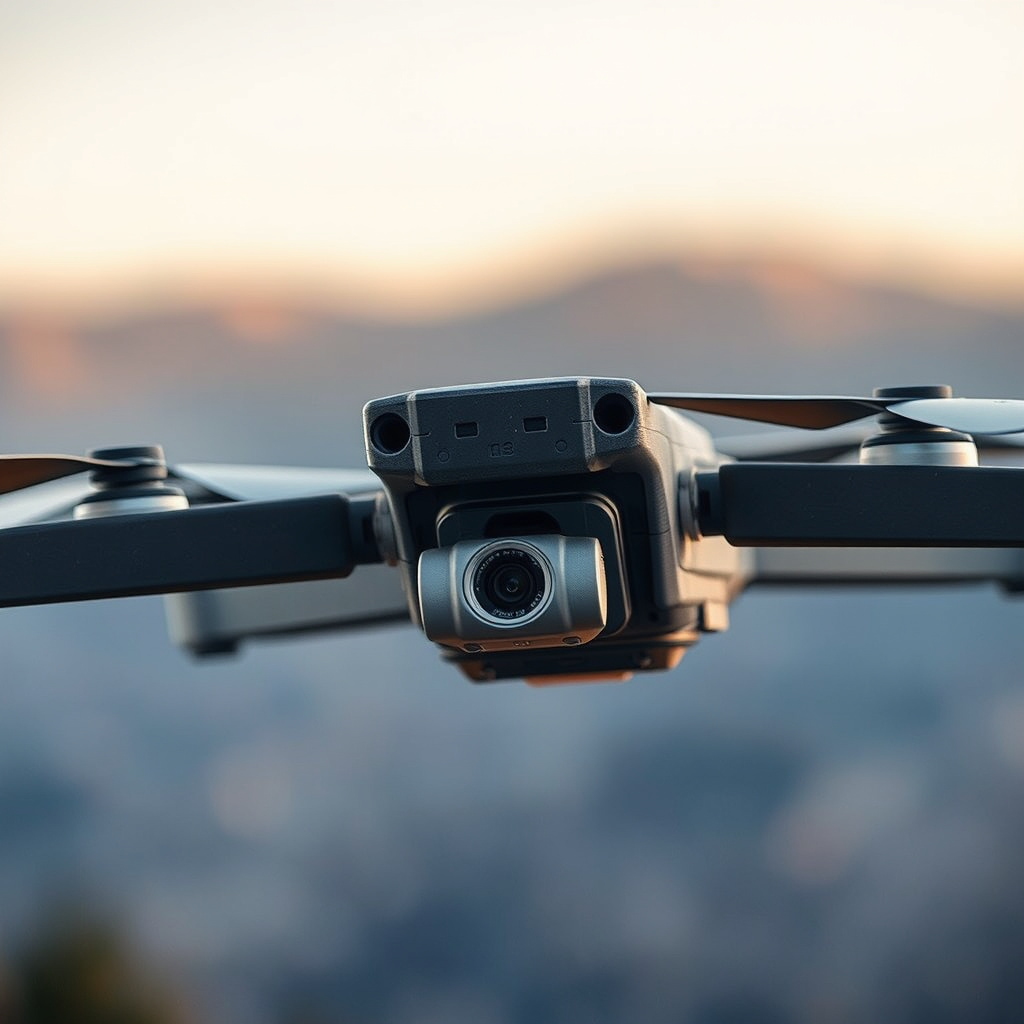
There are several reasons behind the decision not to include sound recording capabilities in DJI drones. One primary factor is the interference caused by wind noise and the sound of the drone’s propellers. When a drone is in flight, the noise generated by its rotors can be quite loud, often overshadowing more subtle sounds that might be desired for a video project. This inherent noise pollution would render any ambient sound recording ineffective and of poor quality.
Moreover, the focus on visual fidelity means that DJI’s engineering resources are allocated toward enhancing imaging technology, stabilizing footage, and improving battery life. By eliminating the need for audio capture, DJI can ensure that their drones maintain a lightweight and streamlined design, which is essential for optimal flight performance. This prioritization allows users to concentrate on the visual storytelling aspect of their projects while providing an opportunity to enhance audio separately.
How to Capture Sound While Using DJI Drones
While DJI drones do not provide built-in sound recording capabilities, there are several effective methods for capturing high-quality audio to accompany aerial footage. One popular approach is to use external recording devices, such as handheld audio recorders or lavalier microphones. These devices can be utilized to capture clear audio in various environments, ensuring that the sound quality is superior to what might be recorded by an onboard microphone.
For instance, a user might set up a handheld recorder near a sound source, such as an interview subject or a natural setting, to capture ambient sounds without interference from the drone. Additionally, some users opt to attach smartphones or portable microphones to gather audio during flight. This method can be particularly useful for capturing sounds in dynamic environments, such as at outdoor events or nature scenes.
Another effective technique is to capture sound separately during post-processing. By recording voiceovers or sound effects after the drone footage has been filmed, users can achieve a polished final product that integrates seamlessly with the visuals. This method gives creators greater control over the audio quality and allows for the addition of sound effects or background music that can enhance the storytelling experience.
Editing Audio in Post-Production
Once audio has been captured separately from the drone footage, the next step is to integrate it into the final video during post-production. Learning to sync recorded audio with video footage is essential for creating a cohesive viewing experience. Most editing software, such as Adobe Premiere Pro or Final Cut Pro, provides tools for easily aligning audio tracks with the corresponding video clips.
To achieve optimal results, users should pay attention to the timing and pacing of the audio. Sound effects, ambient noise, and background music should complement the visuals without overwhelming them. For example, if a drone is capturing sweeping shots of a landscape, incorporating natural soundscapes can enhance the viewer’s immersion in the scene. Similarly, adding a well-selected background score can evoke emotions and elevate the overall impact of the video.
Furthermore, exploring various sound effects libraries can provide valuable resources for enhancing drone footage. Many online platforms offer royalty-free sound effects and music tracks that can be downloaded and used in video projects. By blending these elements thoughtfully, users can significantly enhance the production quality of their drone videos.
Popular DJI Drone Models and Their Features
DJI offers a wide range of drone models, each equipped with unique features catering to different types of users. The DJI Mavic Air 2, for example, is celebrated for its compact design and impressive camera capabilities, including a 48MP sensor and 4K video recording at 60 frames per second. This model is highly portable, making it an excellent choice for travel and outdoor adventures.
On the other hand, the DJI Phantom 4 Pro is favored by professional filmmakers for its robust build and advanced flight features. It boasts a 20MP camera capable of capturing 4K video at 60fps, and its mechanical shutter helps eliminate motion blur. Additionally, the Phantom 4 Pro includes intelligent flight modes such as ActiveTrack and TapFly, which allow for more creative aerial shots.
While both models excel in visual quality, the absence of built-in audio recording remains a commonality. Users must adapt their workflows to incorporate external audio solutions, regardless of the drone selected. Understanding each model’s strengths and capabilities will help users make informed decisions on how to enhance their aerial videography.
User Experiences and Recommendations
Many users have adapted to the audio limitations of DJI drones by employing various strategies to improve their content. Insights from experienced drone operators reveal that investing in quality external microphones can significantly enhance audio capture. For example, many recommend using shotgun microphones for directional sound recording, which can help isolate specific audio sources during filming.
Additionally, users highlight the importance of planning audio capture around the video shoot. Conducting a sound check and scouting for audio opportunities before filming can lead to better results. Engaging with the environment, such as recording local wildlife or capturing the sounds of bustling city life, allows for a richer auditory experience that complements the visuals.
Furthermore, sharing experiences on forums and social media platforms can provide valuable recommendations and tips from fellow drone enthusiasts. These community interactions can lead to discovering new techniques for audio capture, innovative editing methods, and useful gear that enhances overall production quality.
In summary, DJI drones do not include built-in audio recording capabilities, which means users need to employ alternative methods for sound capture. By utilizing external microphones and post-production editing techniques, you can successfully enhance your drone footage with high-quality audio. If you’re interested in improving your drone videography, consider investing in a good external mic or exploring audio editing software. Embracing these strategies will help you create compelling content that resonates with your audience.
Frequently Asked Questions
Does a DJI drone have the capability to record sound?
Most DJI drones, including popular models like the DJI Mavic and Phantom series, do not have built-in microphones for recording sound. This means that while they can capture stunning video footage, any audio will not be included in the recordings. To capture sound, you would need to use an external audio recording device or a gimbal-mounted microphone that can sync with the video during post-production.
How can I record sound while using my DJI drone?
To record sound while flying a DJI drone, you can use an external audio recording device, such as a field recorder or a smartphone, to capture sound separately. After recording, you can sync the audio with the drone footage during video editing. Alternatively, consider using external microphones compatible with your smartphone or camera setup if you are capturing sound in close proximity to the drone’s filming area.
Why do DJI drones not record sound during flight?
DJI drones typically do not record sound during flight primarily due to design considerations and the challenges associated with capturing clear audio in windy and noisy environments. The drone’s rotors generate significant noise, which would overpower any desired sound. By focusing on high-quality video capture, DJI allows users to add sound in post-production, ensuring better control over the audio quality.
What is the best way to add sound to my DJI drone videos?
The best way to add sound to your DJI drone videos is to record high-quality audio separately using an external microphone or audio recorder. You can then import both the video and audio files into video editing software like Adobe Premiere Pro or Final Cut Pro to sync and edit them together. This method allows for greater creativity and ensures that the audio quality matches the visual content perfectly.
Which DJI drones are best for videography without sound recording?
For videography without sound recording, models like the DJI Mavic Air 2, DJI Mini 2, and DJI Phantom 4 Pro are excellent choices due to their superior camera capabilities and stabilization features. While these drones do not record sound, they excel in capturing high-resolution video footage, making them ideal for filmmakers who can supplement their visuals with high-quality audio recorded separately.
References
- DJI
- Smart technology gets up in your grill – literally | The Verge
- https://www.techradar.com/news/do-dji-drones-record-sound
- https://www.pcmag.com/how-to/how-to-record-sound-with-your-drone
- https://www.cnet.com/tech/mobile/dji-mavic-air-2-review/
- https://www.wired.com/story/how-drones-are-recording-sound/
- https://www.reuters.com/article/us-drones-sound-idUSKBN2A91P7
- https://www.sciencedirect.com/topics/earth-and-planetary-sciences/drones
