
The DJI Spark does not come with a traditional controller included in the standard package; however, it can be controlled using a smartphone or an optional remote controller. This flexibility allows users to choose their preferred method of operation, depending on their skill level and desired control range. In this article, we will explore the various control options available for the DJI Spark, including their features and benefits, to help you make an informed decision.
Overview of the DJI Spark
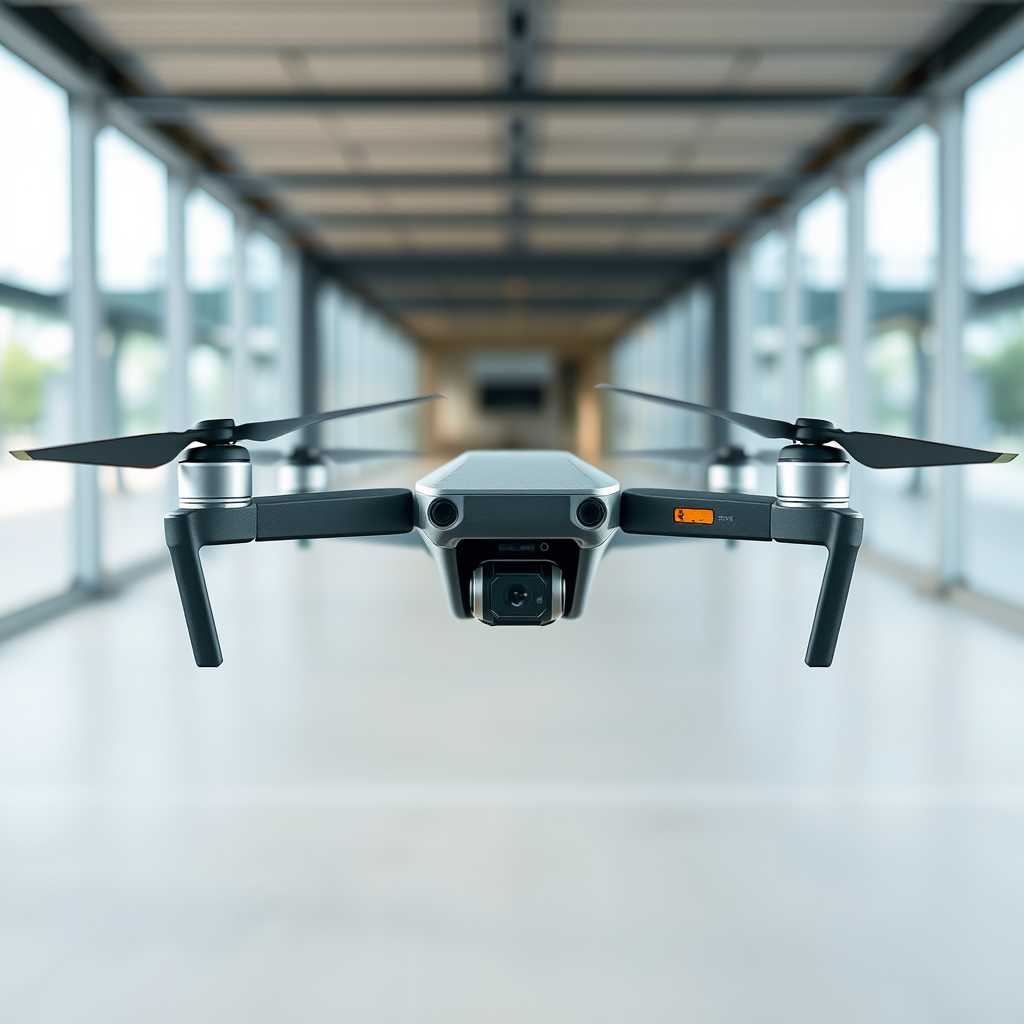
The DJI Spark is a compact drone that features a high-definition 1080p camera, making it an excellent choice for both amateur and experienced drone enthusiasts. With its lightweight and portable design, the Spark is perfect for capturing stunning aerial shots while on the go. Weighing just 300 grams, it is easy to carry and can be launched quickly, which is particularly beneficial for spontaneous photography sessions. The drone’s design focuses on user-friendliness, enabling quick setup and operation, even for those new to flying drones. Additionally, the Spark incorporates a range of intelligent flight modes, making it accessible to users of various skill levels.
Control Options for the DJI Spark
The DJI Spark offers two primary control options: a smartphone app and an optional remote controller. Users can control the drone via the DJI Go 4 app, which is compatible with both Android and iOS devices. This app provides a wealth of features that allow for intuitive operation, including flight controls, camera settings, and real-time video streaming. For those who prefer a more traditional flying experience, DJI also offers an optional remote controller for purchase, which enhances the control range and precision of the drone. This dual approach to controlling the Spark ensures that users can choose the method that best suits their preferences and flying style.
Features of Smartphone Control
The DJI Go 4 app is an integral component of operating the Spark via a smartphone. This app provides a user-friendly interface that allows pilots to control the drone effortlessly. Users can initiate takeoffs and landings with a simple tap, while also having access to camera adjustments such as exposure settings and video resolution. The app supports various automated flight modes, including QuickShot, which enables the drone to execute predefined flight paths for capturing dynamic shots, and ActiveTrack, which allows the drone to follow a moving subject automatically. The convenience of using a smartphone means that users can easily share their captured content on social media platforms directly from the app, enhancing the overall flying experience.
Advantages of Using the Remote Controller
While the smartphone app offers significant advantages, utilizing the optional remote controller provides several notable benefits. One of the primary advantages is the stability of the connection; the remote controller operates on a dedicated frequency, allowing for a more reliable and consistent connection to the drone, even at greater distances. This results in improved flight stability and responsiveness, which is crucial for capturing smooth video footage. Additionally, the remote controller features customizable buttons that provide quick access to essential functions, such as starting or stopping video recording, adjusting camera settings, and activating intelligent flight modes. This hands-on approach can significantly enhance the flying experience, particularly for enthusiasts who demand precise control over their drone’s operation.
Battery Life and Flight Range
The battery life of the DJI Spark is an important consideration for users, especially when choosing between control methods. When operating the drone via a smartphone, users can expect a flight time of approximately 16 minutes on a full charge. However, when using the optional remote controller, the flight time remains roughly the same, as it is primarily influenced by the drone’s battery capacity rather than the control method.
In terms of flight range, the Spark has a maximum operating distance of 2 kilometers (1.2 miles) when using the remote controller, significantly surpassing the smartphone control range, which is limited to around 100 meters (328 feet). This expanded range with the remote controller allows for more adventurous flying and the ability to capture images and videos from further distances, making it a preferred choice for serious drone users.
User Experience and Feedback
User experiences with the DJI Spark’s control methods vary, with many finding the smartphone app to be a fantastic entry point for novices. Users often appreciate the ease of setup and the ability to access various intelligent flight modes directly from their mobile devices. However, some experienced pilots express concerns regarding the limitations of smartphone control, particularly in terms of range and responsiveness.
Conversely, users who invest in the optional remote controller frequently report a superior flying experience, citing the stable connection and enhanced control as significant advantages. Many users note that the ability to customize button functions improves their overall experience, allowing for a more fluid and enjoyable flight. Nevertheless, some users do mention the additional cost of the remote controller as a factor to consider, especially for those new to flying drones.
Recommendations for Potential Buyers
When considering the DJI Spark, it’s essential to evaluate your use case and preferences. For casual users or those just starting out, smartphone control may provide sufficient functionality for casual flying and basic photography needs. The ease of use and portability of a smartphone may appeal to those who are not looking to invest heavily in additional accessories.
On the other hand, drone enthusiasts and serious photographers might find the optional remote controller to be a worthwhile investment. The enhanced range, stability, and additional control features can significantly improve the flying experience and open up new creative possibilities. Ultimately, potential buyers should assess their budget and desired features carefully before making a decision, weighing the benefits of each control method against their individual needs and flying style.
Summarizing the key insights, the DJI Spark does not include a controller by default but offers flexibility with smartphone control and an optional remote. This adaptability allows users to select the control method that best suits their flying style and experience level. Whether you are a casual flyer or a dedicated drone enthusiast, considering your needs will help you choose the best option for an enjoyable aerial experience.
Frequently Asked Questions
Does the DJI Spark 1080p camera drone come with a remote controller?
The DJI Spark is designed to be user-friendly and can be flown using a smartphone app, but it does not come standard with a traditional remote controller. However, DJI offers the option to purchase the remote controller separately, which provides enhanced control and range. Using the controller allows for a more precise flying experience, especially for those looking to capture high-quality 1080p video and images.
How can I fly the DJI Spark without a controller?
You can fly the DJI Spark without a controller by using the DJI GO 4 app on your smartphone. The app enables you to control the drone through Wi-Fi, allowing for basic flight functions, camera controls, and accessing intelligent flight modes. Keep in mind that flying with a mobile device may limit the range and responsiveness compared to using a dedicated remote controller.
Why should I consider buying a controller for the DJI Spark?
Investing in a controller for the DJI Spark can significantly enhance your flying experience. The controller offers a longer transmission range, improved flight stability, and more responsive controls, making it easier to capture high-quality aerial footage. Additionally, it supports various intelligent flight modes that may be challenging to use effectively with just a smartphone.
What is the maximum range of the DJI Spark when using a remote controller?
When using the DJI Spark with the dedicated remote controller, the maximum transmission range is approximately 2 kilometers (1.24 miles) under ideal conditions. This allows pilots to explore areas further away from their position, providing opportunities for more dynamic shots while maintaining a stable connection. However, this range may vary based on environmental factors and local regulations.
Which accessories should I consider for my DJI Spark to enhance my flying experience?
To enhance your DJI Spark flying experience, consider purchasing the following accessories: the dedicated remote controller for better control, extra batteries for extended flight time, a carrying case for protection and transport, and propeller guards for added safety. Additionally, you might want to invest in ND filters to improve video quality by reducing glare and allowing for better exposure settings during bright conditions.
References
- DJI Spark
- Support for Spark – DJI United States
- DJI Spark review: Ups the ante on selfie drones – CNET
- DJI Spark review | TechRadar
- https://www.wired.com/story/dji-spark-drone-review/
- https://www.theverge.com/2017/5/24/15690586/dji-spark-drone-review
- DJI Spark Review | PCMag
- DJI Spark review – Digital Trends
