
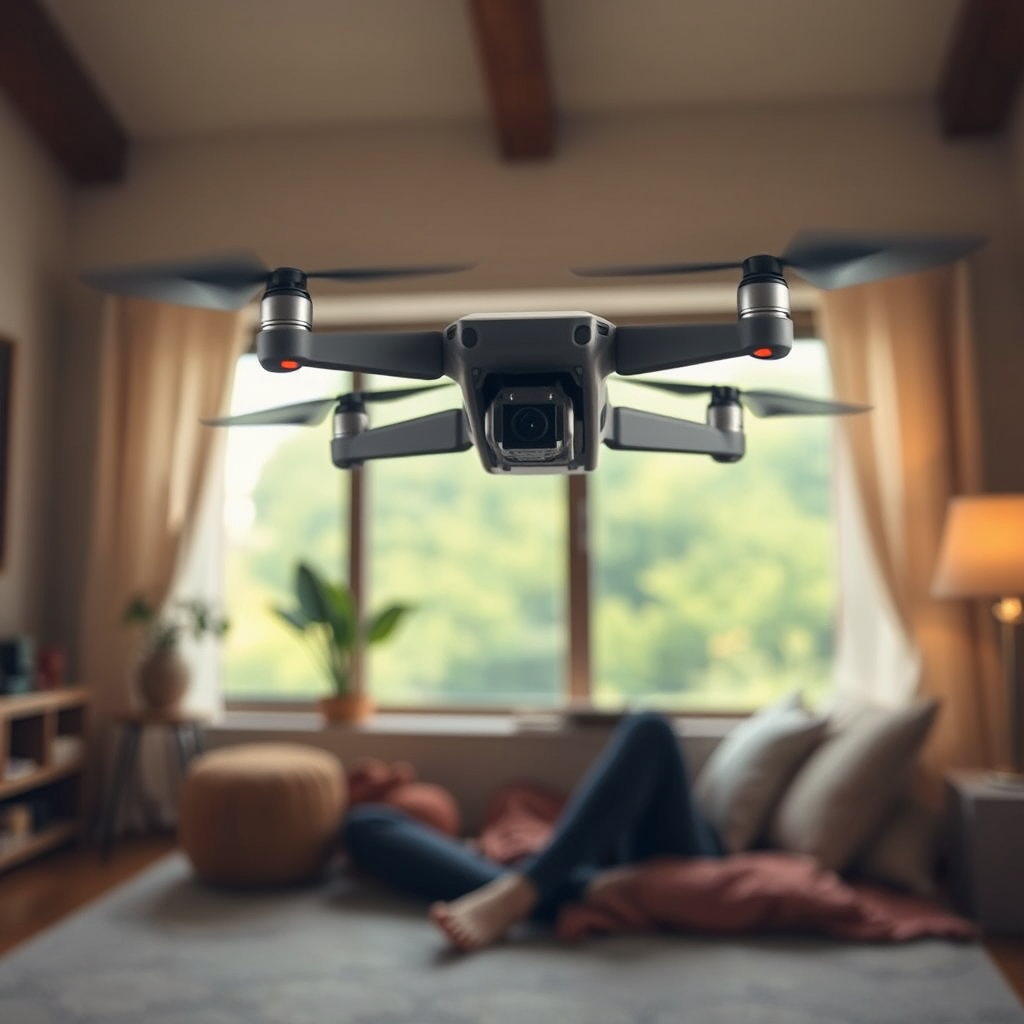
The Spark DJI drone can indeed fly without a phone, as it features a dedicated remote control option that allows for independent operation. However, utilizing a smartphone significantly enhances the flying experience by providing access to advanced features and enhanced controls. In this article, we’ll explore how the Spark operates independently and the numerous advantages of connecting a phone, ultimately guiding you to maximize your drone experience.
Understanding the Spark DJI Drone’s Flight Capabilities
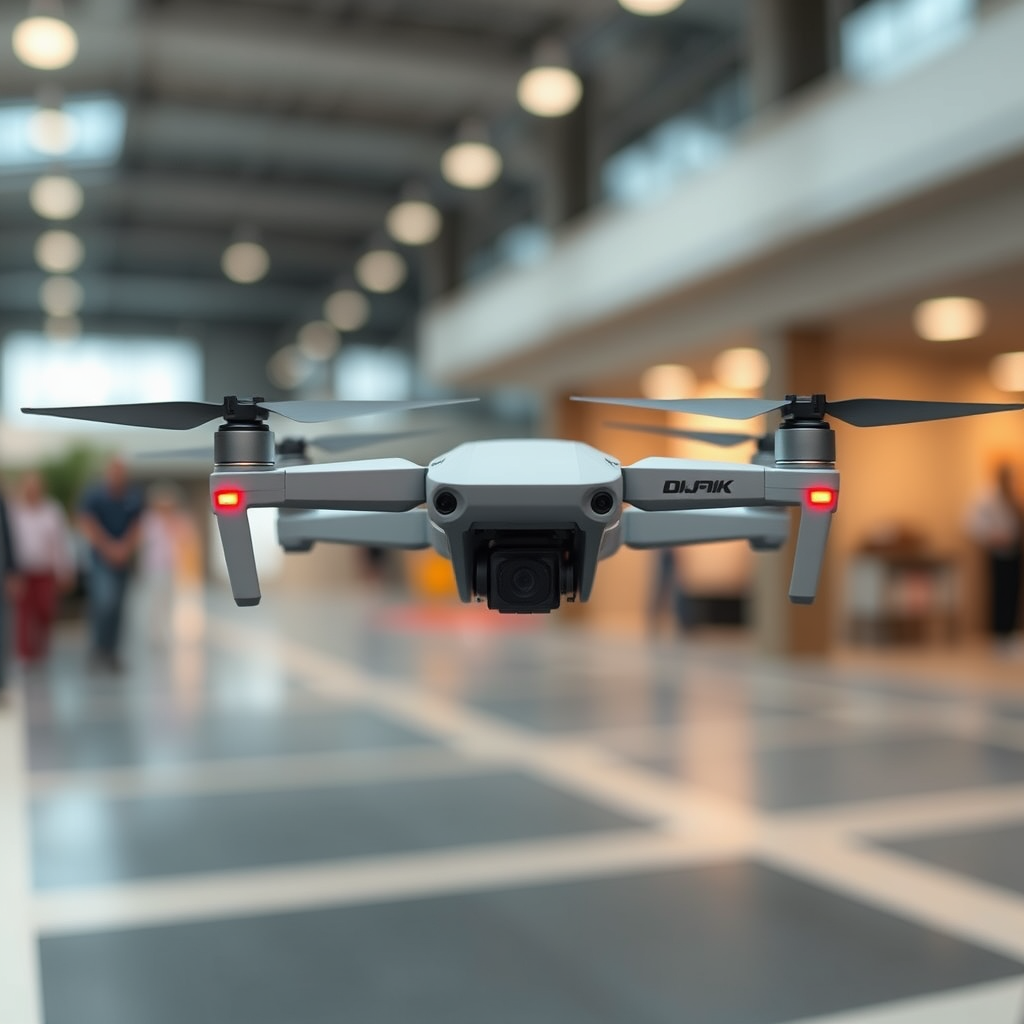
The Spark DJI drone is designed with flexibility in mind, providing pilots with multiple ways to control their flights. Primarily, it can be operated using a dedicated remote controller, which offers a range of features to ensure an enjoyable flying experience. The remote controller includes customizable buttons and a responsive control stick, allowing for precise maneuvers and adjustments during flight.
In addition to remote control operation, the Spark integrates built-in features that permit flight without phone connectivity. One of the most notable of these is gesture control, which allows users to operate the drone using hand signals. This feature enables users to take selfies or initiate video recording simply by waving their hands, making it an appealing option for casual users who may not wish to connect their smartphone.
The Spark also supports various automated flight modes, such as QuickShots, which allows the drone to perform pre-programmed maneuvers for capturing cinematic footage. While these features can be accessed without a phone, the full potential of the drone is unlocked when connected to a smartphone.
How to Fly the Spark Drone Without a Phone
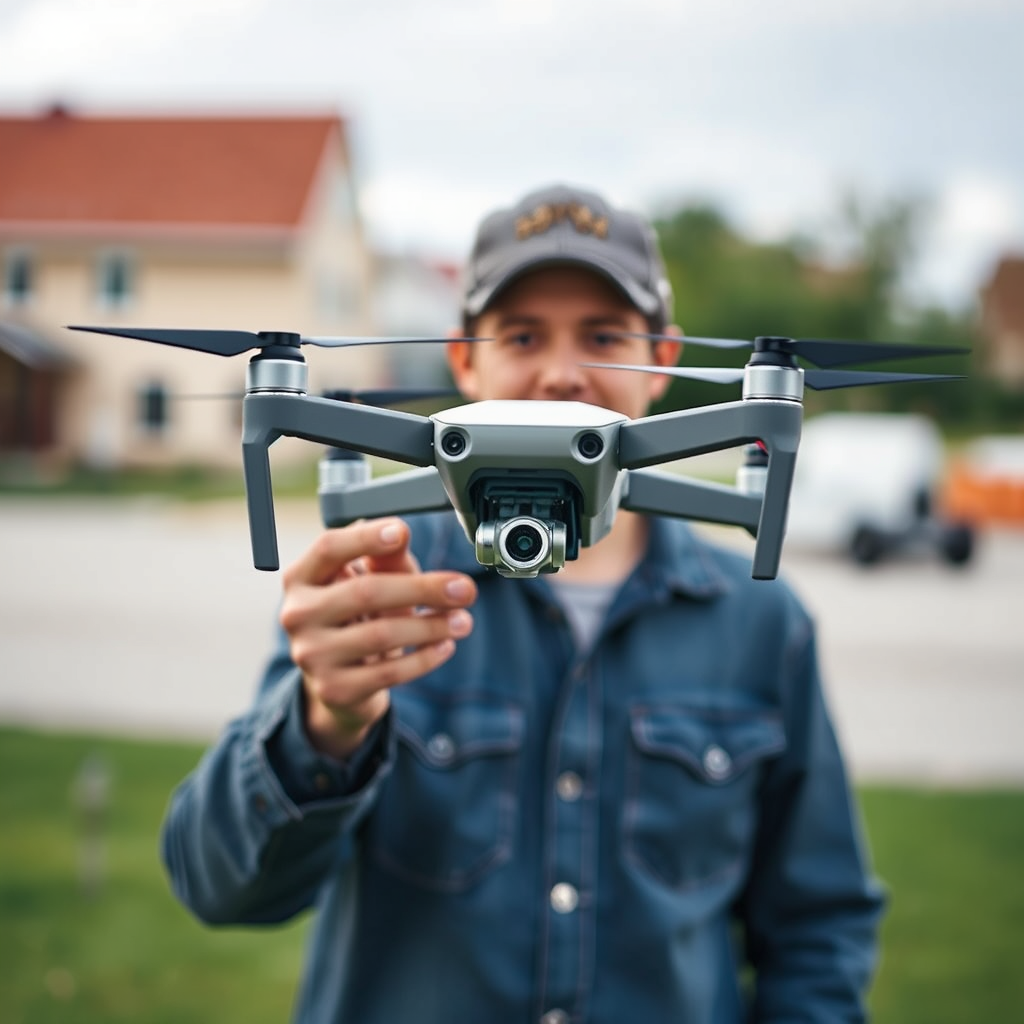
Flying the Spark drone without a phone is a straightforward process, particularly for those who opt to use the remote controller. Here’s a step-by-step guide to set up your remote controller for flight:
1. Charge the Batteries: Ensure both the Spark drone and the remote controller are fully charged before attempting to fly. A fully charged battery enhances performance and flight time.
2. Power On the Devices: Turn on the Spark drone by pressing the power button on the battery. Next, power on the remote controller by holding down the power button until the LEDs light up.
3. Pair the Remote Controller: To establish a connection, press the linking button on the Spark for a few seconds until the rear lights flash. Then, press the linking button on the remote controller. The lights will change to indicate a successful pairing.
4. Take Off: Once paired, you can initiate takeoff by using the throttle stick on the remote controller. Pulling the stick upwards will lift the drone off the ground.
While flying without a phone, it’s crucial to maintain control and stability. Pilots should familiarize themselves with basic flight controls and practice in an open area free from obstacles. Using the remote controller effectively requires understanding how to manage altitude, direction, and speed, enabling a smooth flight experience.
Benefits of Using a Phone with the Spark Drone
Connecting a smartphone to the Spark drone significantly enhances the flying experience. By downloading the DJI Go 4 app, users gain access to a wealth of features that elevate their aerial photography and videography capabilities. Some of the primary benefits include:
– Access to Advanced Features: The DJI Go 4 app unlocks multiple flight modes, such as ActiveTrack, which allows the drone to follow a subject autonomously. This feature is particularly useful for capturing dynamic shots without needing manual control.
– Real-Time Video Feed: When connected to a smartphone, users can enjoy a live video feed from the drone’s camera. This real-time perspective provides pilots with enhanced situational awareness, allowing for better composition and framing of shots.
– Camera Settings Adjustments: The app allows for precise control over camera settings, including ISO, shutter speed, and white balance. This level of control is essential for capturing high-quality images and videos, especially in varying lighting conditions.
– Telemetry Data: Users can view important flight data, such as altitude, distance, and battery life, directly on their smartphone screen. This information is crucial for ensuring safe and efficient flight operations.
Limitations of Flying Without a Phone
While the Spark drone can be flown without a smartphone, there are notable limitations associated with this mode of operation. One significant drawback is the reduced access to advanced flight modes and telemetry data. Without the app, pilots may miss out on features that enhance creativity and safety during flight.
Additionally, flying without a phone means that users cannot enjoy live video streaming or photography sharing capabilities. This limitation can be frustrating for those who wish to capture and share their experiences instantly on social media platforms. The lack of a real-time video feed also makes it challenging to frame shots accurately, potentially resulting in missed photographic opportunities.
Furthermore, the absence of advanced navigation features, such as GPS tracking and geofencing, can limit the drone’s operational range. While the Spark can fly without a phone, the overall experience may feel less interactive and engaging compared to using a smartphone.
Recommended Accessories for Improved Flight
To ensure an optimal flying experience, several accessories can enhance your Spark drone operation, particularly if you plan to fly without a phone. Here are some recommended items:
– Dedicated Remote Controller: While the Spark can be flown via gesture control, investing in the dedicated remote controller enhances precision and control. This accessory provides a more robust flying experience and is essential for advanced maneuvers.
– Spare Batteries: The Spark has a flight time of approximately 16 minutes on a single battery charge. Carrying spare batteries allows for extended flying sessions, ensuring you can capture all the footage you desire without interruptions.
– Carrying Cases: A sturdy carrying case is essential for protecting your drone during transport. Opt for cases designed specifically for the Spark to ensure all components, including spare batteries and accessories, are well-organized and secure.
– Propeller Guards: For beginners or those flying in confined spaces, propeller guards offer an added layer of protection against accidental collisions. These guards can prevent damage to both the drone and surrounding objects.
Tips for New Spark Drone Pilots
For those new to flying the Spark drone without the assistance of a smartphone, the following tips can help ensure a smooth and enjoyable experience:
– Practice in Open Spaces: Start your flying journey in an open area free from obstacles. This allows you to familiarize yourself with the drone’s controls and responsiveness without the stress of potential crashes.
– Understand Basic Controls: Spend time mastering the basic flight controls, including takeoff, landing, and maneuvering. Practicing these skills will build your confidence and ensure you can handle the drone effectively.
– Follow Safety Practices: Always prioritize safety while flying. Maintain a visual line of sight with the drone, respect local regulations regarding drone flights, and be mindful of weather conditions that may affect flying.
– Learn from Others: Consider joining online forums or local drone clubs to connect with experienced pilots. Engaging with the community can provide valuable insights and tips that enhance your flying skills.
The Spark DJI drone offers flexibility in how it can be flown, whether with a phone or not. While it can operate independently, connecting a smartphone significantly enhances the flying experience by unlocking advanced features and controls. To make the most out of your Spark, consider using it with a phone for optimal performance and enjoyment. By understanding the capabilities and limitations of your drone, along with implementing best practices and recommended accessories, you can elevate your aerial adventures to new heights.
Frequently Asked Questions
Can the DJI Spark drone fly without a smartphone?
Yes, the DJI Spark drone can fly without a smartphone, but its functionality will be limited. You can use the included remote controller to operate the drone directly, which allows for basic flight operations. However, without a smartphone, you won’t have access to the DJI GO 4 app, which provides advanced features such as live video feed, intelligent flight modes, and camera settings.
What features are unavailable when flying the Spark without a phone?
When flying the DJI Spark without a smartphone, you lose access to crucial features that enhance the flying experience. This includes the live video feed, the ability to adjust camera settings, and access to intelligent flight modes like ActiveTrack and TapFly. Additionally, you won’t be able to initiate firmware updates or utilize the drone’s advanced functionalities that are only accessible through the app.
How do I control my DJI Spark drone without a mobile device?
To control your DJI Spark drone without a mobile device, you’ll need to use the dedicated remote controller. Simply pair the remote with the drone by turning on both devices and following the pairing instructions. Once connected, you can use the remote’s controls for takeoff, landing, and basic maneuvering, though you will miss out on the app’s features.
Why would someone want to fly the DJI Spark without a phone?
Some users may prefer to fly the DJI Spark without a phone for various reasons, such as avoiding distractions from notifications, conserving battery life on their mobile device, or simply enjoying a more straightforward flying experience. Additionally, flying without a phone may appeal to those who are familiar with the basics of drone operation and prefer to keep things simple.
What is the best way to prepare for flying the Spark without a smartphone?
To prepare for flying the DJI Spark without a smartphone, start by fully charging both the drone and the remote controller to ensure optimal performance. Familiarize yourself with the remote’s controls and functions, and practice basic maneuvers in an open area to build your confidence. Also, consider reviewing the user manual to understand the drone’s capabilities and limitations without the app, ensuring a smooth flying experience.
