
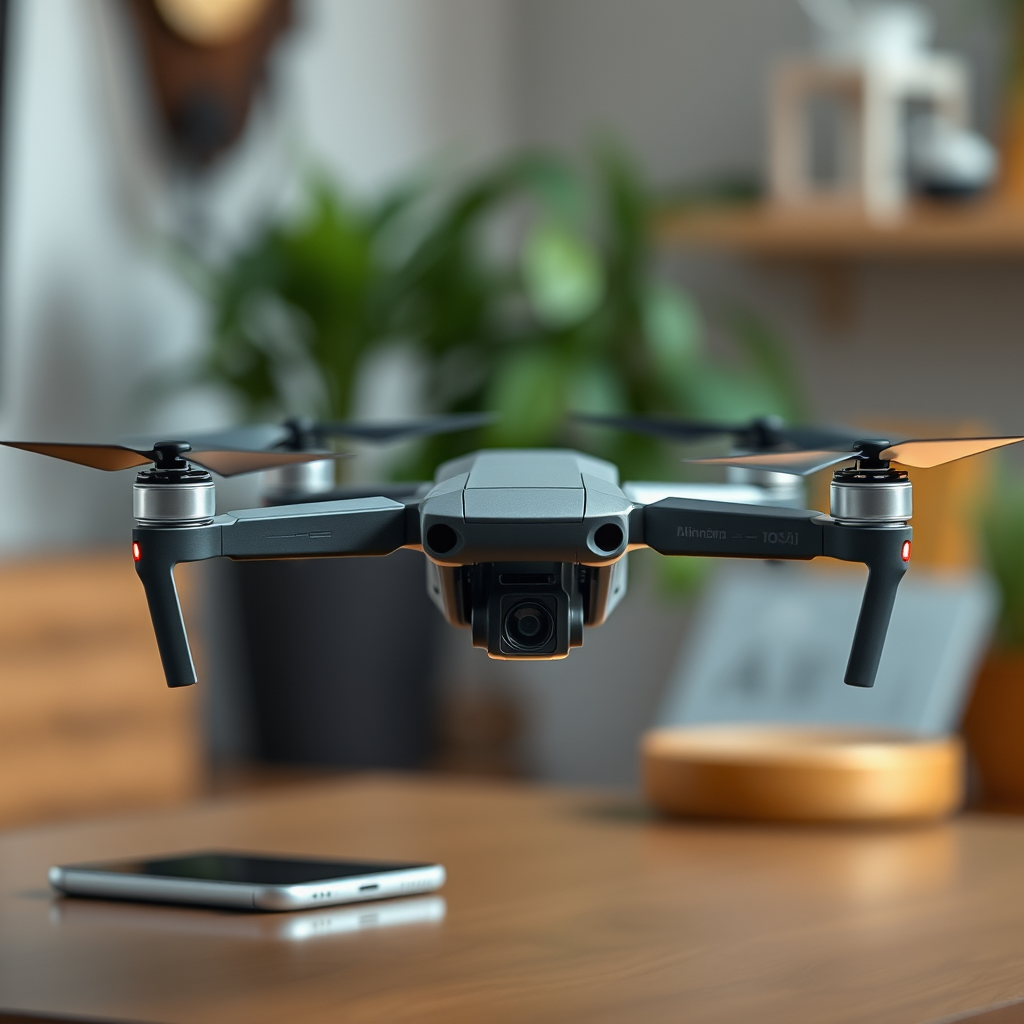
Flying a DJI drone does not require your phone to have a cellular service connection. Instead, you can operate your drone using Wi-Fi connectivity, which is often available in most areas. This flexibility allows drone enthusiasts to enjoy their aerial adventures without the constraints of cellular coverage, making it easier to fly in remote or rural locations. In this article, we will explore how your phone can be utilized to control a DJI drone, the significance of connectivity for an optimal flying experience, and alternative options for drone operation.
Understanding DJI Drone Connectivity
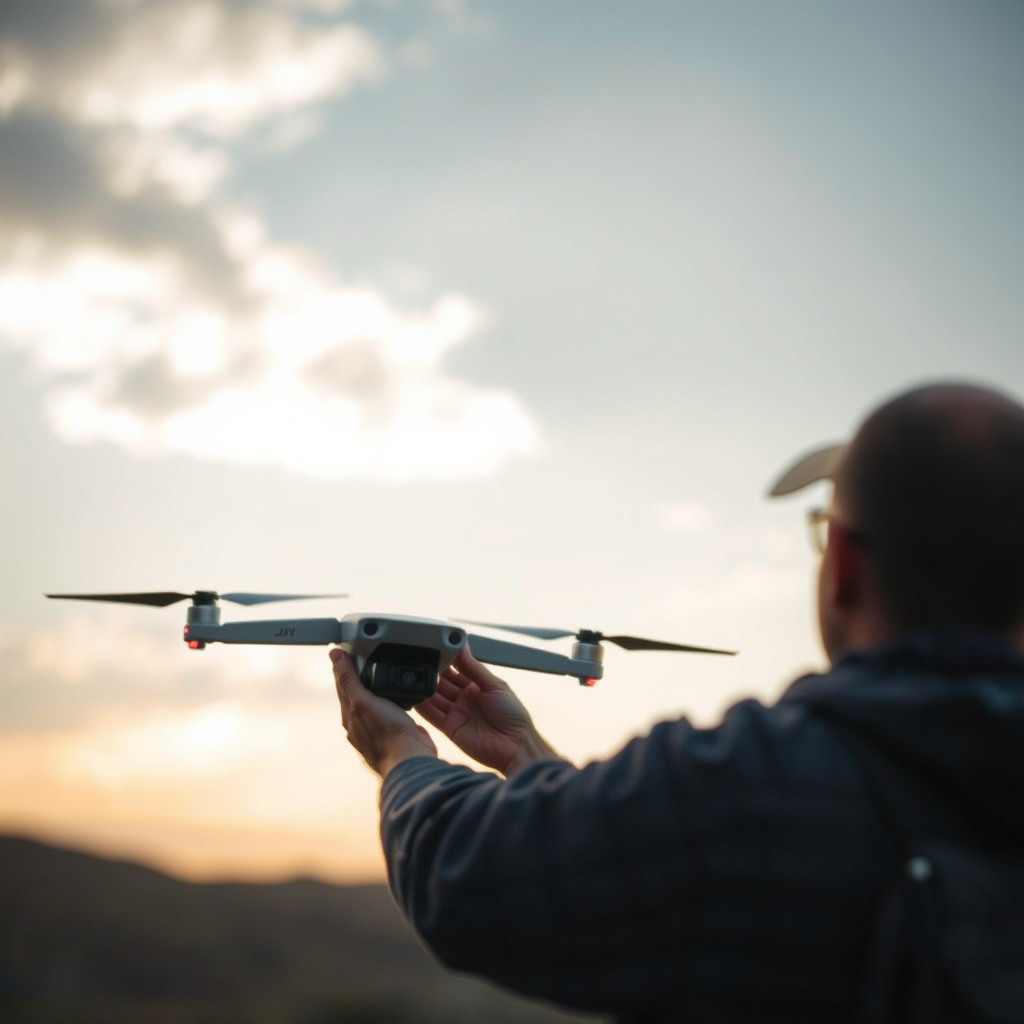
DJI drones are engineered to interact seamlessly with mobile devices via Wi-Fi, enabling users to take full advantage of the advanced features these drones have to offer. The DJI Fly or Go app acts as the central hub for controlling the drone, providing users with a user-friendly interface that displays critical flight information, camera controls, and telemetry data. This connectivity is established through a dedicated Wi-Fi channel, which allows the drone and mobile device to communicate effectively. For instance, the DJI Mini 2 connects to smartphones via a Wi-Fi link, allowing pilots to access features such as live video feeds and camera settings directly from their devices.
This Wi-Fi connection is crucial for not just controlling the drone but also for accessing features like GPS positioning, map overlays, and flight tracking. The ability to connect through Wi-Fi means that even if you are in an area with no cellular signal, as long as you have a stable Wi-Fi connection, you can still operate your DJI drone efficiently.
Importance of Wi-Fi Connection
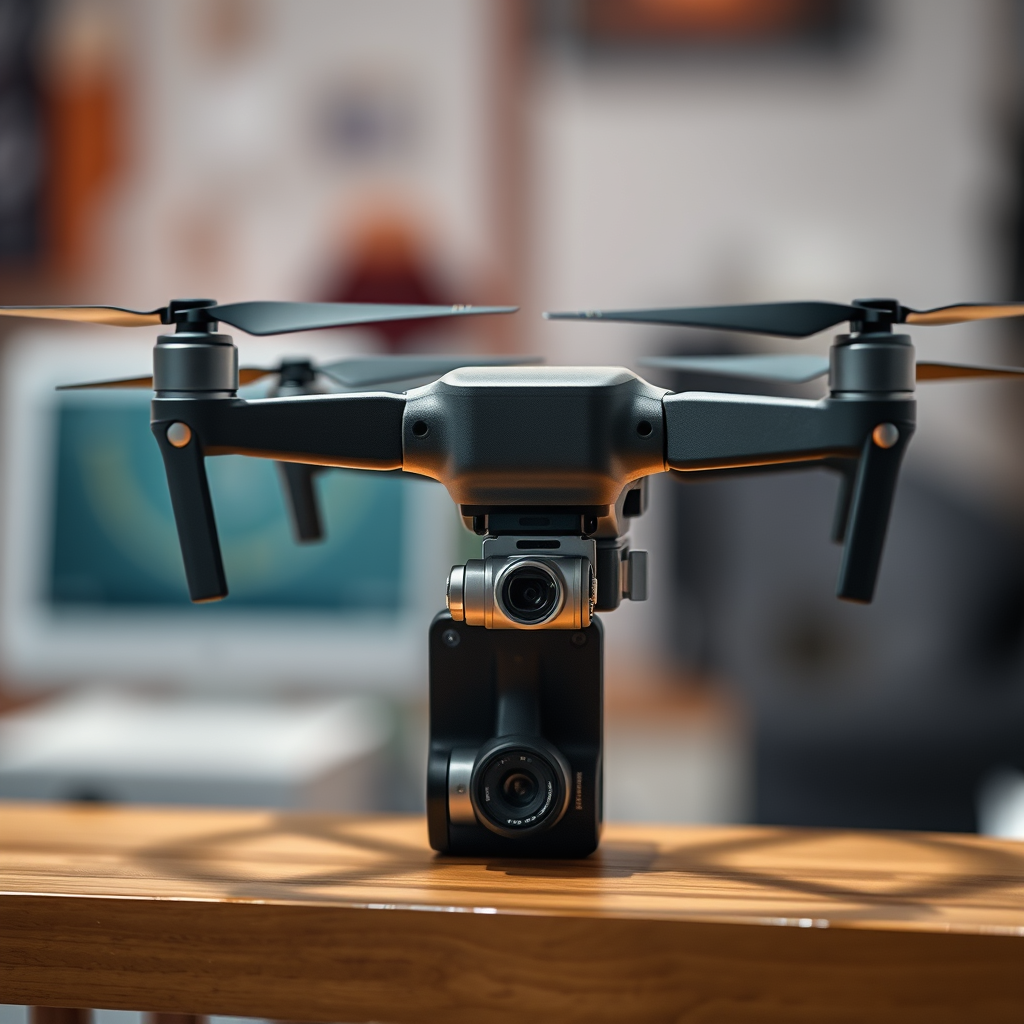
A stable Wi-Fi connection is paramount for a successful flying experience with a DJI drone. It serves multiple functions, including providing a live video feed from the drone’s camera to your mobile device, which is essential for ensuring optimal framing and composition during photography or videography. Furthermore, telemetry data, such as altitude, speed, battery life, and GPS location, is transmitted via this connection, allowing you to monitor your drone’s status in real-time.
Connecting directly to the drone’s Wi-Fi network allows you to bypass the need for cellular service entirely. For example, when you launch your drone in a remote location where cellular coverage is spotty or non-existent, you can still maintain control and receive feedback as long as you have a reliable connection to your drone. This aspect of DJI drone technology enhances the flexibility of where and how you can fly.
Using Offline Maps
In scenarios where internet access is unavailable, such as when flying in remote areas, downloading offline maps can be a game-changer for flight planning. Before heading out, you can save essential maps that display geographical features, no-fly zones, and relevant airspace restrictions. This preparation is crucial for ensuring compliance with local regulations and enhancing your flight safety.
Many drone pilots utilize apps like Google Maps to cache their flight area. By zooming into the desired location while connected to Wi-Fi and selecting the area to be downloaded, you can ensure you have a comprehensive map at your disposal. Additionally, certain flight planning apps specifically designed for drones can allow you to download offline data, providing a wealth of information even when you are disconnected from the internet.
Alternatives to Mobile Phones
While smartphones are commonly used to control DJI drones, there are viable alternatives that can enhance your flying experience. One such alternative is the dedicated remote controllers that accompany many DJI models, such as the DJI Mavic series. These controllers often come with built-in screens that provide clearer visibility and optimized controls, which can be especially beneficial in bright sunlight or challenging conditions.
Moreover, tablets can be used in place of smartphones, offering a larger viewing screen that can enhance the piloting experience. Tablets with sufficient processing power can run the DJI Fly or Go app effectively, providing a more immersive and user-friendly interface. For instance, using an iPad or Android tablet can help drone pilots better grasp the intricacies of flight data while enjoying a broader perspective of the aerial view.
Troubleshooting Connection Issues
Even the most seasoned drone pilots may encounter connectivity issues when flying. If you find yourself experiencing problems connecting your phone to your DJI drone, a few troubleshooting steps can often resolve the matter quickly. Restarting both the drone and your mobile device is typically the first step and can rectify most connection problems.
In addition, ensure that the DJI app is updated to the latest version. Software updates often include enhancements and fixes that can improve performance and connectivity. Checking for firmware updates for your drone is equally important; an outdated firmware version may lead to compatibility issues with your mobile device. Keeping both your app and drone firmware up to date can help ensure a smooth and trouble-free flying experience.
Best Practices for Flying Without Cellular Service
To maximize your flying experience without cellular service, thorough pre-flight planning is essential. Before heading out, familiarize yourself with the local regulations concerning drone flight in your chosen area. This knowledge not only keeps you compliant with laws but also ensures your safety and that of others.
Additionally, ensure that your drone’s firmware is up to date before your flight. Firmware updates often provide essential improvements, including better flight stability and connectivity features. Having a fully charged battery and backup batteries can also be beneficial, as it allows for extended flying time without the need for immediate access to charging sources.
Additional Resources for DJI Drone Users
For those looking to deepen their understanding and enhance their flying skills, various resources are available. The official DJI website provides comprehensive manuals and support documentation for each drone model, making it a valuable reference point for pilots. Additionally, DJI offers a community forum where drone enthusiasts can share experiences, tips, and troubleshooting advice.
Online forums and social media groups dedicated to DJI drone users can also be incredibly useful. These platforms allow you to connect with fellow pilots, learn from shared experiences, and obtain insights into best practices and innovative techniques. Engaging with these communities can further enrich your flying experience and help you stay informed about new developments in drone technology.
By understanding that your phone does not need cellular service to fly a DJI drone, you can confidently prepare for your next flight. Ensure you have a reliable Wi-Fi connection, explore offline resources, and remain informed about alternative controls. Taking these steps will enhance your flying experience and help you make the most of your drone, allowing you to capture stunning aerial footage and enjoy the thrill of flight without the limitations of cellular service.
Frequently Asked Questions
Does my phone need a cellular service to operate a DJI drone?
No, your phone does not need a cellular service to operate a DJI drone. The DJI GO or DJI Fly app, which you use to control the drone, relies on a Wi-Fi connection to communicate with the drone. You can use your phone in airplane mode or without a SIM card, as long as you have Wi-Fi access when setting up the connection between your phone and the drone.
How can I control my DJI drone without a phone?
You can control your DJI drone without a phone by using the remote controller that comes with the drone. Most DJI drones are designed to be piloted directly from the remote, which includes built-in controls for flying, taking photos, and accessing various flight modes. However, note that using the app on your phone provides additional features such as live video feed, flight tracking, and advanced settings.
Why is it recommended to use a smartphone with my DJI drone?
Using a smartphone with your DJI drone is recommended because it enhances the flying experience by providing access to real-time telemetry, live video feeds, and advanced camera controls. The DJI app allows for easy adjustment of flight settings, access to flight logs, and firmware updates, which can greatly improve your flying capabilities and overall performance of the drone.
What are the best smartphones to use with DJI drones?
The best smartphones to use with DJI drones are those that are compatible with the DJI GO or DJI Fly app, which typically includes the latest models from Apple and Samsung. Devices like the iPhone 12 or newer, Samsung Galaxy S20 or newer, and Google Pixel series are highly recommended due to their powerful processors, excellent display quality, and robust battery life, which are crucial for an optimal flying experience.
Which features of the DJI app require an internet connection?
While many features of the DJI app can function offline, certain functionalities require an internet connection. These include downloading maps for offline use, accessing cloud storage for photos and videos, and receiving firmware updates. Additionally, if you want to share your flight footage directly to social media or use live streaming capabilities, a stable internet connection is necessary for seamless operation.
References
- https://en.wikipedia.org/wiki/Drone_flight
- Getting Started | Federal Aviation Administration
- https://www.nytimes.com/2020/07/21/technology/drones-faa-rules.html
- https://www.npr.org/2021/04/09/985763660/faa-issues-new-drone-rules
- https://www.dji.com/us/flying-drones-safely
- https://www.techradar.com/news/do-you-need-a-phone-to-fly-a-drone
- https://www.smithsonianmag.com/science-nature/drone-flying-rules-180973736/
