
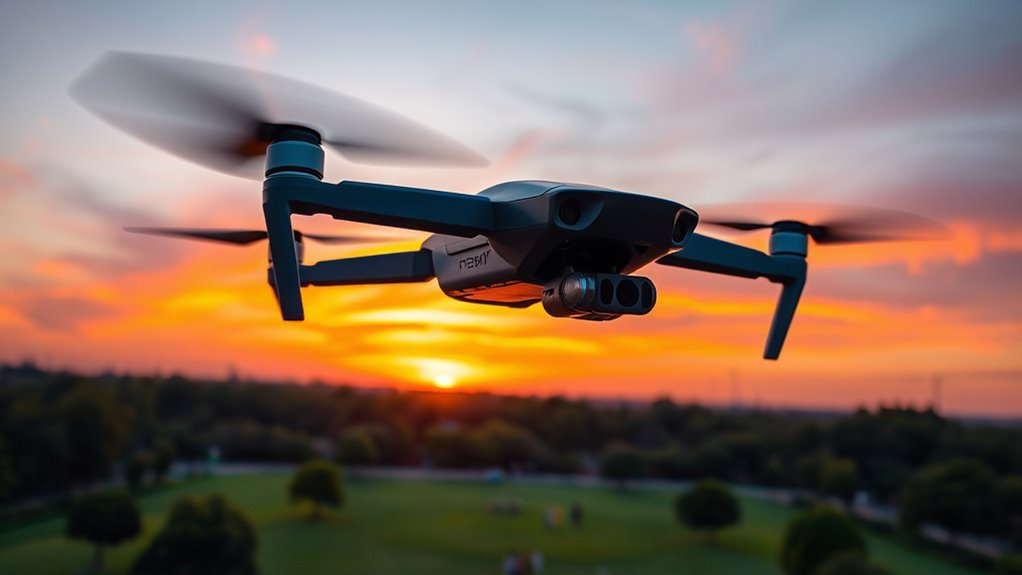
If you want a compact, foldable drone that’s easy to carry and quick to launch, the Hover Camera Passport fits well. Its 13MP camera shoots decent 4K video, though it’s not professional-grade. Flight controls are responsive, with smart tracking, obstacle avoidance, and gesture commands enhancing ease of use. Battery life is about 10 minutes, so it’s best for short flights. If you’re after convenience and safety over advanced specs, keep exploring to see how it matches your needs.
Design and Portability
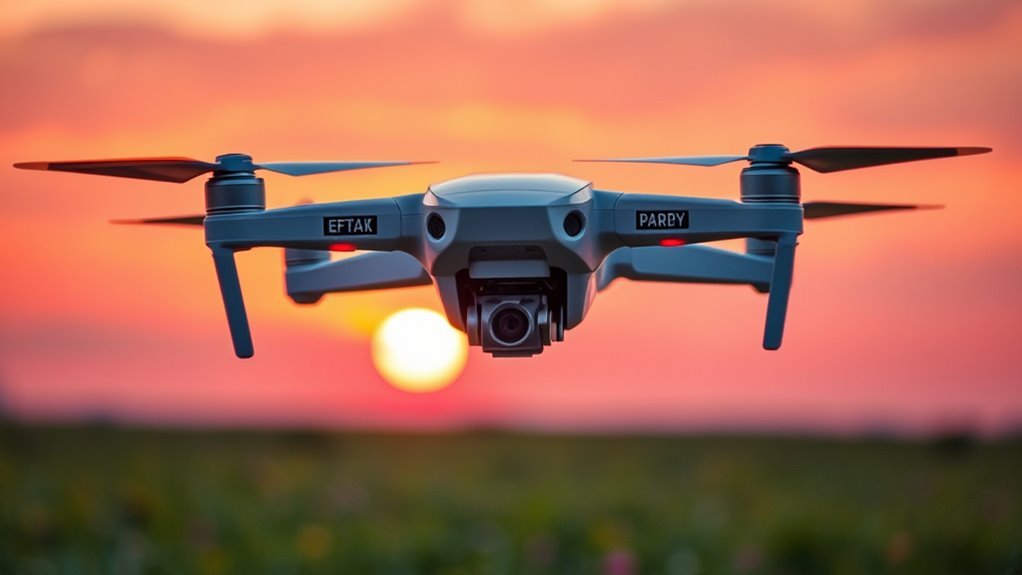
The Hover Camera Passport drone stands out for its compact and foldable design, making it exceptionally portable for users on the go. You’ll appreciate how the foldable frame reduces the drone’s size dramatically, allowing it to fit easily into a backpack or even a large pocket. This compact design doesn’t just enhance portability; it also improves ease of handling and quick deployment. The lightweight materials used in construction maintain durability without adding bulk, supporting freedom of movement whether you’re traveling or exploring. Its streamlined form minimizes setup time, so you can focus on capturing moments rather than managing equipment. Overall, the thoughtful integration of a foldable frame and compact design caters well to those who value effortless transport and spontaneous adventure.
Camera Specifications and Image Quality
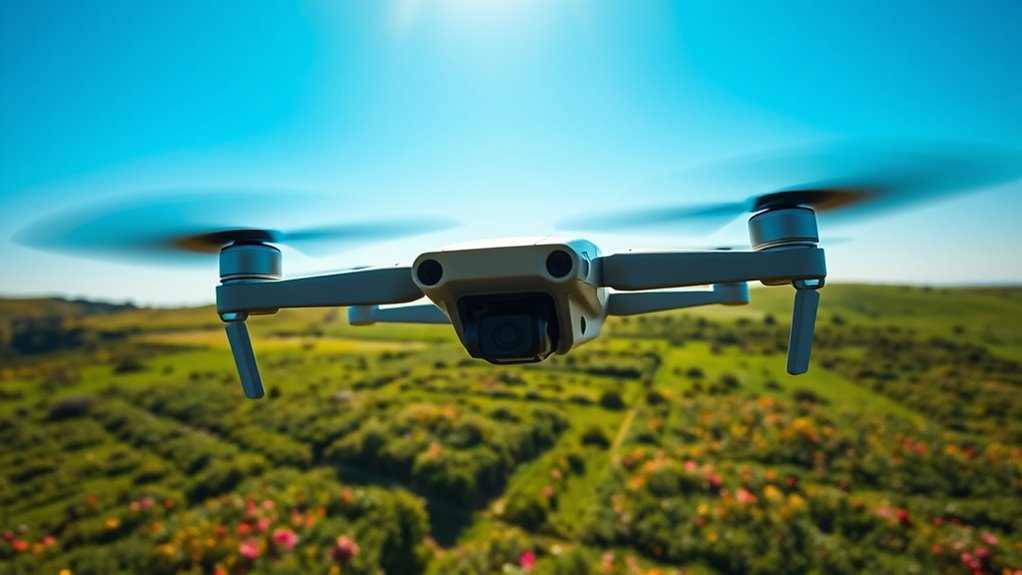
You’ll want to examine the camera’s resolution and sensor type to understand the image clarity the Hover Camera Passport can deliver. Consider its video recording capabilities, including frame rates and maximum resolution, to see if it meets your needs for smooth footage. Additionally, check the image stabilization features, as these play an essential role in reducing blur and maintaining steady shots during flight.
Camera Resolution and Sensor
Although compact, the Hover Camera Passport drone houses a 13-megapixel sensor capable of capturing detailed images and 4K video at 30 frames per second. The sensor type is a CMOS, striking a balance between sensitivity and speed, which suits dynamic outdoor environments. You’ll appreciate the lens quality, featuring a wide-angle glass lens that minimizes distortion and enhances sharpness across the frame. This combination guarantees your shots maintain clarity, even in varied lighting conditions. While it doesn’t rival professional-grade cameras, the resolution and sensor provide enough detail for casual photography and social sharing. If you value portability without sacrificing image fidelity, this setup grants you freedom to capture moments spontaneously and with confidence, knowing the camera’s core components are optimized for reliable performance.
Video Recording Capabilities
Four key video recording modes define the Hover Camera Passport’s capabilities, offering versatility for different shooting scenarios. You get options like 4K at 30fps, 1080p at 60fps, 1080p at 30fps, and slow-motion 720p at 120fps. This range lets you prioritize either crisp video quality or smooth motion, depending on your creative needs. The 4K mode delivers sharp detail, ideal for capturing landscapes or dynamic movements, while the 1080p modes balance quality and file size, giving you flexibility for longer shoots. Slow-motion mode adds creative flair for action shots. Although the sensor size limits low-light performance, the recording modes guarantee you can adapt to various environments. These video recording capabilities give you freedom to express your vision without being tethered by technical restrictions.
Image Stabilization Features
When capturing footage with the Hover Camera Passport, its image stabilization features play an essential role in ensuring smooth and clear visuals. The drone employs advanced stabilization technology that minimizes shakiness caused by wind or movement, allowing you to focus on framing your shots without worrying about blur. This system integrates both mechanical and electronic image correction methods, enhancing video quality in dynamic environments. While it doesn’t offer gimbal-based stabilization common in higher-end models, the Passport’s software-driven approach effectively compensates for minor vibrations. For users seeking mobility and ease, this balance between portability and image correction delivers reliable results, especially during casual or travel use. Ultimately, the stabilization technology supports your creative freedom by maintaining crisp visuals without cumbersome equipment.
Flight Performance and Controls
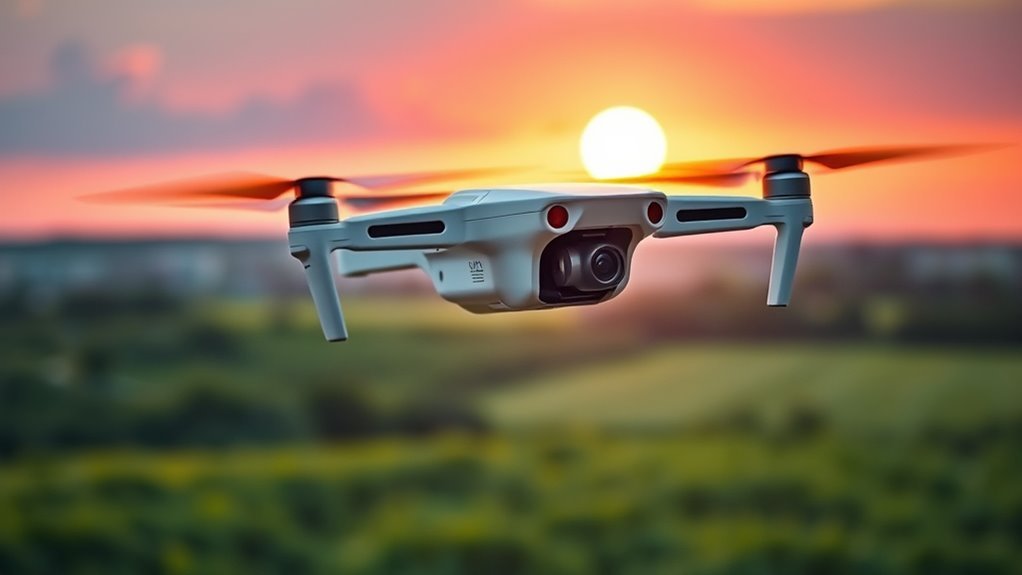
When you take the Hover Camera Passport drone for a spin, you’ll notice its stability plays a vital role in smooth flight and clear footage. You’ll want to assess how easily you can maneuver it through tight spaces or steady it against gusts of wind. Equally important is how responsive and intuitive the control interface feels, as this directly impacts your ability to capture the shots you want.
Stability and Maneuverability
Although compact in size, the Hover Camera Passport delivers impressive stability and responsiveness during flight, making it accessible for users of varying skill levels. You’ll appreciate its balance of hover stability and agile maneuverability, which together offer a smooth flying experience whether you’re capturing steady shots or steering through tight spaces. Key aspects include:
- Advanced sensors that maintain position even in light wind
- Quick adjustment to directional changes without lag
- Smooth hovering that reduces jitter in videos
- Responsive reaction to minor control inputs for precision flying
- Ability to perform gentle turns and swift maneuvers with ease
This combination guarantees you can explore freely while maintaining control and confidence, whether indoors or outdoors.
Control Interface and Responsiveness
Maneuvering the Hover Camera Passport is straightforward thanks to its intuitive control interface, which blends physical and app-based inputs seamlessly. The control layout is thoughtfully designed, placing essential functions within easy reach on the companion app, while physical gestures complement the experience for quick adjustments. Responsiveness metrics show minimal latency, allowing you to react swiftly to changing conditions or framing needs. The drone’s sensors work in harmony with the controls, ensuring commands translate into precise movements, enhancing your sense of freedom during flight. Whether you prefer tactile controls or touchscreen commands, the system adapts without sacrificing accuracy or speed. Overall, the Hover Camera Passport offers a balanced control interface that supports both novice pilots and those seeking more nuanced flight responsiveness.
Intelligent Features and Automation
Because the Hover Camera Passport is designed to be user-friendly, its intelligent features and automation stand out as key strengths. You’ll appreciate how smart tracking lets the drone follow you smoothly, capturing dynamic shots without manual input. Automated navigation guarantees obstacle avoidance and stable flight even in complex environments, giving you freedom to focus on creativity. Here’s what you get:
- Smart tracking that locks onto subjects effortlessly
- Automated navigation that adapts to surroundings
- Gesture control for intuitive commands
- Pre-programmed flight paths simplifying aerial shots
- Real-time obstacle detection enhancing safety
These features work together to minimize your workload, allowing you to enjoy spontaneous flying and capturing moments without worrying about technical complexity. The drone’s automation truly elevates your experience by blending ease with precision.
Battery Life and Charging
While the Hover Camera Passport’s intelligent features simplify flying, its battery life plays a significant role in how long you can capture those moments. The drone offers approximately 10 minutes of flight time per charge, which means you’ll need to plan your sessions carefully to maximize battery performance. This duration is adequate for quick shots but may feel limiting if you want extended freedom to explore or film. Charging time takes around 90 minutes, which isn’t the fastest but is reasonable given the drone’s compact design. To maintain ideal battery health, it’s best to avoid fully depleting the battery regularly. Understanding these constraints helps you manage expectations and guarantees you’re prepared to capture your adventures without unexpected interruptions.
User Experience and App Integration
Although the Hover Camera Passport is designed to be user-friendly, your overall experience largely depends on how well you interact with its companion app. The app’s interface plays an essential role in revealing the drone’s potential, and user feedback highlights both strengths and areas for improvement. Key app features affecting your freedom and control include:
- Intuitive flight controls that simplify navigation
- Real-time video streaming for immediate framing adjustments
- Automated flight modes enhancing ease of use
- Firmware updates delivered seamlessly through the app
- Limited customization options that some users find restrictive
Pros and Cons Summary
When you weigh the Hover Camera Passport’s features, you’ll find a blend of strengths and limitations that cater differently depending on your needs. On the plus side, its compact design and intuitive controls offer you remarkable freedom to capture moments effortlessly, setting it apart in drone comparison for portability and ease of use. The integrated user safety features, like obstacle avoidance and automatic return, enhance your confidence during flights. However, the drone’s limited flight time and moderate camera resolution may not satisfy those seeking professional-grade footage. Additionally, its reliance on app integration means you’ll need a compatible device for full functionality. Ultimately, if you value convenience and user safety over advanced specs, this drone could be a fitting companion for your aerial adventures.
