

While it is technically possible for a DJI drone to be affected by malware or a virus, it is relatively uncommon due to the operating systems they use and the safeguards in place. DJI drones operate on proprietary software that is specifically designed to minimize vulnerabilities. However, users must remain vigilant, as any device connected to the internet can be susceptible to malware if not properly secured. In this article, we’ll explore how drones can be vulnerable, the types of threats that exist, and best practices to protect your device from potential security risks.
Understanding Drone Software Vulnerabilities
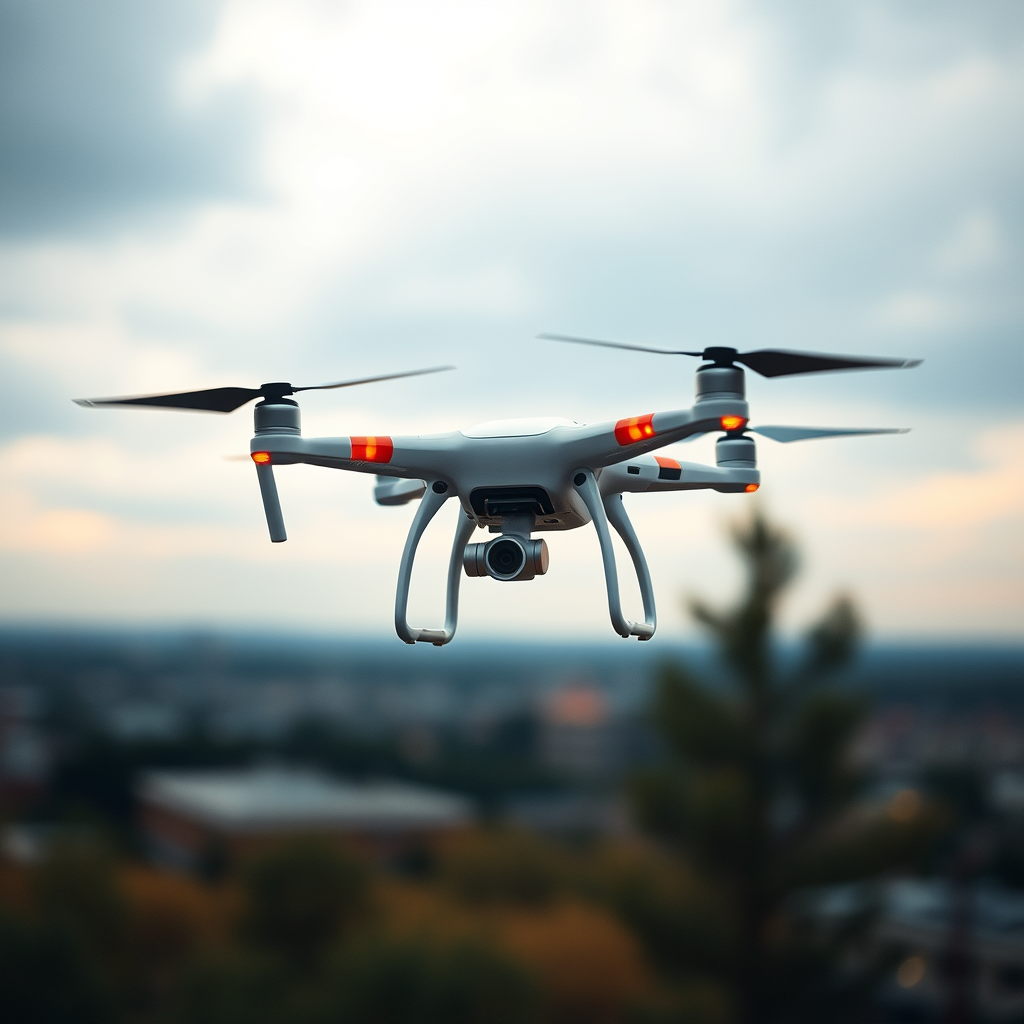
DJI drones use proprietary software, which inherently limits their exposure to common malware and viruses that typically target more widely used operating systems like Windows or Android. This specialized software is built with security measures that help protect against unauthorized access and manipulation. However, it is crucial to understand that no device is entirely immune to threats. The nature of drone operation—often incorporating connectivity features for flight control, live streaming, and data transmission—can introduce security vulnerabilities.
For instance, if a drone is connected to the internet for software updates or data sharing, it may be at risk of encountering malware or phishing attempts. Additionally, the interconnected nature of smart devices poses risks not only to individual drones but to the entire network of devices, as vulnerabilities in one can be exploited by attackers to gain access to others. Thus, while the risk of a virus infecting a DJI drone is low, it is not non-existent, and users must remain aware of potential vulnerabilities.
Common Types of Threats to Drones
1. Malware: This is software specifically designed to disrupt, damage, or gain unauthorized access to drone systems. Malware can manifest in various forms, including viruses, worms, and trojans. In the case of drones, malware might interfere with flight control systems or compromise the data being transmitted between the drone and the remote controller. For example, a malicious actor could potentially manipulate a drone’s navigation system, causing it to behave unpredictably.
2. Phishing: Phishing attempts are particularly insidious. These attacks typically involve emails or websites designed to deceive users into providing sensitive information, such as login credentials or payment details. In the context of drone operation, a user might receive an email that appears to be from DJI, prompting them to download a seemingly legitimate software update. However, the download could be a vehicle for malware, jeopardizing the security of the drone.
Understanding these common threats is critical for drone operators. By being aware of potential risks, users can take proactive steps to protect their devices.
How Viruses Can Enter a DJI Drone
There are several pathways through which malware can infiltrate a DJI drone:
1. Infected USB Drives: One of the most common vectors for malware transmission is through infected USB drives. If a user transfers files from a compromised device, they could inadvertently introduce malware to their drone. For instance, if a drone operator uses a USB drive that has been connected to a public computer, the risk of infection increases significantly.
2. Third-party Applications: The use of unverified apps or updates poses another risk. Users may be tempted to install third-party applications to enhance their drone’s capabilities or to obtain features not provided by the official DJI software. However, these unverified applications may contain hidden malware that can compromise the drone’s operating system. To mitigate this risk, users should always download apps from trusted sources, such as the official DJI website or recognized app stores.
By understanding how viruses can enter a DJI drone, operators can better safeguard their devices against potential threats.
Signs Your Drone May Be Infected
Identifying a potential infection early can help in mitigating risks associated with malware. Here are some signs that your drone may be compromised:
1. Unusual Behavior: If your drone exhibits sudden malfunctions, such as erratic flight patterns or unexpected resets, it could be a sign of malware interference. For example, if the drone suddenly loses connection with the remote controller or fails to respond as expected, these could be indicators of a malfunction caused by an infection.
2. Poor Performance: A significant drop in flight time or frequent connectivity issues may also signal an infection. If your drone, which typically flies for 20-30 minutes, suddenly only operates for a few minutes, it may be time to investigate further. Such performance issues could be the result of malware that affects how the drone accesses its battery or manages its systems.
Recognizing these signs can help drone operators act swiftly to diagnose and address any potential issues.
Best Practices to Protect Your DJI Drone
Protecting your DJI drone from potential malware infections requires a proactive approach. Here are some best practices to follow:
1. Regularly Update Firmware: Keeping your drone’s software up to date is one of the most effective ways to close security gaps. DJI frequently releases updates that not only improve functionality but also patch known vulnerabilities. Users should enable automatic updates if possible, or regularly check the DJI website for the latest firmware.
2. Avoid Using Public Wi-Fi: Connecting to public Wi-Fi networks can expose your drone to various threats, including man-in-the-middle attacks and other forms of data interception. Instead, always connect to secure, private networks. If you must use public Wi-Fi, consider using a Virtual Private Network (VPN) to encrypt your internet connection and protect sensitive data.
By adopting these best practices, drone operators can significantly reduce the risk of their devices falling victim to malware or viruses.
Steps to Take if You Suspect Infection
If you suspect that your DJI drone may be infected, it is crucial to take immediate action:
1. Reset Your Drone: Performing a factory reset can eliminate malware and restore the drone to its original state. Before doing this, ensure you have backed up any necessary data, as a factory reset will erase all saved settings and information.
2. Consult DJI Support: For persistent issues or if you are unsure about the steps to take, reaching out to DJI’s customer support can provide additional solutions. Their support team is equipped to handle inquiries related to security concerns and can guide users through advanced troubleshooting steps or recommend further actions.
Taking these steps can help restore the integrity of your drone and ensure safe operation moving forward.
Maintaining awareness and following these best practices can significantly reduce the risk of your DJI drone getting a virus. While the proprietary software and security measures in place reduce exposure to common threats, vigilance remains essential. Protecting your device is crucial for a safe flying experience, so take the necessary precautions to keep your drone secure and enjoy the benefits of this advanced technology with peace of mind.
Frequently Asked Questions
Can a DJI drone get a virus?
Yes, a DJI drone can potentially get a virus, although it’s relatively rare. Viruses can be introduced through third-party apps, unverified software, or external devices like USB drives. To minimize the risk, always use the official DJI app, keep your firmware updated, and avoid installing unverified applications.
What are the signs that my DJI drone has a virus?
Signs that your DJI drone may have a virus include erratic behavior, unexpected crashes, or the inability to connect to the remote controller or app. Additionally, if you notice unusual battery drainage or unfamiliar files appearing on your drone’s storage, these could be indications of malware. Regularly monitoring your drone’s performance can help you catch these issues early.
How can I protect my DJI drone from viruses?
To protect your DJI drone from viruses, ensure that you only download apps and firmware updates directly from the official DJI website or trusted sources. Additionally, avoid connecting your drone to unverified devices and regularly check for software updates to patch any vulnerabilities. Utilizing strong passwords for your DJI account and Wi-Fi connections can also enhance security.
Why is it important to keep my DJI drone’s firmware updated?
Keeping your DJI drone’s firmware updated is crucial for several reasons, including improving performance, enhancing features, and addressing security vulnerabilities that could be exploited by viruses or malware. Regular updates can also fix bugs and ensure compatibility with the latest apps and technologies, providing a smoother flying experience and reducing the risk of malfunction.
Which DJI drones are more susceptible to viruses?
All DJI drones can potentially be susceptible to viruses, but older models might be more vulnerable if they do not receive regular firmware updates or if they rely on outdated software. Additionally, drones that are frequently connected to public Wi-Fi networks or third-party applications can also face higher risks. To ensure safety, use the latest models whenever possible and follow best practices for security.
References
- Computer virus
- https://www.bbc.com/news/technology-56902497
- https://www.nytimes.com/2020/08/07/technology/drones-security.html
- https://www.reuters.com/technology/drones-security-risks-2021-10-01/
- https://www.sciencedirect.com/science/article/abs/pii/S0957417420318251
- https://www.techrepublic.com/article/what-you-need-to-know-about-drone-security/
- https://www.nist.gov/news-events/news/2020/09/nist-releases-new-guidelines-drone-security
- https://www.isssource.com/drones-are-vulnerable-to-cyber-attacks/
