

Yes—drones can record sound. However, the quality and reliability of drone audio depends heavily on the drone’s onboard hardware, the microphone configuration, and how the system handles audio processing and synchronization with video. While most consumer models are primarily optimized for high-resolution video capture, an increasing number of quadcopters include basic audio recording features. For higher-fidelity results, operators often add external microphones, specialized audio modules, or professional sound-capture setups.
In this in-depth guide, we’ll explore how drone sound recording works, which types of drones support audio capture, what technologies enable clearer audio, and where this capability is most useful—from content creation and wildlife filming to filmmaking workflows and industrial inspection documentation.
Understanding Drone Audio Recording Capabilities
Drone audio recording typically falls into two levels: basic onboard capture and advanced external or pro-grade audio integration. Many consumer drones include a built-in microphone that can capture ambient audio while the drone records video. In most cases, this audio is intended as supplemental—helpful for context, reference, or simple voice notes, but not always suitable for professional mixing or broadcast standards.
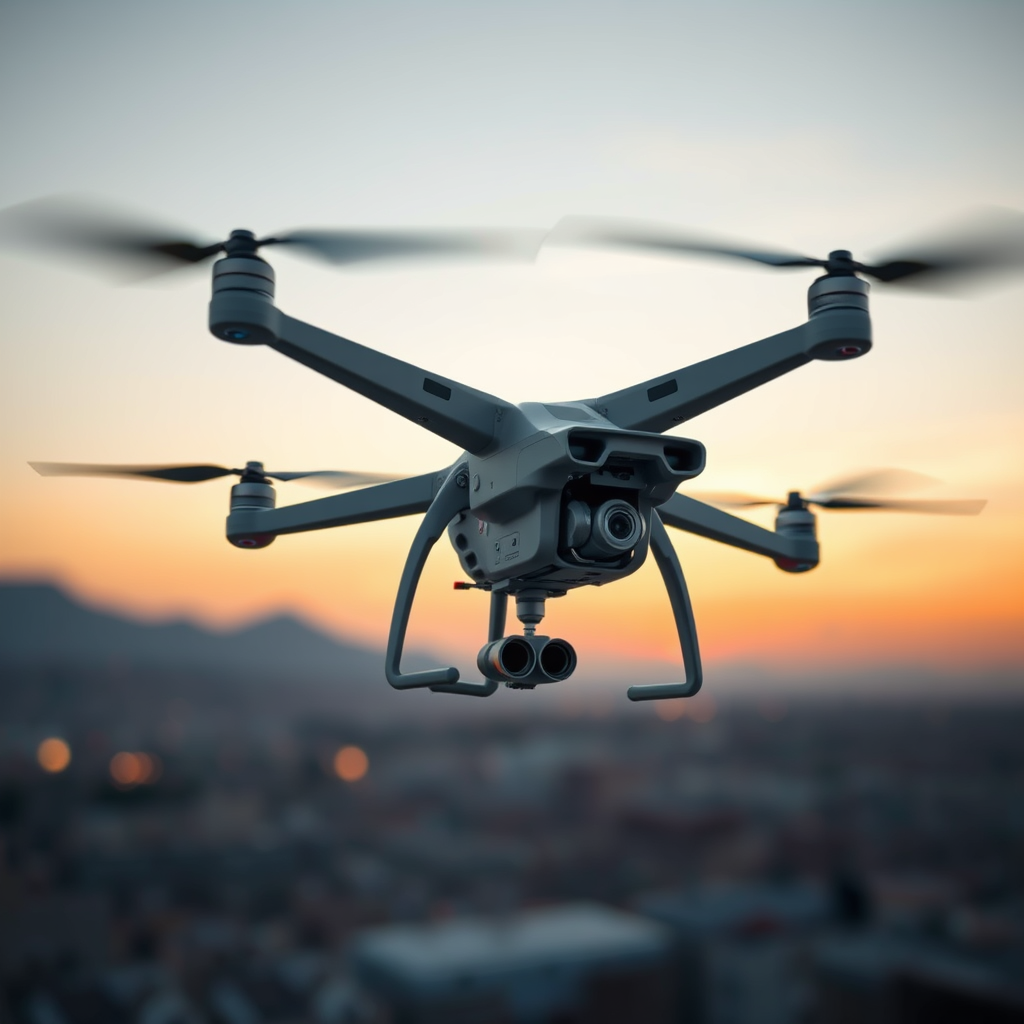
For example, drones such as models in the DJI Mini series often include microphone hardware designed primarily for syncing audio with video footage. This can be useful when you want a complete “sound + picture” clip without adding any extra equipment. That said, built-in microphone performance is often affected by flight conditions, wind noise, motor vibration, and distance from the audio source.
When operators need cleaner audio, the solution is usually external microphone support. Depending on the drone model, this may be achieved through:
- Wired external microphones connected via interfaces such as a 3.5mm audio jack
- Bluetooth audio systems (where supported)
- Dedicated audio input modules paired with the drone or gimbal system
High-end cinematography drones and filmmaking platforms are more likely to include or support richer audio capture workflows. In those setups, the goal is not only to record sound, but to maintain audio clarity, consistency, and synchronization with professional video footage.
Types of Drones That Can Record Sound
In practice, drone audio recording capability is most clearly understood by separating drones into two broad categories: consumer drones with integrated audio support and professional drones engineered for filmmaking and sound production.
1) Consumer Drones
Consumer quadcopters often include minimal audio recording as a secondary feature. Many models can store an audio track along with the video file, but the audio is generally optimized for convenience rather than fidelity. For instance, drones such as the DJI Mavic Air 2 may support sound capture, yet the user experience usually centers on video quality and stabilization first.
These consumer-friendly audio features can still be valuable for:
- Hobbyists documenting trips, events, or property walkthroughs
- Casual vlogs where “ambient audio” improves immersion
- Quick reference clips for later editing
However, if your goal is crisp dialogue, clean wind-reduced ambience, or audio that holds up during post-production, you’ll likely need a more robust setup.
2) Professional Drones
Professional drones are designed for cinematic production, and that typically includes more advanced audio capture options. Models in the DJI Matrice series and platforms such as the Freefly Alta are often used in workflows where audio quality matters just as much as video quality.
These drones may support professional microphones or allow users to integrate higher-end external audio equipment. That can enable:
- Cleaner pickup of dialogue and near-field sound sources
- Better control of audio routing and monitoring
- More reliable synchronization with camera footage
- Compatibility with filmmaking post-production workflows
In professional environments, drone sound recording is frequently paired with external recorders, gimbals, or production-grade audio accessories to ensure the audio track meets industry expectations.
The Technology Behind Drone Sound Recording
Drone sound capture is influenced by multiple technical factors, from microphone design to onboard audio processing, and from flight-induced noise to video-audio synchronization methods. Understanding these elements helps you choose the right drone and audio setup.
Microphone Hardware: Built-in vs. External
Built-in microphones are convenient, but they have physical limitations. They sit on the drone body, often close to sources of internal vibration and wind turbulence. That means motor noise and airflow can dominate the signal—especially when flying at speed or in gusty conditions.
External microphones can improve performance significantly. Depending on mounting and wind protection, external mics may capture audio with better directionality and less interference. Many setups use wired connections (commonly a 3.5mm input in supported configurations) or other compatible audio links to deliver a stronger signal directly into the capture workflow.
Audio Processing and Synchronization
Even when a drone can record sound, the system must manage timing. Most drone video files include an audio track, but the quality of synchronization varies by model and firmware. A well-designed audio system maintains consistent timing so that spoken words match mouth movement and visual events.
Professional setups often place audio control at the production level—for instance, by recording audio via an external device while the drone captures video, then syncing tracks in post-production using clapperboard-style cues or waveform matching.
Noise Sources: Wind, Motors, and Vibration
Sound recording aboard a flying platform is uniquely challenging. Key noise contributors include:
- Motor whine and vibration transmitted through the airframe
- Wind noise at the microphone capsule
- Aerodynamic turbulence when the drone changes altitude or direction
Because of these effects, a drone’s recorded audio may be “usable” but not “clean” unless you use appropriate microphone placement, wind protection (such as a foam windscreen or deadcat style cover), and intelligent flight planning (slower movements near subjects, stable hovering, and reduced distance from the audio source).
Potential Applications for Drone Sound Recording
Drone audio recording can add valuable context to footage and expand the types of stories and documents you can create. Below are common use cases where sound—when captured properly—enhances the final result.
Filmmaking and Content Creation
For cinematic storytelling, audio contributes to immersion and emotional impact. Even simple ambient audio tracks can make aerial footage feel more alive. When paired with professional microphones, drones can support scenarios such as scene documentation, location audio capture, and production rehearsals.
Wildlife Monitoring and Nature Filming
Sound can reveal behaviors that visuals alone may miss—bird calls, animal movement, environmental ambience, and subtle reactions. With careful microphone selection and low-noise flight patterns, drone audio can complement wildlife video capture without relying solely on sight.
Industrial Inspections and Site Documentation
In industrial settings, drone footage often needs narration or environmental context. Audio recording can capture explanations, observations, and on-site notes. While consumer drones may handle basic narration well, professional drones are frequently preferred for clearer audio workflows and consistent documentation.
Event Coverage and Field Reporting
From sports events to public gatherings, adding synchronized sound can improve recap videos and highlight storytelling beats. Built-in audio features may suffice for quick coverage, while external microphones help reduce unwanted noise and improve clarity if voice narration is required.
Choosing the Right Setup for Better Drone Audio
To get the best results, match your audio goals to your drone’s capabilities. If you only need basic ambience or a synchronized reference track, a consumer drone with built-in microphone support may be enough. If you want intelligible dialogue, stronger ambience, or audio that supports professional editing, prioritize drones that support external microphone integration and consider production-grade audio accessories.
When shopping for gear, pay attention to microphone compatibility (wired vs. wireless), supported ports (such as 3.5mm where applicable), and whether the drone can maintain stable audio-video sync. In many cases, external microphones paired with thoughtful mounting and wind protection deliver the biggest quality jump.
Ultimately, the answer is yes: drones can record sound—but the real question is how well and for what purpose. With the right drone model, microphone, and recording workflow, drone audio can become a powerful addition to modern aerial filmmaking and field documentation.
📋 About This Article
Yes, drones can record sound, but how well they capture audio depends on the drone’s microphone setup and how audio is processed and matched to video. This article is for drone pilots, creators, and filmmakers who want to understand when drone audio works best and how to improve it. You’ll learn how drone sound recording functions, what kinds of drones and microphones can capture clearer audio, and where this feature is most useful for projects like wildlife filming, filmmaking, and inspections.
Frequently Asked Questions: Can Drones Record Sound?
Can drones record sound like they record video?
Yes—many drones can record sound, but it depends on the drone model and its audio hardware.
Some drones include a microphone that captures audio during flight and stores it alongside video,
while others may not have any microphone at all. Even when audio recording is available,
sound quality is often limited by factors like wind noise, vibration, distance to the source,
and whether the drone supports stereo/multi-channel recording or only a basic audio track.
Do all consumer drones record audio?
No. Audio recording is not universal across consumer drones. Some models include microphones and
will record audio with the video, while others record only video. Additionally, certain drones may
record audio but restrict it to specific modes, require particular settings (or a compatible app),
or provide lower-quality audio primarily intended for basic tracking or environmental sound rather
than clear speech.
What kind of sound can a drone record, and how clear is it?
A drone can typically capture a mix of environmental sounds (wind, birds, people talking nearby,
vehicles, music, etc.) and any onboard sounds picked up from the aircraft. However, clarity can vary widely.
Rotors create significant noise, which may drown out speech—especially as distance increases.
Wind can overwhelm small microphones, and aircraft vibrations can introduce distortion.
In practice, the drone may record better for steady, loud sources (like machinery or music) and
for quieter recordings only when conditions are calm and the source is relatively close.
How can I tell if my drone records sound?
Check the drone’s specifications for “microphone,” “audio recording,” or “sound recording.”
You can also review the manual or the product page for details about whether audio is captured with video.
In many cases, you can confirm by recording a short clip and then playing it back on your computer or in your
editing software—if there’s an audio track, the drone recorded sound. If you only see a video track or if playback
shows no audio, your model may lack audio recording or the feature may be disabled in settings.
Are there privacy or legal concerns with drone audio recording?
Yes. Recording sound with a drone can raise privacy and legal issues, similar to filming but with additional sensitivity
because audio may capture private conversations. Laws and regulations vary by country and region, and they may depend on
where you fly, what you record, consent requirements, and how you store or share the footage. Before recording audio,
familiarize yourself with local drone rules and privacy laws, avoid capturing conversations in areas where privacy
expectations are high, and follow any platform or community guidelines for posting drone media.
