
Flying a DJI drone without internet is indeed possible, as many essential functions can operate offline. However, understanding the limitations and features that require connectivity is crucial for ensuring a smooth flying experience. While DJI drones are designed with robust technology that allows for offline navigation and flight, certain functionalities may be restricted without an internet connection. In this article, we will explore what you can and cannot do when flying your DJI drone without internet access, as well as provide tips for enhancing your offline flying experience.
Understanding DJI Drone Functionality
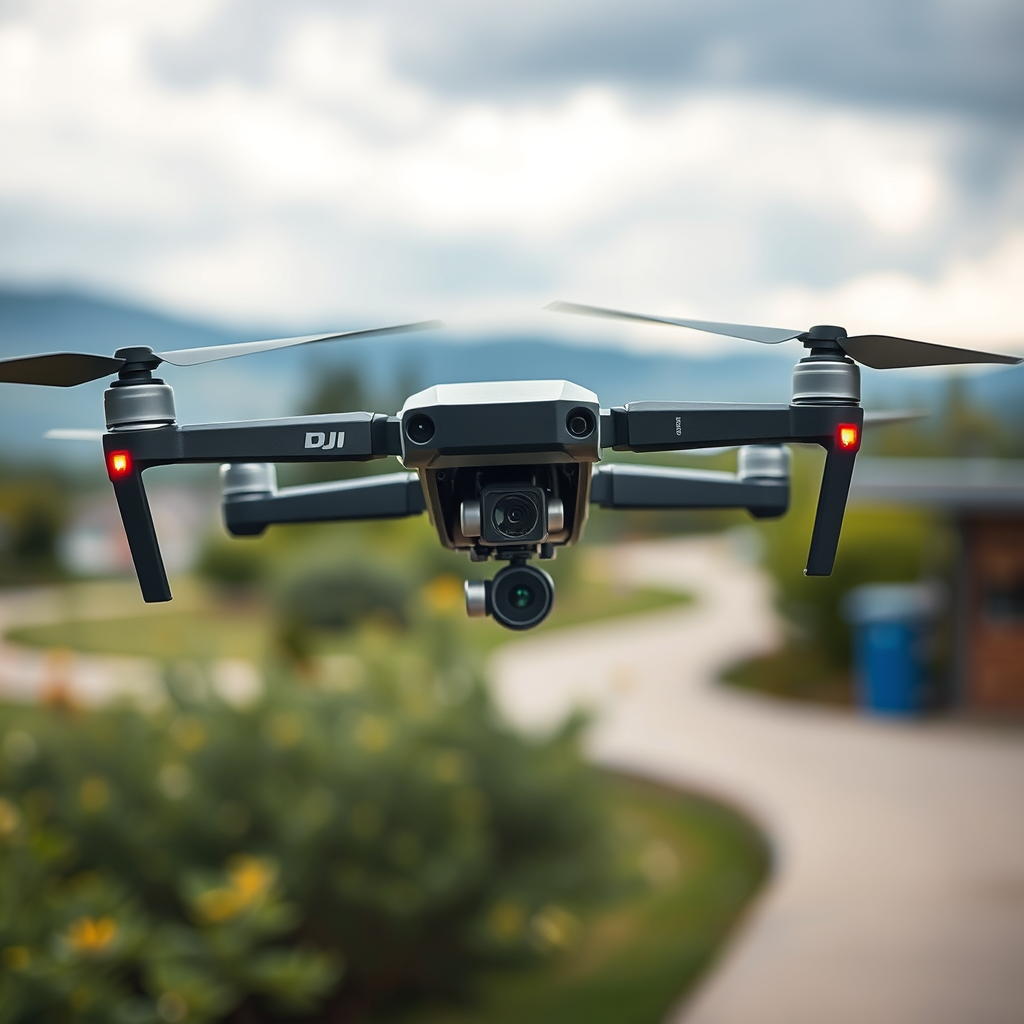
DJI drones are equipped with advanced technology, including built-in GPS systems, which facilitate offline navigation and control. This means that even without an internet connection, pilots can execute essential flight maneuvers. Basic flight controls, such as takeoff, landing, and directional navigation, remain fully operational. Moreover, autonomous features like Return-to-Home are available, allowing the drone to return to its takeoff point safely. This is particularly beneficial in scenarios where internet connectivity is unreliable, such as remote locations or natural landscapes.
Furthermore, DJI drones utilize internal sensors to maintain stability and altitude, which enhances their ability to fly without the need for a constant internet connection. However, while the core functionalities are intact, pilots should be aware of the limitations imposed by a lack of connectivity.
Pre-Flight Preparation
Before embarking on an offline flying adventure, proper pre-flight preparation is paramount. One of the first steps is to ensure that your drone’s firmware is updated. This can be accomplished by connecting your DJI drone to the internet prior to your flight. Keeping your firmware up to date minimizes potential issues and ensures that your drone operates smoothly.
In addition to firmware updates, it is advisable to download necessary maps or settings for offline use through the DJI app while connected to the internet. Many DJI apps allow users to cache maps and other pertinent data, so when you are out of range, you can still reference essential information. This preparation will greatly enhance your offline flying capabilities by ensuring you have access to vital navigation aids.
Limitations of Flying Without Internet
While flying a DJI drone without internet access is feasible, certain limitations must be acknowledged. Features such as live streaming video feeds to social media platforms or accessing real-time weather updates will be unavailable. Additionally, functionalities that rely on geofencing—such as restricted airspace alerts and no-fly zones—may also be limited. Without internet access, you cannot receive updates about changes in airspace regulations, which could potentially lead to violations.
Furthermore, certain intelligent flight modes, like ActiveTrack or Waypoints, may require an initial setup or updates that can only be completed when connected to the internet. Users should familiarize themselves with their drone’s capabilities prior to flying offline to avoid surprises in the field.
Using the DJI Go App Offline
The DJI Go app is a powerful tool for managing your drone’s settings and flight data. While the app can function in offline mode, it is important to note that some features may be restricted. For example, users will not be able to access cloud-based features, such as syncing flight logs or downloading firmware updates.
To maximize the app’s usability in offline mode, it is advisable to familiarize yourself with the interface and the functionalities that remain available. Users can still access flight data, adjust camera settings, and monitor battery levels. Engaging with the app before going offline will ensure you are well-prepared to utilize its features to the fullest extent while in the field.
Safety Considerations
Safety is paramount when flying a DJI drone, whether online or offline. Always check local regulations regarding drone flights, as some areas may have restrictions that apply regardless of internet access. Familiarizing yourself with local laws ensures compliance and helps avoid potential fines or penalties.
Additionally, it is wise to carry a backup navigation method, such as a physical map or compass, in case the GPS signal weakens. In remote areas, GPS can sometimes be unreliable, and having a backup navigation method can provide peace of mind and ensure a safe flight experience.
Recommended Practices for Offline Flying
To enhance your offline flying experience, conducting a thorough pre-flight checklist is essential. This checklist should include verifying battery levels, checking for firmware updates, and ensuring that all systems are operational. A well-prepared drone will perform better, reducing the likelihood of complications during flight.
It is also beneficial to practice flying in familiar areas before venturing into unknown territory. This will not only enhance your confidence but also improve your ability to manage the drone effectively without internet support. Familiarity with the local terrain allows for better decision-making and risk assessment during flights.
Additional Resources and Support
For those looking to delve deeper into the world of offline drone flying, exploring DJI’s official website is a great starting point. Here, users can find downloadable resources, manuals, and troubleshooting guides that can aid in understanding their drone’s capabilities.
Moreover, joining online forums or communities dedicated to DJI drones can provide valuable insights from experienced drone users. Engaging with others who have flown offline may yield tips and tricks that can enhance your overall experience and knowledge.
Summarizing the key points, flying a DJI drone without internet is indeed feasible, albeit with specific limitations and considerations. By ensuring firmware updates are completed and familiarizing yourself with your drone’s offline capabilities, you can prepare for a successful flight. Remember to verify local regulations, carry backup navigation tools, and maintain a thorough pre-flight routine. With the right preparation and knowledge, you can enjoy the thrill of flying your DJI drone even in areas without internet access.
Frequently Asked Questions
Can I fly my DJI drone without an internet connection?
Yes, you can fly most DJI drones without an internet connection. The essential functions of the drone, such as takeoff, landing, and basic navigation, do not require internet access. However, some advanced features like live maps, real-time telemetry, and certain firmware updates may need a connection. Before flying, ensure that your drone’s GPS is connected for optimal flight stability.
What should I do to prepare my DJI drone for flying offline?
To prepare your DJI drone for offline flying, first, ensure that the firmware is updated while you still have internet access. Download any necessary maps for your flying area within the DJI app, as these will not be available offline. Additionally, check the drone’s battery levels, calibrate the compass, and confirm that the GPS signal is strong before takeoff to ensure a safe flying experience.
Why do some DJI drone features require an internet connection?
Some DJI drone features require an internet connection to access real-time data and functionalities. For instance, features like geofencing, updates for maps, and live streaming capabilities depend on a stable internet connection to provide accurate information and enhance user experience. The internet also facilitates firmware updates that improve the drone’s performance and safety features.
How can I ensure a successful drone flight without internet access?
To ensure a successful drone flight without internet access, it’s crucial to verify that your GPS signal is strong before takeoff. Plan your flight path in advance using the DJI app while online, and save any maps or waypoints you might need. It’s also advisable to fly in open areas away from obstacles and to keep your drone within visual line of sight, as this will enhance safety and reduce the risk of losing control.
Which DJI drones can operate offline effectively?
Most DJI drones, including the DJI Mavic series, Phantom series, and Inspire series, can operate effectively offline as they rely on GPS for navigation. These models have essential flight capabilities that do not depend on an internet connection. However, always check the specific model’s manual for any offline limitations, especially regarding advanced features that may require internet access for optimal functionality.
References
- https://www.dji.com/flysafe/geo-zone-map
- Getting Started | Federal Aviation Administration
- https://www.faa.gov/uas/registration/
- https://www.reuters.com/technology/dji-drone-uses-digital-twin-technology-help-operators-make-better-decisions-2022-11-02/
- https://www.nytimes.com/2023/05/15/technology/drone-regulations.html
- https://www.wired.com/story/dji-drone-flying-guide/
