
Flying your DJI drone from your laptop is not possible in the traditional sense. While you cannot directly control your drone from a laptop, you can use software and applications that interface with your drone, offering remote monitoring and flight planning functionalities. This article will explore the ways you can use your laptop in conjunction with your DJI drone, as well as the limitations to be aware of.
Understanding DJI Drone Control
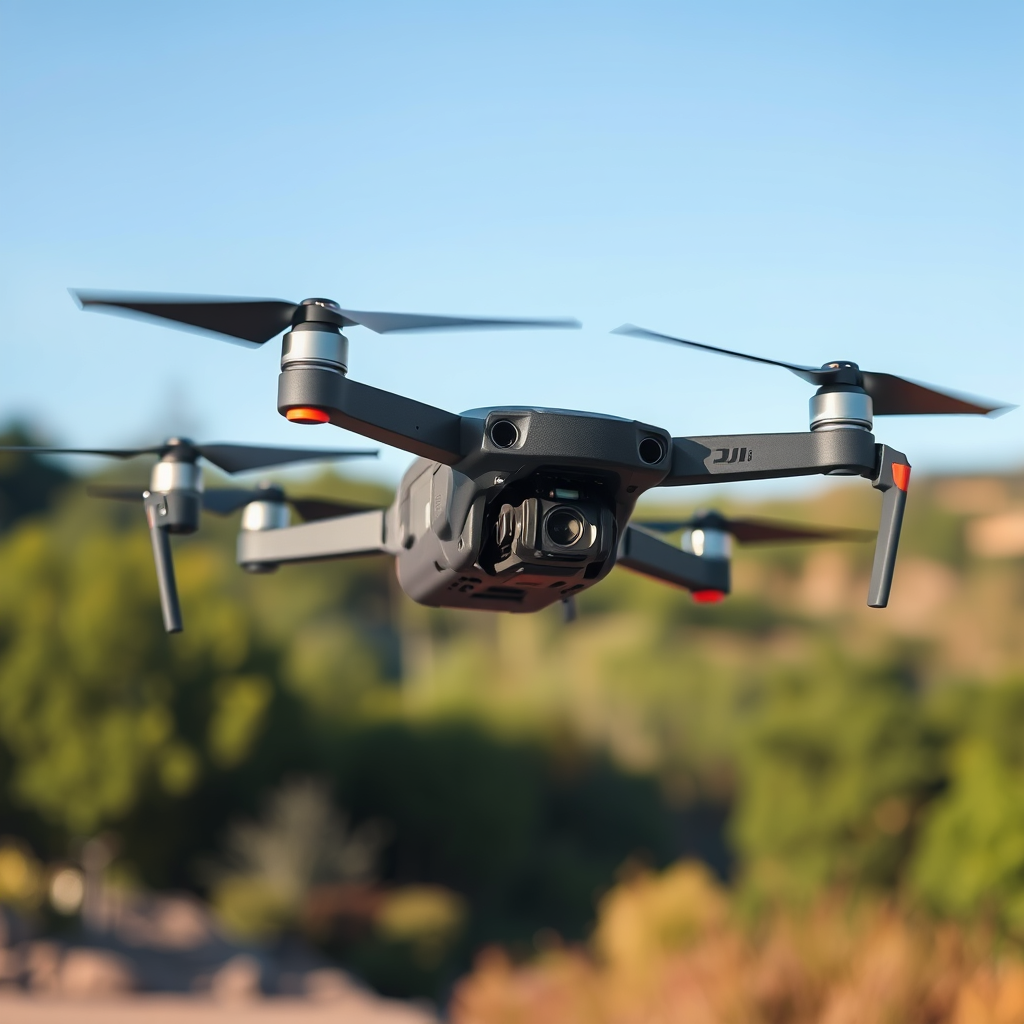
DJI drones are primarily designed to be controlled via remote controllers or mobile devices, which provide the necessary tactile feedback and intuitive user interface for piloting. Each drone model typically comes with a dedicated remote, which connects to a mobile device that runs DJI’s applications, such as DJI GO 4 or DJI Fly. These applications are integral to the flying experience, offering features such as live video streaming, telemetry data, and access to advanced flight modes.
Moreover, some DJI drones are equipped with additional functionalities that allow for flight planning and monitoring through specific applications. For instance, the DJI Ground Station Pro app enables users to create complex flight missions with waypoints, making it easier to execute autonomous flights. However, it’s important to recognize that the primary control remains firmly in the hands of the physical remote and mobile applications, which are optimized for real-time pilot interaction.
Connecting Your Laptop to Your Drone
While you cannot control your DJI drone directly from your laptop, you can utilize DJI’s software, such as DJI Assistant 2, to enhance your overall experience. This desktop application allows users to perform essential tasks like updating firmware, configuring settings, and managing flight logs. By connecting your drone to your laptop via USB, you can easily access these functionalities, ensuring that your drone is always operating with the latest software enhancements.
In addition to DJI’s official software, several third-party applications exist that can provide unique ways to plan flights or analyze data gathered during flights. For example, software like DroneDeploy or Pix4D can be used for mapping and data analysis, allowing you to create flight plans on your laptop that can later be uploaded to your drone via compatible mobile applications. This indirect method of connecting your laptop to your drone can significantly enhance your operational capabilities, especially for commercial use cases like surveying or agricultural monitoring.
Flight Planning Features
Using mapping software on your laptop can greatly simplify the process of creating flight routes for your DJI drone. Applications such as Google Earth or specialized drone mapping software enable users to visualize the area of interest and meticulously plan the flight path before execution. By analyzing terrain, obstacles, and no-fly zones, you can optimize your routes and ensure a smoother flight experience.
Once you have created a flight plan on your laptop, it can be uploaded to your drone through compatible mobile applications. While this does not equate to direct control, it allows for a structured approach to flight management. For instance, if you’re using the DJI GS Pro app, you can import your pre-planned routes from a KML file created on your laptop, thereby streamlining the planning process. This method is particularly beneficial for industries such as construction or real estate, where detailed mapping and data collection are crucial.
Limitations of Laptop Control
Despite the advantages of using a laptop for planning and data analysis, real-time control of the drone cannot be achieved through a laptop. The primary limitation lies in the nature of drone operation, which necessitates immediate feedback and responsiveness that a laptop cannot provide. DJI’s control systems are designed for direct interaction through remote controllers or mobile devices, ensuring that pilots maintain precise control over their aircraft.
Additionally, safety and regulations impose constraints that further limit the use of a laptop as a control interface. In many jurisdictions, regulations require drone operators to maintain a visual line of sight with their drone during operation. This means that relying solely on a laptop for oversight could lead to violations of safety protocols and potentially dangerous situations. Therefore, while laptops can enhance the planning and monitoring phases, they should not replace the traditional methods of drone control.
Alternative Options for Remote Control
If you are looking for alternatives to laptop control, consider utilizing compatible tablets or mobile devices specifically designed for drone control. These devices often provide enhanced display features and a more intuitive interface, making them suitable for piloting your DJI drone effectively. Tablets like the Apple iPad or certain Android devices offer larger screens, aiding in the visibility of live feed and telemetry data during flights.
Additionally, explore the advanced flight modes provided by DJI’s applications that enhance the flying experience without relying on a laptop. Features such as ActiveTrack, Waypoints, and Point of Interest allow pilots to automate certain aspects of flight, enabling more complex maneuvers without sacrificing control. By leveraging these advanced functionalities, you can maximize your drone’s capabilities while still maintaining hands-on control through a mobile interface.
Safety and Legal Considerations
When flying a drone, it is crucial to adhere to local regulations regarding drone flights. Each country has its own set of rules governing drone operation, which often include restrictions on flying in certain areas, altitude limits, and requirements for registration and licensing. Familiarizing yourself with these regulations is essential to ensure compliance and to avoid potential fines or legal issues.
Moreover, maintaining a visual line of sight with your drone during operation is not just a regulatory requirement but a critical safety measure. It allows you to respond immediately to any unforeseen circumstances, such as changes in weather or the presence of obstacles. Utilizing your laptop for planning and data analysis is beneficial, but it should complement rather than replace the fundamental safety practices inherent in drone operation.
In summary, while you cannot fly your DJI drone directly from your laptop, there are numerous ways to enhance your flying experience through careful planning and data analysis. By combining the capabilities of your laptop with hands-on control via remote controllers or mobile devices, you can optimize your drone’s performance and ensure compliance with safety regulations. As technology continues to evolve, leveraging these tools will undoubtedly lead to more effective and innovative applications in various industries.
Frequently Asked Questions
Can I fly my DJI drone from my laptop?
No, you cannot fly your DJI drone directly from your laptop. DJI drones are typically controlled via a remote controller or a compatible mobile device using the DJI Fly or DJI GO app. While you can access some features and settings through your laptop, the actual flight control and live video feed require a mobile device for optimal performance and safety.
How do I connect my DJI drone to my laptop for firmware updates?
To connect your DJI drone to your laptop for firmware updates, use a USB cable to connect the drone’s battery or the remote controller to your laptop. Then, download the DJI Assistant 2 software from the DJI website. Once installed, launch the software, connect your drone, and follow the on-screen prompts to check for and install the latest firmware updates.
Why can’t I use my laptop to control my DJI drone instead of a remote?
Using a laptop to control your DJI drone is not feasible due to software limitations and the design of the drone’s control system. DJI drones are engineered to be controlled via dedicated remote controllers or apps on smartphones or tablets for real-time responsiveness and safety. The connectivity and latency issues that would arise from using a laptop could compromise flight safety.
What are the best practices for operating a DJI drone effectively?
To operate your DJI drone effectively, always conduct a pre-flight checklist, including battery levels, firmware updates, and GPS signal strength. Familiarize yourself with the drone’s controls and features using your mobile device. Additionally, ensure you are flying in an open area away from people and obstacles, and adhere to local regulations regarding drone operation to ensure a safe flying experience.
Which DJI drones have the most user-friendly mobile apps for flight control?
The DJI Mavic Air 2, DJI Mini 2, and DJI Phantom 4 Pro are known for their user-friendly mobile apps, offering seamless integration with the DJI Fly or DJI GO 4 apps. These apps provide intuitive interfaces, easy access to flight settings, and advanced features like automated shooting modes and intelligent flight modes, making it easier for both beginners and experienced pilots to operate their drones effectively.
References
- https://www.faa.gov/uas/getting_started/fly_for_fun
- https://www.wired.com/story/dji-drone-flying-tips/
- https://www.reuters.com/technology/drone-technology-what-you-need-know-2021-01-05/
- https://www.nytimes.com/2021/02/09/technology/drones-faa-regulations.html
- https://www.droneflyers.com/drone-flying-tips/
- https://www.nasa.gov/centers/dryden/pdf/88711main_Drone_Flight_Manual.pdf
- https://www.nps.gov/articles/drone-regulations-in-national-parks.htm
