
Flying a DJI drone from your laptop is not directly possible, as these drones are typically controlled via dedicated remote controls or mobile devices. However, there are ways to interface with your drone using a laptop, particularly for advanced users or developers who are willing to explore software solutions. In this article, we will delve into the possibilities and limitations of controlling your DJI drone from a laptop, along with the tools and software that can assist you in achieving a more customized flying experience.
Understanding DJI Drone Controls
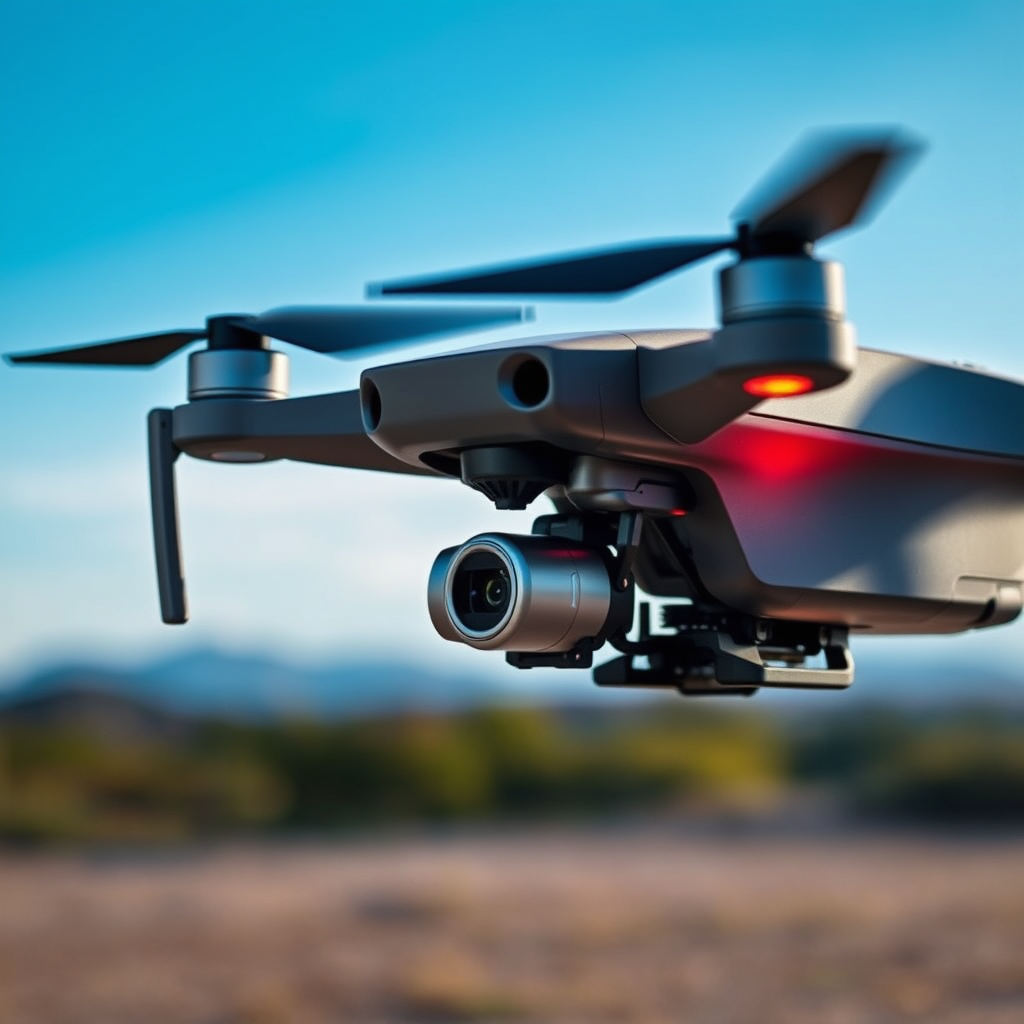
DJI drones are primarily designed to be controlled via remote controllers or mobile apps that connect through Wi-Fi or other communication protocols. This design ensures a user-friendly experience, allowing operators to easily manage their drone’s various functions, such as camera control, flight paths, and telemetry data. Each DJI model, from the Mavic series to the Phantom and Inspire lines, operates on specific communication protocols that may not be compatible with standard laptop hardware.
For instance, DJI’s Lightbridge and OcuSync technologies facilitate the transmission of video and control signals between the drone and its remote controller, ensuring low latency and high-quality video feeds. These proprietary technologies make it challenging for standard laptops to directly communicate with drones unless specialized hardware or interfaces are employed. Understanding these controls is crucial for any prospective integration of laptop-based drone operation.
Software and Applications for Laptop Control
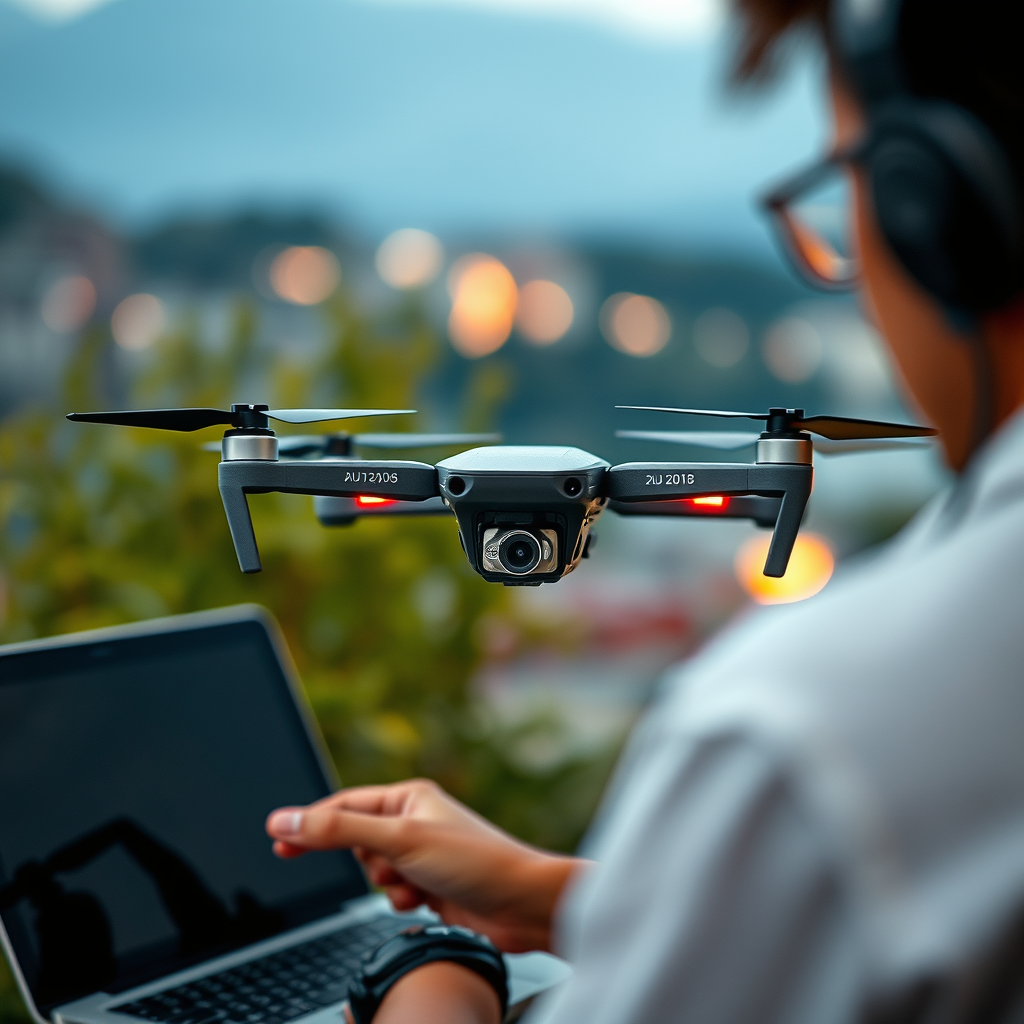
While laptops cannot directly control DJI drones out of the box, several software applications can facilitate this interaction. One of the most prominent is the DJI Software Development Kit (SDK), which allows developers to create custom applications for drone control, automated flight missions, and data retrieval. Utilizing the SDK requires programming knowledge, particularly in languages such as Python or C++, but it opens up a world of possibilities for advanced users looking to leverage their drone’s capabilities in unique ways.
Third-party applications, such as DroneDeploy or UgCS, also enable users to plan missions and control drones through a desktop interface. These applications often offer features like automatic flight path generation, real-time mapping, and data analytics, making them valuable tools for professionals in fields such as agriculture, surveying, and infrastructure inspection. However, using such software necessitates a solid understanding of both the drone’s specifications and the software’s capabilities, as well as familiarity with local regulations governing drone operations.
Using a Simulator for Flight Practice
For those looking to hone their flying skills without the risks associated with real-world flights, flight simulators serve as an invaluable resource. Programs like the DJI Flight Simulator provide a highly realistic environment for users to practice piloting their drones. The simulator mimics various flying conditions, including different weather scenarios and obstacles, offering a safe space to experiment with flight maneuvers, camera settings, and mission planning.
Additionally, flight simulators can be particularly beneficial for new pilots who may feel intimidated by the complexities of drone operation. By allowing users to familiarize themselves with the controls and functionalities in a risk-free setting, these simulations can significantly boost confidence and competence before taking to the skies with an actual drone. Moreover, many simulators can be connected to a laptop, making them easily accessible for practice sessions.
Limitations of Laptop Control
Despite the potential for interfacing with a DJI drone via a laptop, several limitations persist. One of the primary challenges is that laptops typically lack the necessary hardware, such as transmission protocols, to establish a reliable connection with the drone. This can result in a loss of signal, delayed responses, or even complete disconnection during flight.
Moreover, the range and responsiveness of laptop-based control may not match that of a dedicated remote controller. Remote controllers are specifically designed to optimize signal strength and minimize latency, ensuring a smooth flying experience. In contrast, using a laptop may lead to a less reliable flight experience, particularly in environments with signal interference or when operating at greater distances. For these reasons, relying solely on a laptop for drone flight control is generally discouraged.
Alternatives for Enhanced Control
For those seeking enhanced control over their DJI drones, using a mobile device equipped with the DJI GO app remains the most effective method. This app provides comprehensive access to all drone features, including camera settings, GPS navigation, and real-time telemetry. The seamless integration of the app with DJI drones allows for intuitive operation, ensuring that users can easily manage their flying experience.
Additionally, ground station software offers an excellent alternative for mission planning and execution. Software such as Mission Planner or QGroundControl can connect your laptop to the drone, allowing users to pre-program flight paths and monitor drone performance in real-time. This setup not only enhances operational capabilities but also provides valuable data for analyzing flight performance and optimizing future missions.
Legal and Safety Considerations
Regardless of the control method used, adhering to local regulations when flying drones is paramount. Many countries have specific rules governing drone operations, including altitude restrictions, no-fly zones, and requirements for maintaining a visual line of sight with the drone. When using a laptop for flight control, maintaining this visual line of sight can become increasingly challenging, potentially leading to safety hazards.
Additionally, drone operators should be aware of the implications of automated flight commands programmed through software. While automation can enhance efficiency and precision, it also increases the responsibility of the operator to ensure compliance with safety regulations and to monitor the drone’s behavior throughout the flight. Engaging in thorough pre-flight checks and familiarizing oneself with both the drone’s capabilities and the governing laws is essential for safe operations.
In summary, while it is not straightforward to fly a DJI drone directly from your laptop, there are alternative methods and tools that can enhance your flying experience. By leveraging software solutions, simulators, and maintaining a strong understanding of regulatory requirements, you can explore advanced control options that suit your needs. For the best flying experience, however, it is advisable to rely on the recommended methods, including your DJI remote control and mobile apps.
Frequently Asked Questions
Can I control my DJI drone using my laptop?
Yes, you can control some DJI drones using a laptop, but it typically requires specific software and a compatible connection. DJI’s SDK (Software Development Kit) allows developers to create applications for drone control, which can be run on a laptop. However, for most users, controlling a drone is more straightforward through the dedicated mobile app or remote controller designed for that purpose.
What software do I need to fly my DJI drone from my laptop?
To fly your DJI drone from a laptop, you will need software that supports DJI’s SDK, such as DJI GS Pro or third-party applications developed for drone management. Additionally, you may need to connect your laptop to the drone via USB or Wi-Fi, depending on the model. Always check the compatibility of the software with your specific drone model before proceeding.
Why would I want to fly my DJI drone using a laptop instead of a remote controller?
Flying your DJI drone from a laptop can provide enhanced functionality, such as custom flight plans, data analysis, and integration with other software tools. This is particularly useful for professionals in fields like mapping, surveying, and agriculture, where more precise control and data capture are essential. The laptop interface can also offer larger screens and better visualization tools than a standard remote controller.
Which DJI drones can be flown using a laptop?
Most DJI drones that support the SDK can be operated from a laptop, including models like the DJI Phantom 4, Mavic series, and Inspire series. However, compatibility may vary based on firmware and the specific software tools you are using. It’s crucial to refer to the DJI developer documentation for your drone model to ensure it supports laptop control.
How do I set up my DJI drone to fly from my laptop?
To set up your DJI drone for laptop control, first, ensure you have the necessary software installed and that your drone is updated to the latest firmware. Connect the drone to your laptop using a USB cable or connect via Wi-Fi if supported. Follow the instructions provided in the software to calibrate the drone and set the flight parameters. Always conduct a thorough pre-flight check to ensure everything is functioning correctly before taking off.
References
- https://en.wikipedia.org/wiki/Drone_flight
- https://www.faa.gov/uas/getting_started/part_107/
- https://www.nasa.gov/mission_pages/tdm/faq/faq.html
- https://www.techradar.com/news/how-to-fly-a-drone-with-your-laptop
- https://www.sUASnews.com/2020/03/18/how-to-control-your-drone-with-a-laptop/
- https://www.dronepilotgroundschool.com/drone-flying-tips/
- https://www.reuters.com/business/aerial-photography-drones-are-flying-high-among-consumers-2021-06-22/
- https://www.ncbi.nlm.nih.gov/pmc/articles/PMC7383005/
