
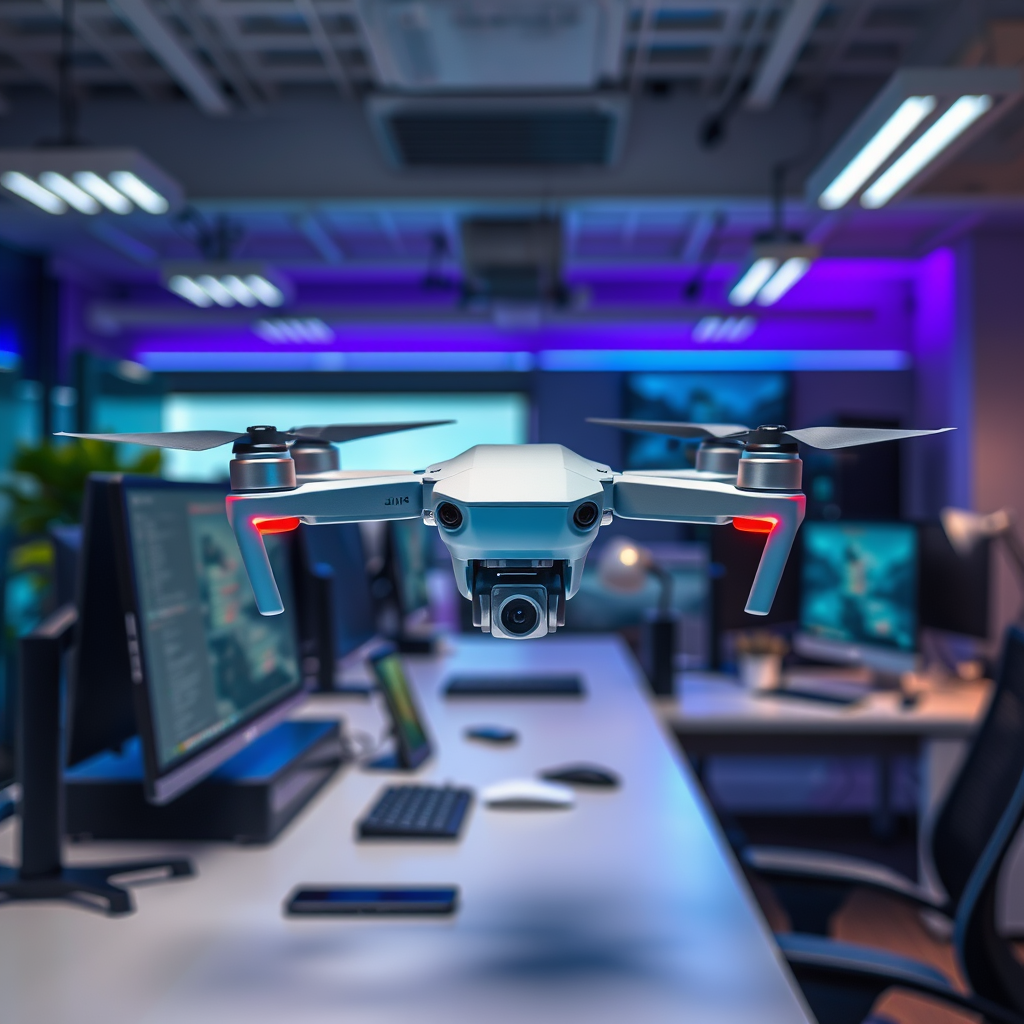
If your DJI drone is broken, yes, you can send it for repair! DJI offers comprehensive repair services for a variety of drone models, which can help you restore your device to optimal working condition. Understanding the repair process is crucial to minimize downtime and ensure that your drone is serviced correctly. This article will guide you through the repair options available for broken DJI drones, including how to send it for repair and what to expect during the process.
Understanding DJI’s Repair Services
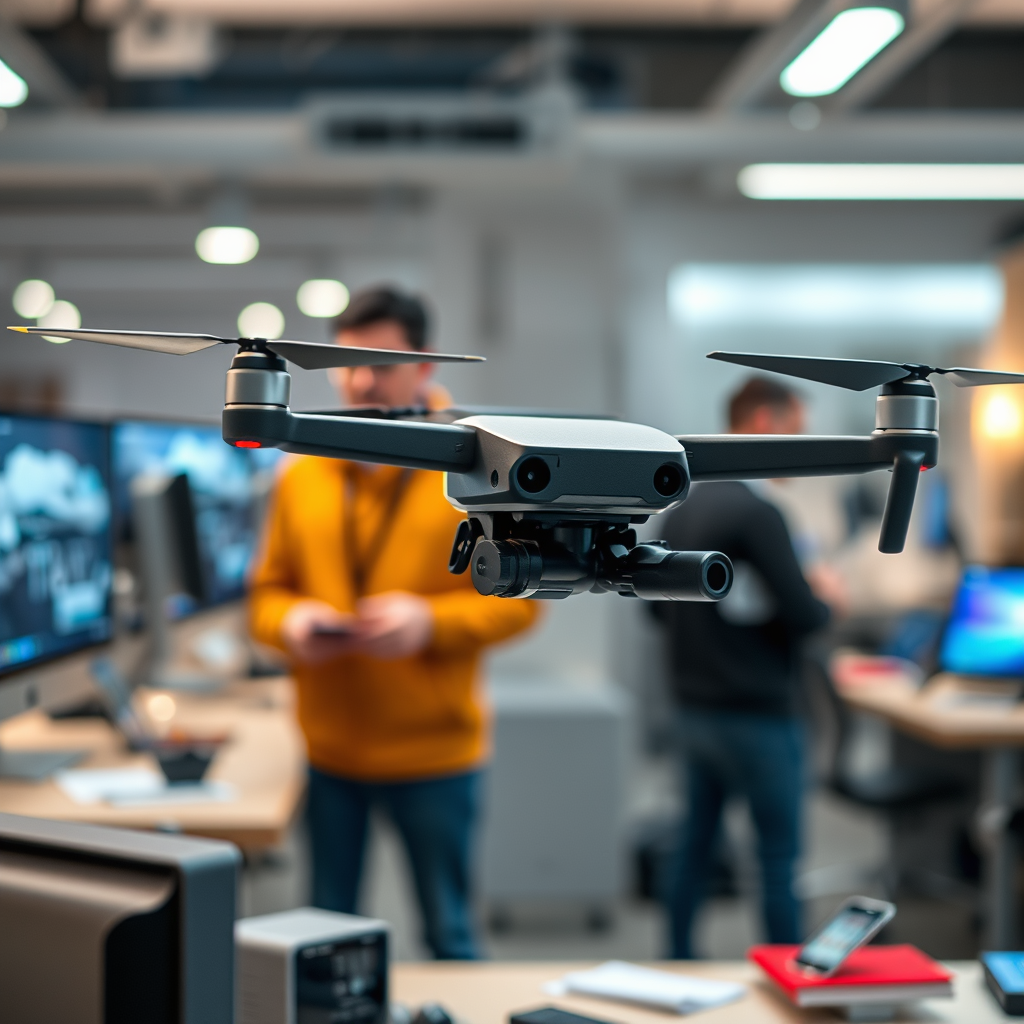
DJI provides a structured repair service designed to address various issues that may arise with their drones. The company stands behind its products with a warranty that covers defects in materials and workmanship, although this warranty is subject to specific conditions. For example, damages resulting from accidents, misuse, or natural wear and tear might not be covered, so it’s essential to review the warranty terms for your particular model.
Repairs can be facilitated through DJI’s official service centers or authorized retailers. DJI’s official service centers are equipped with certified technicians who have access to genuine parts and the latest repair technology. This ensures that any repairs are performed to the high standards expected from the DJI brand. If you opt for an authorized retailer, make sure they are recognized by DJI to avoid potential issues with parts and service quality.
How to Prepare Your Drone for Repair

Before sending your drone for repair, it’s important to take a few preparatory steps to ensure a smooth process. First, remove any accessories such as propellers, batteries, and cameras. This not only protects these parts from damage during transit but also ensures that your drone is sent in its most basic form for accurate assessment and repair.
Next, document the condition of your drone with detailed photographs. Capture images from multiple angles, focusing on any visible damage. This documentation serves as a record of your drone’s state prior to sending it for repair and can be useful if any disputes arise regarding the nature of the damage or if additional repairs are needed upon inspection.
Sending Your Drone for Repair
To initiate the repair process, visit the DJI website and navigate to the support section. Here, you will find the option to start a repair request. You will need to provide details about your drone, including its model and the nature of the problem. After submitting your request, you will receive instructions along with a shipping label to send your drone to the designated service center.
When packaging your drone for shipment, follow the provided guidelines carefully. Use a sturdy box and ample padding to secure your drone and prevent it from moving during transit. It’s advisable to use the original packaging if available, as it is designed specifically for your drone model. Make sure the shipping label is affixed securely to the outside of the box, and consider insuring the package for added peace of mind.
Repair Costs and Timeframes
Understanding the potential costs and timeframes associated with repairs can help you plan accordingly. Repair costs can vary significantly based on the type and extent of the damage, as well as whether your drone is still under warranty. For example, minor repairs such as replacing a damaged propeller may incur a lower cost, while significant repairs involving electronic components could be more expensive. It’s advisable to check DJI’s pricing guidelines or contact their support team for a more precise estimate based on your specific situation.
Typically, the turnaround time for repairs ranges from a few days to several weeks. Factors influencing this timeframe include the service center’s current workload and the availability of necessary parts. After sending your drone, you will receive updates on its status, so you can stay informed about the progress of the repair.
What to Do After Sending Your Drone
Once your drone is on its way to the repair facility, it’s essential to keep track of its status. You can do this through the DJI support portal, where you can find updates regarding the progress of your repair. Be proactive in checking the status, as this will help you anticipate when your drone will be returned.
Additionally, be prepared for the possibility of further repairs that may be identified during the assessment process. Sometimes, technicians find additional issues that weren’t initially apparent. In such cases, DJI will typically reach out to you to discuss the findings and obtain approval before proceeding with any additional work.
Tips to Prevent Future Damage
To enhance the longevity of your DJI drone and prevent future repairs, implementing a few best practices is essential. Regularly inspect your drone for signs of wear and tear, such as cracks in the body or frayed wires. Catching these issues early can prevent them from escalating into more significant problems.
Proper storage is also critical. Always store your drone in a cool, dry place, and avoid exposing it to extreme temperatures and humidity. Using a dedicated carrying case can protect your drone during transport and provide additional protection from environmental factors. Lastly, familiarize yourself with the operational guidelines and safety protocols to minimize the risk of accidents during flights.
In conclusion, your DJI drone can indeed be repaired, and following these outlined steps will help ensure a smooth and efficient process. From understanding the repair services available to preparing your drone for shipment, each phase is critical for a successful repair experience. If you have any uncertainties or need specific assistance, do not hesitate to reach out to DJI support for personalized guidance. With the right approach, you can have your drone soaring through the skies again in no time.
Frequently Asked Questions
Can I send a broken DJI drone for repair under warranty?
Yes, you can send a broken DJI drone for repair under warranty as long as the damage is not caused by user error or unauthorized modifications. Make sure to check the warranty terms and conditions on DJI’s official website to confirm that your specific issue is covered. To initiate the process, you’ll need to provide proof of purchase and a detailed description of the problem when submitting a repair request.
How do I prepare my DJI drone for shipment to repair?
To prepare your DJI drone for shipment, first, ensure that it is powered off and remove any accessories, such as propellers or batteries. Pack the drone securely in its original packaging or a sturdy box to prevent further damage during transit. Include a note detailing the issues you’ve encountered and your contact information. For added security, consider insuring your package, especially if the drone was high-value.
What are the common issues that can be repaired on a DJI drone?
Common issues that can be repaired on a DJI drone include hardware malfunctions like motor failure, gimbal issues, or battery problems. Software-related issues, such as firmware glitches, can also be addressed. If your drone has physical damage, such as a cracked body or broken propellers, these can typically be repaired as well. Always consult with DJI’s customer support for a detailed assessment of repair options available for your specific model.
Why is my DJI drone not functioning properly, and should I send it for repair?
Your DJI drone may not function properly due to a variety of reasons, including battery issues, firmware glitches, or physical damage. If troubleshooting steps like recalibrating the drone or updating the firmware don’t resolve the issue, it may be time to send it for repair. Contact DJI’s customer service for guidance on the next steps and to determine if sending it in for repair is the best solution based on your situation.
Which shipping method should I use to send my DJI drone for repair?
It’s recommended to use a reliable shipping service that offers tracking and insurance when sending your DJI drone for repair. Consider using services like UPS, FedEx, or DHL, which provide fast and secure delivery options. Always keep the tracking number and shipping receipt until the repair process is complete to ensure you can monitor your package’s status and confirm its arrival at the repair facility.
References
- Service Request and Inquiry – DJI United States
- DJI Support for Products Repairs Services and Technical Help – DJI United States
- https://www.theverge.com/2021/4/28/22405120/dji-drone-repair-service-issues
- https://www.techradar.com/news/how-to-fix-your-drone
- https://www.dronepilotgroundschool.com/drone-repair/
