
Yes, you can use a DJI controller with other DJI drones, but compatibility depends on the specific models. Some DJI controllers are designed to work across multiple drone types, while others may have limited functionality with certain models. Understanding these compatibility factors is crucial for maximizing your drone flying experience and ensuring that you get the most out of your equipment.
Understanding DJI Controller Compatibility
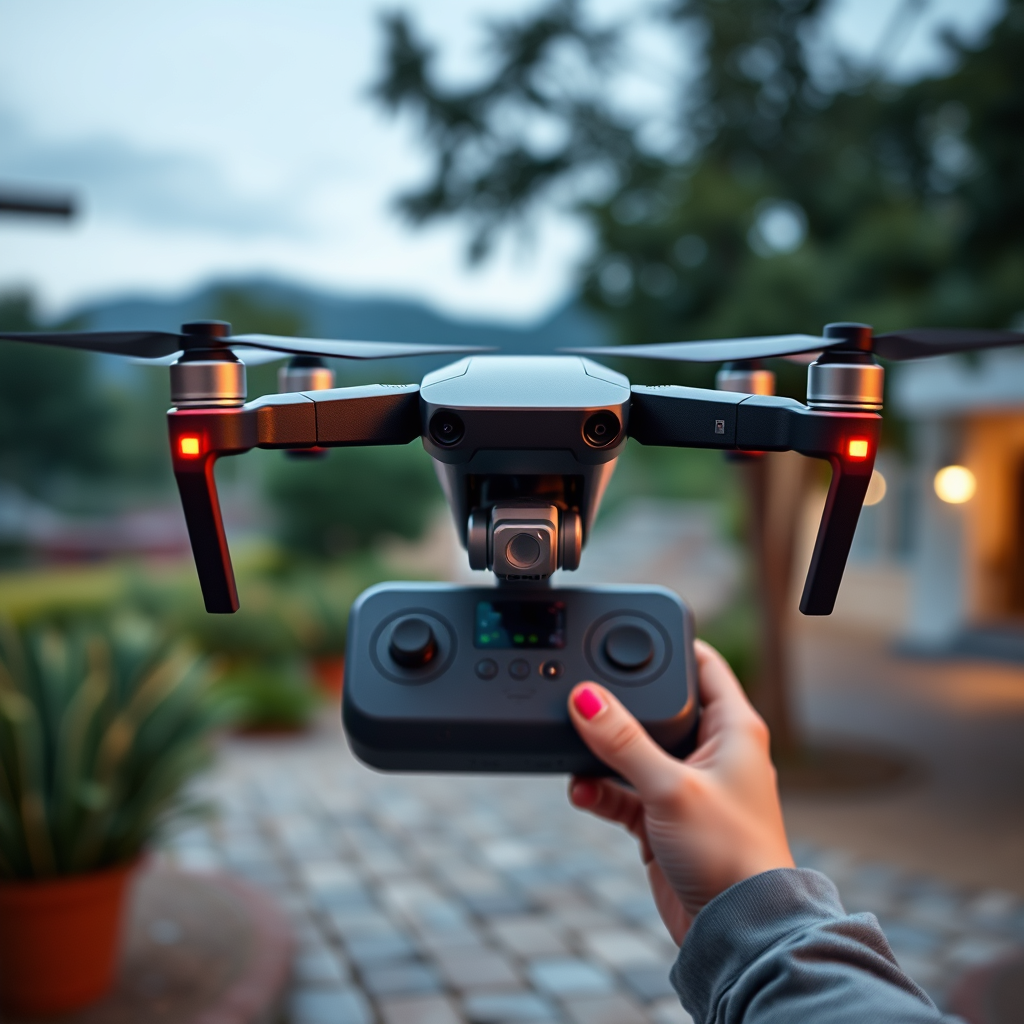
When it comes to DJI controllers, compatibility hinges on the particular models in use. DJI manufactures a variety of controllers, such as the DJI Smart Controller, the DJI RC Pro, and the standard controllers that come with specific drone models like the Mavic series or the Phantom series. Each controller is typically engineered to communicate seamlessly with designated drones, utilizing proprietary protocols and frequencies for optimized control.
To determine whether a specific controller can be used with another DJI drone, it is advisable to refer to the official DJI website. DJI maintains a comprehensive compatibility list that outlines which controllers can be paired with which drones. This resource can save you time and resources by ensuring you purchase the right equipment for your needs. Additionally, drone enthusiasts and professionals often discuss compatibility on forums, providing valuable insights into their experiences with different setups.
Controller Features That Matter
The features of DJI controllers can significantly influence their usability across different drone models. Some advanced controllers, such as the DJI Smart Controller, offer enhanced functionalities like customizable buttons, improved range, and built-in screens that can display real-time data. These advanced features may not be available when using a more basic controller, potentially limiting your flying experience.
Conversely, while basic flight controls are often compatible across various models, features like telemetry data and intelligent flight modes may not function as intended. For instance, if you attempt to use a high-end controller with a more basic drone, you might find that certain advanced options like obstacle avoidance or automated flight paths are unavailable. Therefore, understanding the features of both the controller and the drone is essential for optimizing your flying experience.
Pairing Your Controller with Other Drones
Pairing your DJI controller with a different drone involves following specific instructions tailored to each model. Generally, the process begins with ensuring that both the controller and drone are powered on and within proximity. For many DJI drones, you will need to access the settings menu, select the option for remote controller pairing, and then follow the on-screen prompts to establish a connection.
Firmware updates also play a critical role in the pairing process. Keeping your drone’s firmware up to date is essential for ensuring compatibility with newer controllers or any advanced features. Firmware updates often include improvements and fixes that enhance the overall functionality of the drone and controller. Thus, checking for the latest firmware updates before attempting to pair your devices is a best practice that can prevent connectivity issues.
Limitations to Consider
While the ability to use a controller across multiple DJI drones is convenient, there are limitations to be aware of. Not all features may function when using a different controller. For instance, advanced camera controls or intelligent flight modes that rely on specific hardware may not operate fully or at all. This can lead to a suboptimal flying experience, particularly for those who rely heavily on the unique capabilities of a specific drone model.
Additionally, some DJI drones may require a specific controller to unlock their full potential. An example is the DJI Mavic 3, which may not perform optimally with older controllers due to differences in technology and communication protocols. Therefore, it’s essential to consider what functionality you need and whether the controller you have can provide that when paired with a different drone.
Practical Use Cases
Utilizing a single DJI controller across different drone models can yield significant cost savings and streamline your equipment management. For example, if you own multiple DJI drones for various purposes—such as aerial photography, racing, or surveying—having one versatile controller can minimize the need for carrying multiple remotes and spare batteries. This is particularly advantageous for professionals who operate in the field and need to switch between drones quickly.
Moreover, having a backup controller can be a lifesaver in emergencies. If one controller malfunctions or becomes damaged, having a compatible spare allows you to continue flying without needing immediate replacements. It also offers flexibility in training scenarios where an additional controller can facilitate easier collaboration or instruction for novice pilots.
Troubleshooting Common Issues
Despite the best intentions, pairing a DJI controller with another drone may sometimes fail. If you encounter difficulties, one of the first steps is to reset both the controller and the drone. This often resolves minor connectivity issues and allows for a fresh pairing attempt. It is also advisable to ensure that both devices are fully charged, as low battery levels can interfere with the pairing process.
If problems persist, utilizing the DJI support forums or community resources can provide additional insights. These platforms often have tips from experienced users who have encountered similar issues and found solutions. Engaging with the community can also yield advice on best practices for maintaining compatibility and optimizing performance across different DJI products.
In summary, while you can use a DJI controller with other DJI drones, it is crucial to verify compatibility and be mindful of potential limitations. By checking official resources and community insights, you can enhance your drone flying experience and make informed decisions about your equipment. Embrace the versatility of your DJI gear, and enjoy the skies!
Frequently Asked Questions
Can I use a DJI controller from one drone model with another DJI drone?
Generally, DJI controllers are designed to be compatible with specific drone models and series. While some controllers can work with multiple drones within the same series, such as the Mavic or Phantom lines, most are not interchangeable across different models. To ensure compatibility, always check the official DJI website or user manual for your specific drone model and controller.
How do I check if my DJI controller is compatible with another drone?
To verify compatibility between a DJI controller and another drone, you can refer to the product specifications on the DJI website or consult the user manual for both the controller and the drone. Additionally, DJI’s customer support can provide guidance, as they have the latest compatibility information and updates regarding firmware that may affect connectivity.
Why can’t I connect my DJI controller to a different drone?
The inability to connect a DJI controller to a different drone often stems from differences in communication protocols or firmware versions between the two devices. Each drone and its corresponding controller utilize specific software and hardware configurations that are tailored for optimal performance, and mismatches can lead to connectivity issues. Always ensure that both devices are updated to the latest firmware for the best chance of compatibility.
What is the best DJI controller to use if I own multiple DJI drones?
If you own multiple DJI drones, the DJI Smart Controller is one of the best options as it supports various models including the Mavic 2 and Phantom 4 series. This controller features an integrated display and offers a more versatile flying experience. However, it’s important to confirm that your specific drones are listed in the compatibility section on DJI’s website to avoid any functionality issues.
Which DJI drones can use the same controller, and how do I set it up?
Several DJI drones, such as the Mavic Air 2 and Mavic Mini, can often use the same controller provided they are from the same product line. To set up the controller with a different drone, first ensure both devices are charged and updated to the latest firmware. Then, follow the pairing instructions in the user manual, usually involving turning on both devices and following the connection prompts in the DJI Fly app.
References
- https://en.wikipedia.org/wiki/DJI
- https://www.dji.com/support
- https://www.techradar.com/news/dji-drone-tips
- https://www.pcmag.com/how-to/how-to-use-your-dji-drone-controller
- https://www.theverge.com/2020/10/20/21524186/dji-mavic-air-2-drone-controller-compatibility-guide
- https://www.digitaltrends.com/space/dji-drone-controller-compatibility/
- https://www.uavcoach.com/dji-drone-compatibility-guide/
