
If you’re wondering whether you can operate two DJI drones with a single controller, the answer is yes, but with certain limitations and considerations. DJI offers a user-friendly ecosystem, which allows for the possibility of connecting multiple drones to a single controller, enhancing the versatility of drone operations. However, it’s crucial to understand the compatibility of your devices and the specific processes involved to ensure seamless functionality.
Understanding DJI’s Controller Compatibility
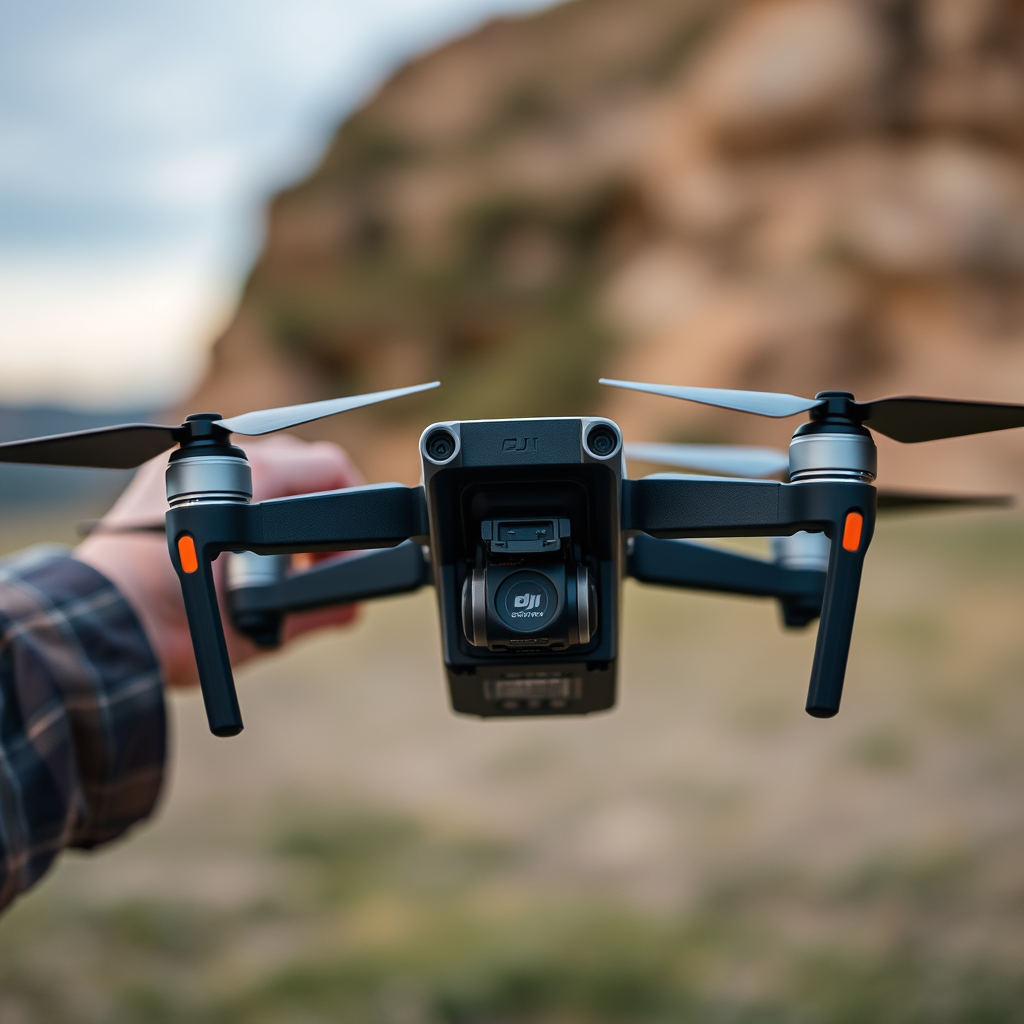
DJI controllers are meticulously designed to work with specific drone models, which means compatibility can vary significantly across different devices. Before attempting to use one controller for multiple drones, you must first verify that your controller supports the drone models you intend to use. For instance, the DJI Smart Controller is compatible with a range of DJI drones, including the Mavic 2 series and the Phantom 4 series, but may not support other models like the DJI Mini series. Always consult the product specifications and compatibility charts provided by DJI to determine if your controller can handle both drones.
Additionally, firmware updates play a critical role in maintaining compatibility. Ensure that both the controller and the drones are running the latest firmware to avoid any connectivity issues. Regular updates not only enhance compatibility but also improve overall performance and add new features to your drones.
The Process of Pairing Drones to a Single Controller
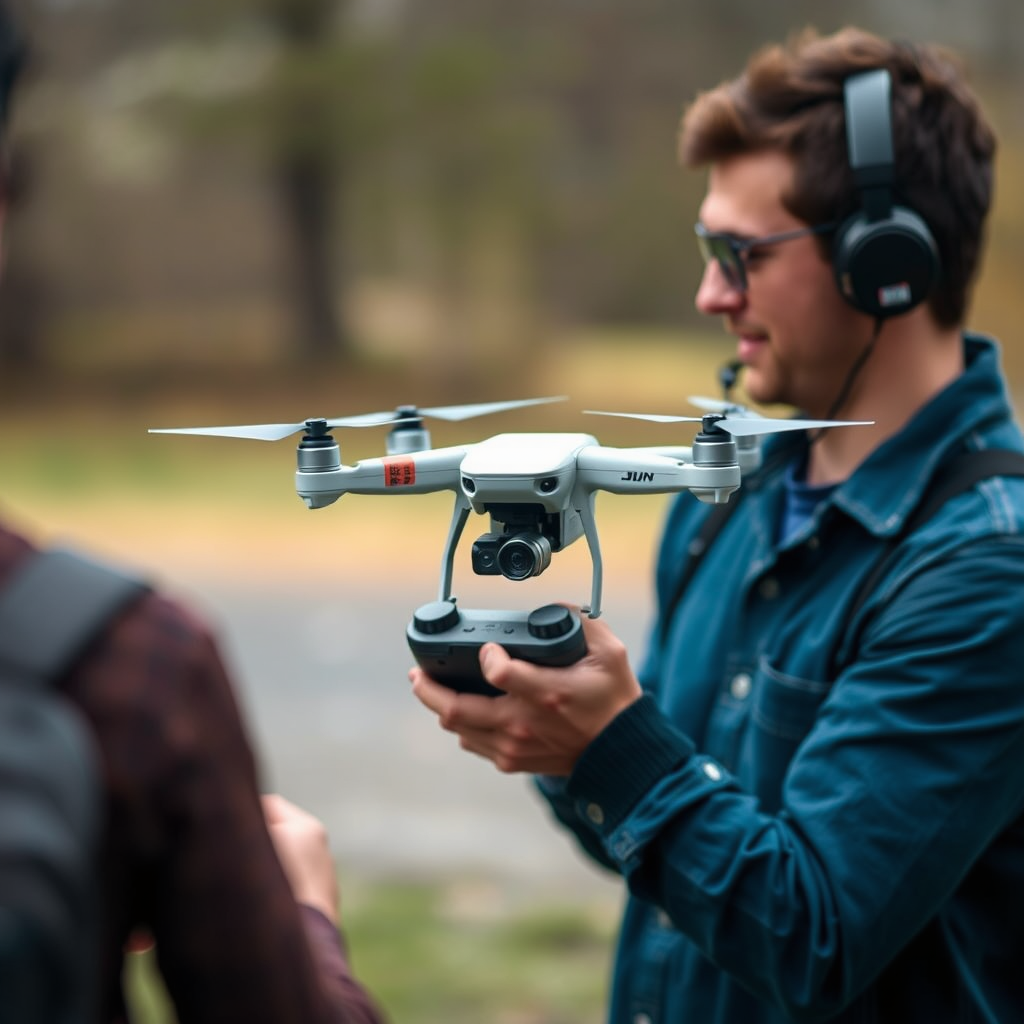
Pairing multiple drones to a single DJI controller involves a straightforward process, but it’s essential to follow the DJI app instructions closely. Generally, the process begins by turning on your controller and the first drone, then launching the DJI app. From here, you will find an option to connect or bind the drone to the controller. Once this is completed, you can repeat the process for the second drone.
However, it is crucial to note that only one drone can be connected and controlled at a time. This means that when you want to switch from one drone to the other, you will need to disconnect the current drone before connecting the second one. This process can be done through the app and may involve re-pairing, which can be slightly time-consuming but is manageable with practice.
Benefits of Using One Controller for Multiple Drones
Utilizing a single controller for multiple DJI drones can offer several advantages. One of the most significant benefits is cost-effectiveness; purchasing additional controllers can be a substantial investment, especially for professionals who operate multiple drones. By using one controller, you can allocate those funds toward other essential equipment or upgrades.
In addition to financial savings, the convenience factor cannot be overstated. Streamlining your setup reduces the amount of gear you need to carry, making it easier to transport your equipment to various locations. This is particularly beneficial for commercial operators who often need to switch between different drone models for specific tasks, such as aerial photography, surveying, or search and rescue operations. With a single controller, the setup process becomes less cumbersome, allowing for quicker deployments and more efficient workflows.
Limitations and Challenges
Despite the clear advantages, there are notable limitations and challenges when using one controller for multiple drones. One of the primary concerns is the time required to switch between drones. Each time you switch, you may need to go through the pairing process again, which can disrupt your workflow, particularly in time-sensitive situations.
Moreover, the potential for confusion or mishaps exists, especially for inexperienced pilots. Remembering which drone is connected at any given time may become challenging, leading to operational errors. It is essential to maintain focus and organization to avoid accidents, which could result from losing track of which drone you are currently controlling or inadvertently attempting to fly a drone that is not connected.
Tips for Effective Multidrone Usage
To ensure effective management of multiple drones with a single controller, it is advisable to familiarize yourself with each drone’s controls and functionalities before attempting to switch between them. Understanding the unique features and settings of each model will enhance your control and improve your overall flying experience.
Moreover, maintaining a checklist can be beneficial for ensuring that each drone is configured correctly for your controller. This checklist should include steps like verifying connectivity, checking battery levels, and confirming that any necessary settings specific to the drone model are adjusted. By adhering to a systematic approach, you can mitigate the risks associated with switching drones.
Safety Considerations When Using Multiple Drones
Safety should always be a priority when operating drones, particularly when managing multiple units. Ensure that you are compliant with all relevant aviation regulations, as these can differ based on your location and the type of drone operations you are conducting. Familiarize yourself with the local laws governing drone usage, including altitude restrictions, no-fly zones, and registration requirements.
Conducting thorough pre-flight checks is essential, especially when switching between drones. Each drone may have different operational parameters, and failing to double-check these before flight could lead to accidents. Inspect the drones for any physical damage, ensure that all components are functioning correctly, and confirm that you have the appropriate permissions for the intended flight area.
Summarizing, while you can use one DJI controller for two drones, it requires an understanding of compatibility and careful management during operations. To make the most of this setup, follow the pairing instructions carefully, stay aware of limitations, and prioritize safety. By implementing the tips for effective multidrone usage, you can enhance your operational efficiency and enjoy the benefits of a streamlined workflow. If you want to learn more about managing multiple drones effectively, consider exploring additional resources or guides specific to your drone models to further refine your skills and knowledge.
Frequently Asked Questions
Can I fly two DJI drones with the same controller?
No, you cannot fly two DJI drones simultaneously with the same controller. Each DJI drone is designed to pair with a specific controller for safety and operational reasons. The controller communicates directly with the drone via a unique frequency and pairing process, making it impossible to control two drones at once without risking loss of control or interference.
How do I switch between two DJI drones using the same controller?
To switch between two DJI drones using the same controller, you must first disconnect the drone currently paired with the controller. Power off the current drone and then initiate the pairing process for the second drone by following the manufacturer’s instructions. This typically involves entering the pairing mode on the new drone and pressing the appropriate button on the controller, allowing you to control the new drone seamlessly.
Why would I want to use multiple DJI drones with one controller?
Using multiple DJI drones with one controller can be beneficial for streamlining your workflow, especially for professional users who need to capture footage from different perspectives or for varied purposes. It allows you to switch between drones without the need to carry multiple controllers, saving space and reducing setup time during shoots. However, keep in mind that you’ll need to re-pair the controller each time you switch.
Which DJI drones can be paired with the same controller?
Typically, DJI drones within the same series can be paired with the same controller. For example, the DJI Mavic series drones can often share controllers, while the DJI Phantom series has its own designated controllers. Always check the compatibility specifications for each drone model in the DJI ecosystem to ensure that you can use the same controller without issues.
What are the limitations of using one controller for multiple DJI drones?
The main limitations of using one controller for multiple DJI drones include the need to frequently re-pair the controller, which can be time-consuming, and the potential for confusion during operation if you are switching drones often. Additionally, features and settings may differ across drone models, requiring you to adjust settings each time you switch, which can affect the flight experience and footage quality.
References
- https://www.dji.com/uk/flying-tips
- https://www.nasa.gov/audience/forstudents/5-8/features/nasa-knows/what-is-a-drone-58.html
- Getting Started | Federal Aviation Administration
- https://www.theverge.com/2021/4/14/22383736/dji-drone-controller-multiple-drones
- https://www.techradar.com/news/how-to-fly-multiple-drones-at-the-same-time
- https://www.droneanalyst.com/research/2020-drone-market-report/
- Why did so many Victorian healthcare workers get infected? – ABC listen
- https://www.ncbi.nlm.nih.gov/pmc/articles/PMC7390939/
