
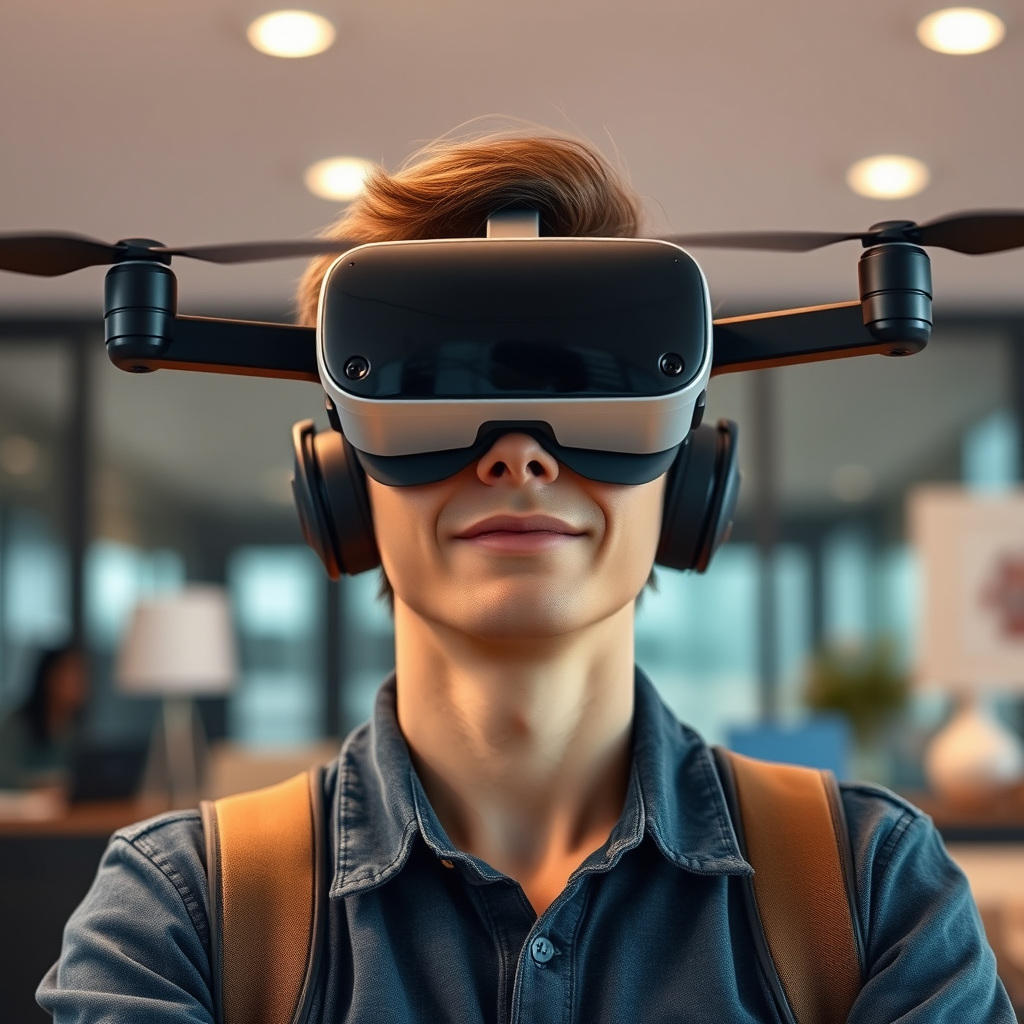
Wearing DJI Goggles while controlling your drone is not only possible, but it can also enhance your flying experience significantly. These goggles provide an immersive first-person view (FPV) that allows you to see exactly what your drone sees, transforming the way you engage with aerial photography and videography. With the right setup, you can benefit from increased situational awareness, a more focused piloting experience, and the thrill of experiencing flight as if you were onboard the drone itself. In this article, we’ll explore the compatibility of DJI Goggles with different drone models, the benefits of using them, essential safety tips to keep in mind, and more.
Compatibility with Drone Models
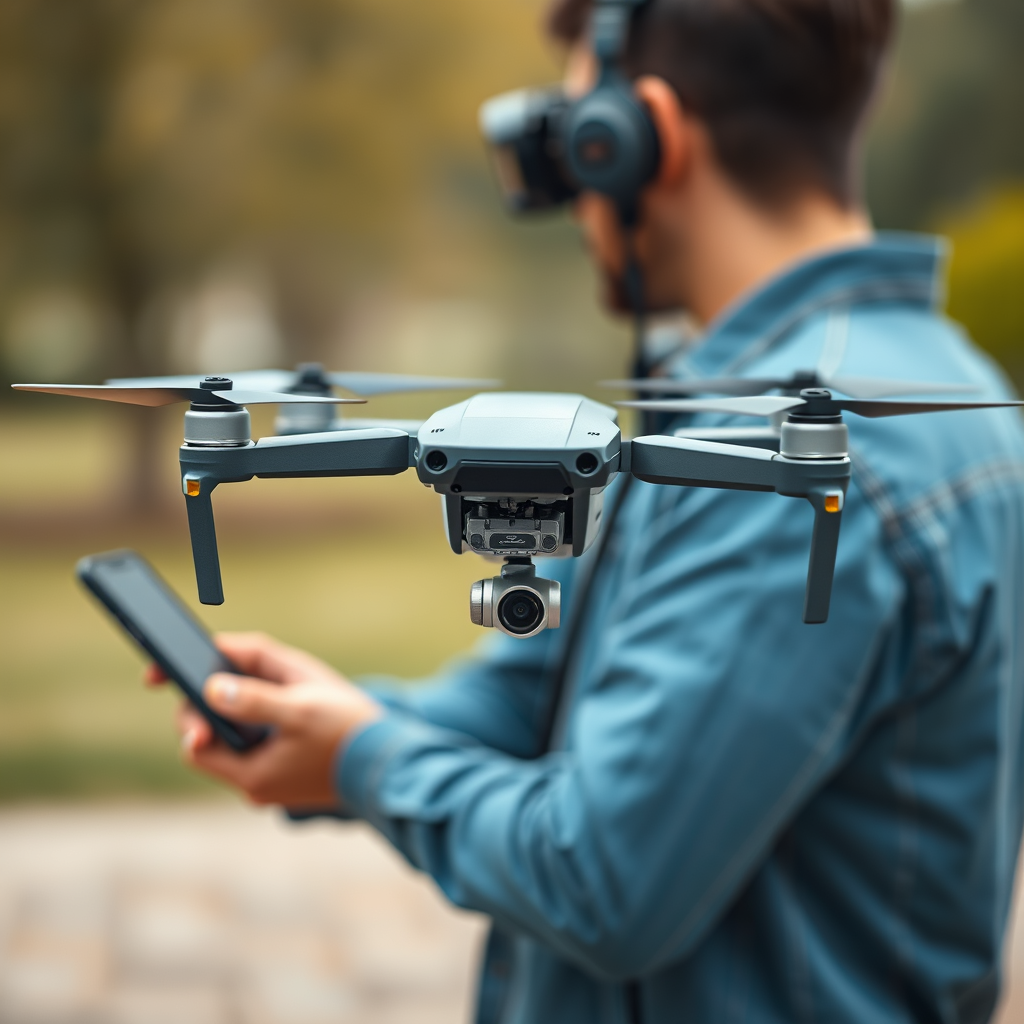
DJI Goggles are designed to be compatible with a variety of DJI drone models, including the popular Mavic series, Phantom series, and Inspire drones. For instance, models such as the Mavic Pro, Mavic Air, and Phantom 4 can seamlessly connect with the goggles, allowing you to enjoy the FPV experience. However, it’s crucial to ensure that both your drone and goggles are running the latest firmware. Firmware updates can address compatibility issues and enhance performance, ensuring that you have the most reliable experience possible. Before flight, always check the official DJI website or the DJI GO app for necessary updates.
Furthermore, DJI has developed specific versions of their goggles, including the DJI Goggles Racing Edition, which are tailored for FPV racing and provide lower latency for more responsive control. This means that if you are serious about competitive drone flying, investing in the appropriate goggles will significantly improve your performance.
Benefits of Using DJI Goggles
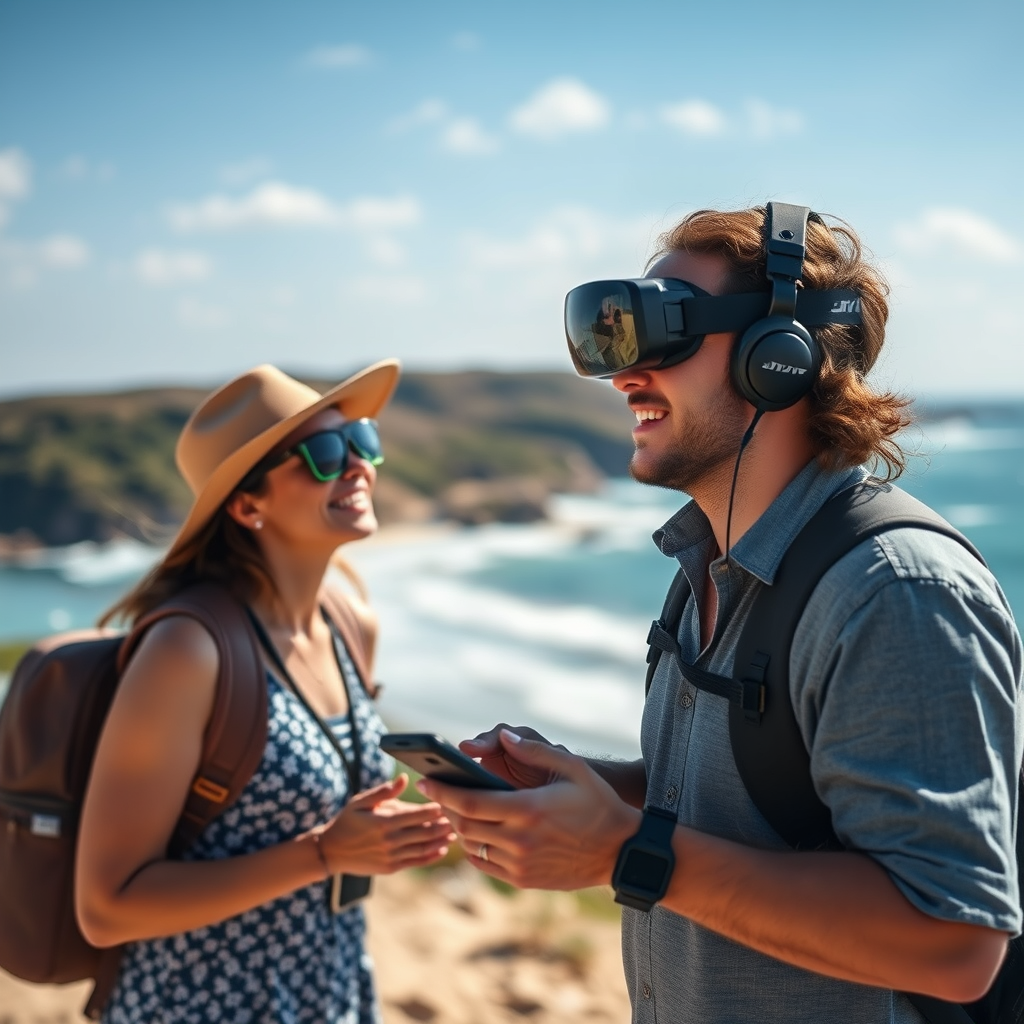
The benefits of using DJI Goggles while piloting your drone are multifaceted. First and foremost, the immersive flight perspective allows for a more engaging experience. Instead of merely watching your drone from the ground, you can see the world from its vantage point, which can enhance your control and situational awareness. This FPV experience can be particularly beneficial in complex flying environments or when capturing dynamic footage, as it allows for precise maneuvering.
Additionally, wearing the goggles reduces distractions from the environment around you. When flying in a busy area or in the presence of spectators, having a focused view directly from your drone can help you maintain concentration on piloting. This focused experience can lead to better decision-making and improve overall flight performance, especially for those who are still mastering their piloting skills.
Moreover, the goggles often include features such as head tracking, allowing you to control the camera angles simply by moving your head. This adds another layer of interaction and can be particularly useful for capturing cinematic shots or navigating through tight spaces.
Setting Up Your DJI Goggles
Setting up your DJI Goggles is a straightforward process, but it requires attention to detail to ensure optimal performance. Begin by reviewing the manufacturer’s instructions carefully. Pairing the goggles with your drone typically involves connecting them via Wi-Fi or using the DJI app for a seamless connection. Make sure that both devices are powered on and within range of each other.
Before taking off, it’s crucial to choose a safe area with a clear line of sight to ensure that you can monitor your drone effectively. This is particularly important if you are a beginner; having a clear space helps prevent accidents. Once you have established the connection, take a moment to adjust the fit of the goggles for comfort, as a secure and comfortable fit will enhance your flying experience.
It’s also advisable to perform a short test flight to familiarize yourself with the controls and the FPV perspective. Take note of how the goggles display information such as battery life and signal strength, as these metrics are essential for safe flying.
Safety Considerations
Safety is paramount when flying a drone, especially when using FPV goggles. One of the primary safety considerations is to always maintain visual line of sight with your drone, even when wearing goggles. While the immersive experience of FPV flying can be captivating, it is essential to remain aware of your surroundings to avoid collisions with obstacles or other aircraft. The FAA regulations also require that you keep your drone within visual line of sight while operating it.
Additionally, before flying, ensure that you are familiar with local regulations regarding drone flights. Many areas have restrictions on where and when you can fly, especially in populated regions or near airports. Always be considerate of your environment and the people around you.
When flying in FPV mode, it’s advisable to have a spotter—someone who can keep an eye on the drone while you focus on the FPV feed. This practice not only enhances safety but also ensures that you have a backup should any issues arise.
Troubleshooting Common Issues
Even with advanced technology, issues can arise when using DJI Goggles with your drone. Connectivity problems are among the most common. If you experience a loss of signal or interruption in the FPV feed, first check the battery levels of both the goggles and the drone. Low battery levels can lead to connectivity issues that may impact your flight experience.
If the problem persists, try restarting both devices. This simple step can often resolve connectivity issues and restore the connection between the goggles and the drone. Additionally, ensure that there are no significant obstructions between the goggles and the drone, as interference can lead to signal loss.
In case of persistent issues, consult the user manual or the DJI support website for troubleshooting tips tailored to your specific model. Engaging with online communities or forums can also provide insights from other users who may have experienced similar challenges.
Enhancing Your Flying Skills
Using DJI Goggles is not just about the thrill of the FPV experience; it can also be a powerful tool for improving your flying skills. The immersive nature of FPV flying allows you to practice advanced maneuvers, such as tight turns, flips, or even racing techniques, in a way that traditional flying does not offer. This hands-on practice can lead to a quicker learning curve and greater confidence in your piloting abilities.
Consider joining a community of FPV drone pilots, whether online or in-person. These communities can provide valuable tips, share experiences, and offer support as you explore the world of FPV flying. Engaging with fellow enthusiasts can also introduce you to new flying techniques, equipment modifications, and even local flying events or competitions.
Finally, make use of the various settings and features available in the DJI Goggles to tailor your flying experience. Experiment with different camera angles, settings, and flight modes to find what works best for you. This exploration will not only enhance your skills but also make your flying sessions more enjoyable and rewarding.
Using DJI Goggles while controlling your drone can greatly enhance your flying experience, providing a unique and immersive perspective. By ensuring compatibility, following safety tips, and practicing regularly, you can enjoy the full benefits of FPV flying. If you haven’t tried it yet, consider giving it a go on your next flight adventure! With the right preparation and practice, you can elevate your drone piloting to new heights.
Frequently Asked Questions
Can I wear DJI goggles while controlling my drone?
Yes, you can wear DJI goggles while controlling your drone, provided that both the goggles and the drone are compatible. Models like the DJI FPV and Mavic series support the use of DJI goggles for an immersive flying experience. Ensure that your goggles are properly connected to the drone’s transmission system for a seamless visual feed and enhanced control.
How do I connect DJI goggles to my drone?
To connect your DJI goggles to your drone, first ensure that both devices are powered on. Navigate to the settings on your goggles and select the appropriate connection method, such as Wi-Fi or OcuSync, depending on your drone model. Follow the on-screen prompts to pair the two devices, and once connected, you should be able to see the drone’s camera feed through the goggles, enhancing your flying experience.
Why should I use DJI goggles for flying my drone?
Using DJI goggles offers a first-person view (FPV) that allows for a more immersive flying experience. This can significantly improve your situational awareness and control while piloting the drone, especially during complex maneuvers or racing. Additionally, the high-resolution display and low-latency video feed can help you capture stunning aerial footage more effectively.
What are the best DJI goggles for drone flying?
The best DJI goggles for drone flying include the DJI Goggles RE and the DJI FPV Goggles. The DJI Goggles RE offer a wider field of view and superior image quality, making them ideal for cinematic flying. On the other hand, the DJI FPV Goggles are designed specifically for racing and offer features like low-latency transmission and customizable settings, making them a great choice for FPV enthusiasts.
Which drones are compatible with DJI goggles?
DJI goggles are compatible with several drone models, including the DJI Mavic series, Phantom 4 series, and the DJI FPV drone. For optimal performance, it’s crucial to verify compatibility with your specific drone model by checking the manufacturer’s specifications and guidelines. This will ensure you can fully utilize the features of the goggles while enjoying a smooth flying experience.
References
- Drone racing
- https://www.faa.gov/uas/getting_started/remote_pilot_certification
- https://www.cnet.com/tech/mobile/dji-goggles-review/
- https://www.theverge.com/2017/8/29/16217444/dji-goggles-review-drone-fpv-video
- https://www.techradar.com/reviews/dji-goggles
- DJI – The World Leader in Camera Drones/Quadcopters for Aerial Photography
- https://www.dronepilotgroundschool.com/using-dji-goggles-drone-flying/
- https://www.ustream.tv/recorded/111744595
- https://www.smithsonianmag.com/innovation/how-dji-goggles-are-changing-drone-flying-180961040/
