
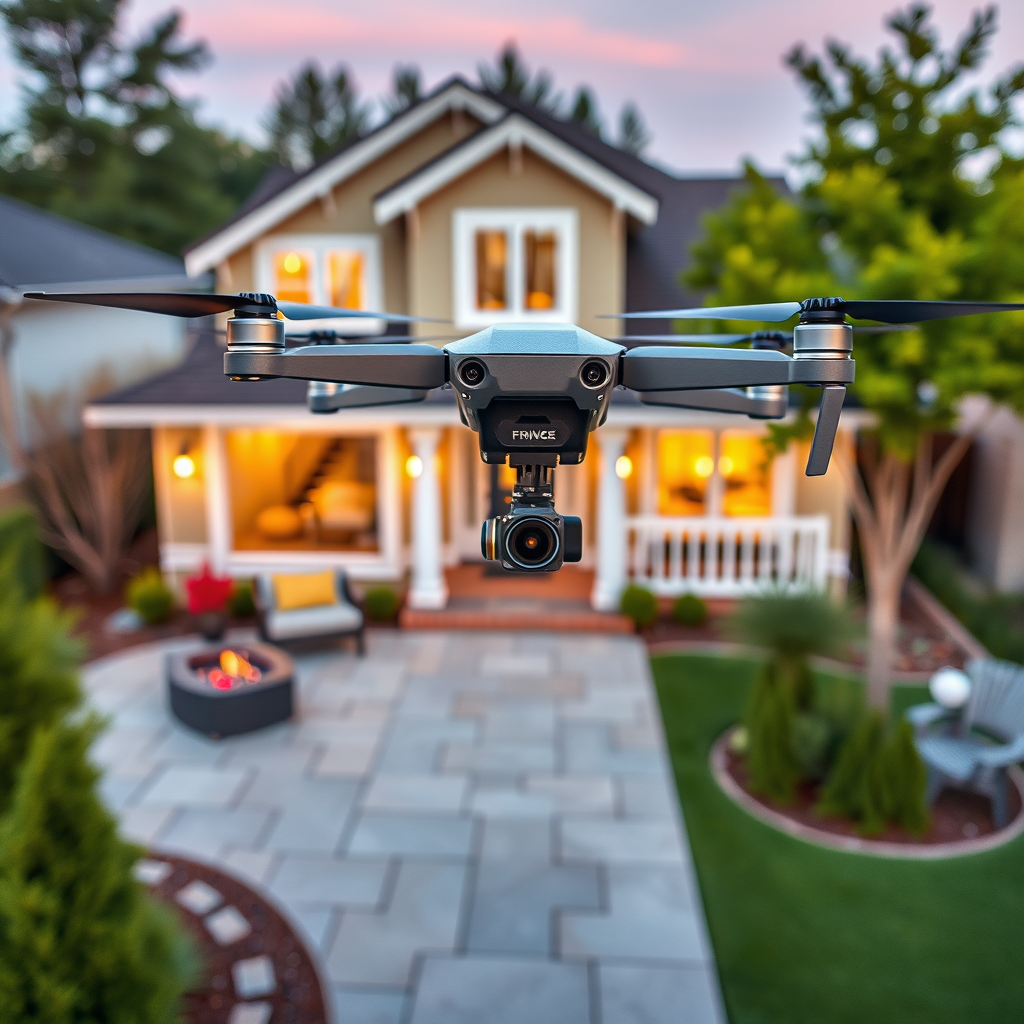
Attaching different payloads to DJI drones is indeed possible, and it can significantly enhance their functionality for various applications. By customizing your drone with specialized payloads, you can transform it into a powerful tool for aerial photography, surveying, agricultural monitoring, and even delivery services. This article will guide you through the various payload options available, compatibility with different DJI drone models, installation and setup processes, legal considerations, and best practices for safe operation.
Understanding Payload Options for DJI Drones
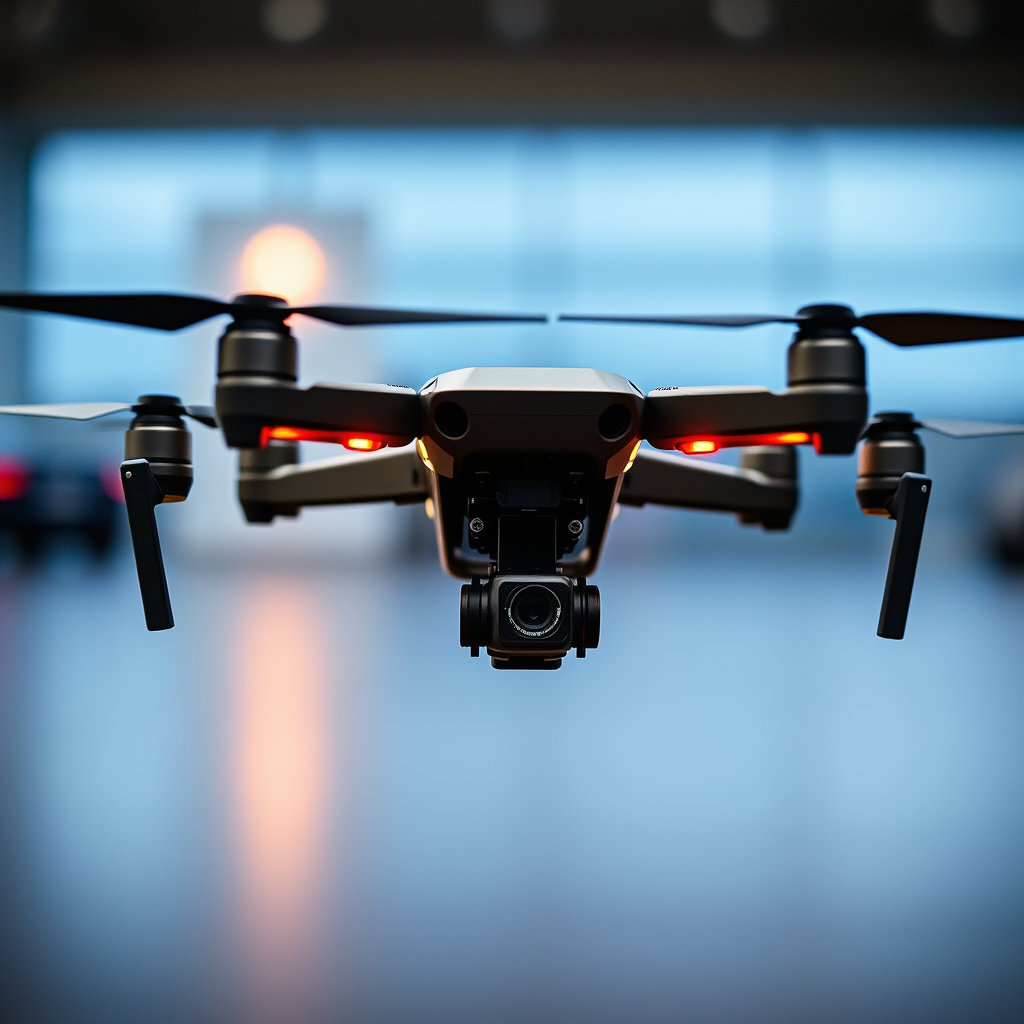
DJI drones can be equipped with a wide range of payloads, each designed to serve specific purposes. Common payload types include high-resolution cameras for aerial photography and videography, thermal and multispectral sensors for agricultural assessments, and delivery systems for transporting goods. Each payload serves a distinct function, expanding the drone’s utility beyond mere flight.
When considering payloads, it is vital to pay attention to the weight limits specified for each drone model. For instance, the DJI Matrice 600 can support payloads up to 6 kg, while lighter models like the DJI Mini 2 have much lower limits. Understanding these weight restrictions is crucial, as exceeding them can compromise flight performance and safety.
Compatibility with DJI Drone Models
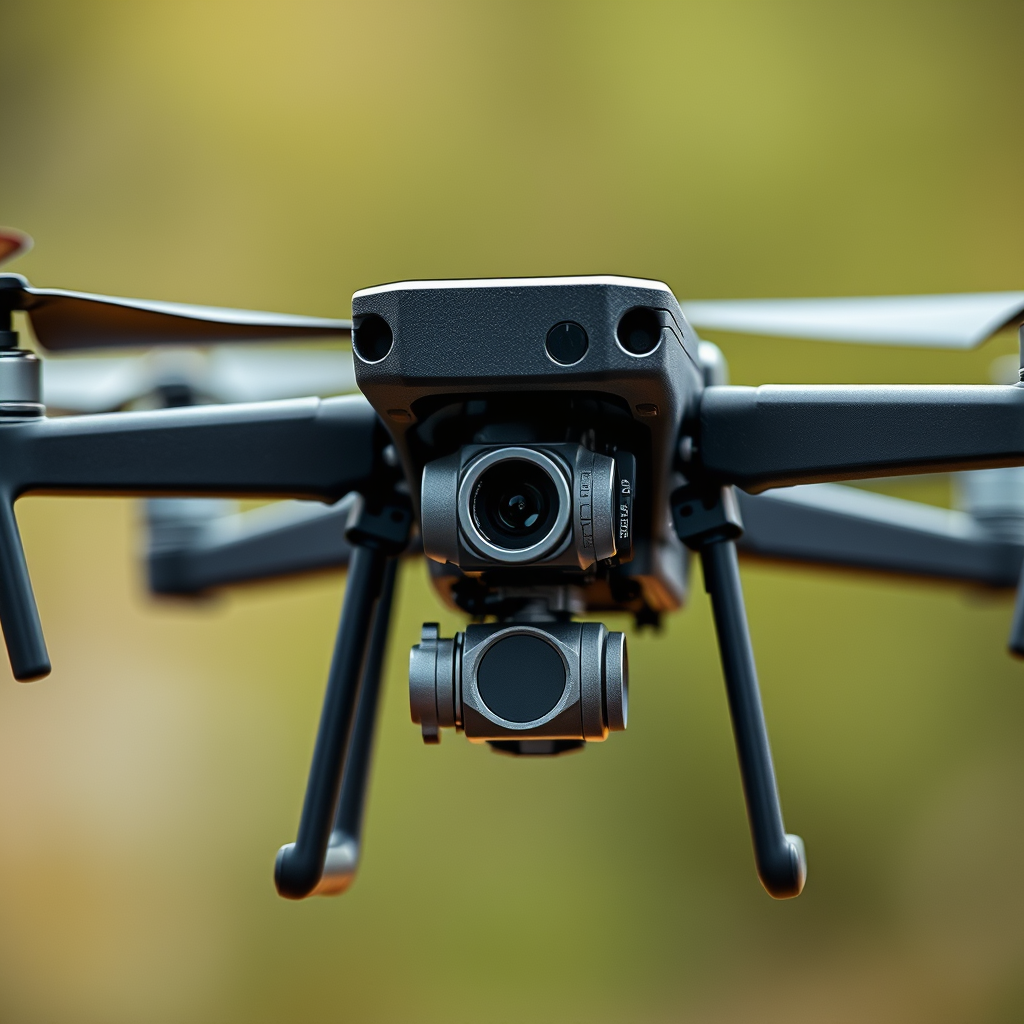
Not all payloads are compatible with every DJI drone, which is why it is important to thoroughly check the specifications before making an attachment. The DJI Matrice series, for example, is renowned for its versatility and customization options. The Matrice 300 RTK can accommodate various payloads, including the Zenmuse P1 for photogrammetry and the Zenmuse L1 for LiDAR mapping.
In contrast, consumer-grade drones like the DJI Mavic Air 2 have limited payload capabilities and are primarily designed for hobbyist use. Therefore, if you intend to attach specialized equipment, it may be beneficial to invest in a more robust model like the Matrice series or the Inspire series, which offer greater compatibility and payload options.
Installation and Setup of Payloads
Once you have selected a compatible payload, the next step is to securely attach it to the drone. Begin by following these general steps for installation:
1. Prepare the Drone: Ensure the drone is powered off and placed on a stable surface.
2. Position the Payload: Align the payload with the designated mounting area, typically located on the drone’s gimbal or mounting plate.
3. Secure the Payload: Use the provided mounting hardware to fasten the payload securely. This may involve screws, clamps, or quick-release mechanisms, depending on the payload type.
4. Check for Leveling: After installation, it is essential to balance the drone. An unbalanced load can lead to flight instability and affect the drone’s performance.
Balancing the drone after adding extra weight is critical. You can do this by performing a pre-flight check and adjusting the drone’s settings in the flight control app to account for the additional payload.
Legal Considerations and Compliance
When operating drones with payloads, it is imperative to familiarize yourself with local regulations, which can vary significantly depending on your location. In the United States, the Federal Aviation Administration (FAA) outlines guidelines for commercial drone operations, including weight limits and payload restrictions.
For instance, any drone operation must comply with the Part 107 regulations, which stipulate that the total weight of the drone and its payload must not exceed 55 lbs. Additionally, when using drones for commercial purposes, operators may need to obtain specific certifications or permits. Understanding these legal considerations is crucial for safe flying and to avoid potential fines or legal repercussions.
Enhancing Drone Functionality with Payloads
The ability to attach different payloads to DJI drones opens a world of possibilities for enhancing their functionality. For example, aerial photographers can utilize high-quality cameras like the Zenmuse X7 to capture stunning imagery, while agricultural professionals can deploy multispectral sensors for crop health monitoring.
Moreover, drones equipped with thermal cameras are invaluable in search and rescue operations, providing first responders with critical information in low-light conditions. Delivery systems are also gaining traction, with companies exploring drone technology for transporting medical supplies or consumer goods efficiently. The versatility of payloads can significantly optimize various operations and improve productivity across industries.
Best Practices for Operating DJI Drones with Payloads
Operating DJI drones with added payloads requires adherence to best practices to ensure safety and efficiency. Prior to each flight, conduct thorough pre-flight checks that include:
– Verifying the secure attachment of the payload.
– Checking battery levels, as additional weight can affect flight time.
– Calibrating the drone to accommodate the new weight distribution.
Additionally, managing battery life becomes critical when flying with payloads. The increased weight can reduce flight time, so it is advisable to monitor battery levels closely and plan flights accordingly. Carrying extra batteries can also be a good practice, particularly for longer missions.
Troubleshooting Common Issues with Payloads
When flying with different payloads, operators may encounter issues such as stability problems or connectivity challenges between the drone and attached devices. If the drone exhibits instability during flight, consider the following troubleshooting steps:
– Ensure the payload is securely attached and balanced properly.
– Check the drone’s software for updates that may improve performance.
– Adjust flight settings to better accommodate the additional weight.
For connectivity issues, verify that all cables are properly connected and that the payload is compatible with the drone’s existing technology. If problems persist, consulting the manufacturer’s guidelines or seeking support from online forums can provide additional solutions.
Attaching different payloads to DJI drones can greatly expand their utility, but it requires careful consideration of compatibility, weight limits, and local regulations. By exploring the various payload options available and following best practices for safe operation, you can enhance your drone’s capabilities significantly. Start customizing your DJI drone today to unlock its full potential!
Frequently Asked Questions
Can you attach different payloads to DJI drones?
Yes, you can attach different payloads to DJI drones, provided they are compatible with the drone model you own. DJI offers specialized models like the Matrice series, designed for various payloads, including cameras, sensors, and delivery systems. However, it’s crucial to check the weight limits and compatibility specifications to ensure safe and effective operation.
How do you determine the right payload for your DJI drone?
To determine the right payload for your DJI drone, first consult the user manual or specifications provided by DJI for your specific model. Consider the drone’s maximum payload capacity, flight time, and intended use. Always factor in the weight of the payload along with any mounting hardware to avoid exceeding safe limits, which can compromise flight performance and safety.
What are the best payload options for DJI Matrice drones?
The best payload options for DJI Matrice drones include high-resolution cameras like the Zenmuse X7 for aerial photography, thermal imaging cameras for search and rescue operations, and multispectral sensors for agriculture. These payloads are designed to enhance the drone’s capabilities while maintaining optimal balance and performance. Always ensure that the payload you choose is compatible with your specific Matrice model.
Why might I want to use a custom payload on my DJI drone?
Using a custom payload on your DJI drone can significantly expand its functionality and versatility. For example, businesses may require specific sensors for surveying, agricultural monitoring, or infrastructure inspections that standard payloads do not support. Custom payloads enable users to tailor their drone’s capabilities to meet unique operational needs, maximizing the return on investment.
Which DJI drones are best for carrying heavy payloads?
The DJI Matrice 300 RTK and Matrice 600 are among the best options for carrying heavy payloads. These drones are engineered for professional applications and can support a variety of payloads, including heavy cameras and specialized equipment. Always ensure that the payload does not exceed the specified weight limits to maintain safe flight operations and optimal performance.
References
- https://www.dji.com/edu/faq
- https://www.wired.com/story/dji-drone-payloads/
- https://www.nytimes.com/2021/05/21/technology/drones-payload-uses.html
- Unmanned Aircraft Systems (UAS) | Federal Aviation Administration
- https://www.researchgate.net/publication/339151123_Integrating_Payloads_into_Drones_for_Science_and_Research
- https://www.sciencedirect.com/science/article/abs/pii/S2351978917300569
- https://www.abc.net.au/news/2021-10-15/drones-payload-delivery-environment/100522150
- https://www.nationalgeographic.com/science/article/how-drone-payloads-are-changing-the-way-we-see-the-world
