
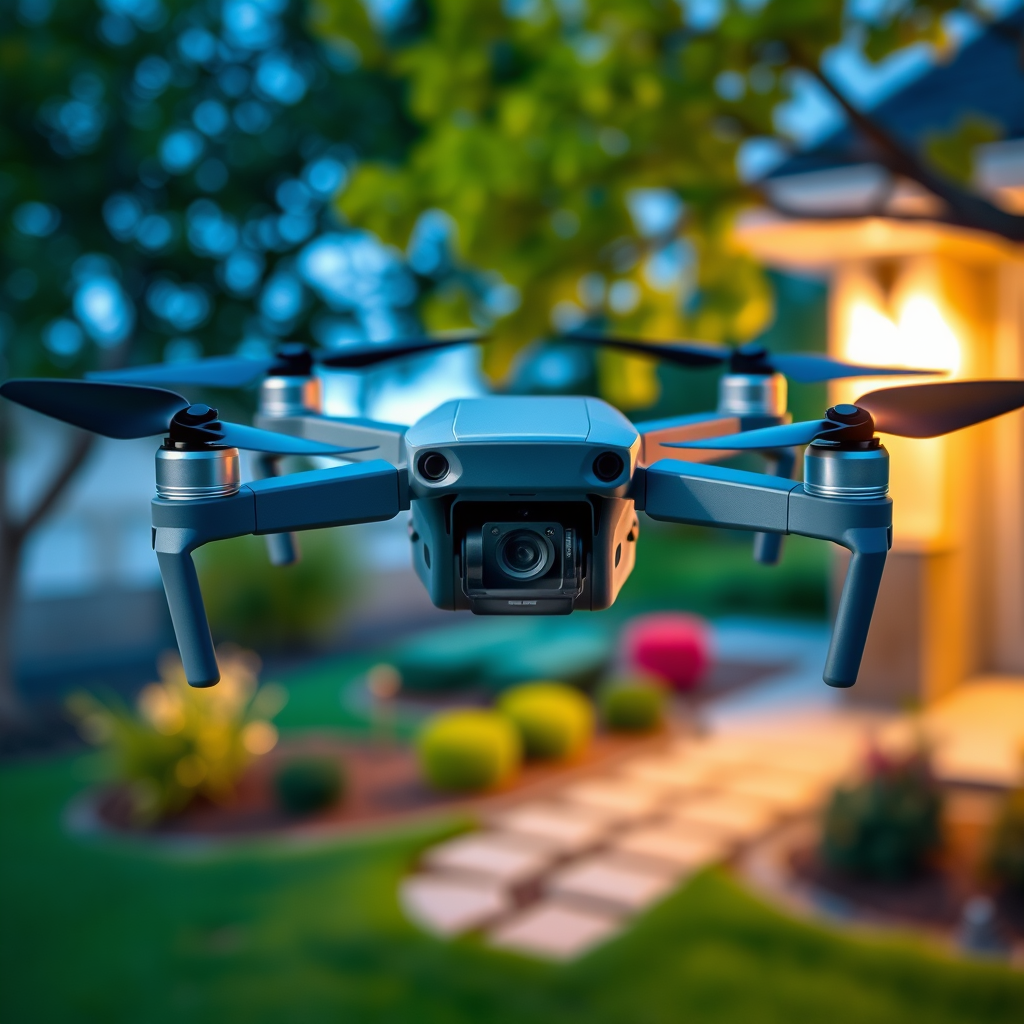
If you’re wondering whether you can purchase a different controller for your DJI drone, the answer is yes. Many DJI drones are compatible with alternative controllers, allowing for customized flying experiences tailored to your preferences. This flexibility opens the door for enhanced functionality, improved ergonomics, or even extended range, depending on the controller you choose. In this article, you’ll learn about compatibility considerations, popular third-party options, essential features to look for, the setup process, common troubleshooting techniques, and user experiences to guide your decision-making.
Understanding DJI Drone Compatibility
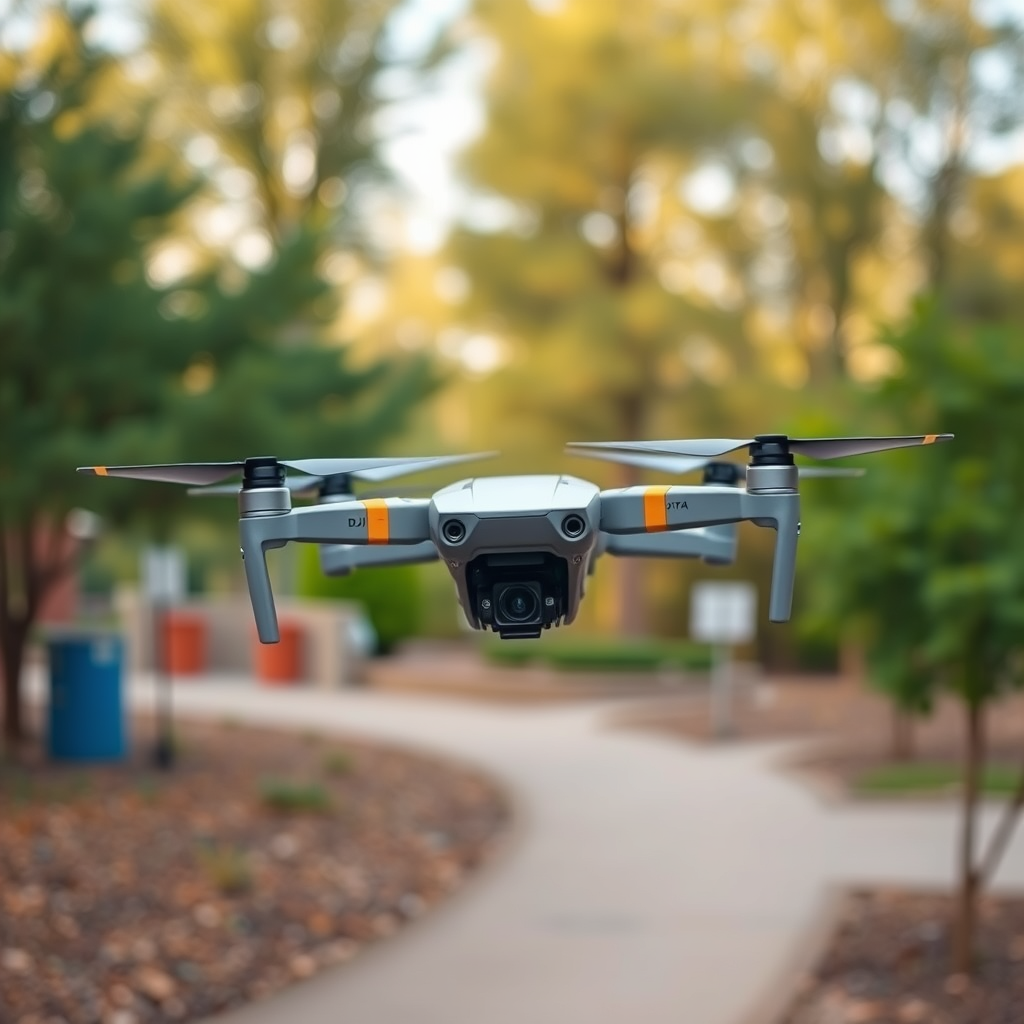
When considering a different controller for your DJI drone, it is crucial to first understand model compatibility. Not all DJI drones support third-party controllers, so it’s essential to verify your specific model’s specifications before making a purchase. DJI’s drones, such as the Phantom and Mavic series, usually have proprietary controllers that integrate seamlessly with their systems. These controllers often feature advanced functionalities, such as integrated video transmission and intelligent flight modes, which may not be present in third-party alternatives.
For instance, the DJI Mavic Air 2 comes with a controller that not only provides robust signal transmission but also integrates with the DJI Fly app for intuitive flight planning and data analysis. If you choose to go with a different controller, you might miss out on these features. Therefore, researching your drone’s compatibility with alternative controllers is a critical first step.
Popular Third-Party Controllers
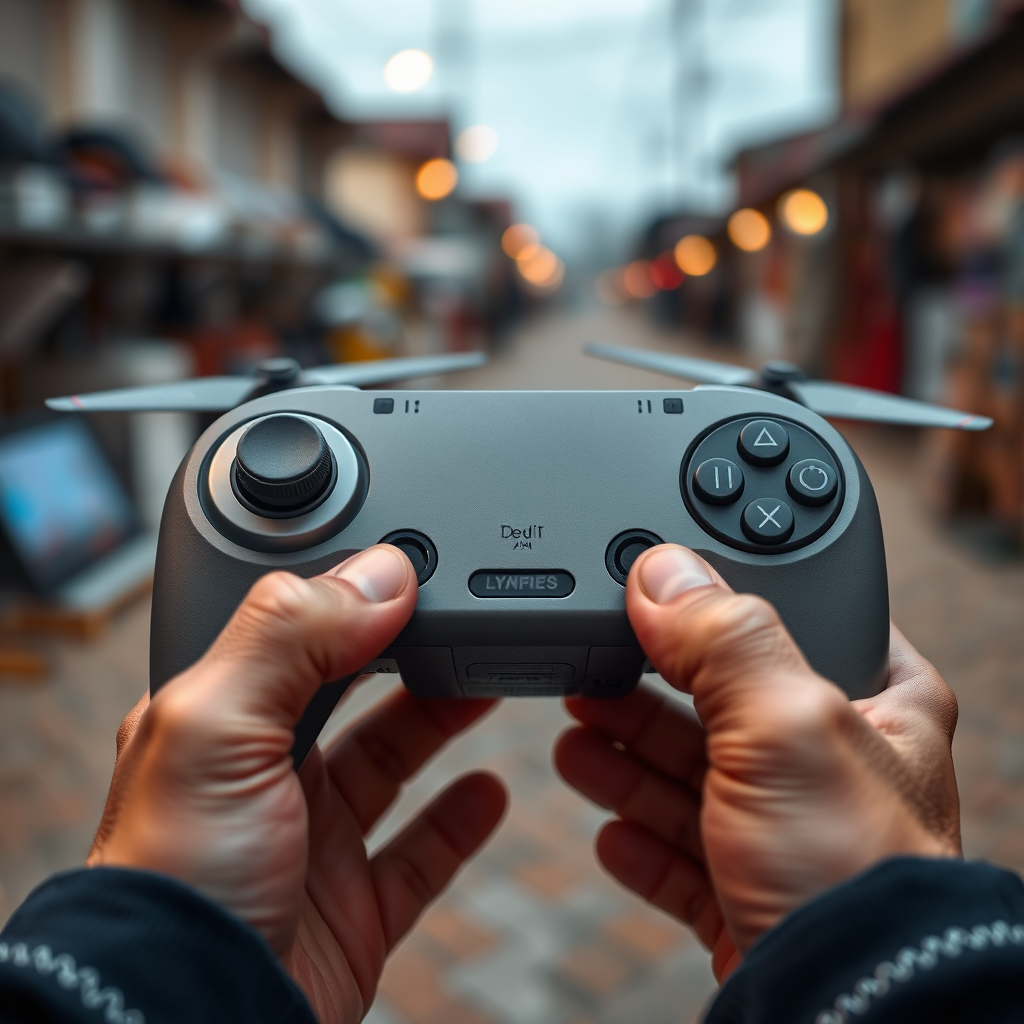
Several reputable third-party brands manufacture controllers compatible with select DJI drone models. Brands like FrSky and Spektrum, well-known in the remote control and drone communities, offer innovative solutions that can enhance your flying experience.
FrSky’s Taranis series, for example, is highly regarded for its customization options, allowing users to program buttons and switches to suit specific flying needs. Meanwhile, Spektrum controllers often feature extended range capabilities and telemetry support, providing real-time data feedback for safer and more informed flying.
Using a customizable controller can significantly enhance your experience, especially for advanced users who require specific configurations for racing or aerial photography. However, it is essential to weigh these benefits against the potential limitations of third-party devices, such as reduced integration with DJI’s software ecosystem.
Features to Look for in a New Controller
When selecting a new controller, several features should be prioritized to ensure a comfortable and efficient flying experience. First and foremost is telemetry support. This feature allows for real-time data transmission from your drone to the controller, providing crucial information such as altitude, battery life, and GPS location. In a high-stakes flying environment, this data can enhance safety and situational awareness.
Additionally, ergonomic design is paramount. A controller that fits comfortably in your hands can significantly reduce fatigue during extended flight sessions. Look for options that offer adjustable sticks and customizable grip textures, as these can greatly improve handling and precision.
Lastly, consider battery life. A controller that boasts extended usage time can add convenience by allowing for longer flights without the need for frequent recharges. Always check the specifications and user reviews to gauge whether the controller meets these critical needs.
Setting Up a New Controller
Setting up a new controller for your DJI drone requires following specific pairing instructions to ensure compatibility. Begin by consulting the user manuals for both the drone and the controller to understand the pairing process. This typically involves entering a pairing mode on the controller and then selecting the drone from the controller’s menu.
Additionally, it is vital to ensure that both devices have the latest firmware updates installed. Firmware updates can enhance performance, fix bugs, and improve compatibility with new hardware. You can usually find these updates through the DJI app or the manufacturer’s website. Regularly checking for updates will help maintain optimal performance and reduce potential connectivity issues.
Troubleshooting Common Issues
Despite careful setup, users may encounter connectivity problems between their drone and the new controller. If you experience issues, start by ensuring that both devices are powered on and within range. Sometimes, simply restarting both devices can resolve minor connectivity glitches.
If problems persist, recalibrating the settings on both the drone and the controller might be necessary. This process typically involves following specific steps outlined in the user manuals, which may include recalibrating the sticks on the controller or resetting the drone’s flight settings.
For advanced troubleshooting, consider consulting drone forums or user communities, where seasoned pilots can provide insights based on their experiences. These platforms can be invaluable for advice on specific issues and optimal settings for your unique setup.
User Experiences and Reviews
Gaining insights from other users who have switched controllers can provide valuable perspectives when making your decision. Testimonials from DJI drone enthusiasts often highlight the advantages and drawbacks of using third-party controllers. Many users report improved customization and control precision, especially when using brands like FrSky, which allow for personalized button mapping and flight modes.
However, some users note challenges with integration and support, particularly when it comes to using advanced DJI features that are not fully compatible with third-party controllers. Evaluating performance comparisons based on user feedback can help you identify whether the benefits of switching controllers outweigh the potential downsides.
To make an informed choice, consider visiting online forums, social media groups, or local drone meetups where users share their experiences. Engaging with a community can provide firsthand insights that are invaluable when selecting the right controller for your DJI drone.
Summarizing the information, yes, you can buy different controllers for DJI drones, but it’s essential to research compatibility and features that suit your flying style. Consider your options carefully, weighing the benefits of enhanced customization against the advanced functionalities of DJI’s proprietary controllers. Don’t forget to check user reviews and experiences before making a purchase. For further exploration, visit drone forums or local retailers to find the best controller for your needs.
Frequently Asked Questions
Can you buy a different controller for your DJI drone?
Yes, you can buy a different controller for your DJI drone, but compatibility varies by model. DJI offers several remote controllers for specific drone series, such as the Mavic, Phantom, and Inspire. When considering a different controller, ensure it is designed for your specific drone model to maintain functionality and performance.
How do I know if a third-party controller is compatible with my DJI drone?
To determine if a third-party controller is compatible with your DJI drone, check the specifications provided by the manufacturer. Look for compatibility lists on the manufacturer’s website or user reviews. Additionally, forums and community groups focusing on DJI products can provide insights from other users’ experiences with specific controllers.
Why would I want to buy a different controller for my DJI drone?
There are several reasons you might consider purchasing a different controller for your DJI drone, such as enhanced features, improved ergonomics, or additional functionality. Some third-party controllers offer custom controls or longer ranges, which can significantly enhance your flying experience and make it more tailored to your specific needs.
What is the best alternative controller for DJI drones?
The best alternative controller for DJI drones often depends on your specific model and intended use. For instance, the DJI Smart Controller is a popular choice for many users due to its built-in display and extended range. However, for more advanced users, third-party options like the FrSky Taranis series may provide customizable features and a robust flying experience.
Which DJI drones allow for controller upgrades or replacements?
Most DJI consumer drones, including the Mavic series, Phantom series, and Inspire series, allow for controller upgrades or replacements. However, it’s essential to check compatibility and ensure that the replacement controller supports all the drone’s functions, such as camera control, flight modes, and range capabilities, to avoid limitations during use.
References
- https://en.wikipedia.org/wiki/DJI_Drone
- 260
- https://www.techradar.com/news/dji-mavic-3-review
- https://www.theverge.com/2021/11/5/22766376/dji-mavic-3-drone-review
- https://www.forbes.com/sites/forbestechcouncil/2021/11/29/the-dji-mavic-3-how-it-helps-elevate-your-drone-footage/
- https://www.wired.com/story/dji-mavic-3-review/
