
If you’re wondering whether you can charge your DJI Spark battery while it’s still in the drone, the answer is yes, you can. This feature adds convenience for users who want to quickly power up without removing the battery. Charging the battery in situ not only streamlines the process but also ensures that you can maximize your flying time without the hassle of handling multiple components. In this article, we’ll explore how to do it, the benefits of this method, and some important safety tips to keep in mind.
Understanding the Charging Process
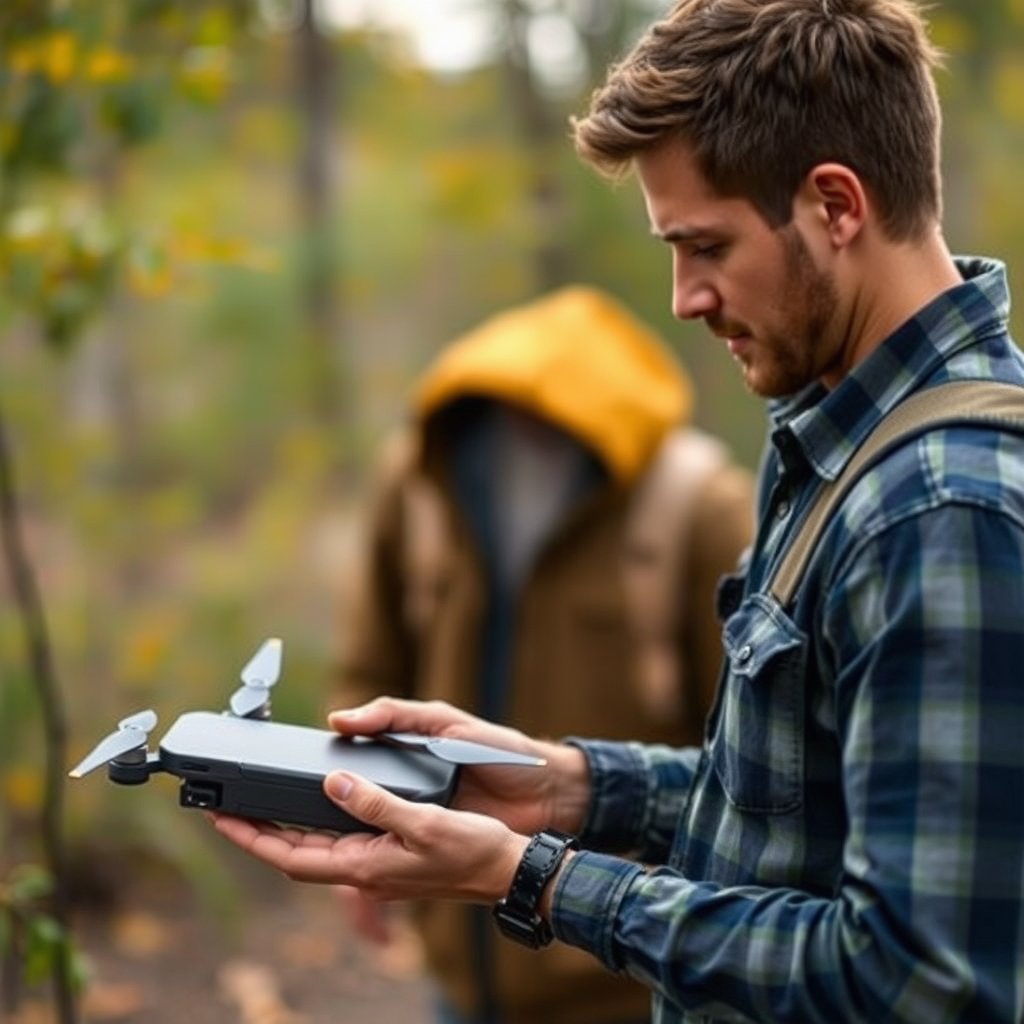
The DJI Spark is equipped with a micro USB port that allows for direct charging, a feature that enhances its usability. By connecting a USB cable to this port, users can charge the battery while it remains in the drone. This method is particularly beneficial during outdoor sessions when you may want to conserve time and maintain the drone’s readiness for flight. Unlike traditional charging methods that require the removal of the battery, this option allows for a seamless transition between charging and flying. It’s essential to ensure that the drone is powered off during this process to prevent any potential issues and ensure safety.
Benefits of Charging in the Drone
Charging your DJI Spark battery while it’s still in the drone offers several advantages. Firstly, it simplifies the charging process significantly; there’s no need for a separate charger or the hassle of repeatedly removing and reinserting the battery. This convenience can be a game-changer for users who are frequently on the go or in high-paced environments, such as outdoor events or aerial photography sessions.
Additionally, keeping the battery in the drone during charging reduces the risk of misplacing or losing the battery. For users who often engage in outdoor activities, this is a crucial factor. Losing a drone battery can lead not just to inconvenience but also to unexpected expenses, especially if replacements are needed. Moreover, charging in the drone can also help in managing battery life better, as it allows users to monitor battery levels directly through the drone’s LED indicators.
How to Charge the DJI Spark Battery in the Drone
Charging the DJI Spark battery in the drone is a straightforward process. Begin by locating the micro USB port on the drone, which is typically found on the rear side. Next, connect a high-quality micro USB cable to this port and plug the other end into a power source, such as a wall charger, power bank, or computer USB port. It’s important to ensure that the power source provides sufficient voltage and is compatible with the drone’s charging specifications.
For optimal safety and battery health, always turn the drone off before initiating the charging process. This not only prevents any potential short circuits but also allows for a more stable charging environment. While charging, check the LED indicators on the drone to monitor the charging status. A solid red light indicates that the battery is charging, while a green light signifies a fully charged battery.
Safety Tips While Charging
Safety should always be a priority when dealing with lithium polymer (LiPo) batteries. Here are some essential safety tips to consider while charging your DJI Spark battery:
– Avoid Extreme Temperatures: Charging in extreme heat or cold can damage the battery cells and reduce overall performance. Ideally, charge the battery in a temperature range of 0°C to 40°C (32°F to 104°F).
– Use the Original Charger: Always use the original DJI charger or a certified replacement. Non-genuine chargers can deliver inconsistent voltage levels, which could lead to battery damage or even fire hazards.
– Monitor the Charging Process: Never leave the drone unattended while charging. Regularly check the charging progress and inspect the battery for any signs of swelling or unusual heat. If you notice any irregularities, disconnect the power immediately.
– Charge on a Non-Combustible Surface: It’s advisable to charge the battery on a fireproof surface, such as a LiPo charging bag or a concrete floor. This precaution can minimize risks in case of a thermal runaway or fire.
Alternative Charging Methods
In addition to charging the DJI Spark battery directly in the drone, there are alternative methods that users can consider:
– DJI Battery Charging Hub: This accessory allows users to charge multiple batteries simultaneously, which can be especially useful for extended flying sessions. The charging hub intelligently manages the charging process, cycling between batteries to ensure that the most charged ones are prioritized.
– Portable Power Banks: For users who are often outdoors, utilizing a portable power bank can be a convenient charging solution. Ensure that the power bank has a sufficient output (at least 2A) to effectively charge the DJI Spark battery. This method provides flexibility, allowing you to charge your drone while on the go, without the need for a wall outlet.
Troubleshooting Common Issues
While charging your DJI Spark battery in the drone is generally straightforward, issues can sometimes arise. Here are common problems and their solutions:
– Drone Does Not Charge: If you find that the drone is not charging, first check the USB cable for any visible damage. A faulty cable can prevent the charging process. Additionally, ensure that the power source is functioning correctly—try using a different outlet or power bank.
– Battery Contacts: Sometimes, the battery contacts may become dirty or obstructed, which can hinder the charging process. Gently clean the contacts with a soft cloth or a cotton swab to remove any debris or residue.
– Temperature Alerts: If the drone indicates that the battery is too hot or too cold to charge, allow the battery to reach a safe temperature before attempting to charge again.
The convenience of charging your DJI Spark battery while it’s still in the drone makes it an attractive option for many users. However, always be mindful of safety and follow best practices to ensure your battery lasts longer. By understanding the charging process, utilizing the benefits effectively, and adhering to safety protocols, you can enhance your experience with the DJI Spark. If you have further questions or want to learn more about DJI products, explore our other articles or check the official DJI website for more detailed guides.
Frequently Asked Questions
Can you charge the DJI Spark battery while it’s still in the drone?
Yes, you can charge the DJI Spark battery while it’s still in the drone. Simply connect the included USB charger to the drone’s port, and it will begin charging the battery. However, for optimal charging efficiency and to prevent overheating, it’s advisable to remove the battery from the drone and charge it separately using the dedicated charger, especially for longer charging sessions.
How long does it take to charge a DJI Spark battery in the drone?
Charging a DJI Spark battery directly in the drone typically takes about 1.5 hours when using the DJI USB charger. However, charging times may vary based on the power source and cable used. For quicker charging, it is recommended to use the dedicated DJI charging hub or a higher-capacity USB power bank that meets the required specifications.
Why is it better to charge the DJI Spark battery outside of the drone?
Charging the DJI Spark battery outside of the drone is often more efficient and safer. When charged separately, the battery can dissipate heat more effectively, which helps maintain battery health and longevity. Additionally, using a dedicated charger can ensure optimal charging speeds, reducing the risk of overheating that can occur when charging the battery while installed in the drone.
What is the best way to charge a DJI Spark battery for longevity?
The best way to charge a DJI Spark battery for longevity is to use the official DJI charger or a compatible charging hub. Always charge the battery in a cool, dry place, and avoid charging it to 100% if you don’t plan to use it soon; maintaining a charge level of around 40-60% for storage can significantly extend its lifespan. Moreover, regularly cycling the battery by discharging it to around 20% and then recharging can help keep it healthy.
Which charging methods are compatible with the DJI Spark battery?
The DJI Spark battery can be charged using the official DJI USB charger, a DJI charging hub, or a USB power bank that meets the required specifications (5V/2A). It’s essential to use a charger that complies with these standards to ensure safe and efficient charging. Avoid using third-party chargers that do not meet these specifications, as they may pose a risk to battery health and overall drone safety.
