
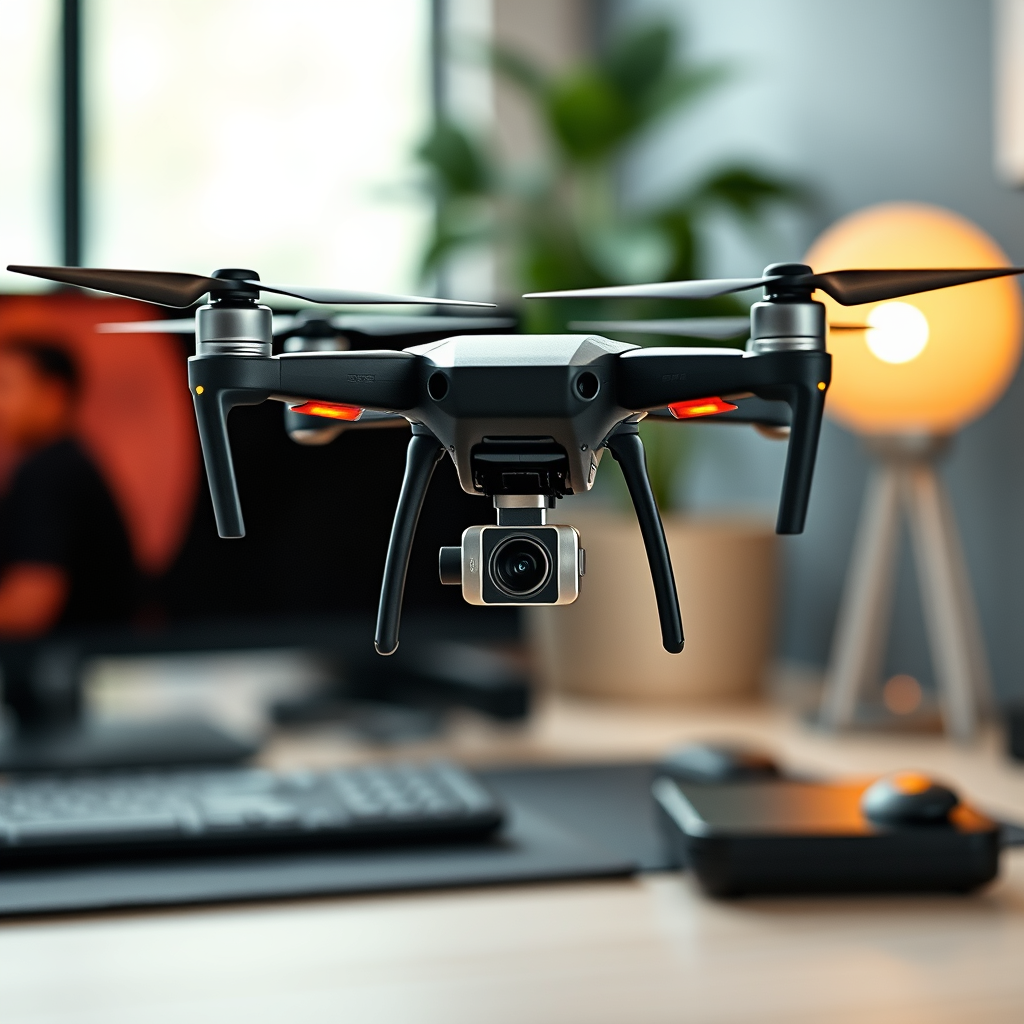
Controlling a DJI drone with a PC is indeed possible, and it can open up a range of functionalities for advanced users. By harnessing the power of specialized software and ensuring compatibility with your specific drone model, you can enhance your flying experience and gain access to advanced features such as flight planning, mission control, and real-time data monitoring.
Understanding DJI Drone Compatibility
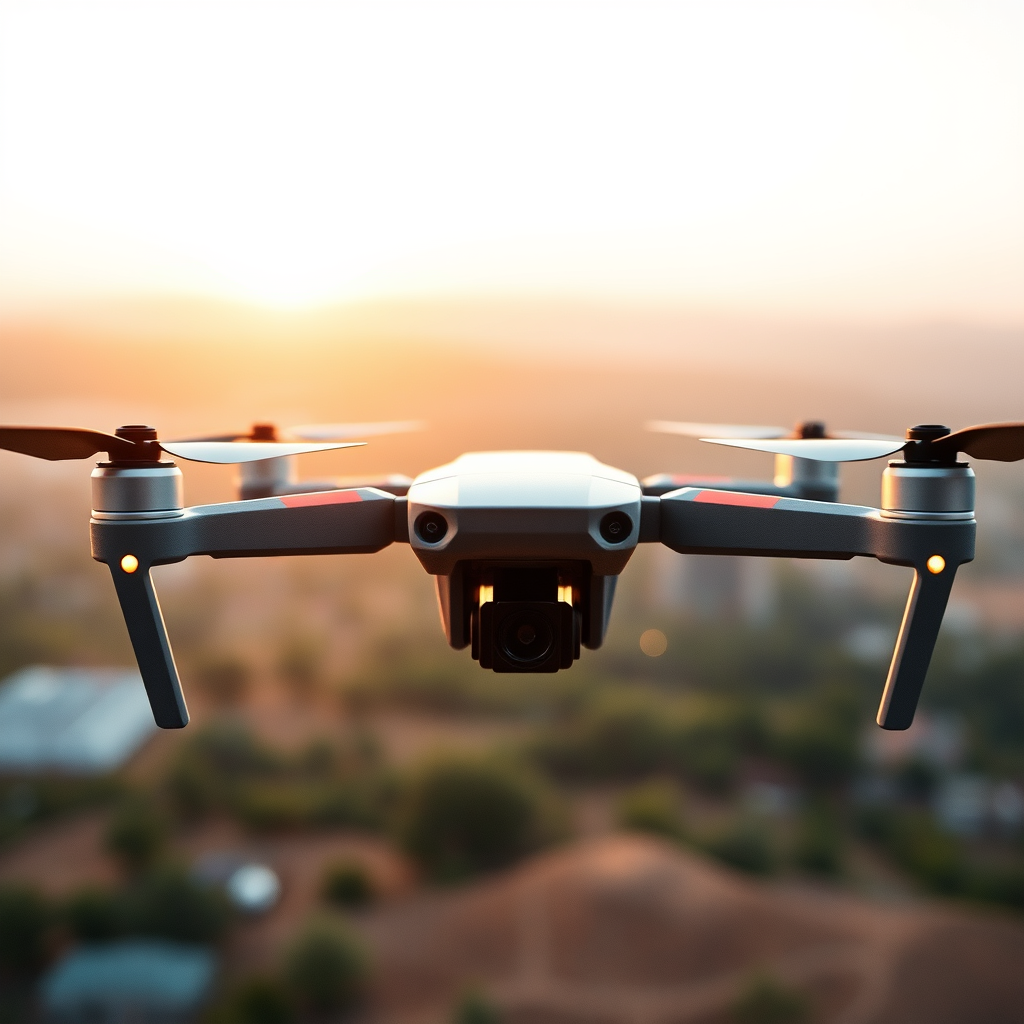
Before diving into the world of PC control, it is essential to understand that not all DJI drones support this capability. Compatibility largely depends on the model and its associated software features. For instance, popular models such as the DJI Phantom series and Mavic series have established software support that facilitates PC control. Furthermore, models like the DJI Inspire and Matrice also offer similar capabilities, making them suitable for professional applications.
To check compatibility, refer to the official DJI website or the user manual of your drone. It’s important to note that while many DJI drones offer a mobile app for control, transitioning to a PC setup can provide more robust features, especially for tasks that require precision and advanced planning.
Required Software for PC Control
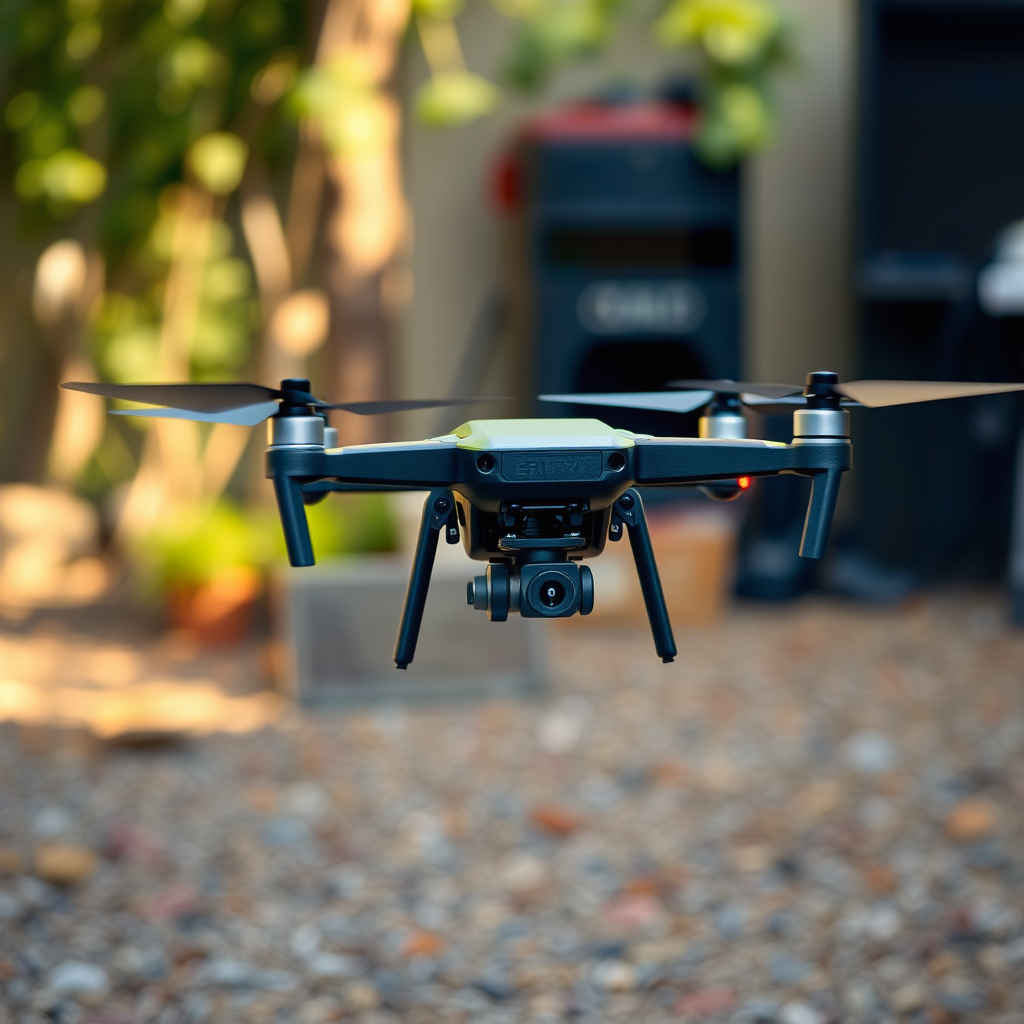
To control a DJI drone via PC, specific software applications are required. DJI provides its own dedicated software, DJI Assistant 2, which is designed for certain models. This software allows users to perform firmware updates, calibrate sensors, and configure various settings directly from their computers. While DJI Assistant 2 is invaluable for basic control and maintenance tasks, it is not primarily designed for real-time flight control.
For more advanced functionalities, third-party applications such as DroneDeploy, UgCS (Universal Ground Control Software), and Pix4Dcapture are excellent options. DroneDeploy, for instance, specializes in creating complex flight plans with waypoints, making it particularly useful for aerial surveying and mapping. UgCS, on the other hand, offers comprehensive mission planning tools and is compatible with various DJI models, allowing for extensive customization of flight paths and operational parameters.
Setting Up Your PC for Control
Setting up your PC for drone control involves several key steps. First, ensure your computer meets the minimum system requirements for your chosen software. This may include specific operating systems (Windows or macOS), RAM, processor speed, and graphics capabilities. Checking these specifications will prevent performance issues and ensure a smooth operation.
Next, you will need to install the necessary drivers for your drone. This usually involves downloading drivers from the DJI website or the software’s official page. After the drivers are installed, you can connect your drone to the PC using a USB cable or, for models that support it, via Wi-Fi. It’s crucial to ensure that the connection is stable and secure at this stage, as any interruption can lead to control issues during flight.
Configuring Control Settings
Once your PC is set up and connected to the drone, you can access the software settings to customize your control preferences. Each software application will have a unique interface and options available, so take time to familiarize yourself with these features. You should configure settings such as flight speed, altitude limits, and camera controls according to your specific needs and mission objectives.
Additionally, many software applications offer simulation options that allow you to practice flying without risking your drone. This is particularly beneficial for beginners or users transitioning from mobile app control to PC control. Engaging with these tools will increase your confidence and improve your operational skills.
Flight Planning and Mission Control
One of the most significant advantages of controlling a DJI drone with a PC is the ability to create detailed flight plans. Using software like DroneDeploy or UgCS, you can plot waypoints, define flight paths, and set specific parameters such as altitude and speed. This level of detail is especially useful for professional applications, including aerial photography, surveying, and agricultural monitoring.
Moreover, many PC applications offer the capability to monitor live telemetry data during flights. This real-time feedback includes information such as battery levels, GPS status, and drone orientation, enabling users to make informed decisions while in the air. The ability to visualize this data on a larger screen can enhance situational awareness and improve overall flight performance.
Troubleshooting Common Issues
Despite the many benefits of controlling a DJI drone with a PC, users may encounter common issues that require troubleshooting. If you experience connection problems, the first step is to check your USB cables or Wi-Fi settings to ensure a stable connection. Sometimes, simply reconnecting the drone or restarting the software can resolve these issues.
Additionally, if you encounter specific errors or software malfunctions, it is advisable to consult the software’s FAQs or community forums. These platforms often contain valuable insights from other users who have faced similar challenges. Engaging with the community can provide solutions and tips that enhance your overall experience.
Safety Considerations When Flying with a PC
Safety should always be a priority when operating a drone, regardless of the control method. Before taking off, ensure you are in compliance with local regulations and safety protocols. This includes understanding no-fly zones, altitude restrictions, and any required licenses or permits.
Moreover, conducting thorough pre-flight checks is essential. Verify that both the drone and the software are functioning correctly, with all systems operational. Checking battery levels, GPS signal strength, and camera settings can prevent in-flight issues and enhance safety. By prioritizing safety, you can enjoy a more successful and worry-free flying experience.
Summarizing, controlling a DJI drone with a PC not only enhances your flying experience but also provides advanced features for planning and executing missions. With the right setup and software, you can unlock new possibilities for your aerial adventures. Explore the options available and start experimenting with your drone today!
Frequently Asked Questions
Can I control my DJI drone using a PC instead of a mobile device?
Yes, you can control certain DJI drones using a PC, but this typically requires specific software and hardware configurations. Most commonly, software like DJI Assistant 2 is used for firmware updates and settings management. However, for full flight control, you may need third-party applications or SDKs (Software Development Kits) such as the DJI SDK, which allows for advanced programming and control of the drone via a computer.
What software do I need to control my DJI drone from a PC?
To control your DJI drone from a PC, you can use software like DJI Assistant 2 for basic management tasks. For more advanced control, you might explore the DJI SDK, which provides developers the tools to create custom applications. Additionally, applications like DroneDeploy or Mission Planner can offer flight planning capabilities, but compatibility may vary based on the drone model.
How do I connect my DJI drone to a PC for control?
To connect your DJI drone to a PC, you will typically need a USB cable to connect the drone’s controller to your computer. After the connection is made, you can launch the appropriate software, such as DJI Assistant 2 or an SDK-based application, to establish communication. Make sure your drone and controller firmware are up-to-date to ensure compatibility and functionality.
Why would I want to control my DJI drone with a PC?
Controlling your DJI drone with a PC can offer several advantages, including a larger screen for improved visibility, the ability to utilize advanced software tools for flight planning, and enhanced programming capabilities for custom missions. Additionally, using a PC can allow for more complex data processing and analysis, making it beneficial for professional applications such as surveying, mapping, or aerial photography.
Which DJI drones can be controlled with a PC?
Several DJI drone models can be controlled via PC, particularly those that support the DJI SDK, such as the Phantom 4, Inspire series, and Matrice series. However, it’s essential to verify compatibility with the specific software you intend to use. Always check the official DJI documentation for your drone model for guidance on PC control capabilities and software requirements.
References
- Drone
- https://www.researchgate.net/publication/324882789_Controlling_a_Drone_via_a_PC_with_a_Joystick
- https://www.dronepilotgroundschool.com/drone-integration-with-pc-software/
- https://www.dji.com/education/faq
- https://www.techrepublic.com/article/how-to-control-your-drone-with-a-pc/
- https://www.ustream.tv/blog/how-to-control-your-drone-from-a-pc/
