
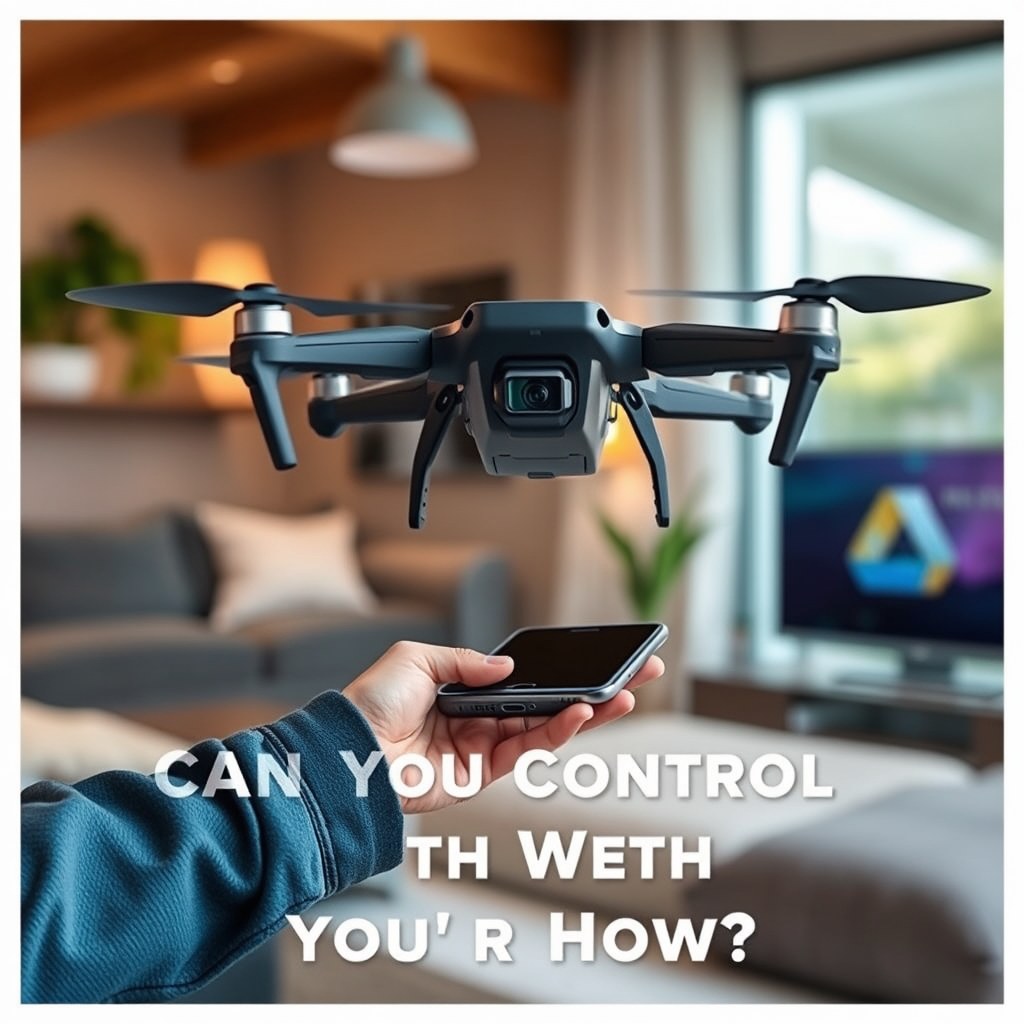
Yes, you can control a drone with your phone! Many modern drones come equipped with smartphone apps that allow you to operate them seamlessly. This capability not only enhances the user experience but also makes flying drones more accessible for beginners and enthusiasts alike. In this article, we will explore the various aspects of controlling a drone using your mobile device, from understanding connectivity options to tips for efficient operation, ensuring you have all the knowledge needed to navigate your aerial adventures confidently.
Understanding Drone Connectivity
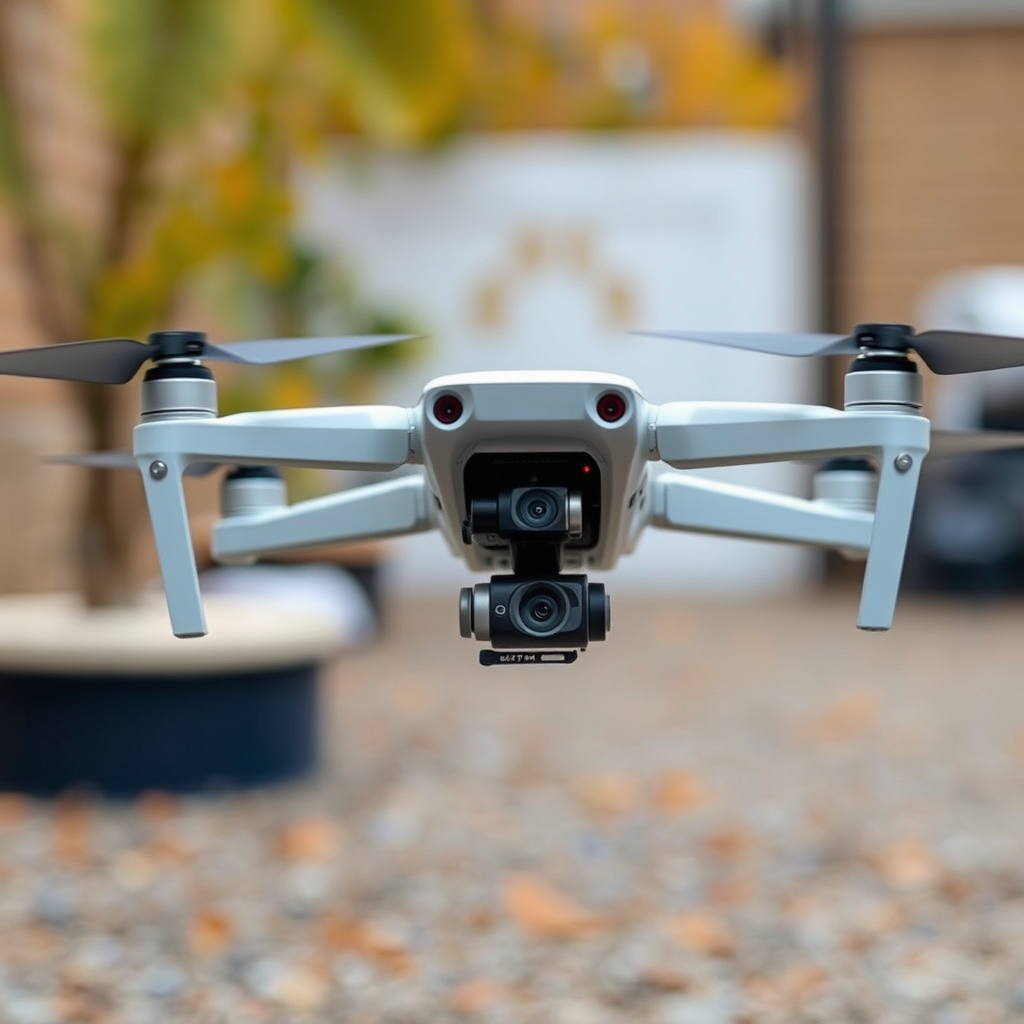
Drones typically connect to smartphones via Wi-Fi or Bluetooth, enabling a streamlined communication process between the two devices. Wi-Fi connections often provide a more robust and faster connection than Bluetooth, which is particularly beneficial for high-definition video streaming and real-time data transmission. To control your drone via your phone, you will usually need to download specific apps provided by the drone manufacturer, such as DJI GO or Parrot FreeFlight. These apps serve as a hub for controlling flight functions, accessing camera settings, and receiving telemetry data.
When establishing a connection, it’s essential to ensure that both your smartphone and drone are compatible with the app you intend to use. Additionally, make sure that your phone’s Wi-Fi or Bluetooth settings are enabled and that the drone is powered on and ready to pair. Understanding these connectivity aspects is crucial for a smooth flying experience.
Types of Drones Compatible with Smartphones
The market is replete with a variety of drones that support mobile control, particularly consumer-grade models. Leading manufacturers like DJI and Parrot have made significant strides in integrating smartphone compatibility into their drone designs. For instance, the DJI Mini 2 and Parrot Anafi are both excellent examples of consumer drones that offer robust smartphone control features, allowing users to fly and capture stunning aerial footage with ease.
Beyond consumer models, some high-end professional drones also come equipped with smartphone control features, catering to advanced users who require sophisticated functionalities. For example, the DJI Mavic 3 allows professional photographers and videographers to manipulate settings directly from their smartphones, providing them with greater creative control over their shots. This compatibility extends the utility of smartphones in the drone ecosystem, making it possible for users to execute complex flight maneuvers and capture high-quality images.
Features of Smartphone Control Apps
Smartphone control apps are designed to enhance the flying experience by providing a wealth of features that go beyond basic flight control. Most apps offer live video streaming, allowing pilots to see exactly what the drone’s camera is capturing in real-time. This feature is particularly advantageous for aerial photography and videography, as it helps users frame their shots accurately.
Additionally, GPS tracking is a standard feature in many drone apps, enabling users to monitor the drone’s location and set precise flight paths. This is particularly useful for automated flights, where users can plot a course and let the drone execute it autonomously. Furthermore, the apps often provide access to critical settings such as camera controls, battery status, and flight modes (e.g., follow-me, orbit, or waypoint mode), which can be easily adjusted from the smartphone interface. These features greatly enhance user engagement and make flying more intuitive.
Tips for Controlling Your Drone with a Phone
To ensure a smooth flying experience when using your phone to control a drone, consider the following tips:
1. Battery Management: Ensure that your smartphone is fully charged before flying. High-performance apps can drain battery life quickly, and a dead phone mid-flight can lead to losing control of the drone.
2. Storage Space: Check that your device has adequate storage available. Many apps will save flight logs, photos, and videos directly to your phone, so having enough space is crucial for uninterrupted use.
3. Familiarize with the App: Before taking to the skies, spend some time familiarizing yourself with the app’s interface. Understanding where to find essential features like camera settings, flight modes, and emergency controls will significantly improve your control and confidence.
4. Practice Flying: If you are new to drone flying, consider practicing with a simulator app before taking your drone out for its first flight. This will help you become accustomed to the controls without the risk of damaging your device.
5. Pre-Flight Checks: Always perform necessary pre-flight checks, ensuring that both the drone and your smartphone are functioning correctly and that the software is up to date.
Common Issues and Troubleshooting
Despite the convenience that smartphone control offers, users may encounter some common issues. Connection problems can arise due to interference or pairing errors; thus, ensuring that your drone and phone are properly paired before flight is vital. If you experience connectivity issues, first check that both devices are within range and free of obstructions.
In cases where the app crashes or becomes unresponsive, restarting both the drone and your smartphone can often resolve these issues. Moreover, keeping the app updated to the latest version will help mitigate bugs and improve performance. If problems persist, consulting the manufacturer’s support resources can provide specific troubleshooting advice for your drone model.
Safety Considerations
Safety is paramount when operating a drone, especially when using a smartphone for control. Always follow local regulations and guidelines regarding drone operation, as these rules can vary significantly by region. Familiarize yourself with no-fly zones and altitude restrictions to avoid potential legal issues.
Keep your drone within your line of sight at all times. This practice not only helps in maintaining control but also allows you to be aware of your surroundings, preventing collisions with obstacles or other aircraft. Finally, it’s advisable to have a clear understanding of emergency procedures, such as how to land the drone quickly or return it to home position if connectivity is lost.
In conclusion, controlling a drone with your phone is not only possible but also enhances the flying experience significantly. By understanding the connectivity options, the types of drones compatible with smartphones, and the features offered by control apps, you can maximize your drone’s potential. Additionally, by following practical tips and being mindful of safety considerations, you can ensure a smooth and enjoyable aerial adventure. Embrace this technology and elevate your drone flying to new heights!
Frequently Asked Questions
Can you control a drone with your phone?
Yes, many modern drones can be controlled using a smartphone. Most consumer drones come with a companion app that you download on your phone, which connects to the drone via Wi-Fi or Bluetooth. This allows you to access various features, such as live video streaming, flight controls, and advanced settings, directly from your mobile device, making it a convenient option for both beginners and experienced pilots.
How do you connect a drone to your smartphone?
To connect a drone to your smartphone, first, ensure that the drone is powered on and within range. Download the corresponding app for your drone model from the App Store or Google Play. Then, enable Wi-Fi or Bluetooth on your smartphone and select the drone’s network from the available connections. Follow the prompts in the app to complete the setup, which usually involves calibrating the drone and adjusting flight settings.
Why is my phone not connecting to my drone?
Several factors may prevent your phone from connecting to your drone. Common issues include outdated app versions, a low battery on either device, or interference from other wireless signals. Ensure that both your phone and drone have sufficient battery life, the app is updated, and that you are within the recommended range for connection. If problems persist, resetting the drone or reinstalling the app may help resolve the issue.
What are the best drones that can be controlled by a smartphone?
Some of the best drones that can be controlled by a smartphone include the DJI Mini 2, Parrot Anafi, and Holy Stone HS720. These models are known for their user-friendly apps, impressive camera capabilities, and robust flight features. When selecting a drone, consider factors such as flight time, camera quality, and ease of use to find the best option for your needs.
Can you use your phone as a first-person view (FPV) screen for a drone?
Yes, you can use your smartphone as an FPV screen for many drone models that support this feature. The companion app will usually provide a live video feed from the drone’s camera, allowing you to see from the drone’s perspective while flying. This feature enhances the flying experience, making it easier to navigate and capture stunning aerial footage. Just ensure your phone has a stable connection to the drone to avoid lag or disconnection.
References
- https://en.wikipedia.org/wiki/Drone
- https://www.faa.gov/uas/getting_started/drone_zone
- https://www.nytimes.com/2020/09/11/technology/drones-smartphones.html
- https://www.wired.com/story/how-to-fly-drone-smartphone-apps/
- https://www.techrepublic.com/article/how-to-control-a-drone-with-your-smartphone/
- https://www.nasa.gov/feature/what-is-a-drone
- https://www.sciencedirect.com/science/article/pii/S2351978917300726
