
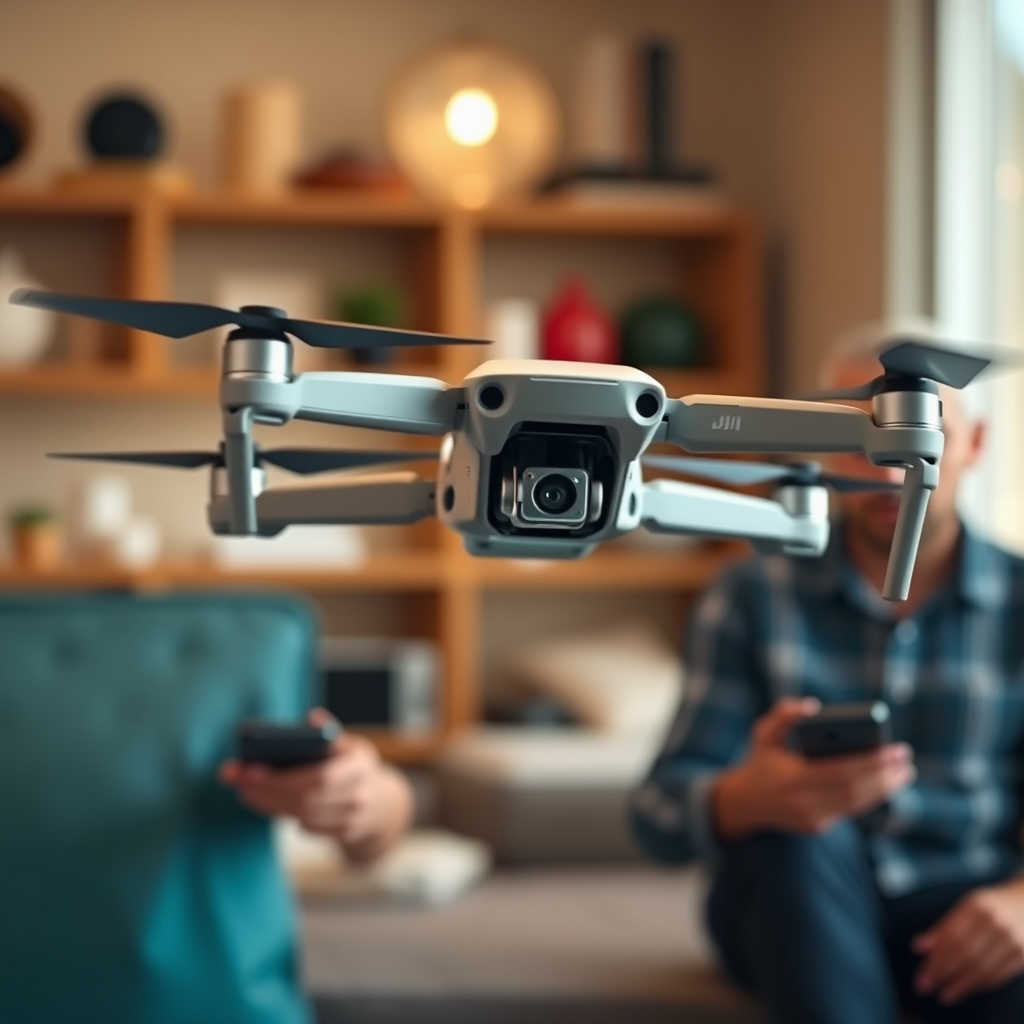
Yes, you can fly a DJI drone that is bound to another account, but there are specific conditions and limitations involved. To successfully operate a DJI drone linked to an account not belonging to you, cooperation from the original account holder is essential. This process involves understanding the intricacies of DJI accounts, obtaining necessary permissions, and adhering to local regulations. By following the outlined steps and being aware of potential limitations, you can navigate this situation effectively.
Understanding DJI Account Boundaries
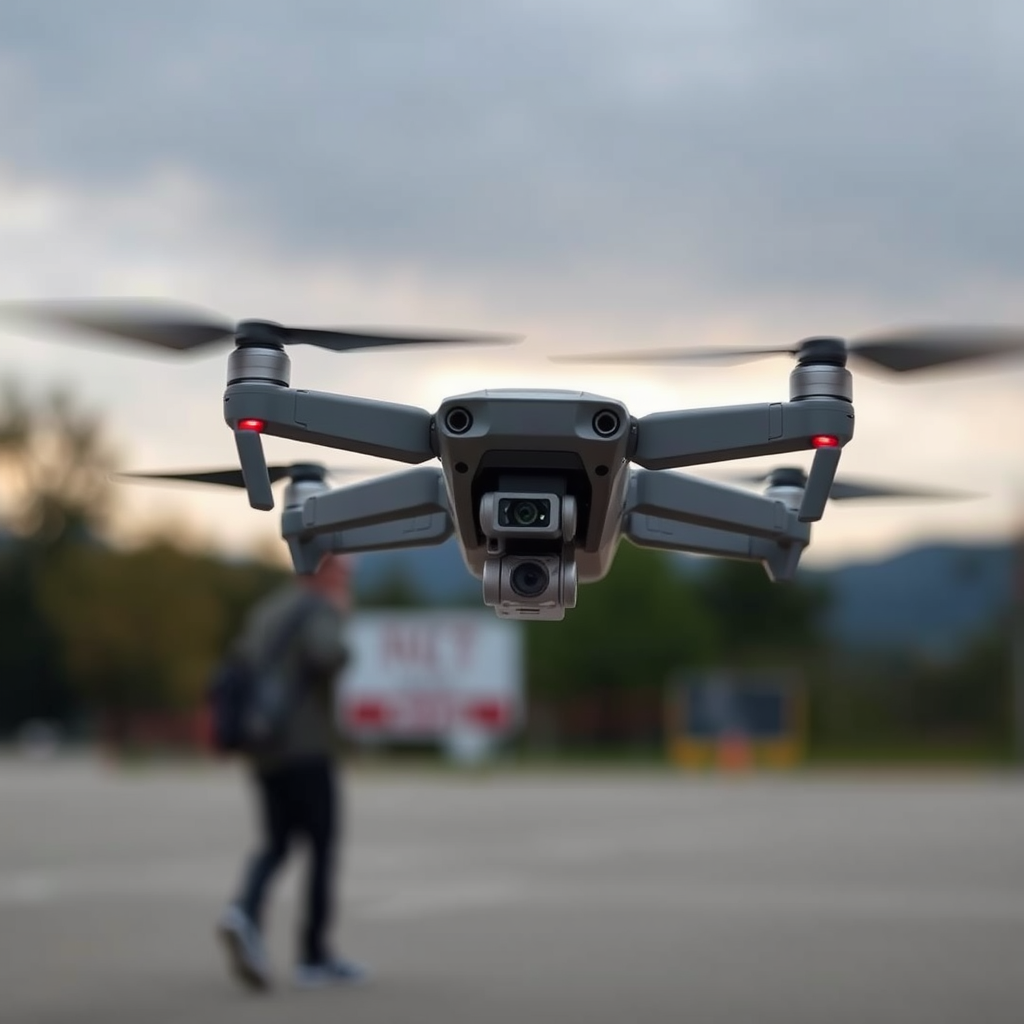
DJI drones are designed with a robust account management system that links each device to a specific DJI account. This linkage is crucial for various operational aspects, including activation, firmware updates, and feature access. The account acts as a control point, ensuring that only authorized users can operate the drone. If you find yourself needing to fly a drone linked to another account, it’s important to recognize that this setup is intended to secure the drone’s functionality and safeguard against unauthorized use.
Transferring ownership or gaining access to a drone requires mutual consent from the original account holder. This means that direct action must be taken by the account owner to allow you temporary or permanent access. For example, if a friend owns a DJI Mavic Air and you wish to operate it, your friend would need to provide their account details or arrange a way for you to fly the drone under their account.
Steps to Fly a Drone Linked to Another Account
To fly a DJI drone that is linked to another account, follow these essential steps:
1. Obtain Permission: Before any operation can commence, you need explicit permission from the current account owner. This permission is both a legal and ethical necessity. Discuss the terms under which you’d like to use the drone, whether for a single flight or an extended period.
2. Login Using Original Account Credentials: Once permission is secured, you will need to log into the DJI Fly or Go app using the original account credentials. This process will allow you to access the drone’s features, settings, and any specific configurations that have been established by the account holder. Ensure you have the correct login information and that the account has been verified for use.
3. Check for Firmware Updates: After logging in, it’s prudent to check if the drone requires any firmware updates. This ensures that you are using the most recent software, which is critical for optimal performance and safety.
By following these steps, you can effectively operate a DJI drone linked to another account while maintaining the integrity of the original account holder’s permissions.
Limitations of Using Another Account
While it is possible to fly a DJI drone linked to another account, certain limitations may arise that you should be aware of:
1. Loss of Features: When using another account, you might lose access to specific features that are tied to the original account. For instance, if the original user has purchased additional services or features, you may not be able to utilize these unless you have your own account with the same privileges.
2. Flight Logs and Data: Flight logs and data collected during your operation will remain associated with the original account. This means that any insights or analytics generated during your flights will not be accessible to you unless shared by the account holder. If tracking flight history or performance metrics is important for your activities, consider discussing this with the original account holder.
3. Potential for Account Limitations: The original account may have restrictions in place, such as limits on the number of devices that can be connected or usage caps that might affect your ability to fly when desired.
Understanding these limitations can help you set realistic expectations and prevent misunderstandings with the account owner.
Best Practices for Shared Drone Usage
When sharing drone access, particularly with DJI products, it’s beneficial to implement best practices that enhance safety and compliance:
1. Utilize DJI Flight Hub: For collaborative flying sessions, consider using the “DJI Flight Hub.” This platform allows multiple users to manage drone operations collectively, facilitating coordinated flights while adhering to safety protocols.
2. Document Permissions: If you are flying under another account, document the permissions granted by the account holder. This practice establishes a clear understanding of what is allowed and can help prevent disputes.
3. Compliance with Local Regulations: Always ensure that your flying activities comply with local drone laws and regulations. This includes adhering to no-fly zones, altitude restrictions, and registration requirements. Being informed about regulations in your area not only keeps you compliant but also helps maintain a good reputation within the drone community.
By following these best practices, you can foster a positive experience for both yourself and the account holder while ensuring responsible drone operations.
Troubleshooting Common Issues
While flying a DJI drone linked to another account, you may encounter some common issues. Here are solutions to address these challenges:
1. Access Problems: If you experience difficulties logging into the account or connecting to the drone, consider resetting the drone to factory settings. This step can resolve connectivity issues, but be aware that it will erase all settings and data stored on the drone.
2. Firmware Compatibility: If the drone is not responding or experiencing erratic behavior, check for firmware compatibility. Update the firmware via the DJI Go or Fly app to ensure that you are operating with the latest software.
3. Contact DJI Support: If problems persist, do not hesitate to contact DJI support for assistance. They can provide guidance on account-related issues and help troubleshoot any technical complications you may be facing.
By being proactive and solution-oriented, you can navigate potential hurdles effectively.
Legal and Safety Considerations
Engaging in drone operations under another account comes with legal and safety considerations that must be prioritized:
1. Legal Implications: Understand the legal ramifications of flying a drone under someone else’s account. Ensure that the account holder has granted you the right to operate the drone, and be aware that any violations of local laws could have repercussions for both parties.
2. Prioritize Safety: Safety should always be your foremost concern. Familiarize yourself with the drone’s manual, understand its operational limits, and always conduct pre-flight checks. Additionally, maintain awareness of your surroundings during flight to avoid accidents.
3. Insurance and Liability: Consider the implications of liability in case of an accident. Verify whether the account holder has insurance coverage and discuss how liability would be handled should an incident occur while you are flying.
By taking these legal and safety considerations into account, you can operate with a greater sense of responsibility and compliance.
In conclusion, while it is indeed possible to fly a DJI drone that is bound to another account, it is essential to follow certain protocols and consider the limitations involved. Obtaining permission from the account owner, understanding the features available to you, and adhering to local regulations are crucial steps in this process. By fostering open communication with the account holder and prioritizing safety, you can ensure a successful and enjoyable drone flying experience.
Frequently Asked Questions
Can you fly a DJI drone that is registered to another account?
No, you cannot fly a DJI drone that is registered to another account without the owner’s permission. DJI drones are linked to the owner’s DJI account for safety and compliance reasons. If you attempt to fly a drone that isn’t yours, you may encounter restrictions or even be locked out of the drone’s features, as it requires the account holder’s authorization.
How can I transfer ownership of a DJI drone to another account?
To transfer ownership of a DJI drone, the current owner must unlink the drone from their DJI account through the DJI Fly or DJI GO app. After unlinking, the new owner can then link the drone to their own DJI account. This process ensures that the new owner has complete control and access to the drone’s features, including firmware updates and flight logs.
Why is my DJI drone not responding when trying to fly it under a different account?
If your DJI drone is not responding when attempting to fly it under a different account, it is likely because the drone is still linked to its original owner’s account. DJI implements this security feature to prevent unauthorized use. To resolve this, the original owner must delete the drone from their account, allowing you to connect it to yours.
What should I do if I can’t contact the original owner of my DJI drone?
If you cannot contact the original owner of your DJI drone, your options may be limited. You can try to reach out to DJI support for assistance, providing proof of ownership if applicable. However, without the original owner’s intervention to unlink the drone from their account, you may not be able to fly it legally.
Which DJI drones allow account transfers, and what are their limitations?
Most DJI consumer drones, like the Mavic series and Phantom series, allow for account transfers, but specific limitations can apply. For instance, drones that have been registered with certain firmware versions may have restrictions on transferring ownership. Always check the DJI official website or user manuals for the latest information on account transfer policies and procedures for your specific drone model.
References
- https://en.wikipedia.org/wiki/Drone_flying_regulations
- https://www.faa.gov/uas/resources/policy_library/
- https://www.reuters.com/technology/dji-drone-users-face-new-rules-faa-2022-04-06/
- https://www.nytimes.com/2021/05/23/technology/dji-drone-privacy.html
- https://www.droneadvocacy.org/faq/
- https://www.techradar.com/news/dji-drone-ownership-and-accountability-explained
- https://www.dji.com/education/faq
- https://www.abc.net.au/news/2021-01-20/dji-drone-free-flying-rules/13068844
