

Yes, you can fly a DJI drone with an Android phone. DJI provides a user-friendly app called DJI Fly that is compatible with most Android devices, enabling you to control your drone efficiently. This versatility allows users to access advanced features and functionalities right from their smartphones. In this article, we will explore the specifics of using your Android phone for DJI drone operations, highlighting essential information to enhance your flying experience.
Understanding DJI Drone Compatibility
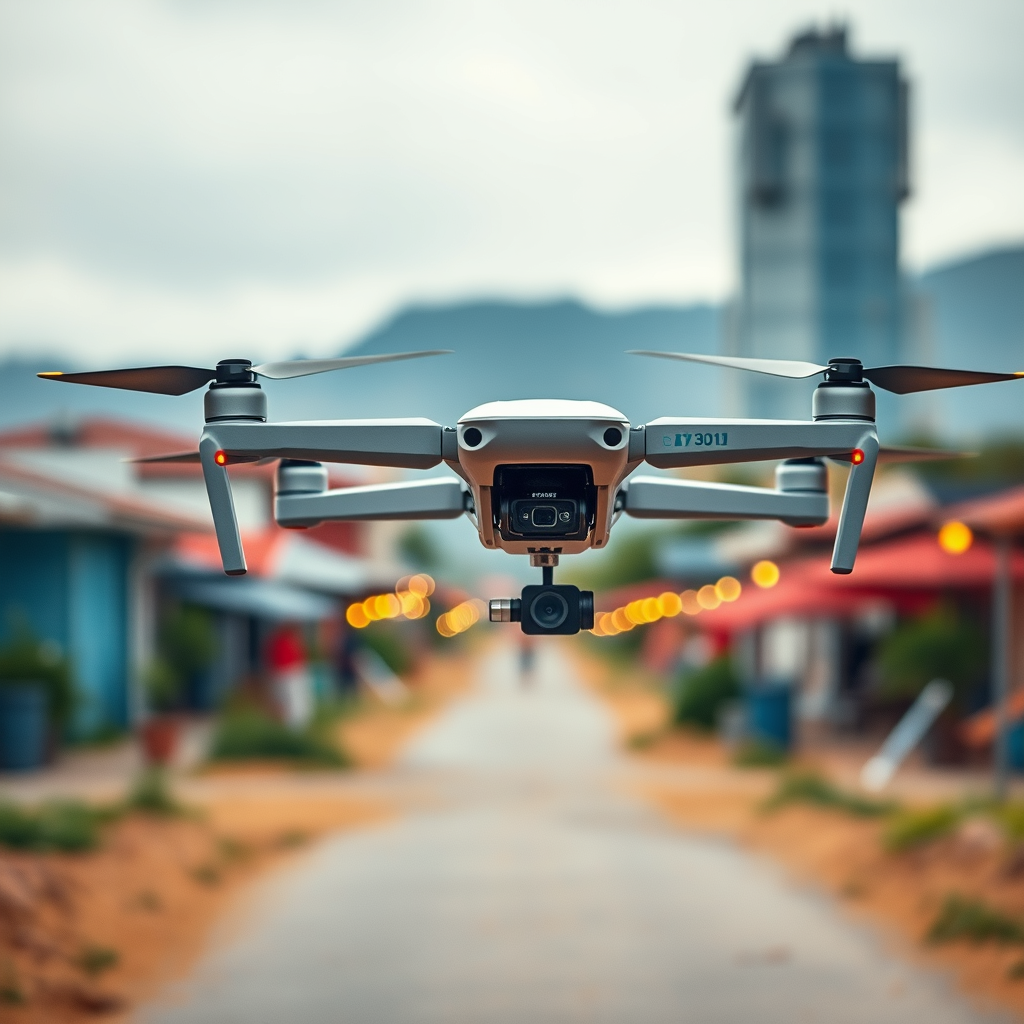
Not all Android phones are compatible with DJI drones, so it is crucial to check DJI’s official list of supported devices before proceeding. Generally, most recent Android versions (5.0 and above) work well with DJI apps, ensuring smooth performance and connectivity. For instance, flagship devices from manufacturers like Samsung, Google, and OnePlus often provide optimal compatibility due to their robust hardware and software capabilities.
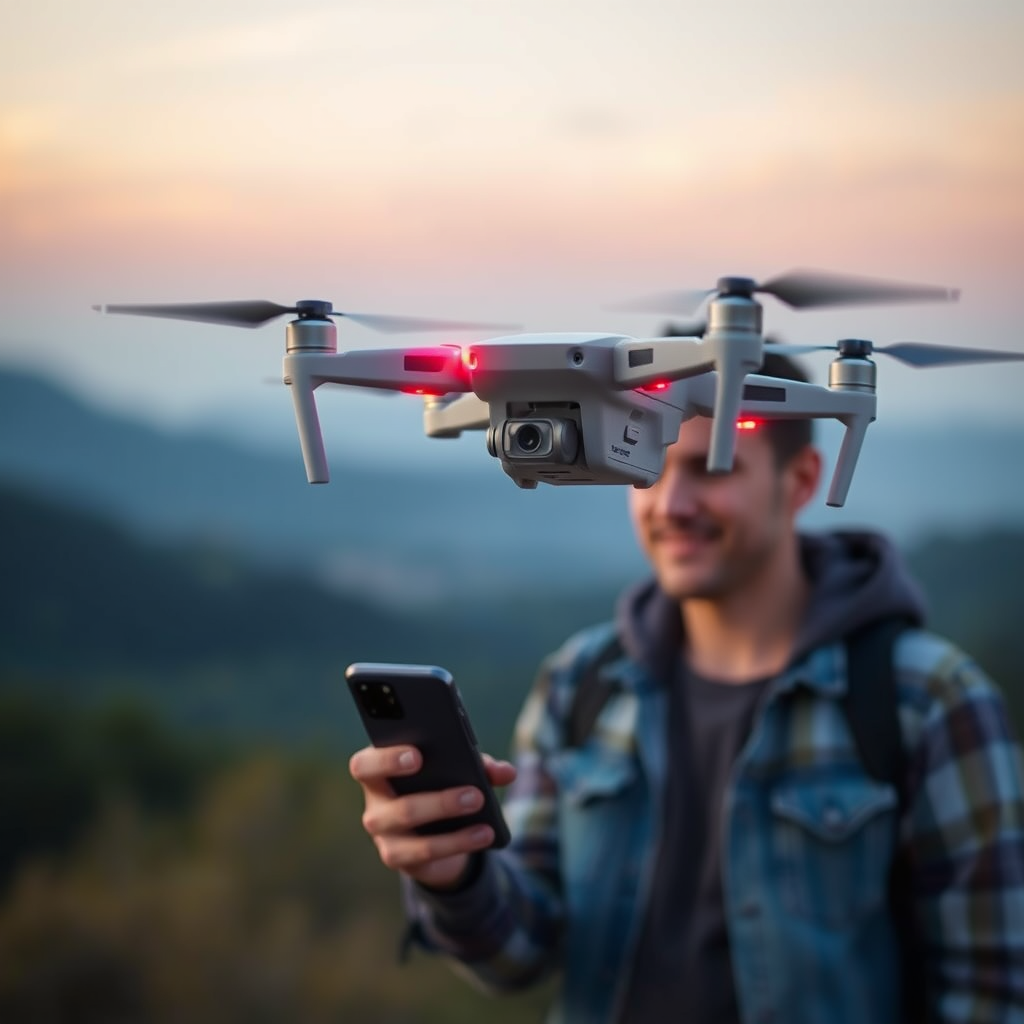
Additionally, it is important to consider that DJI regularly updates its applications to improve performance and compatibility. Therefore, ensuring that your Android device is on the approved list and equipped with the latest software updates can significantly enhance your drone flying experience.
Setting Up Your Android Phone for DJI Drone Use
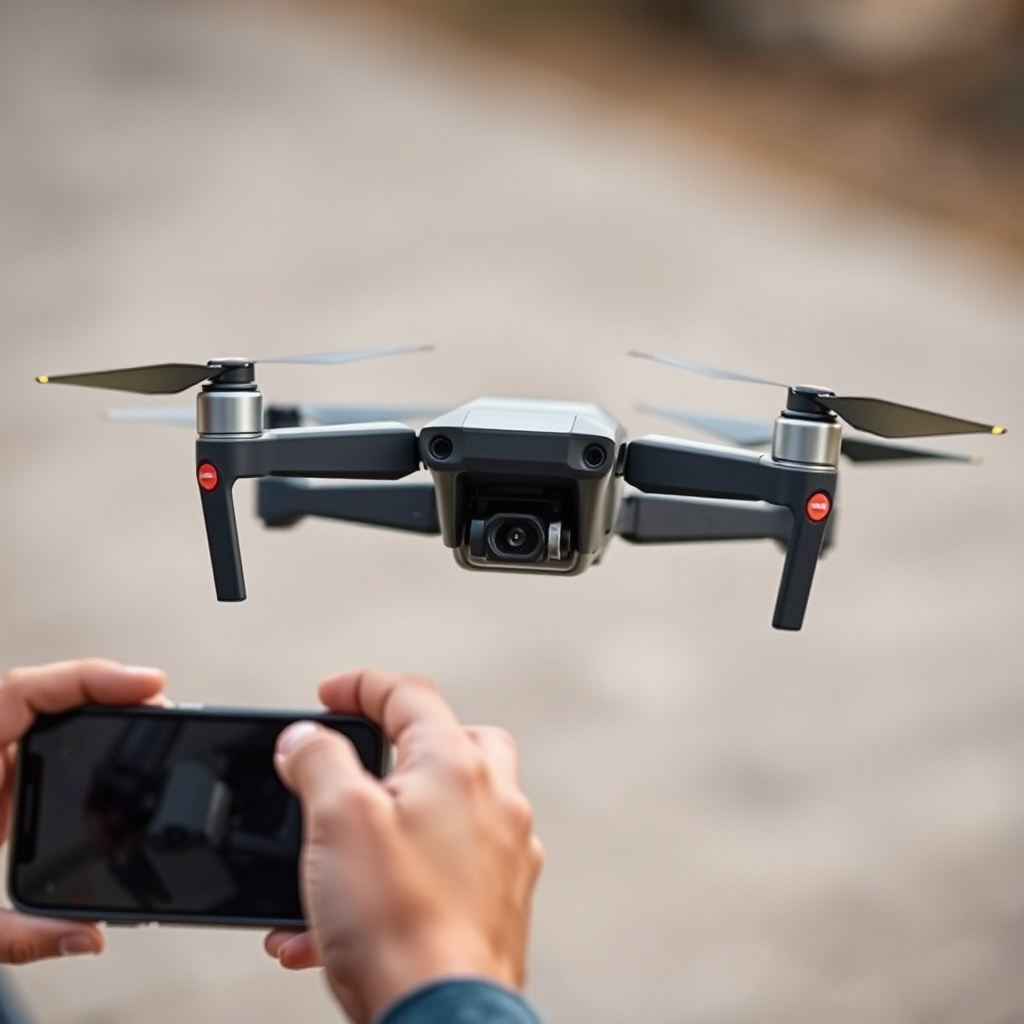
To start flying your DJI drone with an Android phone, the first step is to download and install the DJI Fly app from the Google Play Store. The app is designed to provide a seamless experience, allowing you to manage flight settings, camera controls, and more from your mobile device.
Once the app is installed, make sure your phone’s software is up to date for optimal performance. Updating your Android OS ensures that you have the latest security patches and enhancements, which can prevent potential compatibility issues. It’s advisable to check your phone’s settings and complete any necessary updates before heading out for your first flight.
Connecting Your Android Phone to the DJI Drone
Connecting your Android phone to the DJI drone is a straightforward process. You can use a USB cable or the appropriate adapter to link your phone to the drone controller. Most DJI controllers come with a USB-C or Lightning port, so selecting the right cable or adapter based on your phone’s charging port is necessary.
After establishing the physical connection, launch the DJI Fly app. Follow the on-screen instructions to complete the connection process. Typically, you will be prompted to allow certain permissions, such as accessing your phone’s camera and location services, which are essential for the app’s functionality. Once connected, you should see a live video feed from the drone’s camera, indicating a successful connection.
Features of the DJI Fly App
The DJI Fly app is packed with features designed to enhance your flying experience. Users have access to various flight modes, such as Normal, Cine, and Sport modes, allowing you to adjust your flying style based on the environment and your skill level. For instance, Cine mode offers smoother movements for cinematic shots, while Sport mode provides a more dynamic and agile flying experience.
Additionally, the app allows you to customize camera settings, enabling you to adjust parameters like ISO, shutter speed, and exposure compensation. This level of control ensures that you can capture high-quality images and videos tailored to your creative vision.
Moreover, the DJI Fly app includes built-in tutorials and flight safety guidelines. These resources are invaluable for both novice and experienced pilots, as they cover essential safety protocols and operational tips to enhance your flying skills. By familiarizing yourself with these features, you can maximize the potential of your DJI drone and ensure a safe flying experience.
Troubleshooting Common Connection Issues
Despite the user-friendly nature of connecting an Android phone to a DJI drone, users may occasionally encounter connectivity problems. If you experience issues, the first step is to restart both the drone and the phone. This simple action can often resolve temporary glitches that affect the connection.
Another crucial aspect to consider is checking for app updates. Outdated versions of the DJI Fly app may lead to compatibility issues or hinder performance. Go to the Google Play Store and ensure you have the latest version installed.
Permissions are also a common source of connection problems. Ensure that the app has the necessary permissions to access your phone’s features, such as location services and camera access. If these permissions are disabled, the app may not function correctly, preventing a successful connection to the drone.
Tips for Optimal Flight Experience with Android
To ensure an optimal flight experience with your DJI drone using an Android phone, consider the following tips. First, using a phone holder is highly recommended. A phone holder can securely position your device, allowing you to focus on flying without worrying about your phone slipping or falling.
Additionally, disabling unnecessary background apps can help conserve battery life during flights. Running multiple applications simultaneously can drain your phone’s battery quickly, which is particularly critical when flying. Before your flight, close any unused apps to ensure that the DJI Fly app operates smoothly and efficiently.
Finally, consider using a portable charger or power bank, especially during extended flying sessions. This precaution can provide additional power to your device, ensuring that you remain connected and have access to all necessary features throughout your flight.
In conclusion, flying a DJI drone with an Android phone is entirely feasible and can be an enjoyable experience. By ensuring your device is compatible and properly set up, you can take full advantage of the drone’s capabilities. Understanding the features of the DJI Fly app, troubleshooting common issues, and implementing tips for an optimal flight experience can significantly enhance your operations. For best practices and troubleshooting tips, refer back to the sections above, and happy flying!
Frequently Asked Questions
Can I fly a DJI drone using my Android phone?
Yes, you can fly a DJI drone using an Android phone, as long as you have the compatible DJI app installed. Most DJI drones require the DJI Fly or DJI GO 4 app, which are available for download on the Google Play Store. Make sure your Android device meets the minimum requirements for the app, including operating system version and available storage space, to ensure smooth operation.
What are the minimum requirements for an Android phone to use with DJI drones?
To effectively use a DJI drone with an Android phone, your device should ideally have at least Android 6.0 (Marshmallow) or higher. Additionally, the phone should have a stable internet connection, sufficient RAM (at least 2GB), and enough storage to accommodate the DJI app and any updates. It’s also recommended to have a decent camera and screen resolution for the best flying experience.
How do I connect my Android phone to a DJI drone?
To connect your Android phone to a DJI drone, first ensure that your drone is powered on and ready for flight. Open the DJI Fly or DJI GO 4 app on your Android phone, and then connect your phone to the remote controller using a USB cable. Follow the on-screen prompts to establish a connection, which may include selecting the drone model and calibrating the compass if necessary.
Why is my Android phone not connecting to my DJI drone?
If your Android phone is not connecting to your DJI drone, there could be several reasons. First, check that both the drone and the remote controller are powered on and properly connected. Ensure your phone’s USB settings are set to “File Transfer” mode, and verify that you have the latest version of the DJI app installed. Additionally, check that your phone’s operating system is compatible with the app, as outdated software can cause connectivity issues.
What are the best Android phones for flying DJI drones?
The best Android phones for flying DJI drones typically include models with high processing power, excellent camera quality, and long battery life. Some top recommendations are the Samsung Galaxy S21/S22 series, Google Pixel 6/7, and OnePlus 9/10. These devices not only provide smooth app performance but also have displays that offer clear visuals during flight, enhancing your overall flying experience.
References
- https://en.wikipedia.org/wiki/Drone#Control_systems
- https://www.faa.gov/uas/getting_started/fly_for_fun
- https://www.dji.com/uk/flying-tips
- https://www.techradar.com/news/how-to-fly-a-drone-with-an-android-phone
- https://www.theverge.com/2019/8/1/20699433/using-dji-drone-with-android-phone-fly-app-setup-guide
- https://www.pcworld.com/article/3282330/how-to-fly-a-drone-with-an-android-phone.html
- https://www.usatoday.com/story/tech/2020/06/12/how-fly-drone-digital-camera-android/3170217001/
