
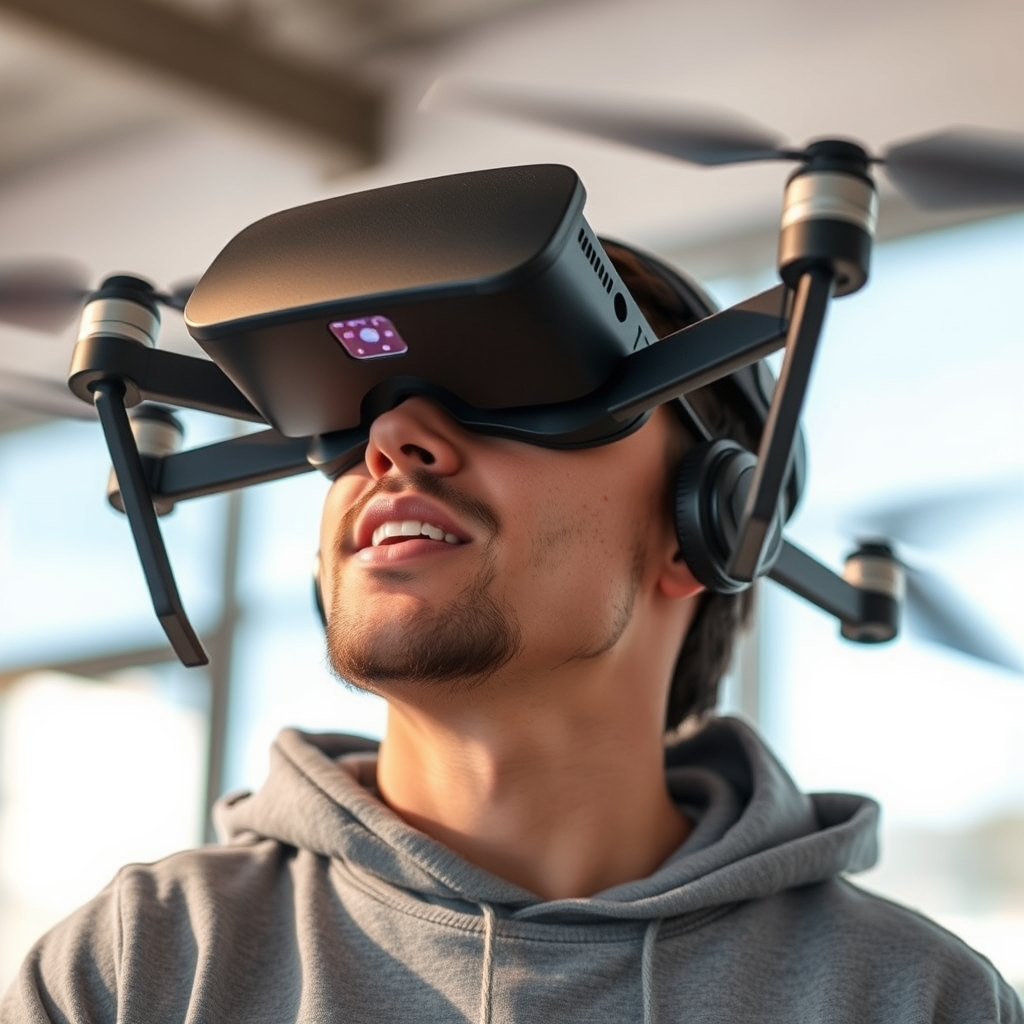
Yes, you can use the Oculus Quest with a DJI drone, allowing for an immersive flying experience. This combination enhances the piloting of drones by providing a first-person view (FPV) that can transform your flying adventures. The Oculus Quest, with its advanced VR capabilities, adds a new dimension to drone flying, making it not just about piloting but experiencing the flight itself. Below, we explore how to connect the two devices and the benefits of doing so.
Understanding the Compatibility
The Oculus Quest is a standalone virtual reality headset designed to offer users an immersive experience without the need for a tethered PC or console. On the other hand, DJI drones typically require a mobile device to manage flight controls, camera settings, and live video feed. While both devices are innovative, their compatibility largely depends on the specific model of the DJI drone and the software being used.
For instance, the DJI Mavic series and Phantom drones are commonly used with various third-party applications that can interface with VR devices. Compatibility may also hinge on the firmware version of the drone and the applications you plan to use. It’s essential to ensure that your drone’s software is up-to-date and to check the app specifications to confirm that they support VR functionality, particularly with the Oculus Quest.
Setting Up the Oculus Quest with DJI Drones
To successfully set up your Oculus Quest for use with a DJI drone, you will need to rely on third-party applications that support VR FPV flying. Popular apps like Litchi and DroneVR have been developed specifically to bridge this gap. These applications allow users to stream the drone’s camera feed directly to the Oculus Quest, providing a real-time first-person perspective of the flight.
Here’s a step-by-step guide to setting up your Oculus Quest with a DJI drone:
1. Install the Third-Party App: Download and install a compatible app like Litchi or DroneVR on your mobile device.
2. Connect Your Drone: Power on your DJI drone and connect it to your mobile device via Wi-Fi or the DJI Go app, ensuring that the drone is ready for flight.
3. Link the Oculus Quest: Launch the VR app on your mobile device and follow the instructions to connect your Oculus Quest. You may need to adjust settings within the app for optimal VR display.
4. Calibration: Before takeoff, calibrate the settings in the app to ensure that the video feed is properly aligned with your Oculus Quest display.
5. Start Flying: Once everything is connected and calibrated, you can put on your Oculus Quest headset and enjoy the immersive experience of flying your drone from a first-person perspective.
Benefits of Using VR with Drones
Using VR technology like the Oculus Quest with your DJI drone offers several notable benefits. One of the most significant advantages is the immersive first-person view that enhances your flying experience. Instead of merely piloting the drone from a distance, you can see the world from the drone’s perspective, which can be exhilarating and allows for a more intuitive flying experience.
Moreover, engaging with your drone in this manner can improve your piloting skills. The immersive interface encourages better spatial awareness and can be particularly beneficial for practicing maneuvers or capturing complex shots. This is especially useful for aerial photography and cinematography, where precise control is crucial. Additionally, the VR experience can be more enjoyable, making your drone flying sessions feel more like an adventure than just a technical task.
Challenges and Limitations
Despite the impressive benefits, there are challenges and limitations associated with using the Oculus Quest with DJI drones. One of the primary concerns is potential latency issues. The time it takes for the drone’s camera feed to transmit to the Oculus Quest can introduce a delay, which may affect your ability to pilot the drone effectively in real time. This latency can be exacerbated by environmental factors such as signal interference or the quality of your mobile device.
Another challenge is the need for a stable connection between the drone, mobile device, and Oculus Quest. Any disconnection or drop in signal can disrupt your flying experience, potentially leading to crashes or loss of control. Therefore, it’s crucial to conduct thorough testing in a safe environment before attempting to fly in more challenging conditions or locations.
Safety Considerations
Safety should always be a priority when flying drones, especially when incorporating new technology like VR headsets. Adhering to local regulations regarding drone flying is essential; many jurisdictions have laws that require maintaining a visual line of sight with the drone at all times. Using a VR headset can make it challenging to keep the drone within sight, which could lead to legal repercussions or accidents.
Additionally, it is vital to understand the limitations of the technology. Make sure to fly in open areas, away from people, animals, and other obstacles. Always have a backup plan in case of emergencies—know how to regain control of your drone if the VR feed becomes unreliable or if you lose connection.
Tips for an Enhanced Experience
To ensure the best possible experience when using the Oculus Quest with your DJI drone, consider the following tips:
– Adjust Oculus Quest Settings: Before you fly, take time to adjust the settings on your Oculus Quest for optimal visibility. Ensure that the headset is comfortable and that the display is clear, as this will significantly enhance your flying experience.
– Experiment with Camera Angles: Different drones may offer various camera angles and settings; experimenting with these can help you find your preferred view. A lower angle might provide stunning landscape shots, while a higher angle could offer a broader perspective of the environment.
– Practice in a Safe Environment: Start flying in controlled areas where you can familiarize yourself with the VR interface and the drone’s response. This will help you build confidence and skill before venturing into more complex flying scenarios.
– Regularly Update Software: Ensure that both your drone and the third-party application are regularly updated to benefit from the latest features and security improvements.
In conclusion, using an Oculus Quest with a DJI drone can significantly enhance your flying experience, providing a unique perspective and improving your piloting skills. This combination transforms the way you interact with your drone, offering an immersive and enjoyable experience. If you’re looking to elevate your drone adventures, consider setting up this immersive technology today!
Frequently Asked Questions
Can you use an Oculus Quest with a DJI drone?
Yes, you can use an Oculus Quest with a DJI drone, but it requires specific setups. While the Oculus Quest does not natively support DJI drones, you can use third-party applications and software to stream the drone’s camera feed to the headset. Make sure to check compatibility with your specific DJI model and use appropriate apps like DJI Fly or similar that can facilitate this connection.
What apps can be used to connect Oculus Quest with DJI drones?
To connect your Oculus Quest with DJI drones, you can use apps such as DJI Fly, which allows for video streaming to various devices. Additionally, there are third-party apps like DroneVR that enable users to experience first-person view (FPV) flying using VR headsets. Ensure that these apps are compatible with both your drone model and Oculus Quest for optimal performance.
How do I set up Oculus Quest to view my DJI drone’s camera feed?
To set up your Oculus Quest for viewing your DJI drone’s camera feed, first, ensure you have the necessary apps installed on your mobile device. Then, connect your drone to the app on your mobile device and establish a Wi-Fi connection. Use a casting feature or a compatible streaming app to mirror the camera feed to your Oculus Quest. Follow the app instructions closely for a seamless setup.
Why would I want to use Oculus Quest with a DJI drone?
Using an Oculus Quest with a DJI drone enhances your flying experience by providing immersive first-person view (FPV) capabilities. This allows you to feel as if you are flying the drone from its perspective, giving you better control and a more thrilling experience. Additionally, it can be beneficial for capturing stunning aerial footage and improving your piloting skills through an immersive environment.
Which DJI drones are best for using with Oculus Quest for FPV experiences?
The DJI Mini 2, DJI Air 2S, and DJI Mavic Air 2 are excellent options for using with an Oculus Quest for FPV experiences. These drones offer high-quality camera capabilities and reliable connectivity, making them suitable for streaming to VR headsets. Before purchasing, ensure that the drone’s app supports VR streaming features to fully utilize the Oculus Quest’s capabilities.
References
- https://en.wikipedia.org/wiki/Oculus_Quest
- https://www.dji.com/newsroom/news/dji-drone-and-vr-compatibility
- https://www.techradar.com/news/oculus-quest-2-vs-dji-phantom-4
- https://www.theverge.com/2021/5/19/22443479/vr-drone-flying-oculus-quest-dji-compatibility
- https://www.dji.com/education/learn/what-is-a-drone
- https://www.cnet.com/tech/mobile/vr-drone-flying-with-oculus-quest-2/
