
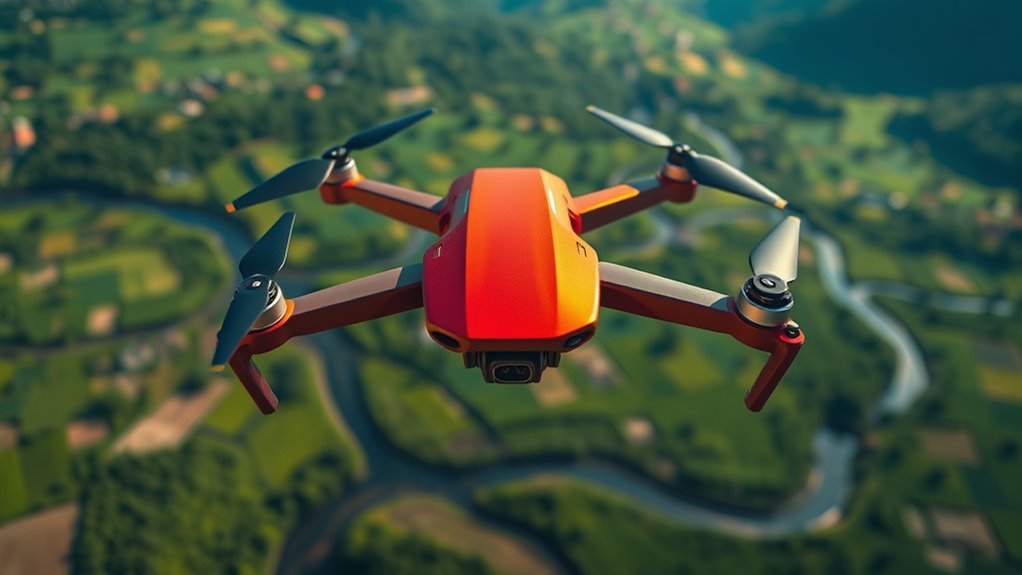
The DJI Mavic Air strikes a smart balance between portability and performance, offering you 4K video at 30fps with steady stabilization from its 3-axis gimbal. Its compact, durable design makes travel easy, while intelligent flight modes like ActiveTrack and QuickShot enhance filming creativity. With a flight time around 21 minutes and strong connectivity up to 4 km, it’s reliable for varied environments. There’s more to explore about its control systems and safety features that might interest you.
Design and Build Quality
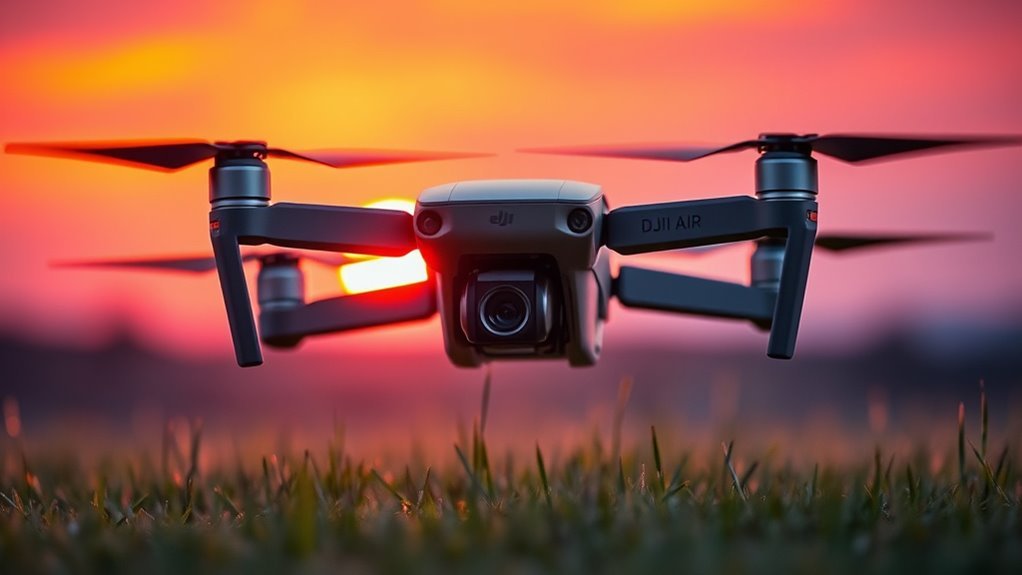
Although the DJI Mavic Air is compact and lightweight, it doesn’t sacrifice durability or functionality in its design. When you hold it, the drone aesthetics immediately stand out—sleek lines and a minimalist form factor complement its portable nature. The high-quality materials guarantee material durability, allowing the drone to withstand typical wear and environmental conditions without adding unnecessary bulk. Its foldable arms enhance portability, giving you the freedom to explore without worrying about cumbersome equipment. The textured finish provides a secure grip, reinforcing its robust build. This thoughtful balance between form and function means you’re equipped with a reliable tool that’s both visually appealing and structurally sound, supporting your adventurous spirit without compromising on resilience or practicality.
Camera Specifications and Performance
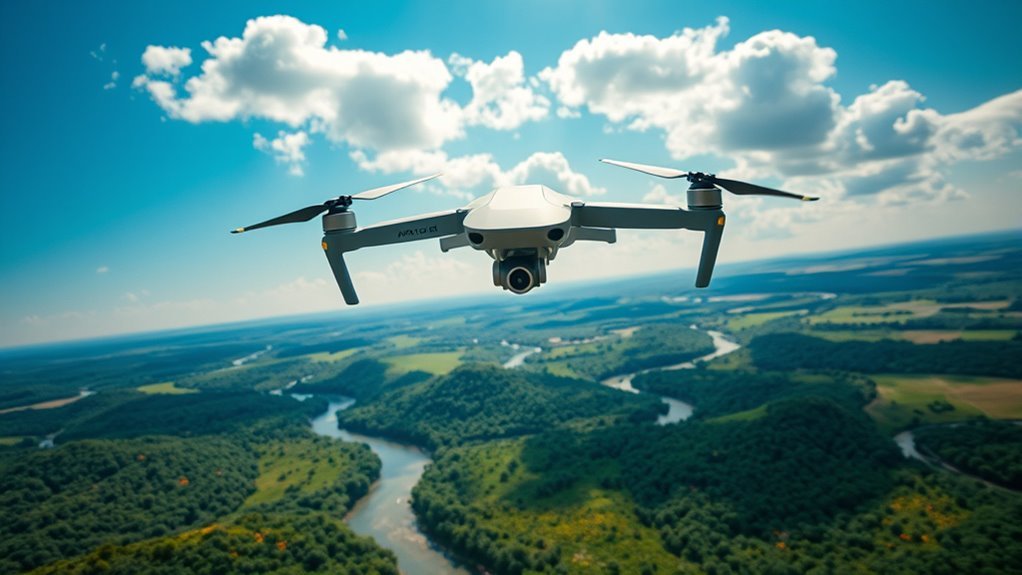
Beyond its sturdy and compact design, the DJI Mavic Air’s camera system is engineered to deliver impressive aerial imagery. You’ll appreciate its 1/2.3-inch sensor size combined with superior lens quality, providing sharp, vibrant visuals. Image stabilization guarantees smooth footage, even in moderate wind conditions. Low light performance is decent for twilight shots, maintaining color accuracy without significant noise. Video resolution peaks at 4K, supporting versatile photo modes like panorama and HDR. Zoom capabilities offer flexibility, though optical zoom is limited.
| Feature | Specification |
|---|---|
| Sensor Size | 1/2.3-inch CMOS |
| Video Resolution | Up to 4K at 30fps |
| Photo Modes | Single, Burst, HDR, Panorama |
| Image Stabilization | 3-axis gimbal |
This system balances freedom and control for aerial creativity.
Flight Time and Battery Life
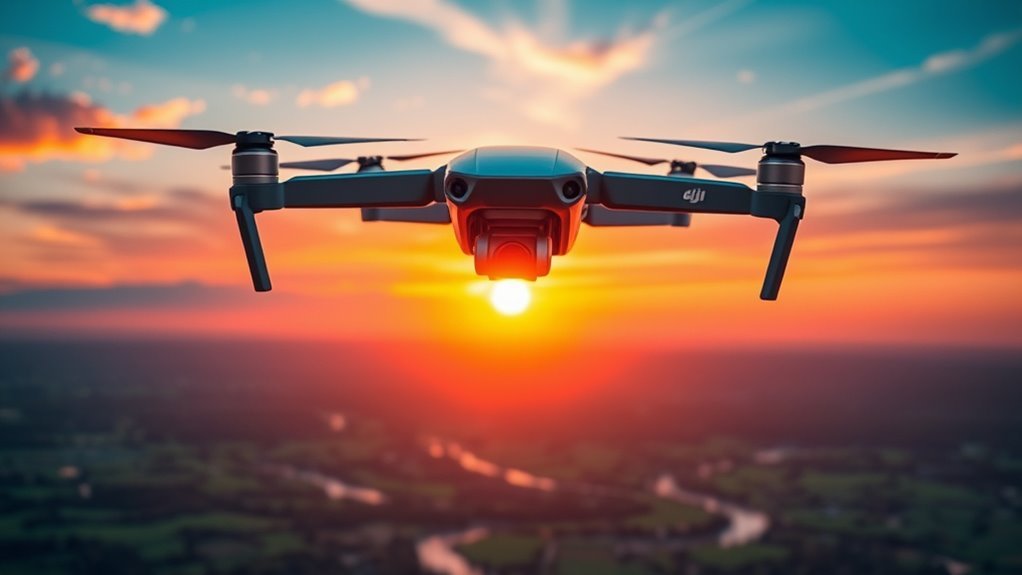
A critical factor in evaluating the DJI Mavic Air is its flight time and battery life, which directly impact your overall flying experience. The drone offers a maximum flight time of approximately 21 minutes per fully charged battery, balancing weight and power for peak flight efficiency. This duration allows you to explore freely without frequent interruptions. Battery performance remains consistent across typical flight conditions, though factors like wind and aggressive maneuvers can reduce actual time aloft. The intelligent battery system provides real-time monitoring, alerting you to remaining power and ensuring safe returns. While 21 minutes may not be the longest in its class, the Mavic Air’s efficient power management maximizes your freedom to capture dynamic aerial footage without unnecessary downtime.
Control and User Interface
When you pick up the Mavic Air’s remote controller, you’ll notice its ergonomic design aimed at comfortable handling and intuitive access to essential controls. The accompanying mobile app offers a thorough interface, integrating real-time flight data and customizable settings to enhance your piloting experience. Additionally, flight modes are easily accessible, allowing you to switch seamlessly between manual and automated options for versatile operation.
Remote Controller Design
Two joysticks, several customizable buttons, and a compact design define the Mavic Air’s remote controller, providing a balanced interface between functionality and portability. The remote controller ergonomics are thoughtfully crafted to fit comfortably in your hands, reducing fatigue during extended flights. Its lightweight build doesn’t compromise grip or control precision, allowing you to maneuver with confidence. Remote controller features include dedicated buttons for return-to-home, camera settings, and flight modes, giving you quick, intuitive access without toggling through menus. The foldable design enhances portability, making it easy to carry alongside the drone. Overall, DJI has engineered a controller that supports your desire for freedom by combining practical controls with a sleek, efficient form factor, enabling precise handling wherever your aerial adventures take you.
Mobile App Features
Numerous features within DJI’s mobile app enhance the control and user interface experience for the Mavic Air, ensuring seamless interaction between pilot and drone. The app’s mobile interface usability is particularly intuitive, allowing you to access camera controls, flight data, and settings with minimal effort. Its responsive layout adapts well to various screen sizes, providing clear visual feedback that supports quick decision-making mid-flight. In this app performance review, the real-time video feed maintains low latency, which is critical for precise maneuvering and framing shots. Additionally, customizable options let you tailor controls to your preferences, reinforcing a sense of freedom while flying. Overall, the app strikes a balance between thorough functionality and straightforward navigation, making it a reliable companion for maximizing your Mavic Air’s capabilities.
Flight Mode Accessibility
Building on the app’s user-friendly design, accessing and switching between flight modes on the Mavic Air is streamlined through the control interface. You’ll find a clear, intuitive layout that allows quick selection from various flight mode types, including Normal, Sport, and Tripod modes. This setup guarantees you can effortlessly adapt to different flying conditions or creative needs without interrupting your flight. Flight mode adjustments are responsive and precise, granting you the freedom to experiment with speed and agility or prioritize stability and control. The interface’s logical organization minimizes learning curves, enabling you to focus on exploration rather than complex settings. Overall, the Mavic Air’s flight mode accessibility empowers you to customize your flying experience efficiently, supporting both beginner comfort and advanced maneuverability.
Intelligent Flight Modes
You’ll find the Mavic Air’s Intelligent Flight Modes enhance both creativity and control. ActiveTrack lets the drone automatically follow subjects, while QuickShot offers preset cinematic moves for effortless video capture. Additionally, SmartCapture lets you pilot the drone with simple hand gestures, making operation intuitive and hands-free.
ActiveTrack Capabilities
Among the suite of intelligent flight modes, ActiveTrack stands out as a key feature that lets you automatically follow and film moving subjects with precision. This object tracking system excels in maintaining subject following even amid moderate obstacles, reflecting strong performance analysis results. User experiences highlight its responsiveness and reliability, though occasional limitations arise with fast or erratic movements. Compared to competitors, the Mavic Air’s ActiveTrack offers a balanced mix of ease and accuracy, supported by advanced settings that let you tailor tracking behavior to specific scenarios. Practical applications range from sports to wildlife filming, enabling creative uses without manual control. These capabilities grant you freedom to focus on framing shots, confident that the drone adapts intelligently to dynamic environments.
QuickShot Options
While ActiveTrack focuses on following subjects with precision, QuickShot modes offer a set of automated flight paths designed to capture cinematic footage effortlessly. You can select from options like Rocket, Dronie, Circle, Helix, and Boomerang, each programmed to execute smooth, complex maneuvers that elevate your aerial photography. These modes simplify capturing dynamic shots without manual piloting expertise, freeing you to focus on composition. For those seeking droning tips, leveraging QuickShots helps consistently produce professional-quality clips with minimal effort. The DJI Mavic Air’s QuickShot modes balance automation with creative control, enabling you to explore diverse perspectives and storytelling techniques. Ultimately, these intelligent flight modes expand your creative freedom, making advanced aerial cinematography accessible regardless of your piloting skills.
SmartCapture Controls
Although mastering drone controls can be challenging, the DJI Mavic Air’s SmartCapture feature streamlines the process by allowing you to pilot and photograph using simple hand gestures. This intuitive system offers smartcapture advantages such as hands-free operation, enabling you to focus on framing shots without juggling a remote. You can launch, land, and control the drone’s flight path with ease, enhancing your creative freedom. However, smartcapture limitations include reduced responsiveness in low light or complex backgrounds, which may affect gesture recognition. Additionally, precision maneuvers still require manual controls for best results. Overall, SmartCapture provides a convenient entry point for beginners and those seeking effortless control, but understanding its operational boundaries guarantees you can maximize the DJI Mavic Air’s intelligent flight modes without compromising safety or image quality.
Safety Features and Obstacle Avoidance
Because safety is paramount when operating drones, the DJI Mavic Air incorporates a thorough suite of features designed to minimize risks during flight. Equipped with forward, backward, and downward-facing safety sensors, the drone offers extensive collision detection, enabling it to recognize obstacles up to 20 meters away. This multi-directional sensing system actively monitors your flight path, automatically slowing or stopping the drone to prevent crashes. These safety sensors grant you the freedom to focus on capturing stunning footage without constant worry about environmental hazards. While not entirely foolproof in complex environments, the Mavic Air’s obstacle avoidance greatly enhances operational confidence. By integrating these technologies, DJI guarantees you have a balanced mix of autonomy and control, allowing you to explore wide-open spaces with greater assurance and peace of mind.
Portability and Storage
The DJI Mavic Air stands out for its exceptional portability, making it an ideal choice for users who value convenience without sacrificing performance. Its compact design allows you to fold the drone into a small form factor, ensuring easy transport whether you’re hiking or flying internationally. The thoughtful storage solutions, including a custom hard case, protect your drone and accessories effectively. This travel-friendly setup means you won’t be weighed down or struggle with bulky gear.
| Feature | Benefit |
|---|---|
| Compact Design | Fits in small bags easily |
| Foldable Arms | Minimizes space needed |
| Hard Carry Case | Protects during transit |
| Lightweight Build | Enhances portability |
With these attributes, you’re free to explore without storage hassles.
Connectivity and Range
Having a portable drone is only part of the equation; maintaining a reliable connection and sufficient range is just as important for uninterrupted flight control and video transmission. The DJI Mavic Air utilizes advanced wireless transmission technology, offering up to 4 kilometers of range under ideal conditions. You’ll appreciate the drone’s consistent signal strength, which minimizes interference and latency, vital for capturing fluid footage and responsive maneuvering. Its dual-band Wi-Fi system intelligently switches between 2.4 GHz and 5.8 GHz frequencies to adapt to environmental noise, enhancing connectivity. While obstacles and electromagnetic interference can affect performance, the Mavic Air’s robust connectivity guarantees you stay in control, maximizing your freedom to explore expansive areas without fear of losing contact with your drone.
Software and Firmware Updates
While staying current with software and firmware updates might seem tedious, it’s essential for ensuring your DJI Mavic Air operates at peak performance. DJI regularly releases updates with a consistent update frequency, addressing stability, flight safety, and battery management. These updates often include user interface improvements that streamline your control experience, making navigation more intuitive and responsive. By promptly applying updates, you maintain compatibility with the latest app versions and access new features that enhance flight freedom. Ignoring updates can limit your drone’s capabilities and expose you to potential bugs or security vulnerabilities. Fortunately, the update process is straightforward via the DJI GO 4 app, enabling you to focus more on flying and less on technical issues, ensuring your Mavic Air remains reliable and efficient.
Price and Value for Money
When considering the DJI Mavic Air, you’ll want to compare its cost against similar drones to gauge market positioning. Evaluating the features offered relative to the price can help determine if it meets your specific needs effectively. Additionally, assessing potential long-term benefits such as durability and software support contributes to understanding its overall value.
Cost Comparison Overview
Comparing the cost of the DJI Mavic Air to similar drones reveals a balanced blend of features and price that could fit your budget without sacrificing performance. When conducting a competitor analysis, you’ll find that budget considerations play an essential role in choosing the right drone. Here’s a quick overview:
- Entry-level drones often cost less but may lack advanced stabilization and camera quality found in the Mavic Air.
- Mid-range competitors approach the Mavic Air’s price point but sometimes compromise on flight time or portability.
- Premium drones exceed the Mavic Air’s cost, offering enhanced features but at a considerably higher price.
This cost comparison allows you to weigh your priorities effectively, ensuring you invest in a drone that aligns with both your financial plan and desire for freedom in flight.
Features vs. Price
Although the DJI Mavic Air’s price sits in the mid-range category, its combination of advanced features and portability offers excellent value for money. When evaluating affordability factors, you get impressive specs like 4K video, obstacle avoidance, and compact design, which many competitors lack at this price. Market competition includes drones that might undercut costs but often sacrifice functionality or build quality. Here’s a quick comparison:
| Feature | DJI Mavic Air |
|---|---|
| Camera Resolution | 4K / 30fps |
| Flight Time | 21 minutes |
| Obstacle Avoidance | Yes |
| Portability | Foldable, lightweight |
| Price Range | Mid-range |
You’re fundamentally paying for a balanced blend of freedom, quality, and innovation without overspending.
Long-term Investment Benefits
The DJI Mavic Air’s well-rounded features and competitive price set a strong foundation, but its value extends beyond initial purchase. When considering long-term investment benefits, you’ll find that:
- Resale Value: The Mavic Air maintains a solid resale value due to consistent demand among hobbyists and professionals upgrading within DJI’s ecosystem.
- Market Demand: Its compact design and advanced capabilities keep it relevant, ensuring steady market demand that supports both used sales and accessory compatibility.
- Durability and Upgradability: Robust build quality and firmware updates extend the drone’s lifespan, giving you freedom to explore without frequent replacements.
Ultimately, the Mavic Air balances upfront cost with enduring worth, making it a smart choice if you value flexibility and want an investment that holds its ground over time.
